
iSkysoft Video Converter 6.1.0.2
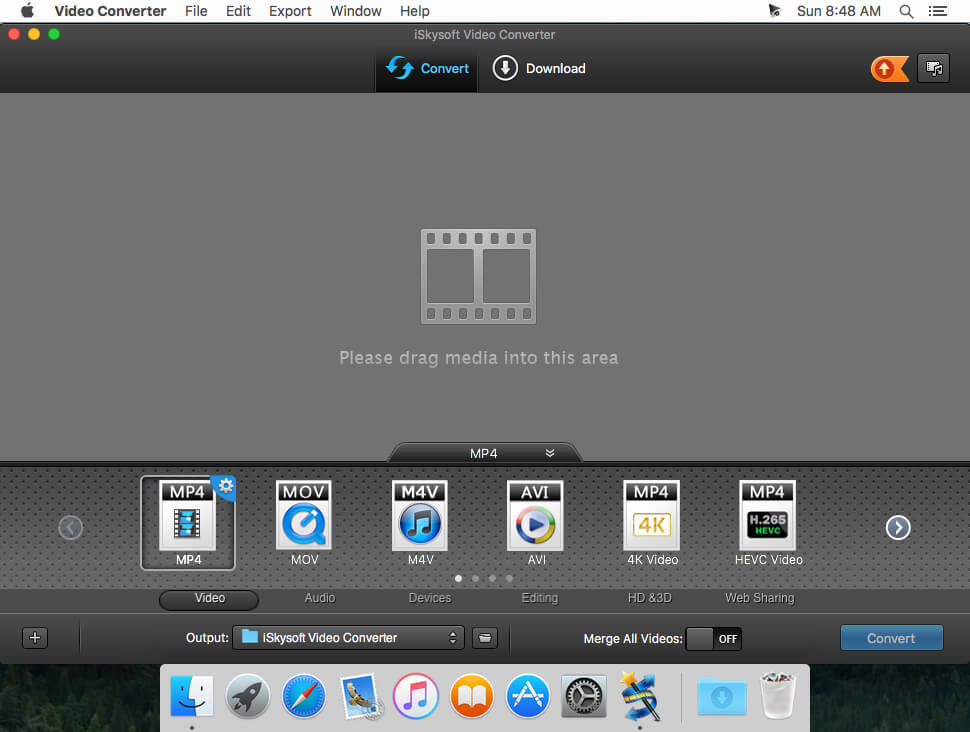
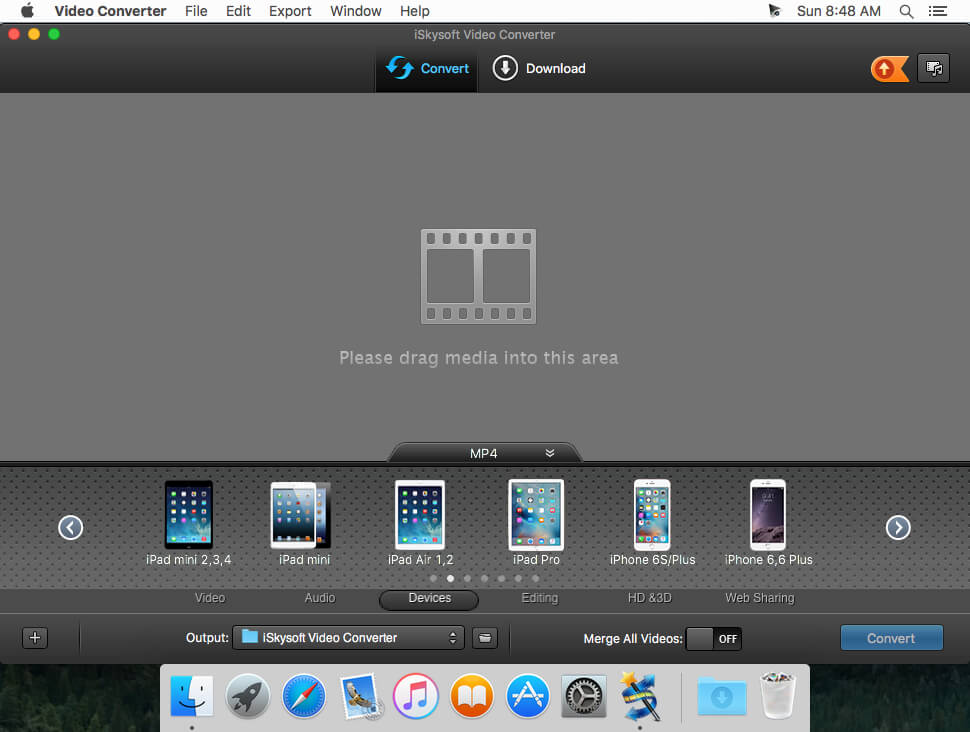
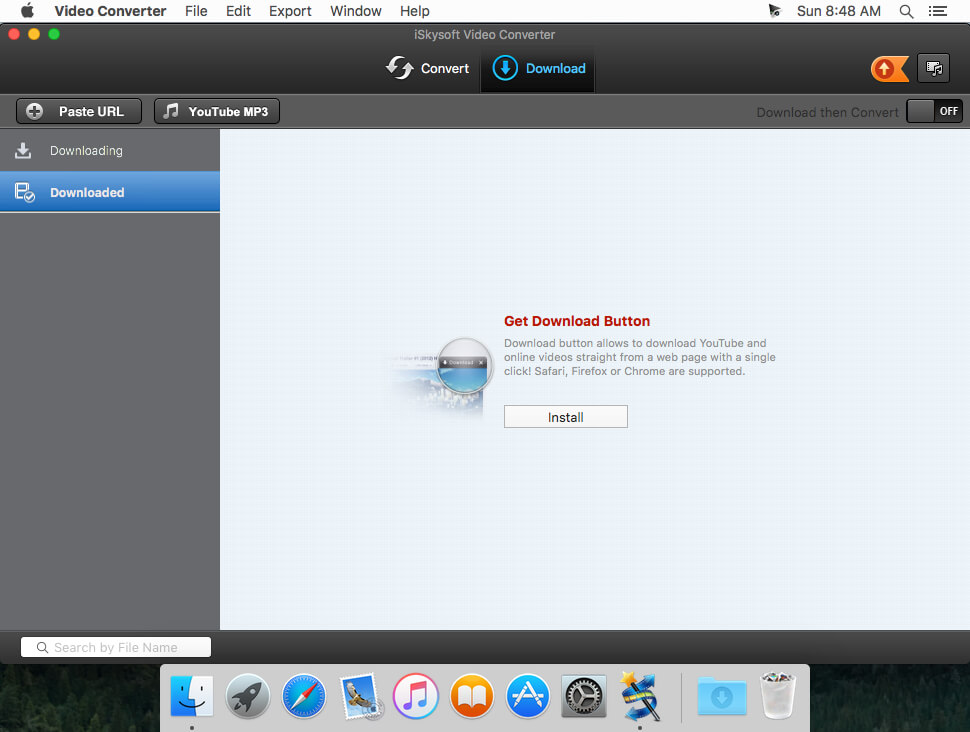
Effortlessly Convert Video to Virtually Any Format.
Trouble watching or editing video because of compatibility issues like "wrong codec"? Your troubles are over. Video Converter lets you easily convert videos, movies and TV shows to optimized preset formats to fit iPad, iPod, iPhone (iPhone 5), PSP and other devices. It also lets you convert video to and from all popular formats like AVI, WMV, MPG, MOV, etc.
90X Faster, Zero Quality Loss
Compared to other converters in the market, the powerful iSkysoft Video Converter for Mac offers you an extraordinary 90X faster conversion experience with zero quality loss while converting H.264 encoded videos like MOV, M4V, M2TS, MTS, and many more.
Fetch and Add Movie & TV Show Metadata
iSkysoft Video Converter for Mac automatically fetches and adds metadata of Movies and TV Shows according to file names. This makes your video library look amazing! It can't be easier to manage videos, Movies and TV Shows collections on your iTunes.
Download and Convert Unlimited Online Videos
iSkysoft Video Converter for Mac is your best online video downloader and converter for Mac. The ability of downloading videos from more than 100 sites like Youtube, Hulu, Facebook and Vimeo (check more here) brings all your favorite online videos to your computer so that you can watch videos offline without ads and loadings.
and more...
Frequently asked questions
How do I install the app?
Mount the image, drag the app into the "Applications" folder and launch it. If the system blocks the launch, allow it in "System Settings → Privacy & Security".
The app is damaged or won't launch
Reinstalling from a fresh image usually helps. Make sure your macOS version matches the one listed in the compatibility specs.
How do I update?
Download the new version from the site and install it over the current one — your settings will be preserved.
The download link doesn't work
Try a mirror or a download manager. For large files the browser often drops the connection.
How do I completely remove the app?
Use an uninstaller utility — it cleans up the service files that remain after moving the app to the trash.
VersioniSkysoft Video Converter 6.1.0.2
DeveloperiSkysoft
CompatibilityOS X 10.9 or later, 64-bit processor
LanguageEnglish
IncludesK'ed by TNT





Information
Visitors in the group Guests cannot leave comments on this publication.
Choose a download source
iSkysoft Video Converter 6.1.0.2 · 92.5 MB