Tipard DVD Creator for Mac 3.2.50
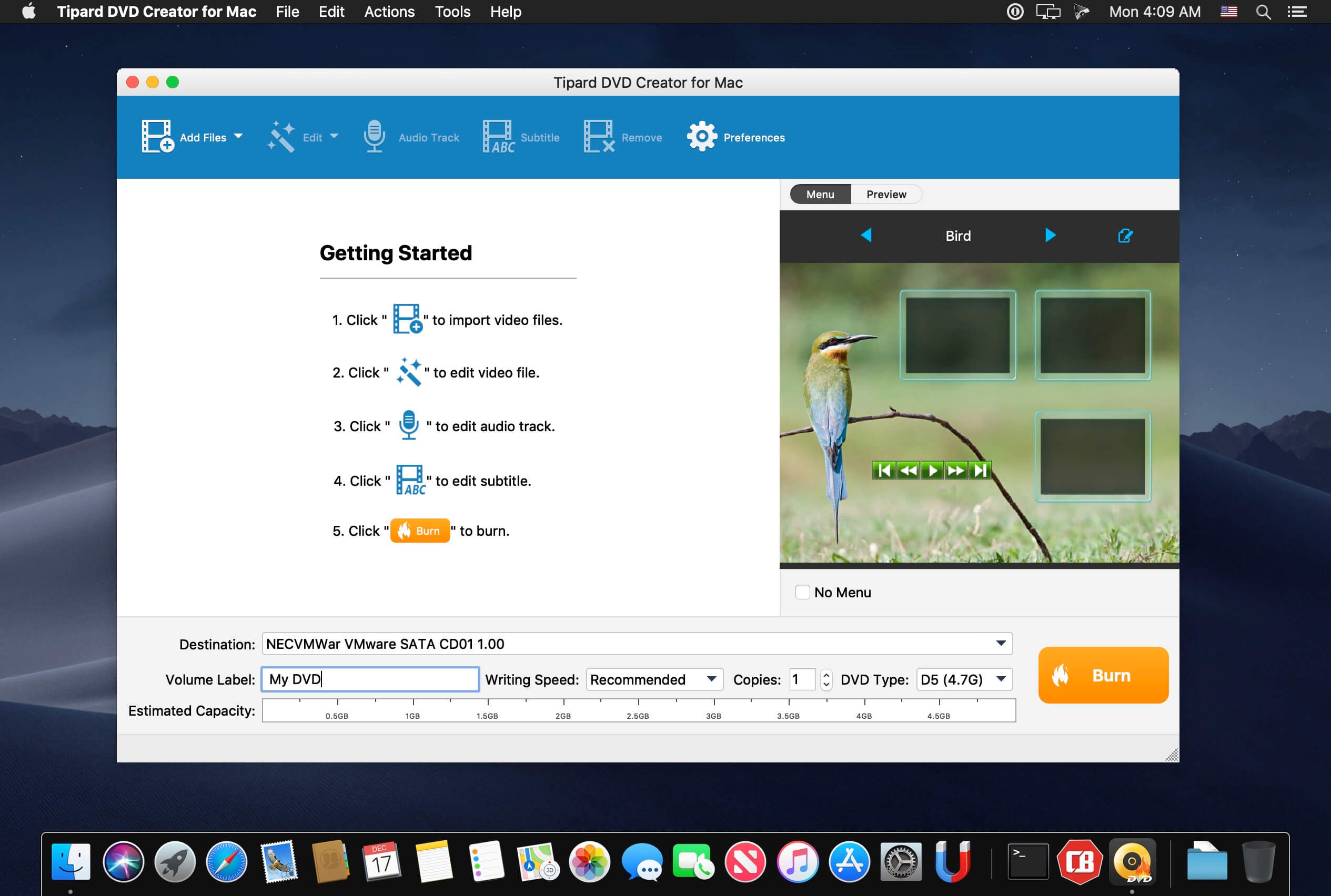
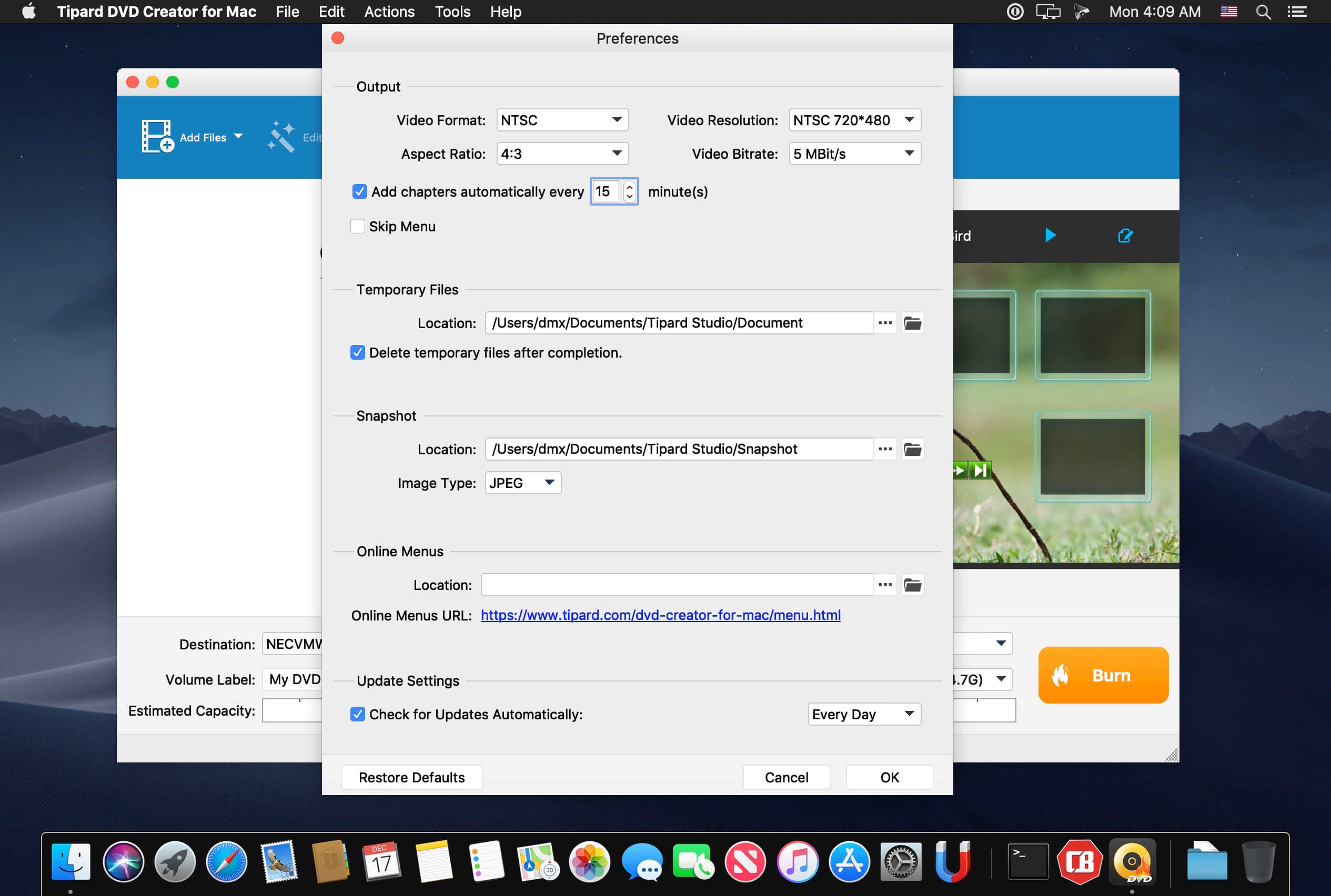
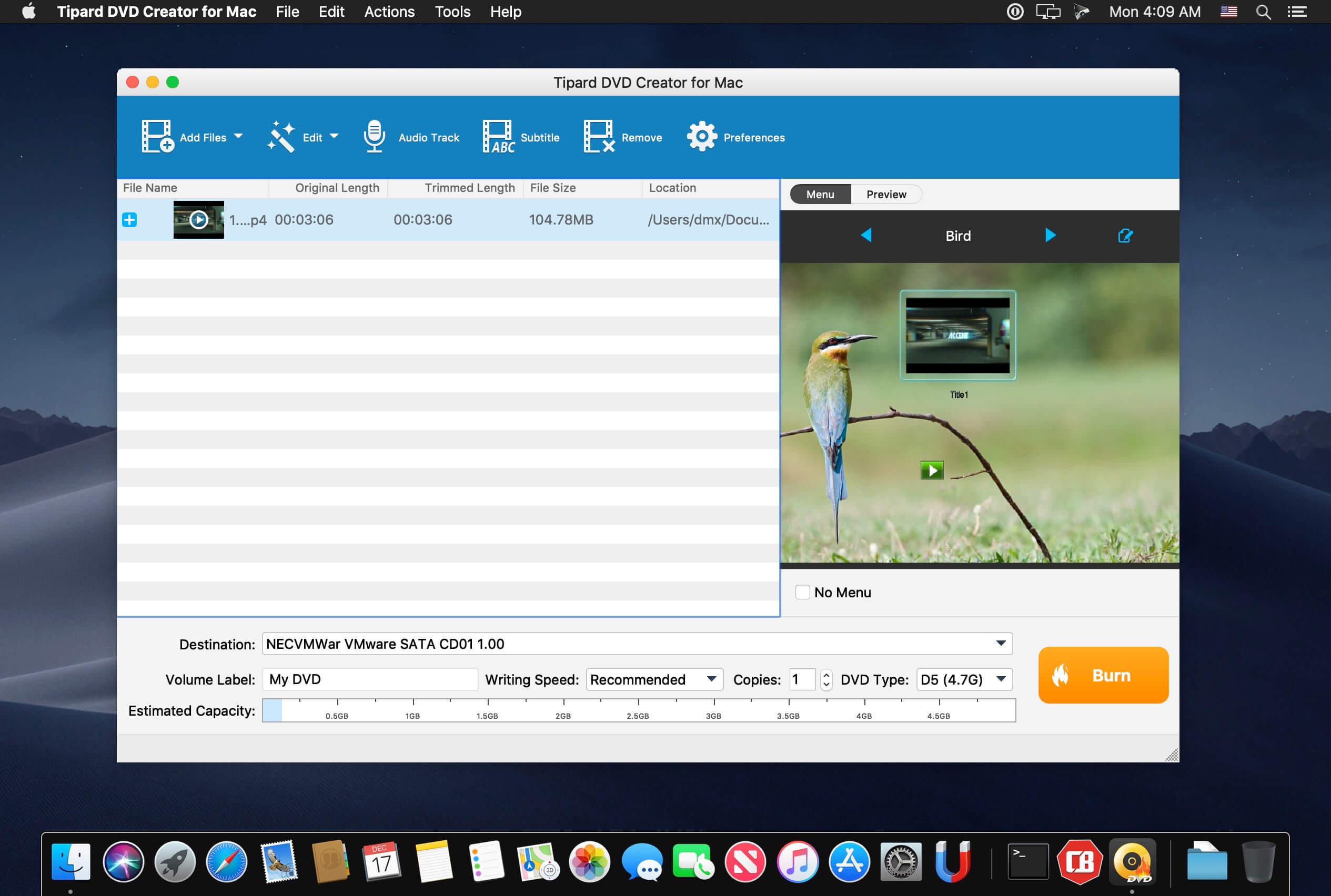
Tipard DVD Creator for Mac lets you burn any videos like MP4, AVI, WMV, MOV, MKV to DVD on Mac at ultra-fast speed. Tipard DVD Creator for Mac is a professional DVD authoring, burning and copying tool that helps you convert video in any format like MKV, AVI and MP4 to DVD without watermark. Now you can create your personalized DVD disc/folder/ISO files from favorite videos!
- Burn videos from MP4, AVI, FLV, MOV, etc. (including HD videos) to DVD Disc/folder/ISO files on Mac
- Create DVD with downloaded YouTube video and home movie recorded by iPhone, iPad, camcorder, etc.
- Free customize DVD with various menu templates
- Free edit your video by trimming, cropping, and watermarking
- DVD-5, DVD-9; DVD-R, DVD+R, DVD-R DL, DVD+R DL, DVD-RW, DVD+RW are supported
Frequently asked questions
How do I install the app?
Mount the image, drag the app into the "Applications" folder and launch it. If the system blocks the launch, allow it in "System Settings → Privacy & Security".
The app is damaged or won't launch
Reinstalling from a fresh image usually helps. Make sure your macOS version matches the one listed in the compatibility specs.
How do I update?
Download the new version from the site and install it over the current one — your settings will be preserved.
The download link doesn't work
Try a mirror or a download manager. For large files the browser often drops the connection.
How do I completely remove the app?
Use an uninstaller utility — it cleans up the service files that remain after moving the app to the trash.




Choose a download source
Tipard DVD Creator for Mac 3.2.50 · 41.15 MB