Adobe Premiere Elements 2020.1
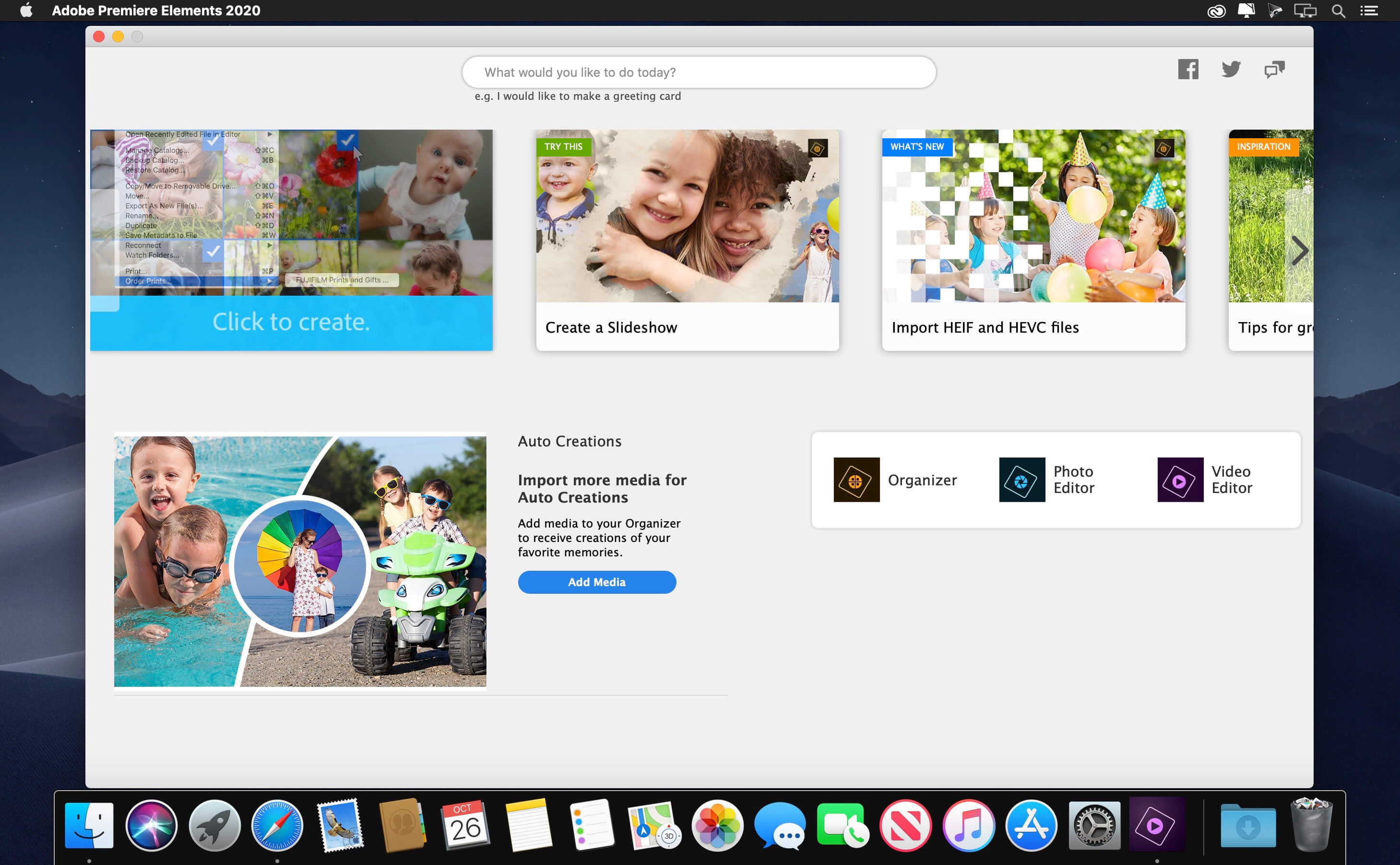
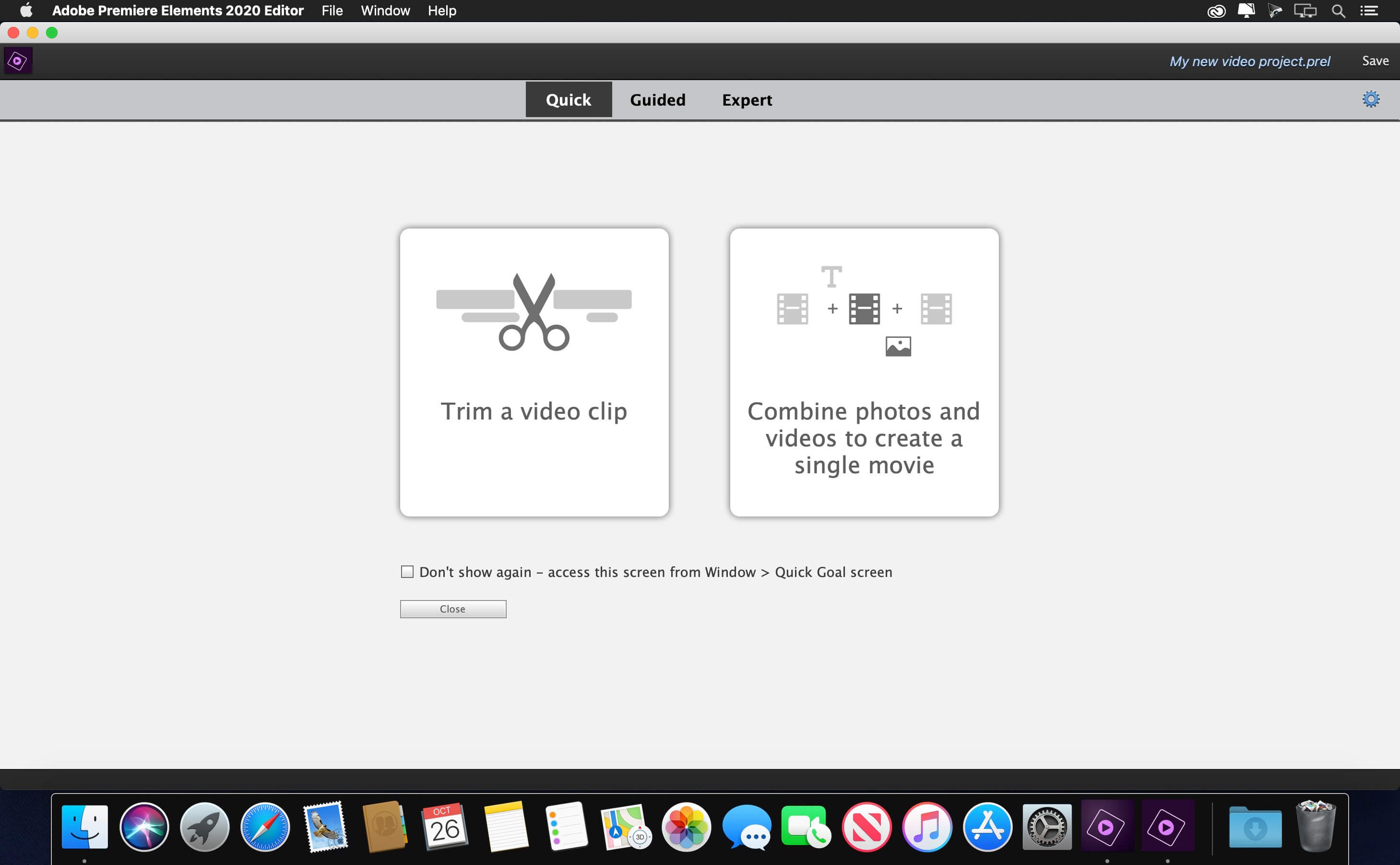
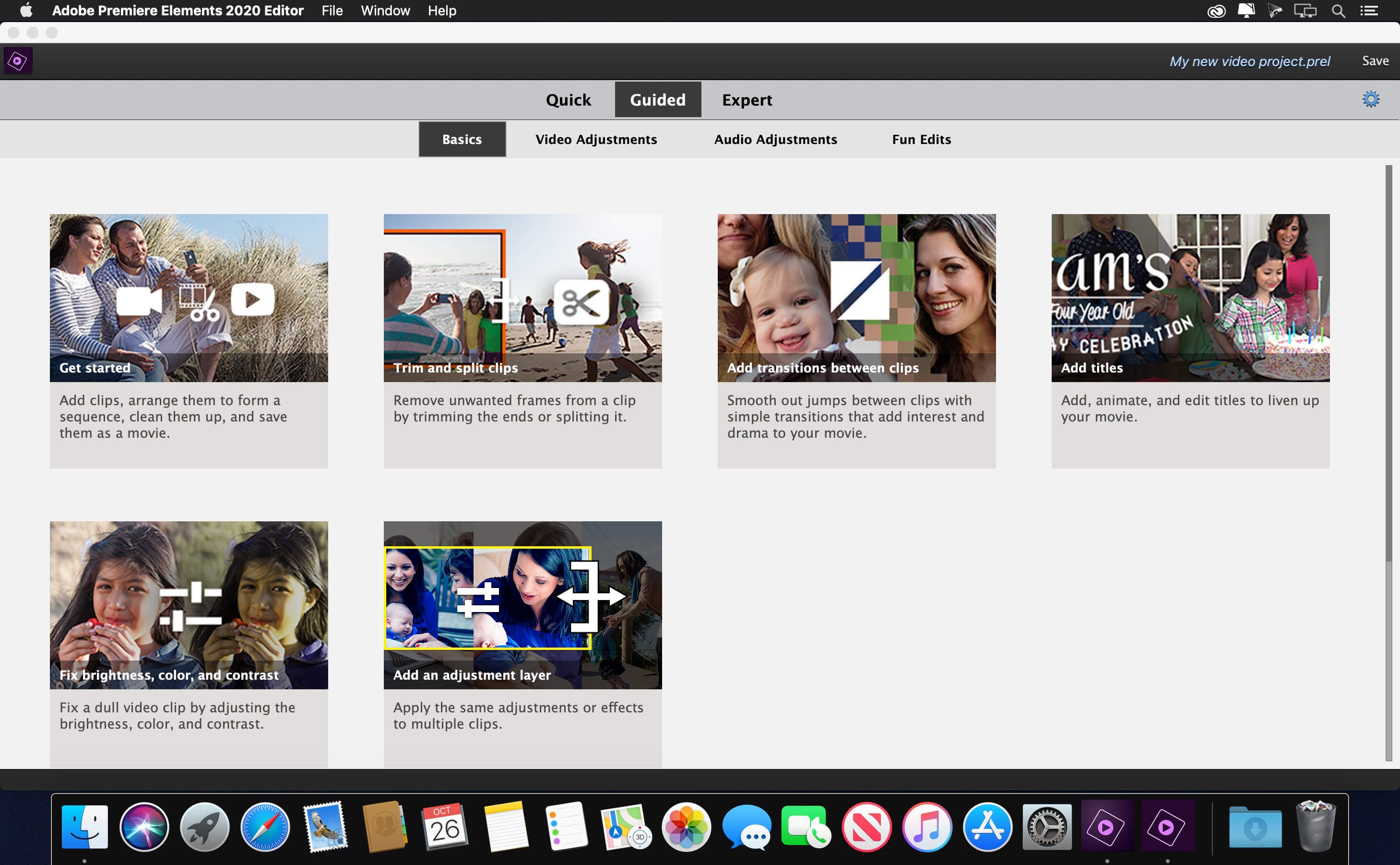
Amazing movies. Fun creations. Forever memories. It’s never been easier to make incredible movies and creations. Dive in and do it all. Enjoy auto-generated video creations. Make your videos look great with intelligent editing options. Turn them into fun creations. Organize them effortlessly. And quickly share them in memorable ways.
Explore new video editing features.
- Improve grainy videos
- Shot your video in low light? Make it look more crisp with a simple drag and drop of the Reduce Noise effect.
- Animate skies in your photos
- Replace static skies with moving ones to create an eye-catching effect.
- Fill the frame to match your video
- Bring a vertical clip or photo into a horizontal video (or vice versa) so it looks seamless. Black bars are filled in to match the look of your video.
- Create dynamic time-lapse videos
- Turn a series of photos or videos into a time-lapse that speeds up the action.
- Find videos faster with Smart Tags
- Your videos are auto-tagged based on subjects like sunsets, birthdays, dogs, cats, and more. Powered by Adobe Sensei AI technology.
- Find by faces
- The faces in your videos are automatically recognized during import, and then the videos are stacked by person so it’s easy to tag and find them later. Powered by Adobe Sensei.
- Expanded HEIF and HEVC support
- Import and edit HEIF photo files and HEVC video files on Windows as well as macOS.
Premiere Elements 2020.1
This free update includes crash-related bug fixes. Additionally, this update fixes the following compatibility issues in Elements Organizer on macOS 10.15 (Catalina):
This free update includes crash-related bug fixes. Additionally, this update fixes the following compatibility issues in Elements Organizer on macOS 10.15 (Catalina):
- Unable to import media from sub-folders.
- Sub-folders are not shown in Import in Bulk dialog box.
Frequently asked questions
How do I install the app?
Mount the image, drag the app into the "Applications" folder and launch it. If the system blocks the launch, allow it in "System Settings → Privacy & Security".
The app is damaged or won't launch
Reinstalling from a fresh image usually helps. Make sure your macOS version matches the one listed in the compatibility specs.
How do I update?
Download the new version from the site and install it over the current one — your settings will be preserved.
The download link doesn't work
Try a mirror or a download manager. For large files the browser often drops the connection.
How do I completely remove the app?
Use an uninstaller utility — it cleans up the service files that remain after moving the app to the trash.
VersionAdobe Premiere Elements 2020.1
DeveloperAdobe Systems
CompatibilitymacOS 10.13 or later, 64-bit processor
LanguageEnglish
IncludesK



Information
Visitors in the group Guests cannot leave comments on this publication.
Choose a download source
Adobe Premiere Elements 2020.1 · 3.36 GB
Previous versions
Adobe Premiere Elements 2020.1
Previous versions are available to registered users.