Picture Instruments Mask Integrator 2.0.10 fix
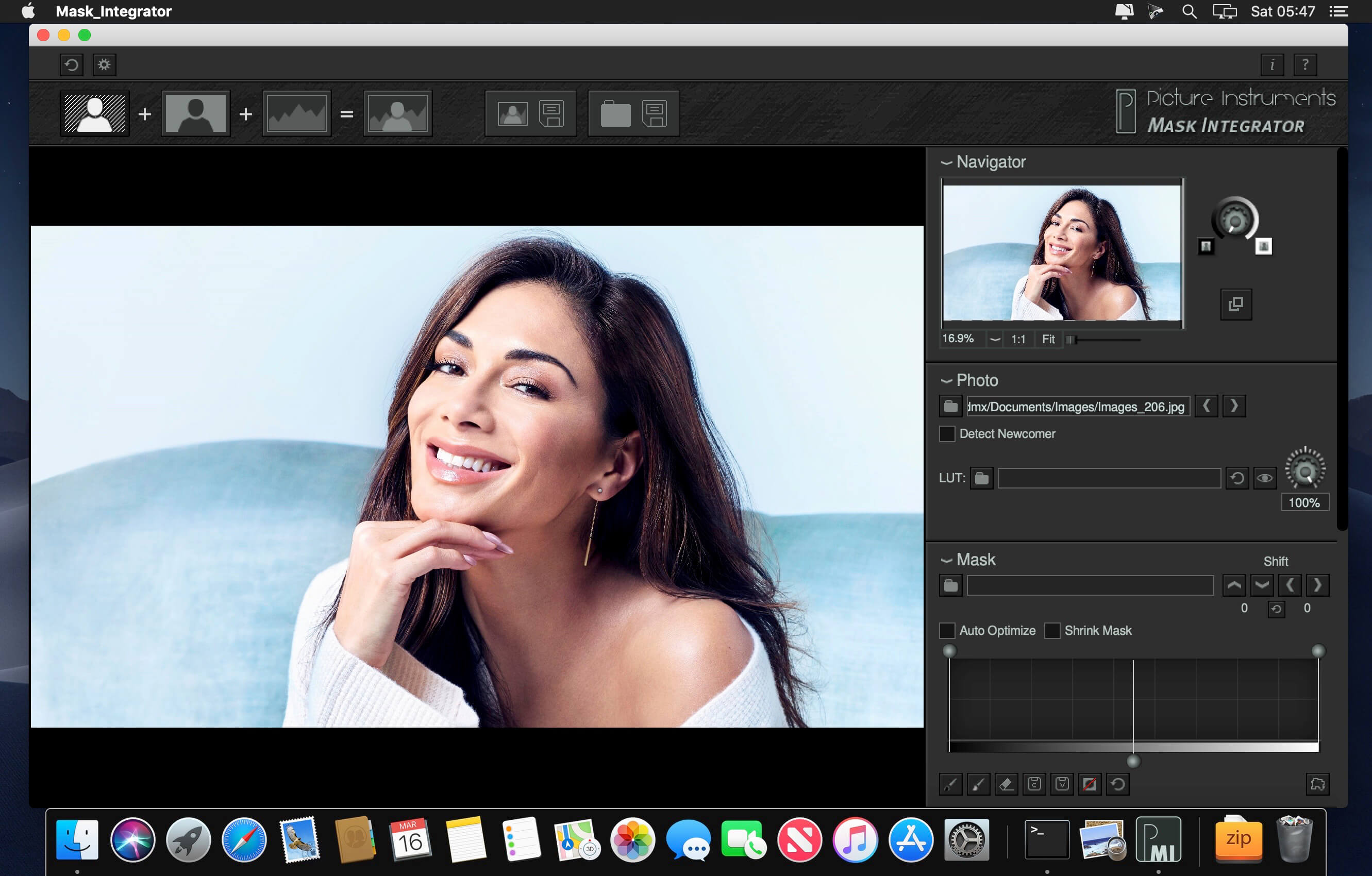
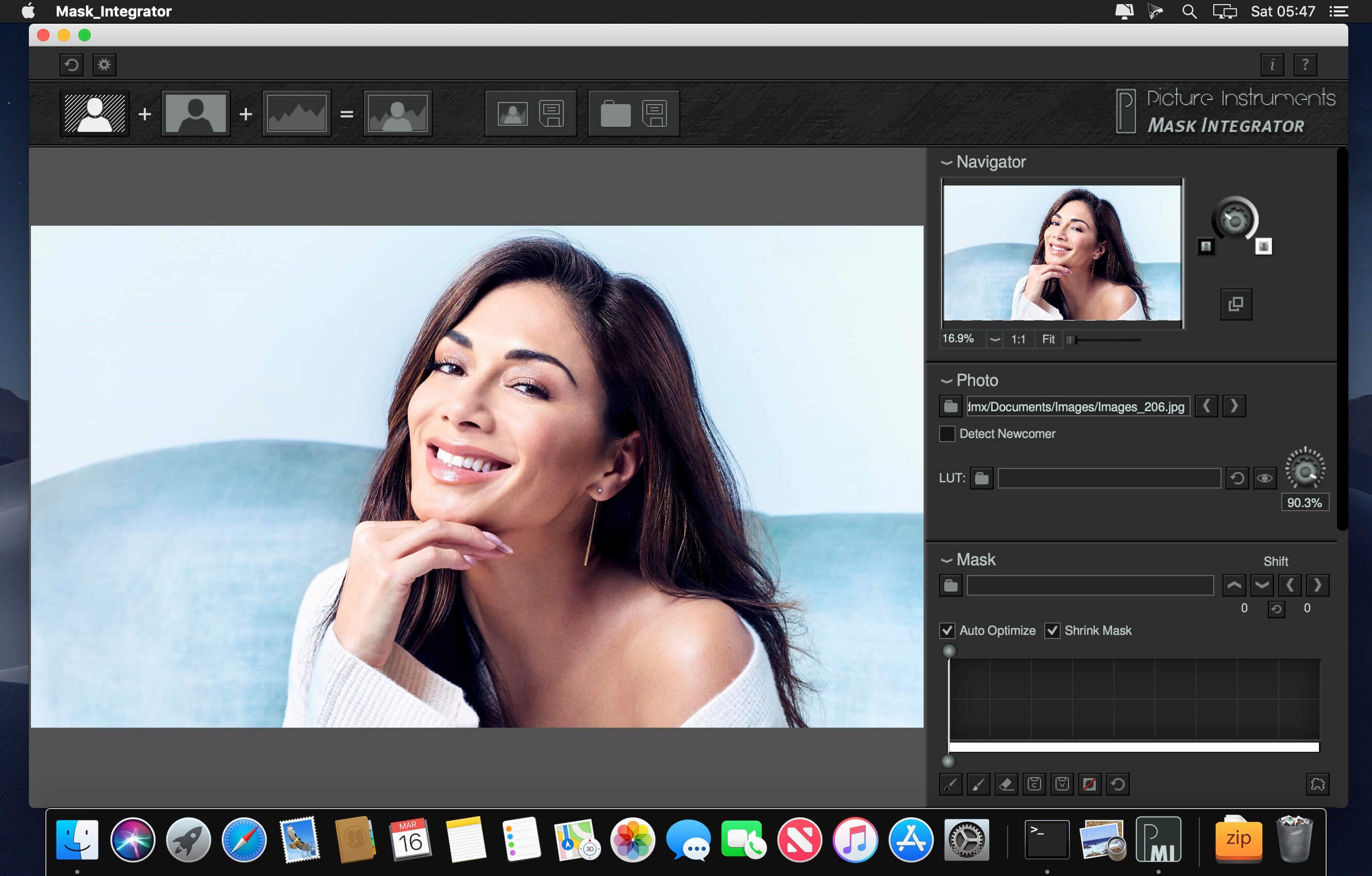

Mask Integrator masks and crops subjects automatically during a photo shot. Two shots will be necessary for every subject: the regularly lit subject and a backlight version of it.
The following photographic setups have been useful for switching between lighting situations in the past:
- Freemask or Freemask 1000 by Hensel
- Other systems which are able to switch between two flash or lighting groups (regular lighting and backlighting)
- Manual switch between the two flash or lighting groups (please note that this is only applicable for static objects)
Once the system has been set up it only takes seconds to create cropping masks for even the most complex of subjects. While the usual Freemask technique is limited by the cameras consecutive shooting frame rate and therefore limits the models in their movements, Freemask 1000 and Mask Integrator can freeze and subsequently automatically mask and crop even blowing hair.
Overview of the most important features in Mask Integrator:
- Automated detection and loading of new images if the camera directly loads them into the computer
- The mask can be optimized by adjusting the black and white point
- Automatic removal of shading elements at the edge of the image
- Mask correction brushes
- Preview of the masked image in front of a white, black, transparent or any other background
- Scaling and positioning of the mask in front of a background image
- Corrections in position, scale and adjustments of the mask can be applied automatically to new images upon opening them
- Color correction and creative looks through 3D LUTs
- Fine tuning between image and mask (especially for Freemask and Freemask 1000)
- Save a masked image or a folder full of masked images with one simple click of a button.
Preferred applications for Mast Integrator:
- Very fast masking of even the most complex subjects
- Consistent product photos in front of pure white
- Shooting a subject for another background (compositing)
- Motto Shoots
Target group:
- Product photographers
- People photographers
- Online-Shops
- All users of Hensel Freemask, Freemask 1000 or similar systems
Frequently asked questions
How do I install the app?
Mount the image, drag the app into the "Applications" folder and launch it. If the system blocks the launch, allow it in "System Settings → Privacy & Security".
The app is damaged or won't launch
Reinstalling from a fresh image usually helps. Make sure your macOS version matches the one listed in the compatibility specs.
How do I update?
Download the new version from the site and install it over the current one — your settings will be preserved.
The download link doesn't work
Try a mirror or a download manager. For large files the browser often drops the connection.
How do I completely remove the app?
Use an uninstaller utility — it cleans up the service files that remain after moving the app to the trash.
Related posts
-
 Picture Instruments Chroma Mask 2.0.10 fix
Mac Apps21.85 MB
Picture Instruments Chroma Mask 2.0.10 fix
Mac Apps21.85 MB
-
 Lighting for Photographers: Portraiture with Natalie Fobes
Photography555.55 MB
Lighting for Photographers: Portraiture with Natalie Fobes
Photography555.55 MB
-
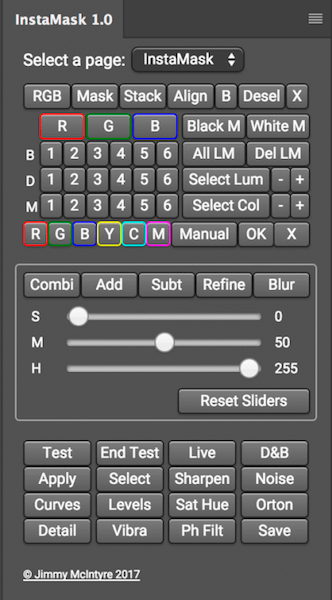 Instamask 1.0 - panel for Adobe Photoshop СС
Mac Apps295.32 MB
Instamask 1.0 - panel for Adobe Photoshop СС
Mac Apps295.32 MB
-
 Vertus Fluid Mask 3.3.18
Graphic Design62.71 MB
Vertus Fluid Mask 3.3.18
Graphic Design62.71 MB
-
 PhotoDirector Ultra 10.0.2509.0
Photography841.89 MB
PhotoDirector Ultra 10.0.2509.0
Photography841.89 MB
Choose a download source
Picture Instruments Mask Integrator 2.0.10 fix · 21.81 MB