
TouchRetouch 2.3.5

TouchRetouch allows clearing your photos from undesired objects in an instant. It also comes in handy when dealing with color correction and composition problems.
In a few simple steps, you are able to efficiently eliminate the following elements from your pictures:
- Unwanted objects like debris, garbage cans, street signs, shadows, etc.
- Power lines, telephone wires
- Scratches, surface breaks
- Skin blemishes
- Dust spots
- Photobombers
REMOVE UNDESIRED ITEMS
Easy-to-use object removal
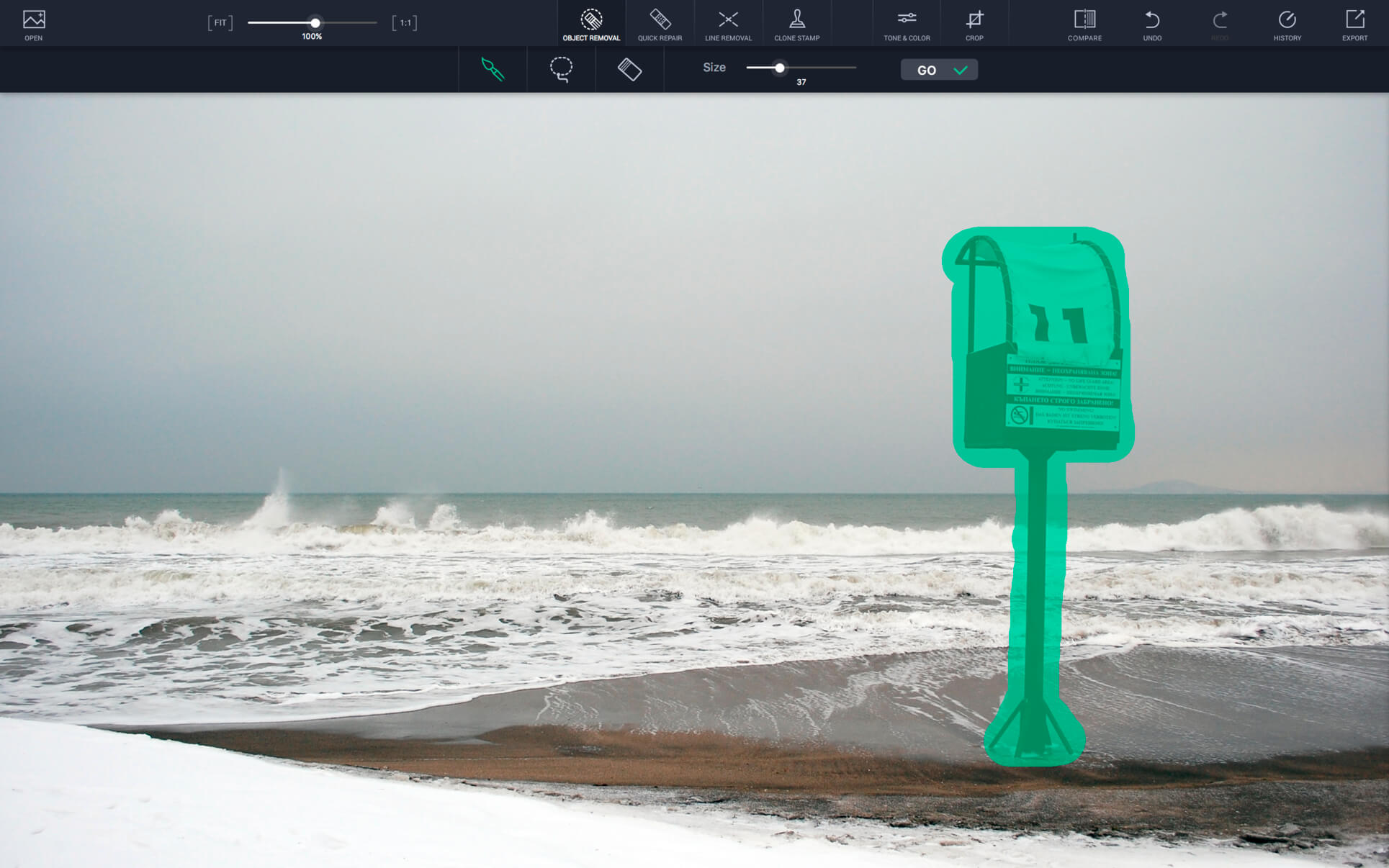
Get rid of unwanted elements from photos quickly and easily by using the advanced content removal tools the app offers. The highly intellectual algorithm implemented in the app works well for both plain and more complex backgrounds (bokeh, gradient, patterned, etc.).
Linear objects: Use a single drag
Mark a line by tracing along a section of it — the smart line removal technology that lies in the app will automatically select and remove the whole line.
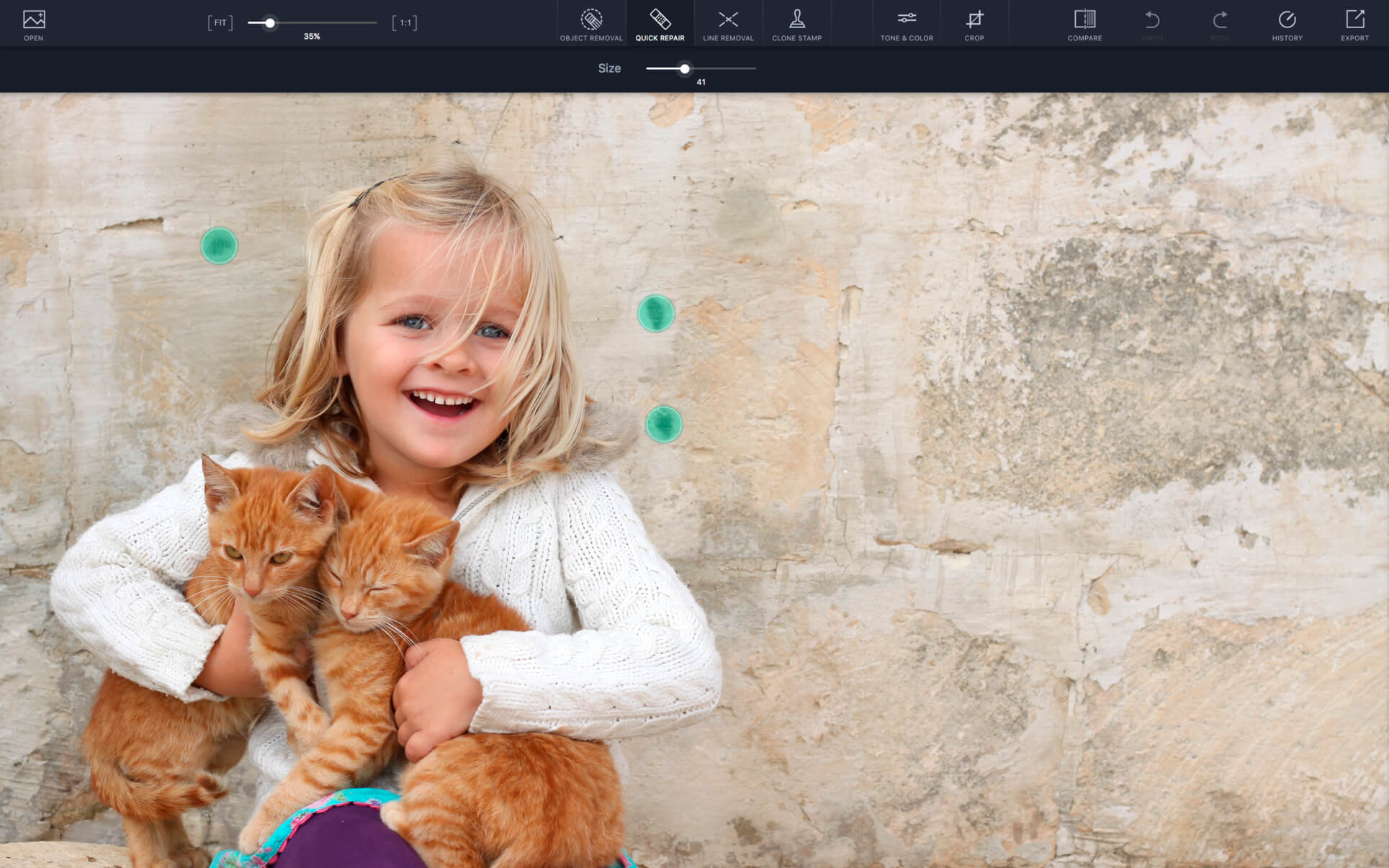
Spot-like objects: Use a single click
Clear photos are only a click away. Single-click a blemish that you feel is spoiling your composition and sigh with relief — the flaw is immediately gone.
REMOVE UNWANTED OBJECTS WITH CLONE STAMP
Use Clone Stamp to remove objects that are in a complex background or close to the edge of other objects. Just copy pixels from one area within your photo and paint with them over another area.
EXTRA TOOLS: COLOR CORRECTING AND CROPPING
In case there is a distracting element in the background of a picture, you can easily cut off the spoiled part of the photo with the Crop tool.
Make color adjustments to your photo to ensure that your final edited piece looks the way it should.
Turn your Mac into an “unwanted content removal” studio by downloading TouchRetouch now.
KEY FEATURES
- Top-quality content removal algorithm
- Color correction tools
- Extension support for Photos
- Support for RAW formats
- Support for JPEG, TIFF, PNG, etc.
- Streamlined interface
Version 2.3.5
- In this update, we have added a possibility to clear the Open Recent list in the File menu.
Frequently asked questions
How do I install the app?
Mount the image, drag the app into the "Applications" folder and launch it. If the system blocks the launch, allow it in "System Settings → Privacy & Security".
The app is damaged or won't launch
Reinstalling from a fresh image usually helps. Make sure your macOS version matches the one listed in the compatibility specs.
How do I update?
Download the new version from the site and install it over the current one — your settings will be preserved.
The download link doesn't work
Try a mirror or a download manager. For large files the browser often drops the connection.
How do I completely remove the app?
Use an uninstaller utility — it cleans up the service files that remain after moving the app to the trash.


Choose a download source
TouchRetouch 2.3.5 · 17.2 MB