
Mac Backup Guru 6.9.1
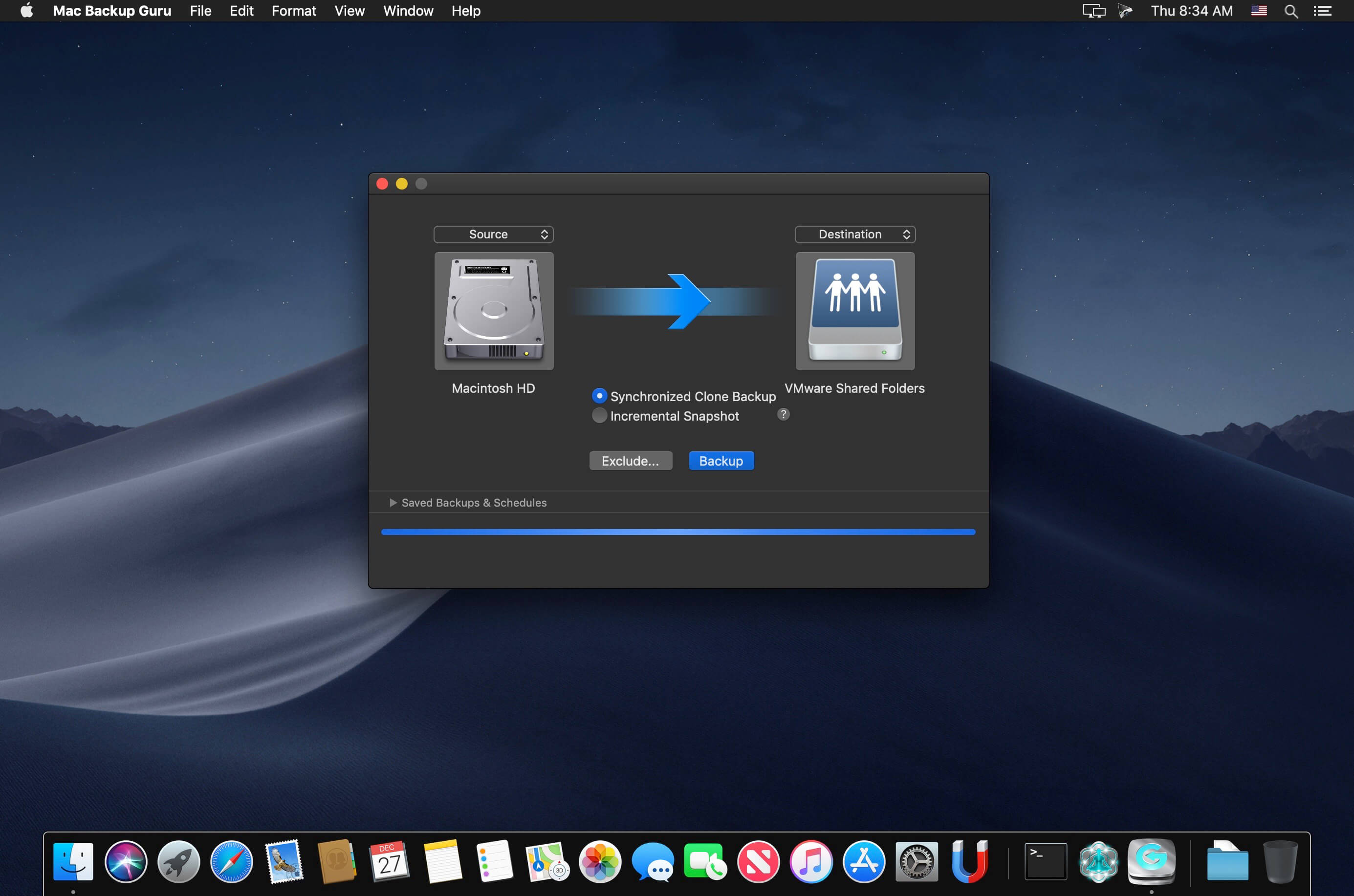
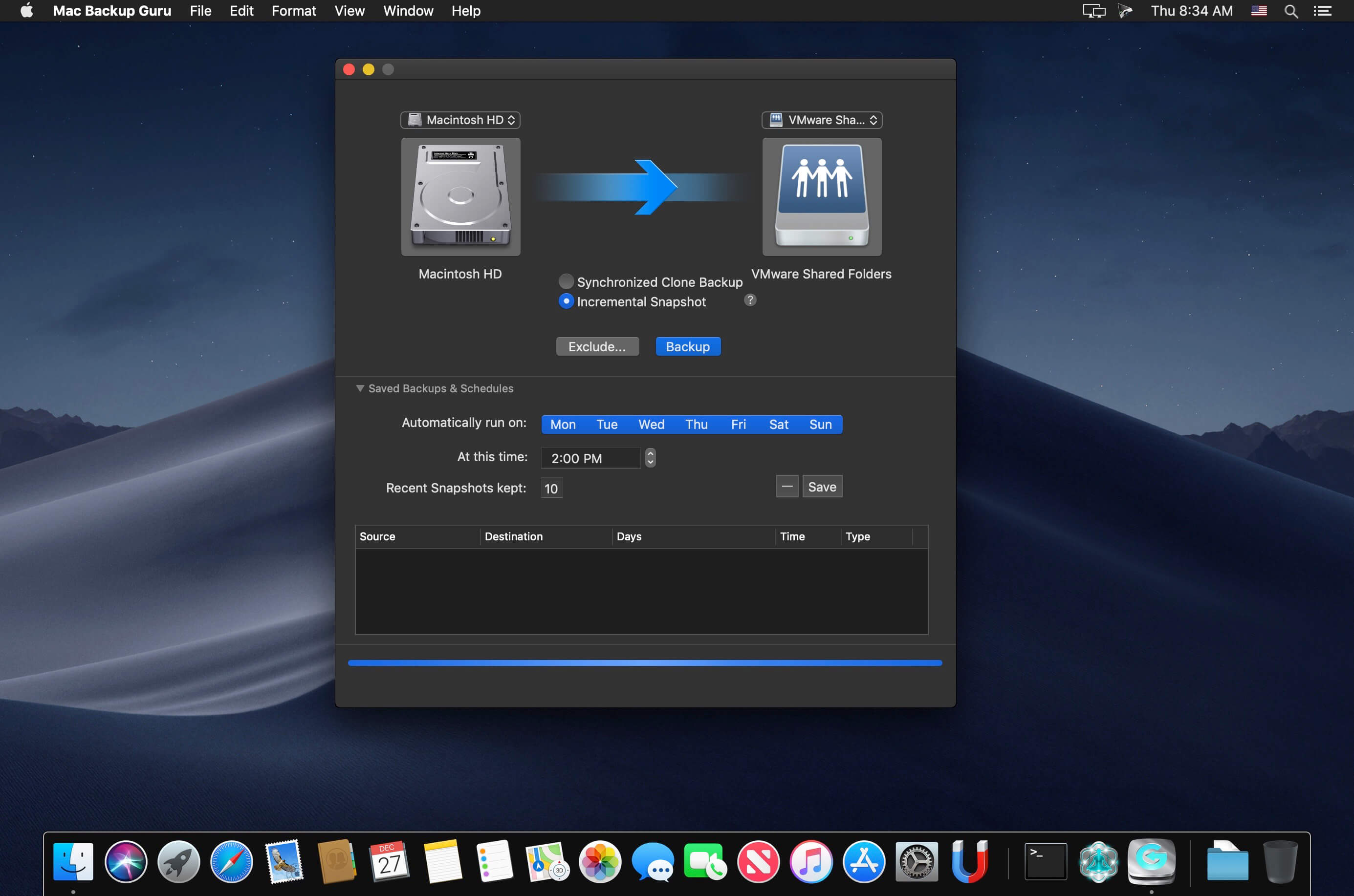
Mac Backup Guru lets you copy and paste a bootable volume in the Finder, or make incremental snapshots. It is the only software which has the ease-of-use to allow you to copy and paste anything - even a bootable volume - using the contextual menu in the Finder.
It is also the only 3rd-party software which can make incremental snapshots of your disk, which creates daily copies of your startup disk on an external disk and allows you to go back to prior versions of documents or deleted documents.
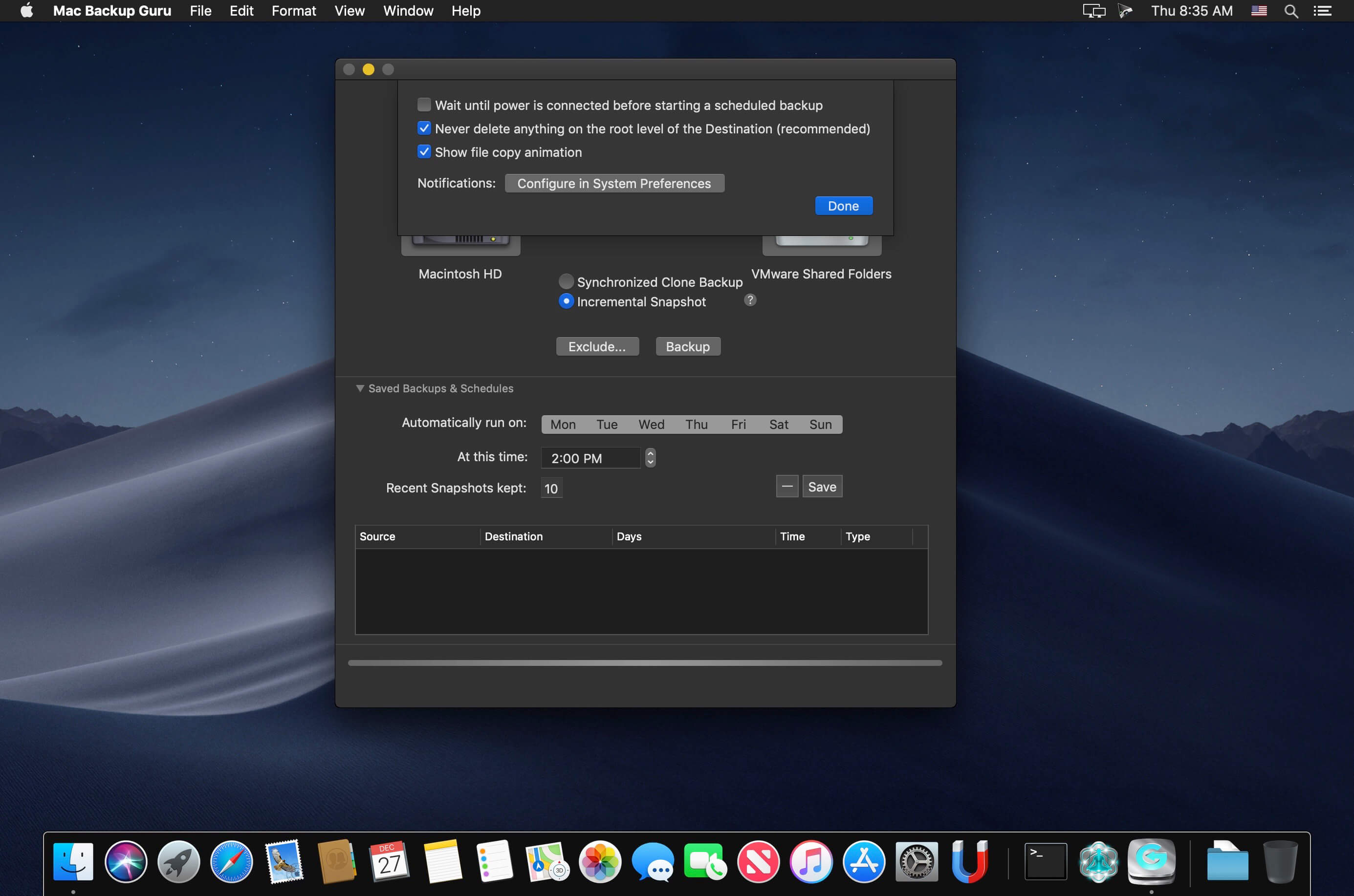
And it does this while using very little space. You can literally store 30 apparent bootable copies of your 1TB startup disk on a 1.5TB backup disk. Apart from that it has all the standard backup software features, such as scheduled backups which activate when you connect your backup disk (so backing up becomes a matter of simply connecting your disk and everything happens safely and automatically), and it wraps it all up in a ridiculously easy-to-use user interface.
Frequently asked questions
How do I install the app?
Mount the image, drag the app into the "Applications" folder and launch it. If the system blocks the launch, allow it in "System Settings → Privacy & Security".
The app is damaged or won't launch
Reinstalling from a fresh image usually helps. Make sure your macOS version matches the one listed in the compatibility specs.
How do I update?
Download the new version from the site and install it over the current one — your settings will be preserved.
The download link doesn't work
Try a mirror or a download manager. For large files the browser often drops the connection.
How do I completely remove the app?
Use an uninstaller utility — it cleans up the service files that remain after moving the app to the trash.



Choose a download source
Mac Backup Guru 6.9.1 · 7.27 MB