
Paragon Hard Disk Manager for Mac 1.3.873
Features
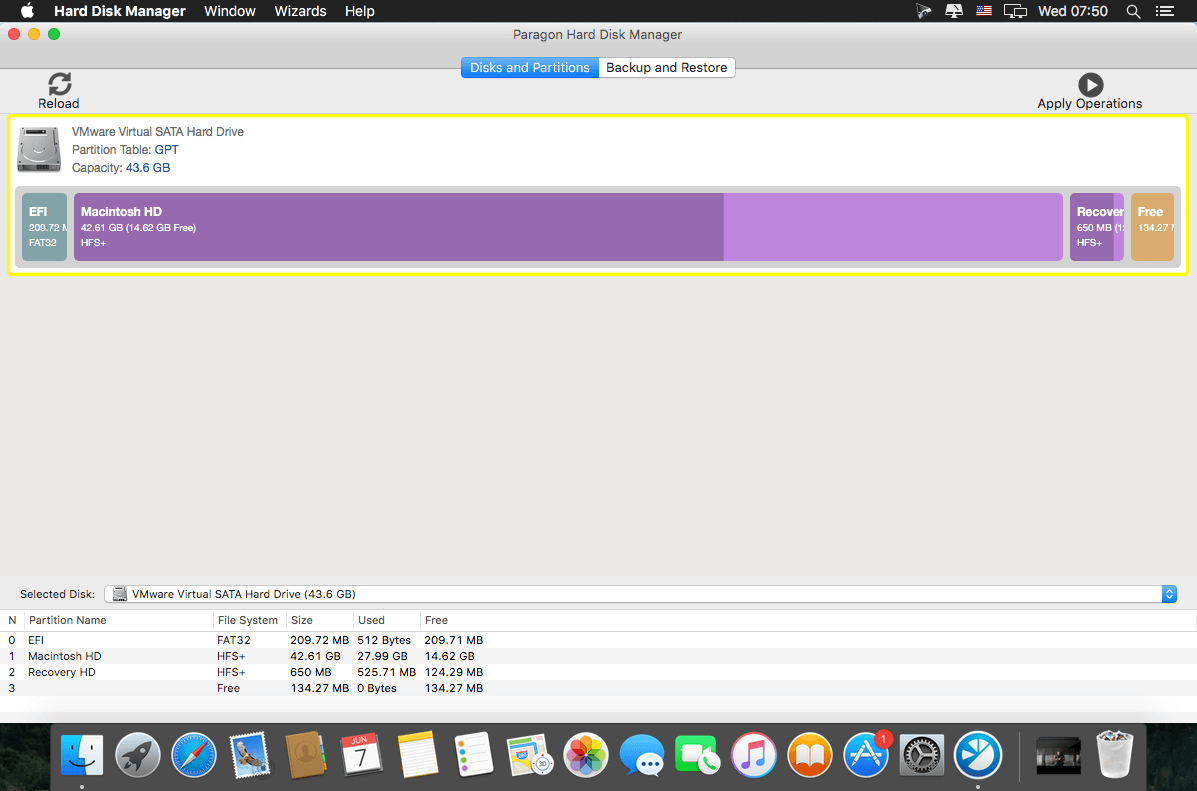
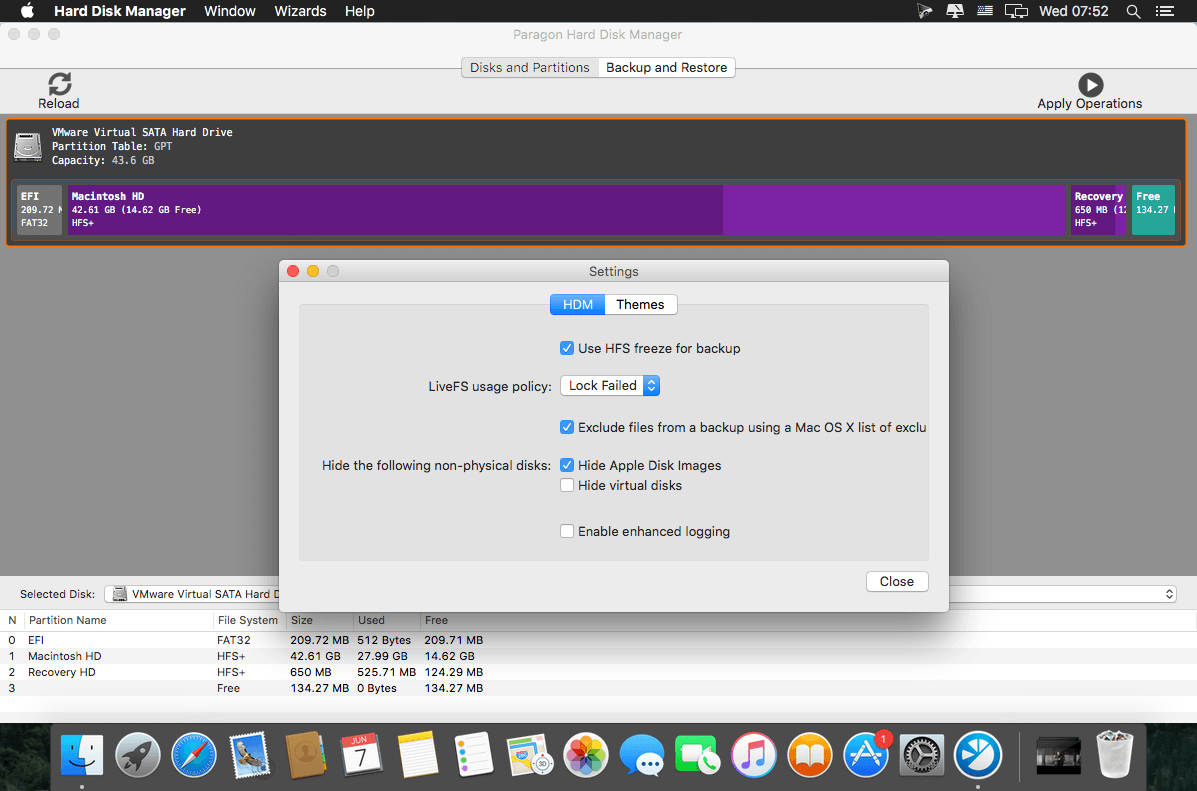
- Complete hard disk management - Covers all aspects of a Mac computer life cycle, beginning from drive partitioning and regular backup to system migration, disaster recovery and secure utilization of an outdated storage. You need two or more competitive utilities to have a similar set of functions.
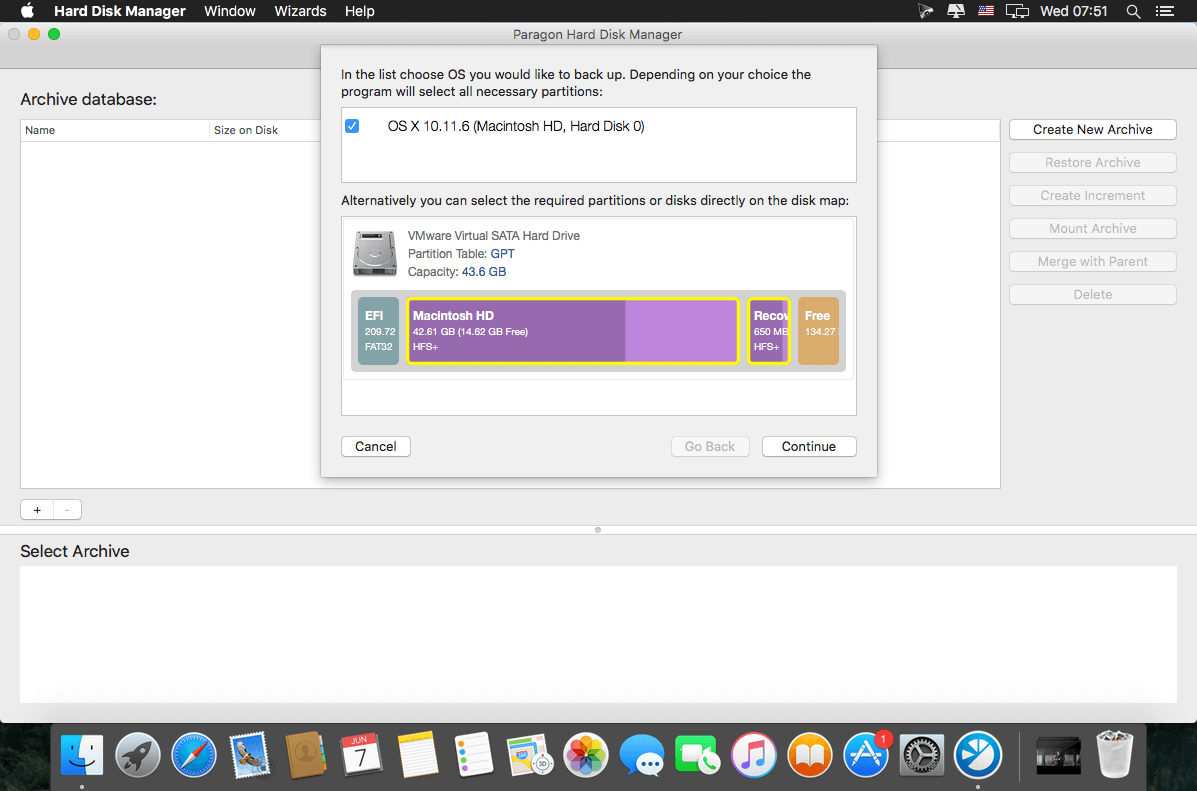
- Regular data protection - Sector-level data processing through the Paragon's Snapshot enables to do live imaging of the entire Mac including OS, applications with great perfomance. Backup to VMDK opens up an easy migration to a virtual environment of VMware Fusion. Fast restore at a granular level allows to restore only needed files through the Finder by mounting backup image.
- Bootable recovery media - Create a bootable USB-flash stick or external storage to restore OS X system volumes or accomplish drive partitioning when OS X fails to start up or SIP doesn’t allow to perform the operations.
- Boot Camp management - Anything you may need to effectively manage your Boot Camp Windows: backup, restore, repartitioning as well as boot correction capabilities.
- Secure wiping - 10 military and governmental data wiping standards as well as support of the "SSD Trim" function to safely erase all on-disk data or only remnants of deleted files on traditional rotating platter disks or solid state drives.
Version 1.3.873:
- Release notes were unavailable when this listing was updated.
Frequently asked questions
How do I install the app?
Mount the image, drag the app into the "Applications" folder and launch it. If the system blocks the launch, allow it in "System Settings → Privacy & Security".
The app is damaged or won't launch
Reinstalling from a fresh image usually helps. Make sure your macOS version matches the one listed in the compatibility specs.
How do I update?
Download the new version from the site and install it over the current one — your settings will be preserved.
The download link doesn't work
Try a mirror or a download manager. For large files the browser often drops the connection.
How do I completely remove the app?
Use an uninstaller utility — it cleans up the service files that remain after moving the app to the trash.
VersionParagon Hard Disk Manager for Mac 1.3.873
DeveloperParagon Technologie GmbH.
CompatibilitymacOS 10.10 or later, 64-bit processor
LanguageMultilangual
IncludesK




Information
Visitors in the group Guests cannot leave comments on this publication.
Choose a download source
Paragon Hard Disk Manager for Mac 1.3.873 · 28.63 MB
Previous versions
Paragon Hard Disk Manager for Mac 1.3.873
Previous versions are available to registered users.