
HitPaw Edimakor (Video Editor) 2.6.0
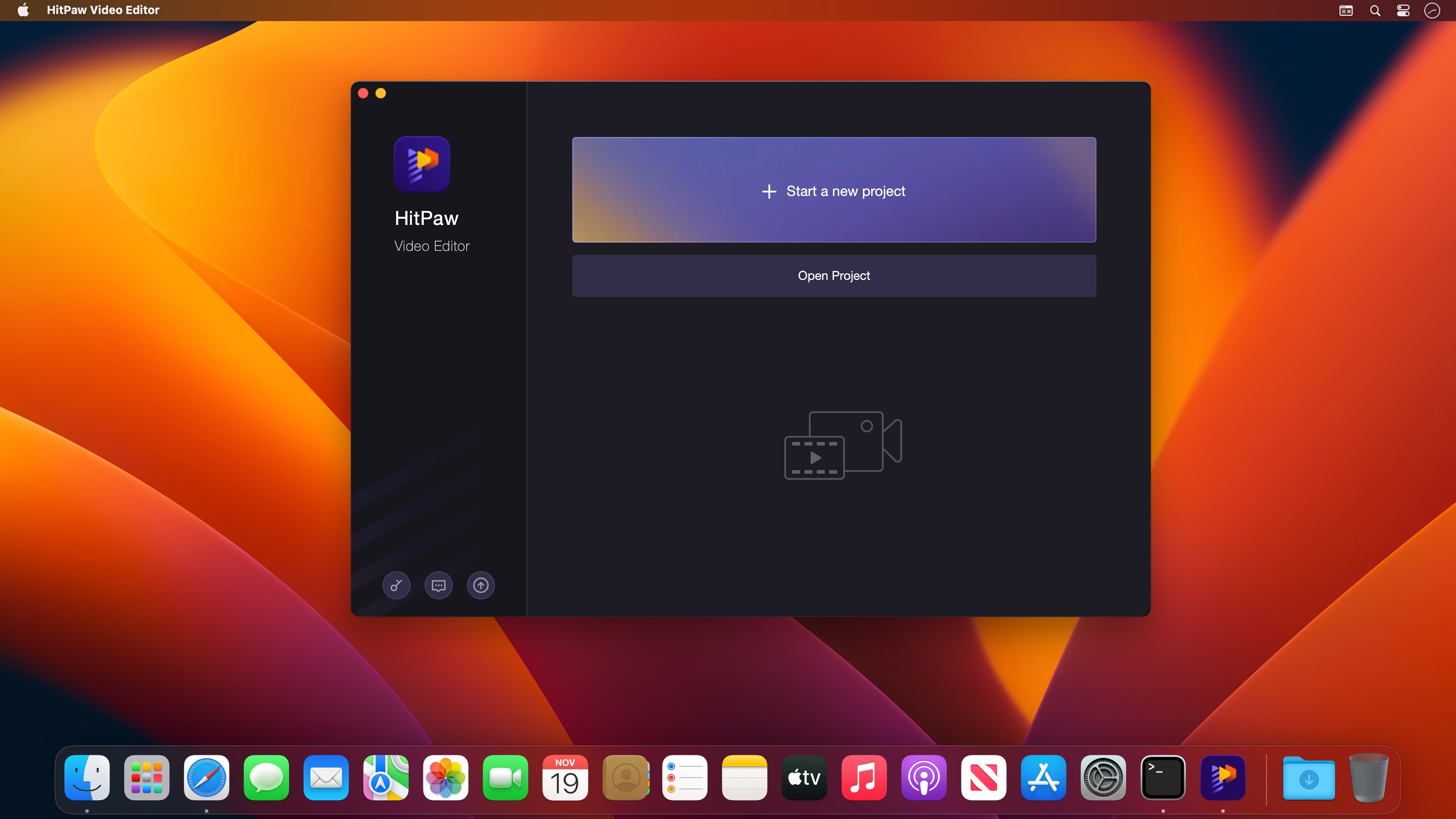
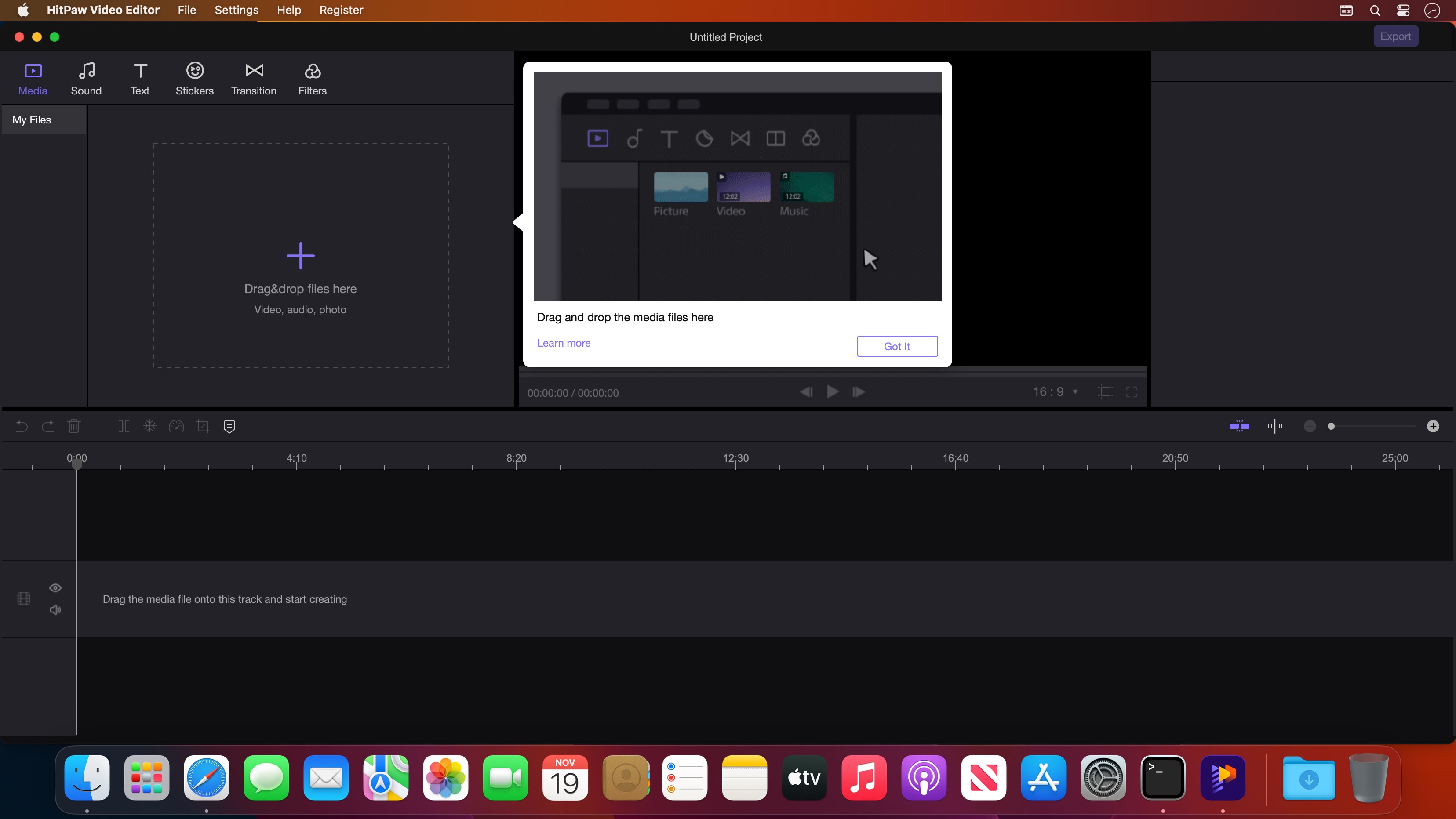
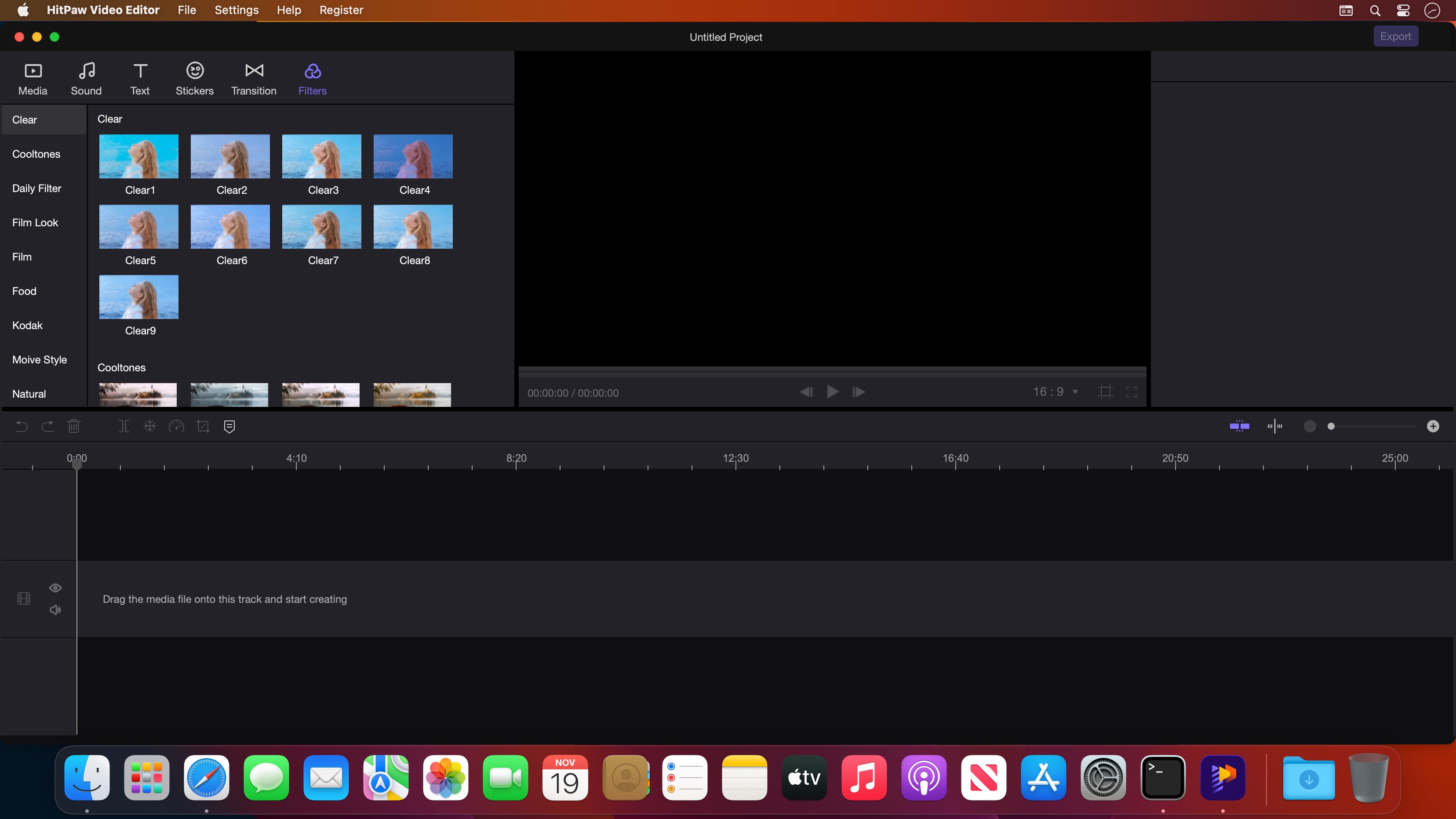
HitPaw Video Editor is an easy-to-master video editing software with features you need. In addition to some basic video editing work, there is still a lot more it can do. It has the ability to deal with many tasks like video editing, video merging, video cropping and so on. To make your video looks different from any others, you can seek it for help. Whether it is the stickers or the transition effects, this video editor can add a unique feeling to your video.
Create standout videos with HitPaw's easy-to-use video editor.
- All elements from other tracks are linked to the main video automatically;
- Materials move together whenever you drag the main video;
- Precise time in track saves your time to target the specific position;
- Unlimited tracks allow you to create videos as you want.
Version 2.6.0:
- Release notes were unavailable when this listing was updated.
Frequently asked questions
How do I install the app?
Mount the image, drag the app into the "Applications" folder and launch it. If the system blocks the launch, allow it in "System Settings → Privacy & Security".
The app is damaged or won't launch
Reinstalling from a fresh image usually helps. Make sure your macOS version matches the one listed in the compatibility specs.
How do I update?
Download the new version from the site and install it over the current one — your settings will be preserved.
The download link doesn't work
Try a mirror or a download manager. For large files the browser often drops the connection.
How do I completely remove the app?
Use an uninstaller utility — it cleans up the service files that remain after moving the app to the trash.




Choose a download source
HitPaw Edimakor (Video Editor) 2.6.0 · 487.42 MB
Previous versions
HitPaw Edimakor (Video Editor) 2.6.0
Previous versions are available to registered users.