
Aimersoft DVD Creator 6.1.4.1
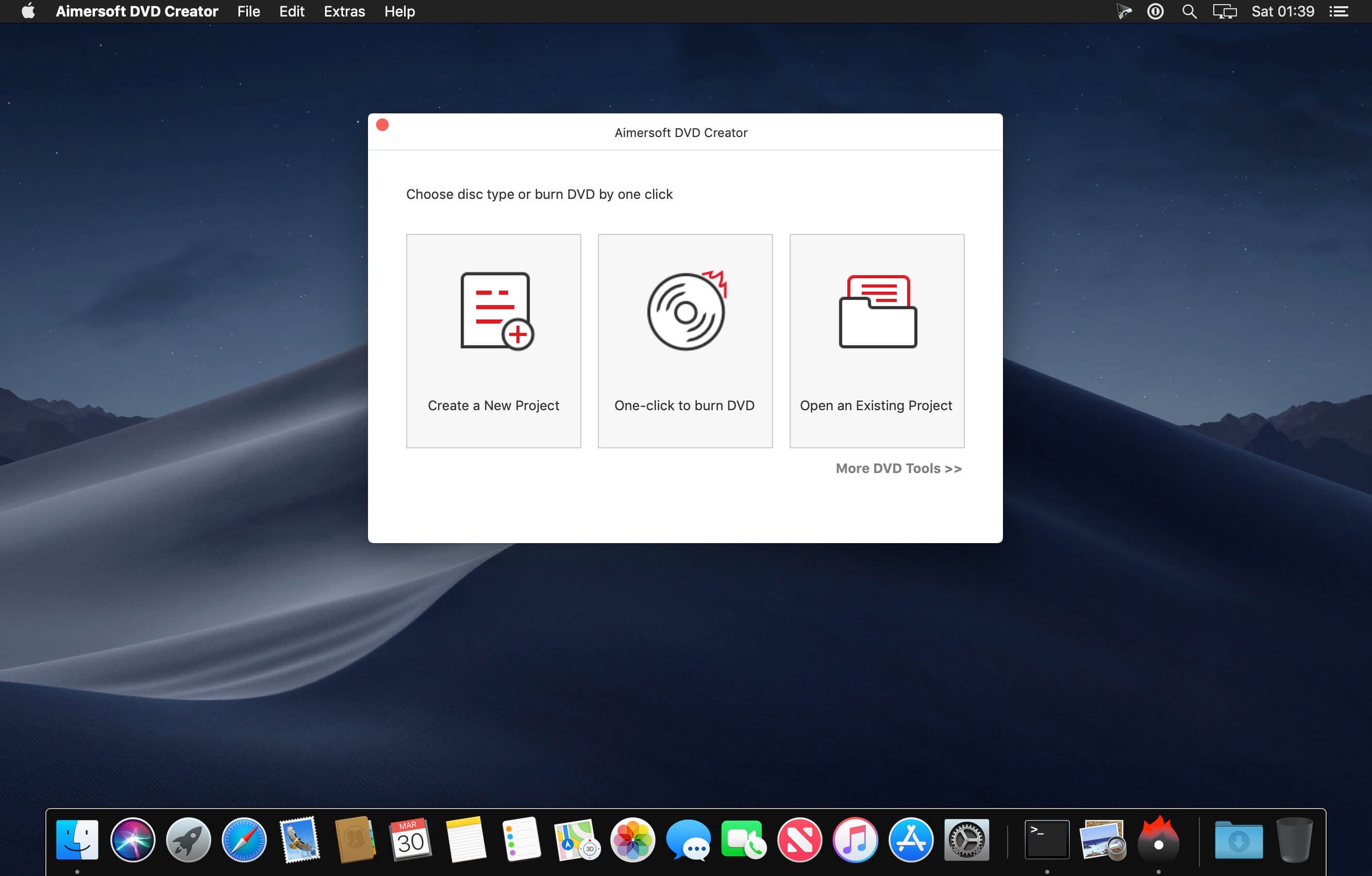
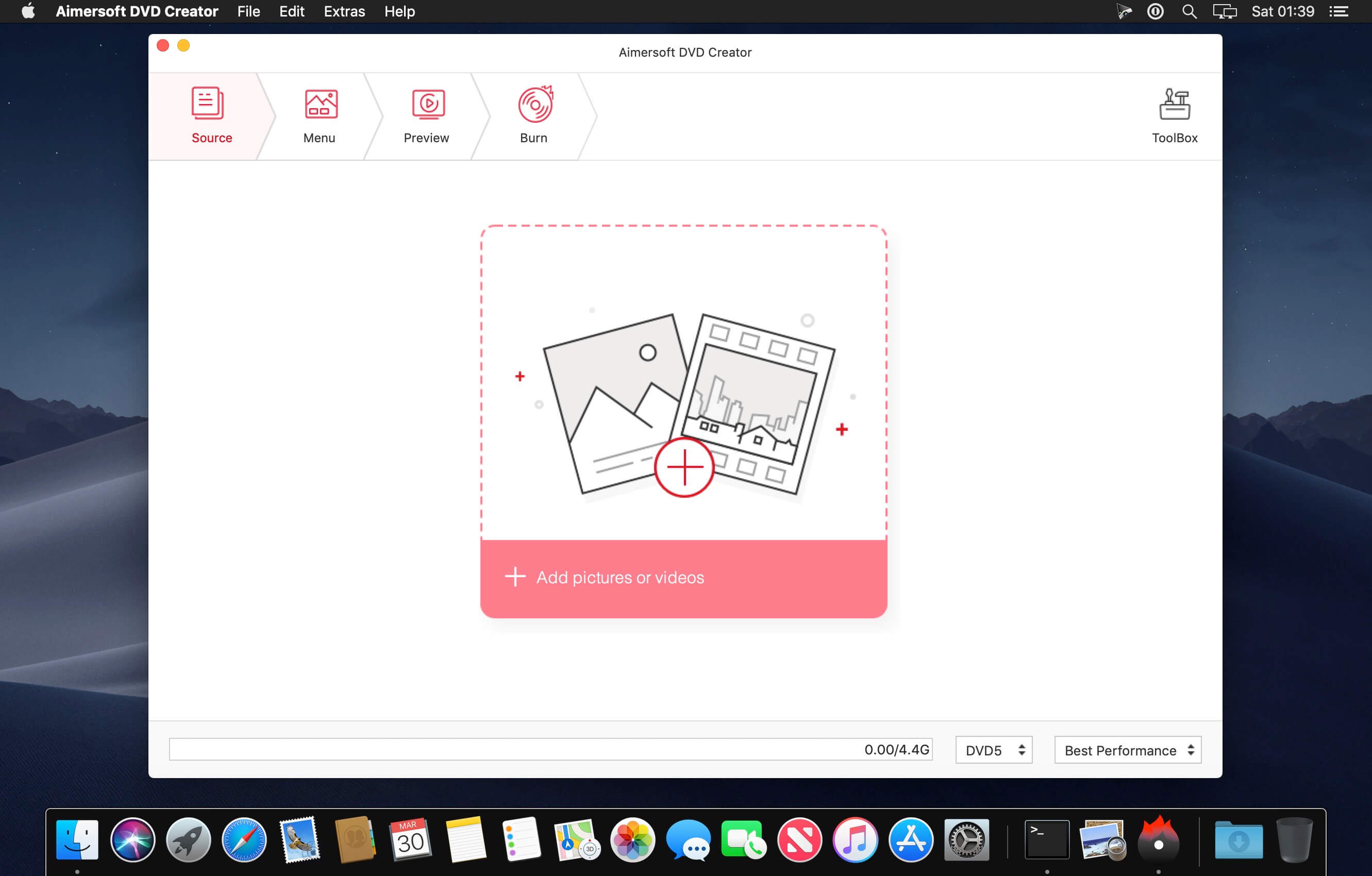
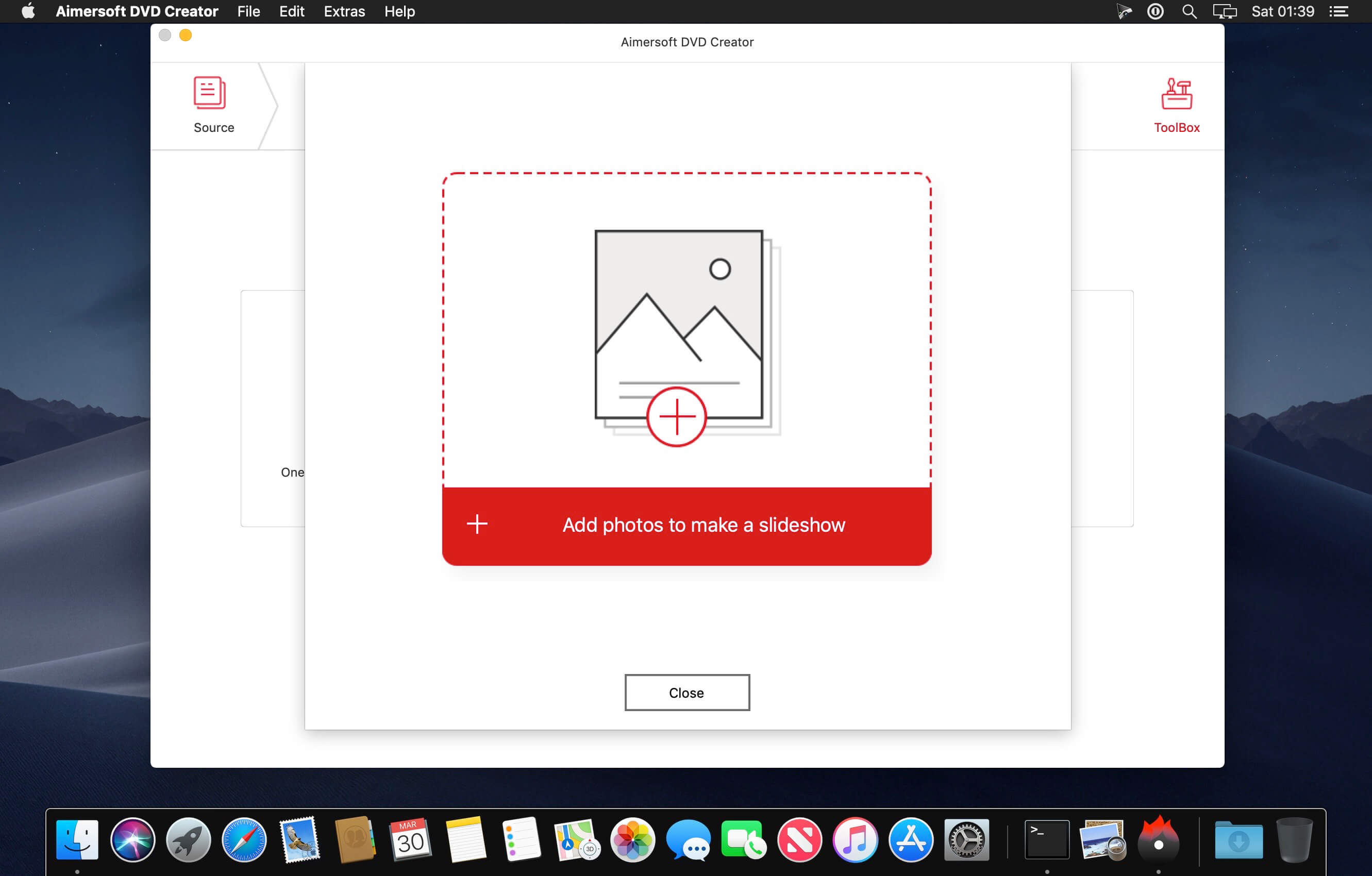
Easily burn any video to disc and make attractive photo DVD slideshows on Mac! This DVD creator for Mac has a wide support for video formats. Vacation videos, graduation videos, travel videos, wedding videos, baby born videos and any other family or homemade videos, as well as downloaded online videos in all popular SD or HD video formats like AVI, MP4, WMV, MOV, MPEG, M2TS, AVCHD, MPG, VOB, 3GP, FLV and more can be easily burned to DVD on your Mac. Now you just need to import the videos and wait to get a marvelous DVD movie!
- Convert Virtually Any Video Format to DVD
- Edit and Touch Up Video Instantly
- Create Personalized DVD Menus
- Turn Photos to Photo DVD Slideshows
Version 6.1.4.1:
- Release notes were unavailable when this listing was updated.
Frequently asked questions
How do I install the app?
Mount the image, drag the app into the "Applications" folder and launch it. If the system blocks the launch, allow it in "System Settings → Privacy & Security".
The app is damaged or won't launch
Reinstalling from a fresh image usually helps. Make sure your macOS version matches the one listed in the compatibility specs.
How do I update?
Download the new version from the site and install it over the current one — your settings will be preserved.
The download link doesn't work
Try a mirror or a download manager. For large files the browser often drops the connection.
How do I completely remove the app?
Use an uninstaller utility — it cleans up the service files that remain after moving the app to the trash.
VersionAimersoft DVD Creator 6.1.4.1
DeveloperAimersoft
CompatibilityOS X 10.8 or later, 64-bit processor
LanguageEnglish
IncludesK'ed by TNT





Information
Visitors in the group Guests cannot leave comments on this publication.
Choose a download source
Aimersoft DVD Creator 6.1.4.1 · 71.99 MB
Previous versions
Aimersoft DVD Creator 6.1.4.1
Previous versions are available to registered users.