
Hands Off! 3.2.10
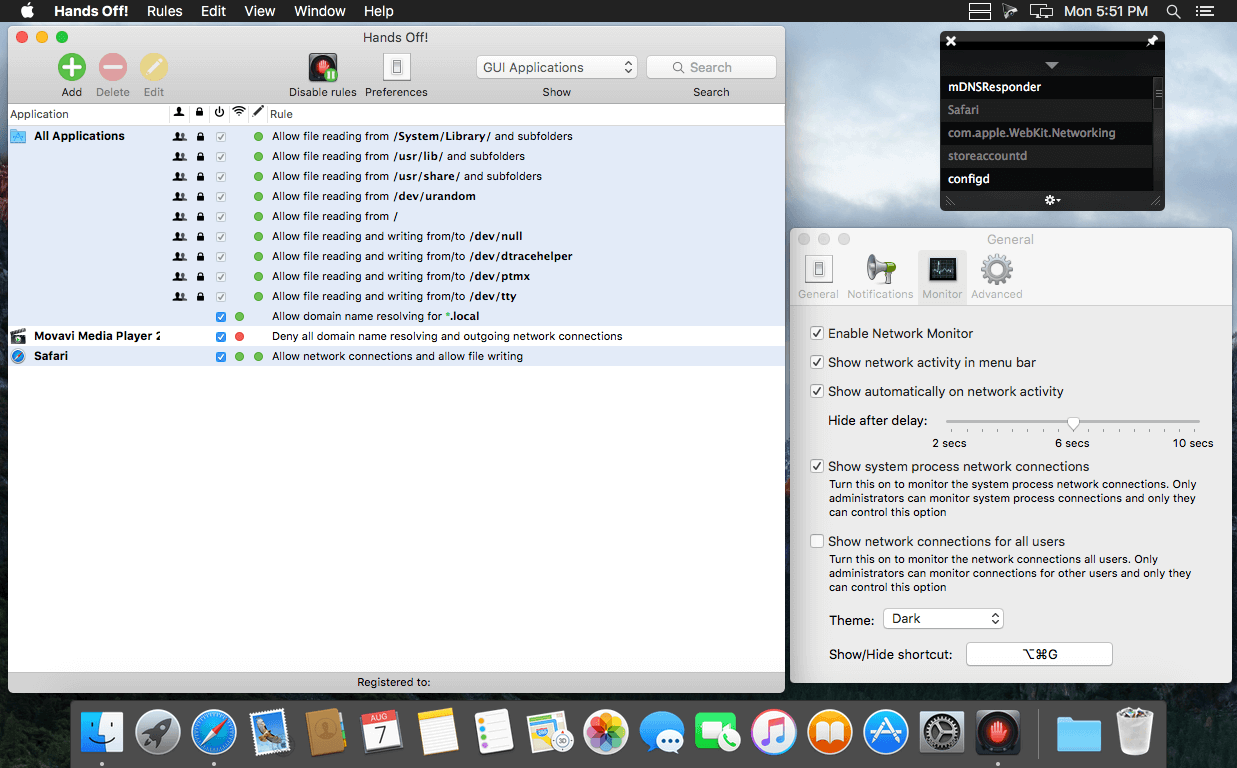
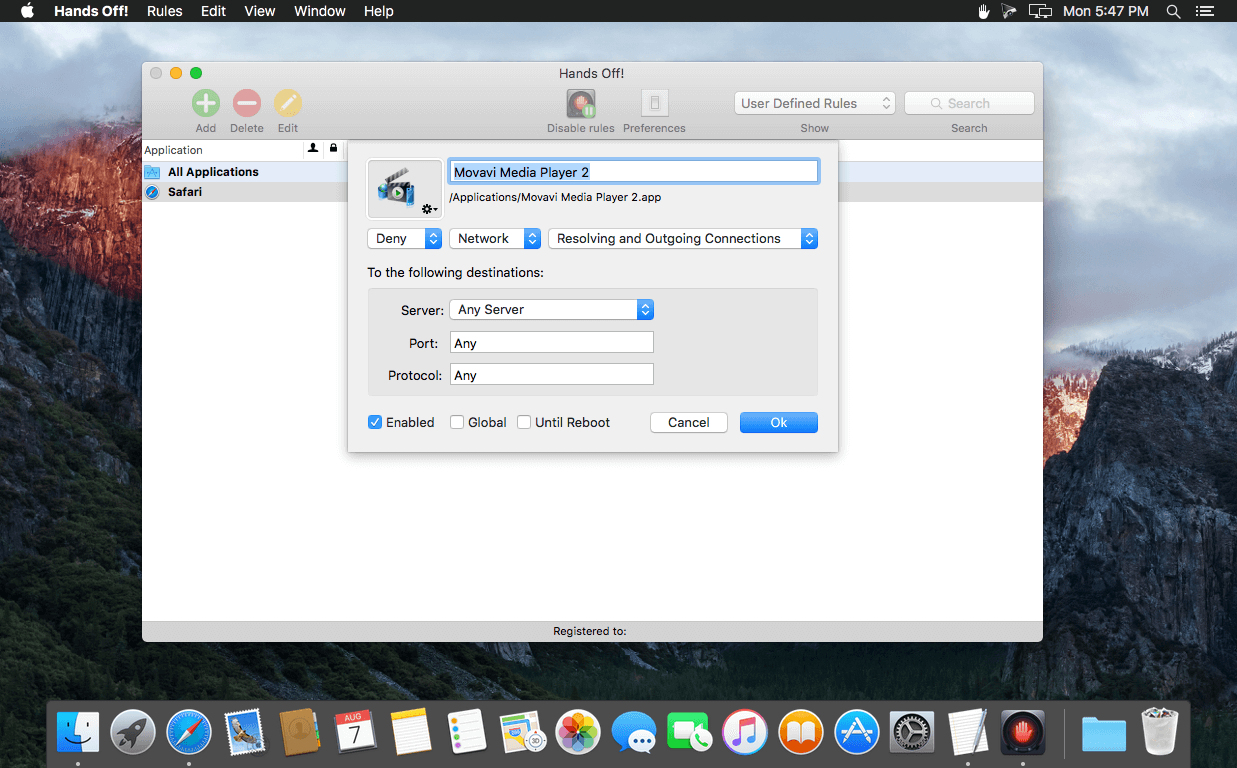
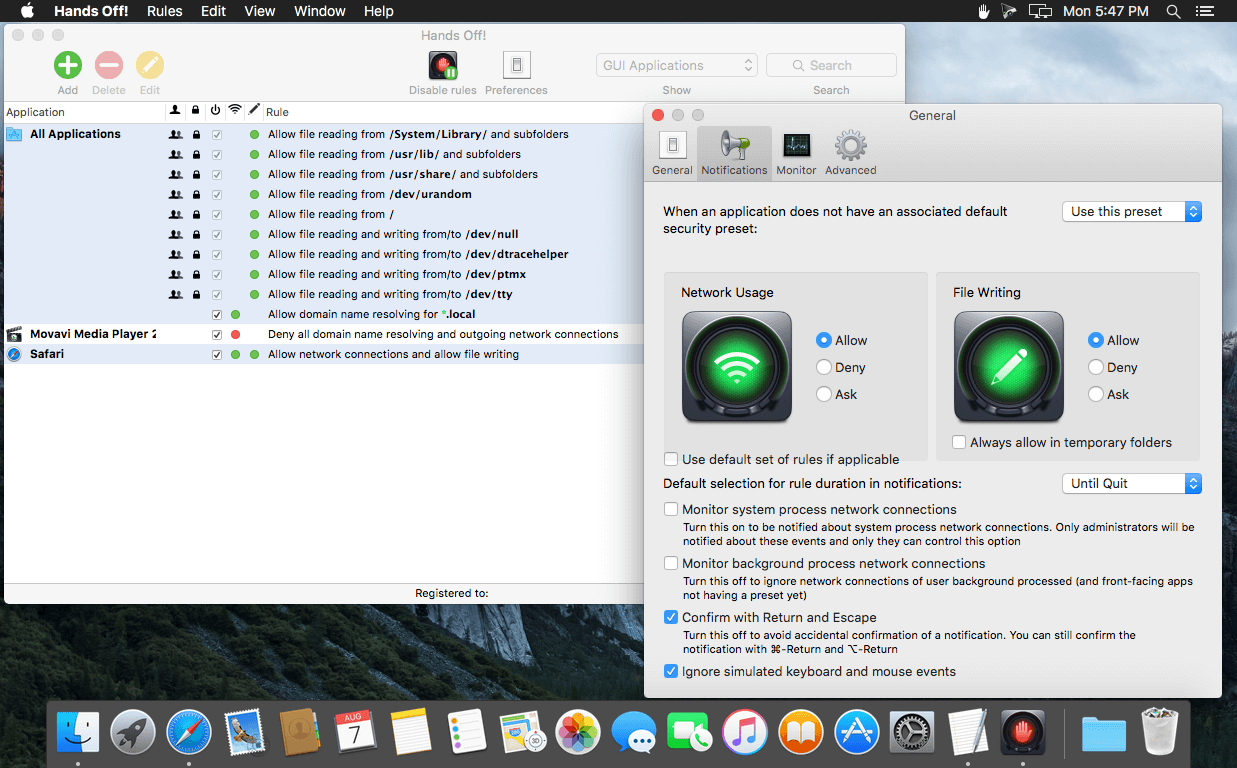
Hands Off! is an application to monitor and control the access of applications to your network and disks. Being able to monitor the normally unnoticeable activities enables you to make informed decisions regarding the transfer of your private information, hence avoiding confidential information leakage.
When connected to the Internet, applications can send any information stored on your computer to whoever they want without you ever knowing. Using Hands Off!, you can monitor and control Internet connections from all applications as to expose hidden connections and prevent them from sending data or phoning home without your consent.
Applications present on your computer can freely read, store or erase information on your computer without your knowledge. Using Hands Off!, you can monitor and control disk access from all applications as to prevent them from obtaining confidential information, erasing your data or storing cookies.
- The best way to find out if Hands Off! suits your needs is to download the latest version and try the demonstration mode.
- Forward Looking - Ready for the new OS X 10.11 El Capitan and in harmony with the beautiful OS X user interface design. Hands Off! is looking fresh and refined.
- Retina-Display Support - Graphics and user interface are now optimized for Retina displays so they look sharper and take full advantage of those stunning high-resolution Mac displays.
- Improved Performance - Under-the-hood improvements make Hands Off! more efficient so it keeps your Mac secure while allowing you to focus on accomplishing amazing things.
Version 3.2.10:
- Fix an issue that caused Hands Off! to be disabled on reboot on some machines.
- Fix an issue that caused a hang when starting Hands Off! from the menu bar.
- This update is free if you bought Hands Off! 3.x.
Frequently asked questions
How do I install the app?
Mount the image, drag the app into the "Applications" folder and launch it. If the system blocks the launch, allow it in "System Settings → Privacy & Security".
The app is damaged or won't launch
Reinstalling from a fresh image usually helps. Make sure your macOS version matches the one listed in the compatibility specs.
How do I update?
Download the new version from the site and install it over the current one — your settings will be preserved.
The download link doesn't work
Try a mirror or a download manager. For large files the browser often drops the connection.
How do I completely remove the app?
Use an uninstaller utility — it cleans up the service files that remain after moving the app to the trash.
VersionHands Off! 3.2.10
DeveloperOne Periodic Inc.
CompatibilityOS X 10.9.5 or later, 64-bit processor
LanguageMultilangual
IncludesK'ed by TNT





Choose a download source
Hands Off! 3.2.10 · 7.5 MB
Comments 1