
PDFelement Express 1.2.1
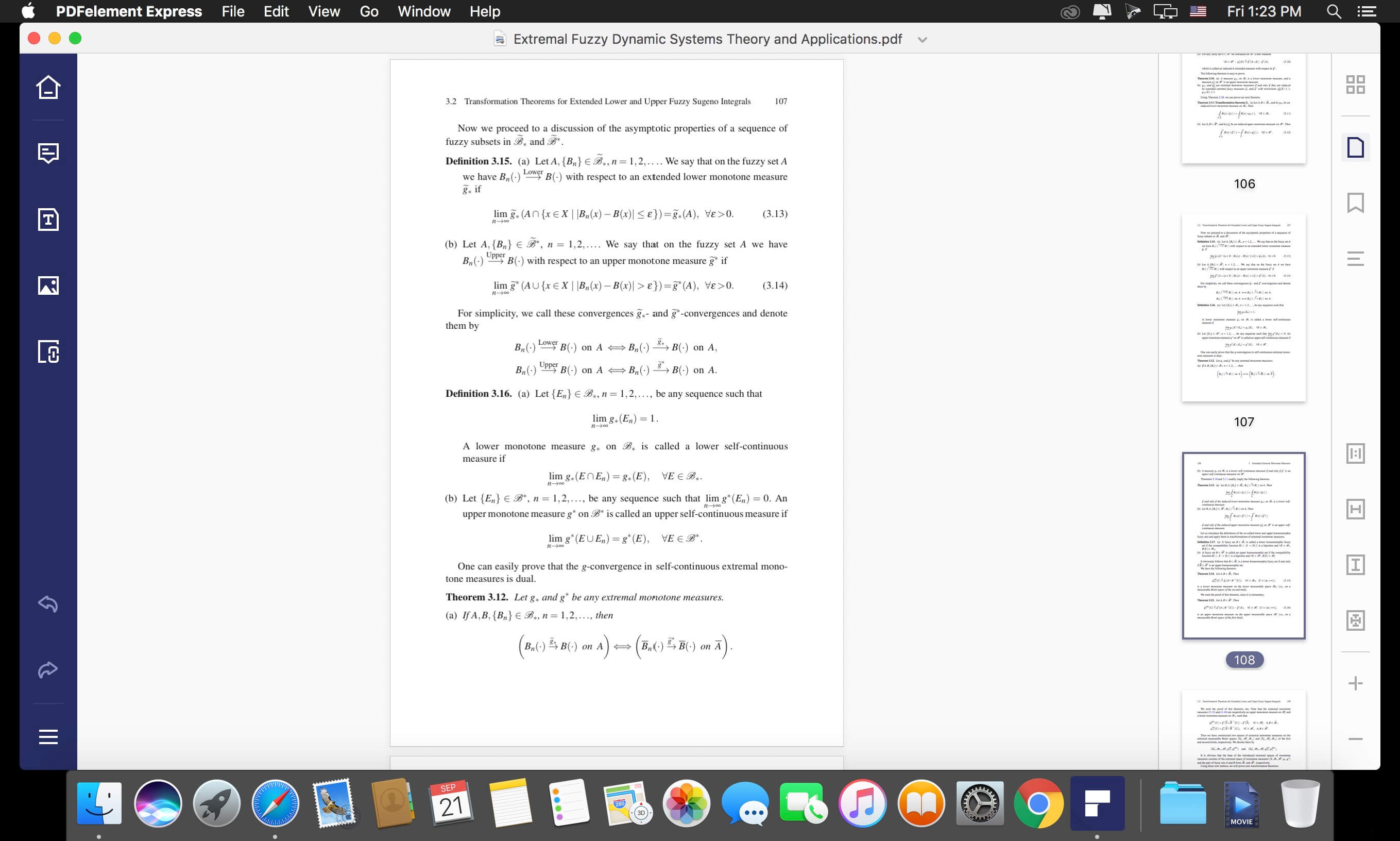
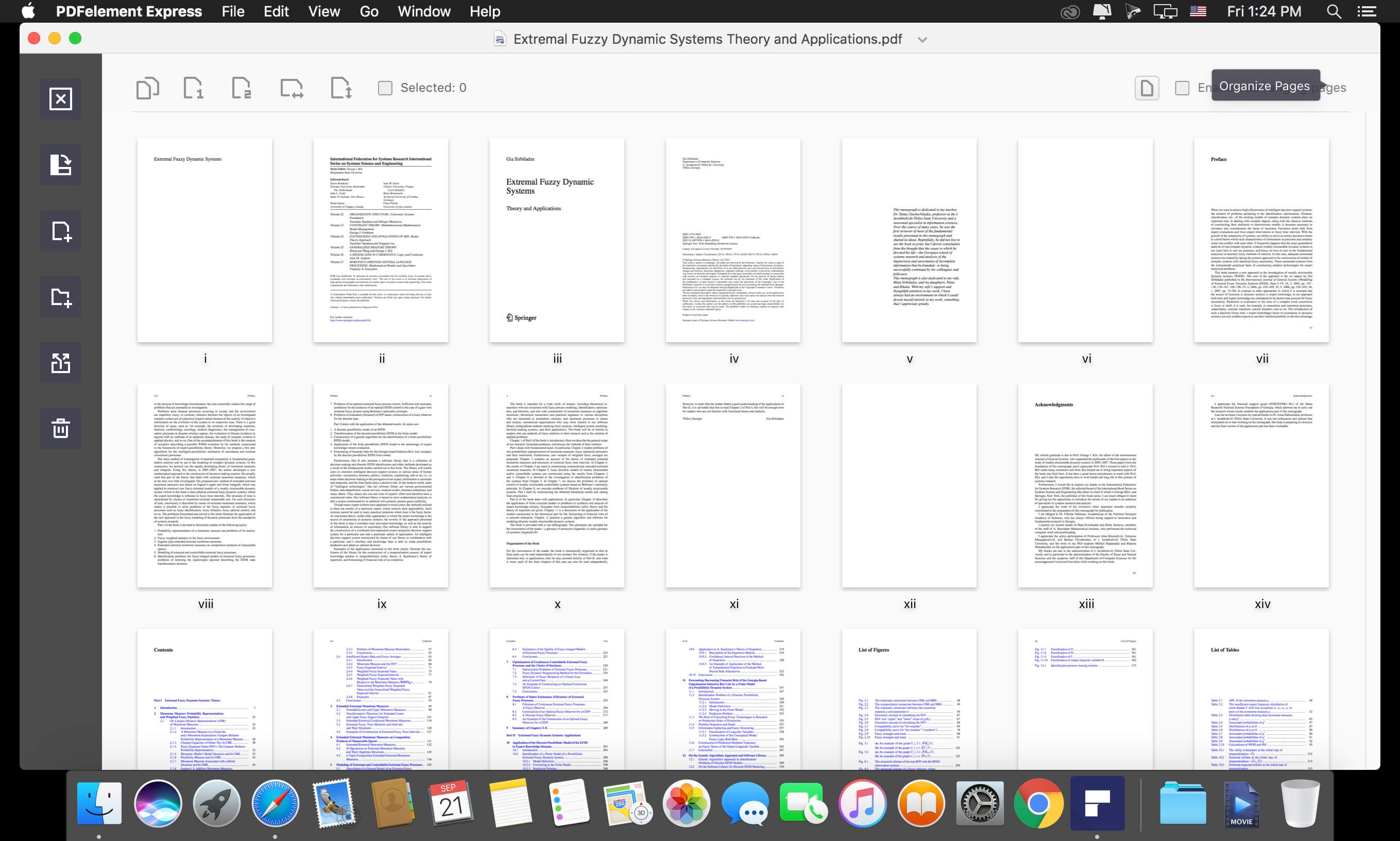

The fast and simple PDF editor for Mac Whether you want to read, edit, or annotate PDFs, PDFelement Express has it all, without the unnecessary filler. Create stunning documents and express your ideas clearly. PDFelement Express for Mac offers a seamless scrolling experience. No matter what type of document you're working with, there's a viewing option available that perfectly fits the task at hand.
Edit PDFs Effortlessly
- Edit Text: add, delete, or edit text just as easily as you would in a Word document.
- Edit Image: add, delete, extract, replace, and rotate images in PDF files.
- Edit Link: remove or add hyperlinks to PDF pages in order to open a file or visit a web page.
Version 1.2.0:
- Release notes were unavailable when this listing was updated.
Frequently asked questions
How do I install the app?
Mount the image, drag the app into the "Applications" folder and launch it. If the system blocks the launch, allow it in "System Settings → Privacy & Security".
The app is damaged or won't launch
Reinstalling from a fresh image usually helps. Make sure your macOS version matches the one listed in the compatibility specs.
How do I update?
Download the new version from the site and install it over the current one — your settings will be preserved.
The download link doesn't work
Try a mirror or a download manager. For large files the browser often drops the connection.
How do I completely remove the app?
Use an uninstaller utility — it cleans up the service files that remain after moving the app to the trash.
VersionPDFelement Express 1.2.1
DeveloperWondershare Software Co., Ltd.
CompatibilitymacOS 10.12 or later, 64-bit processor
LanguageEnglish
IncludesK'ed by TNT



Information
Visitors in the group Guests cannot leave comments on this publication.
Choose a download source
PDFelement Express 1.2.1 · 22.31 MB