
Wondershare PDFelement Pro 10.0.4
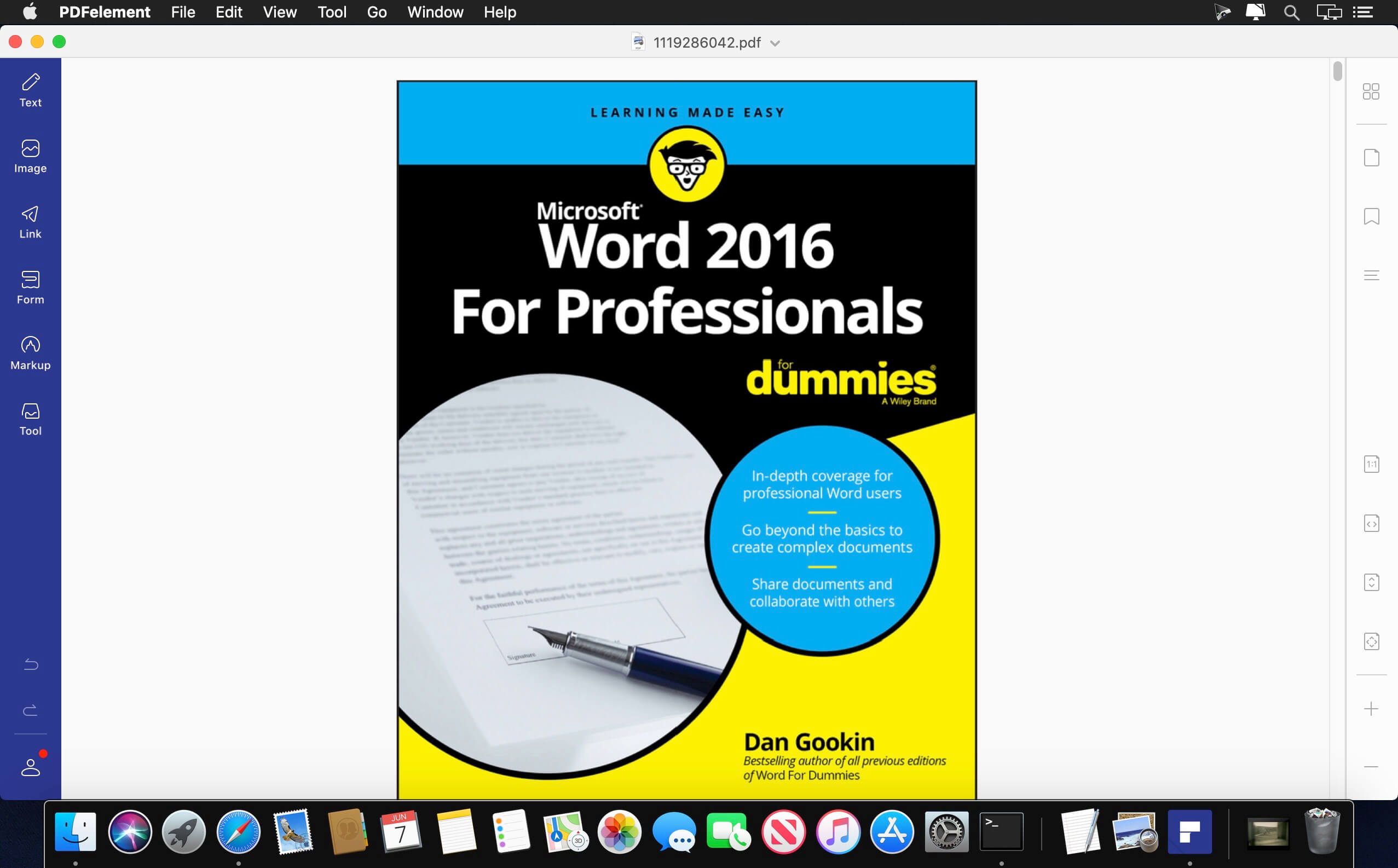
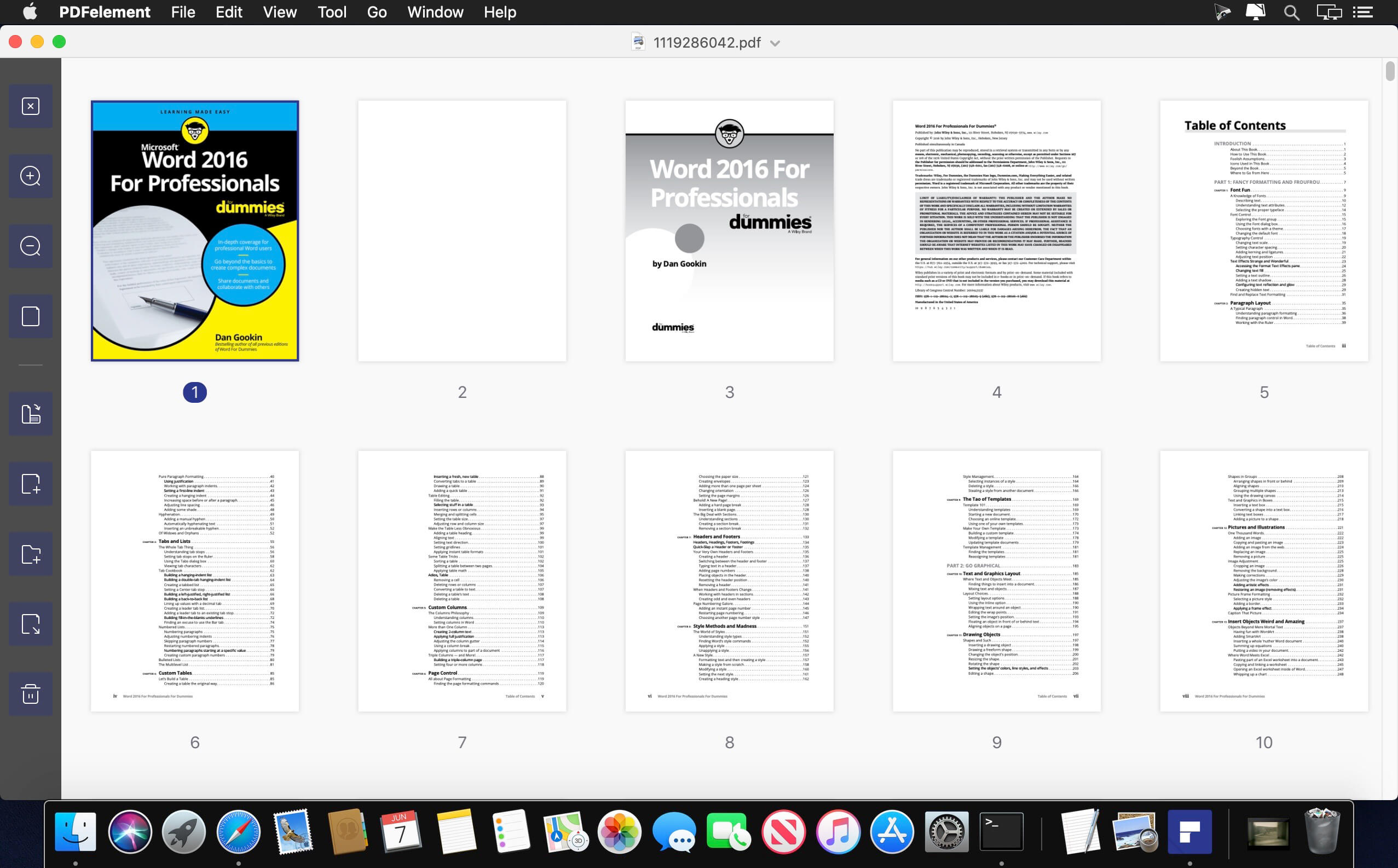
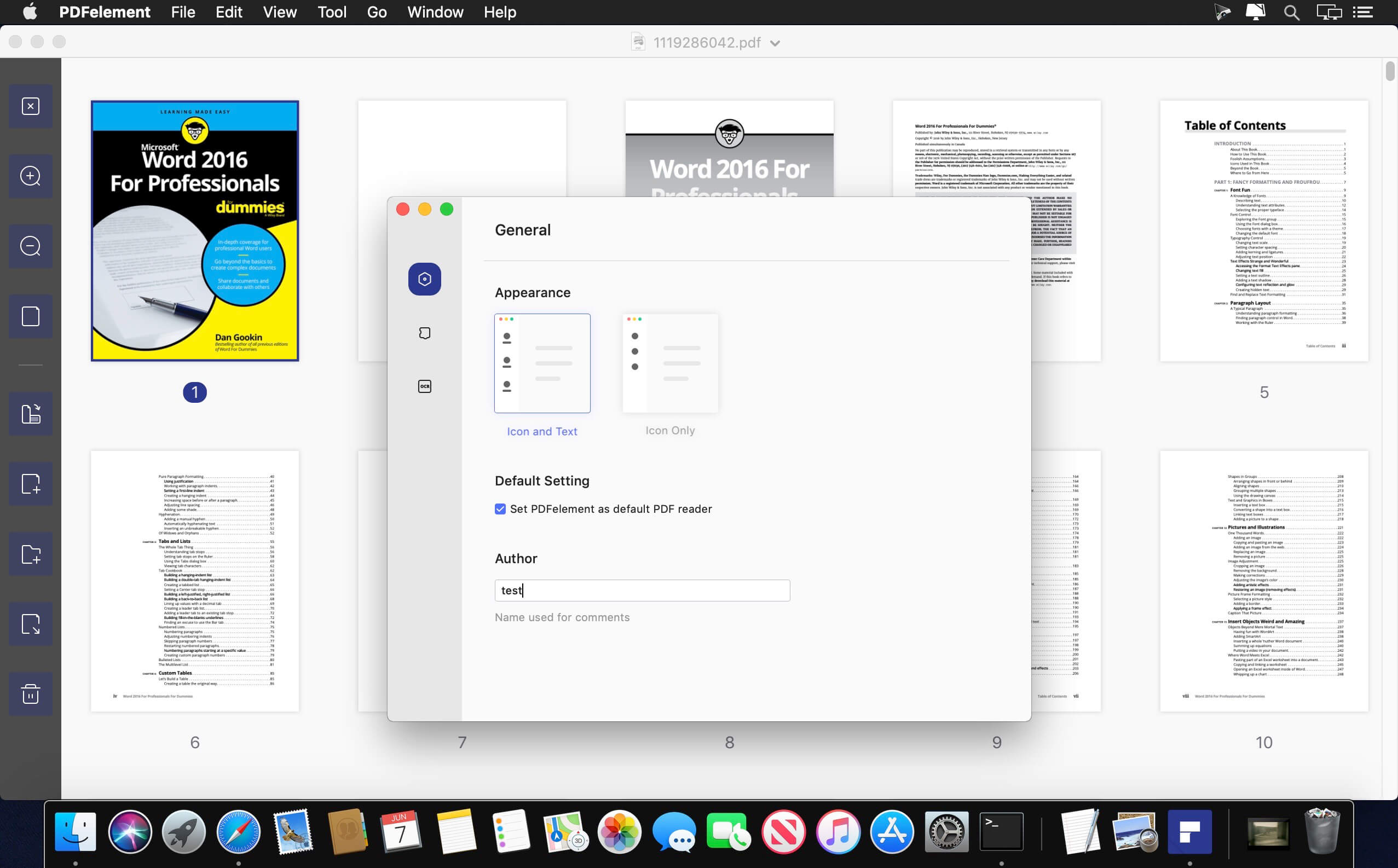
The PDF Experience, Simplified. The easiest way to create, edit, convert and sign PDF documents. Get control over PDFs like never before. The most Powerful and Simple PDF solution that changes the way you work with your important documents forever.
Edit
Express yourself both verbally and visually with a full‑featured word processor that helps you easily edit PDF files.
Convert
Deliver the richest, most engaging PDF communications. Convert PDFs to office files, retaining layout, formatting, and tables.
Comment
Empower your team and collaborate more effectively. Quickly gather feedback from colleagues and customers.
Reliably create and distribute PDF forms.
Easily create and distribute forms, combine collected forms for analysis, and export collected data in a spreadsheet.
Protect documents and accelerate information exchange with PDF.
Control documents to help secure sensitive information from unintended access and use.
Introducing all-new PDFelement 8:
Reimagined UI.
Work easily with an all-new minimalist, yet powerful, user interface.
User Management Console.
Get the flexibility to provision, track, and manage licensing across groups and teams.
Highlights:
- Create
- Edit
- Convert
- Review
- FormsSign
- Secure
- OCR
Version 10.0.4:
- Release notes were unavailable when this listing was updated.
Frequently asked questions
How do I install the app?
Mount the image, drag the app into the "Applications" folder and launch it. If the system blocks the launch, allow it in "System Settings → Privacy & Security".
The app is damaged or won't launch
Reinstalling from a fresh image usually helps. Make sure your macOS version matches the one listed in the compatibility specs.
How do I update?
Download the new version from the site and install it over the current one — your settings will be preserved.
The download link doesn't work
Try a mirror or a download manager. For large files the browser often drops the connection.
How do I completely remove the app?
Use an uninstaller utility — it cleans up the service files that remain after moving the app to the trash.





Choose a download source
Wondershare PDFelement Pro 10.0.4 · 54.32 MB
Previous versions
Wondershare PDFelement Pro 10.0.4
Previous versions are available to registered users.