
Creo 1.2.2
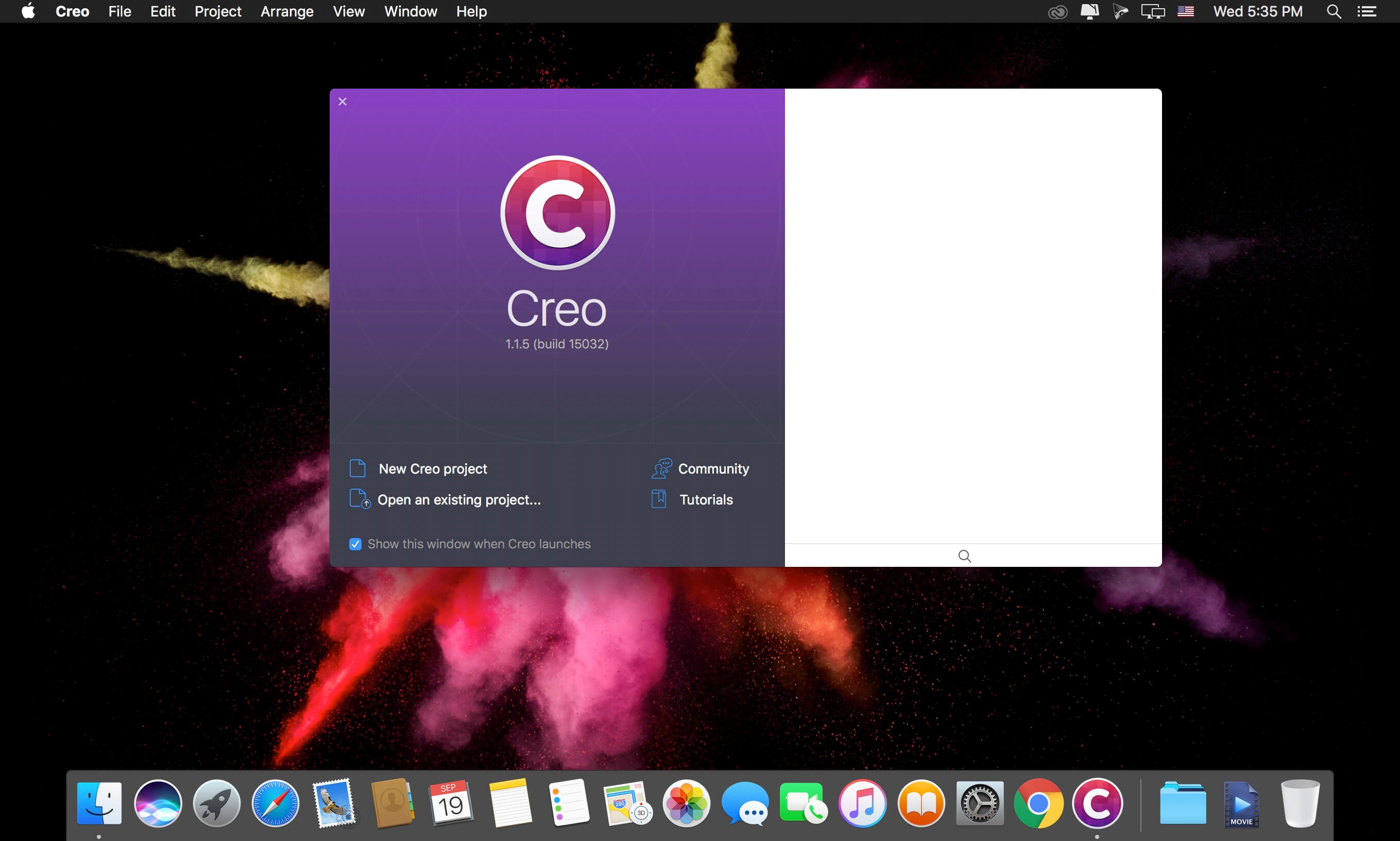

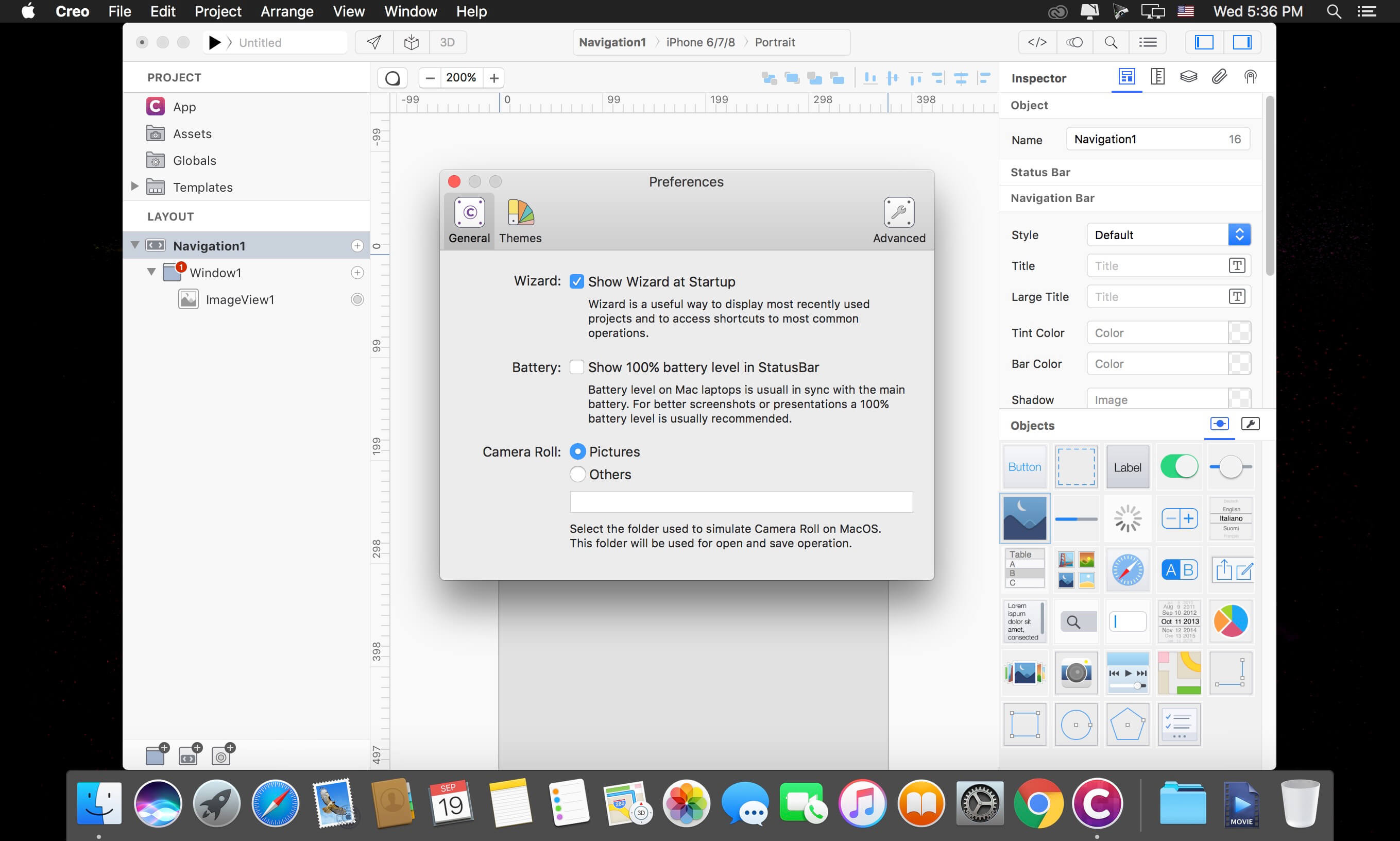
Creo is a MacOS tool which aims to combine the Design and Development process into a single easy to use application. Traditional mobile app creation process is split between the design process and the development process, Creo merges the two separated steps into a single tool which enables you to focus on what makes your app unique instead of wasting time building a nonfunctional prototype or writing the same code to perform the same most common operations. Thanks to our CreoKit we always use NATIVE components and classes, no simulated or web based code is used
- Several UI fixes for 10.14 Mojave
- Improved TableView
- Improved Label, TextField and TextView
- Improved SQLite support
- Navigation has been renamed to NavigationBar
- A lot of other internal fixes and improvements
- An updated CreoPlayer app should be available via TestFlight within the next 48 hours
Frequently asked questions
How do I install the app?
Mount the image, drag the app into the "Applications" folder and launch it. If the system blocks the launch, allow it in "System Settings → Privacy & Security".
The app is damaged or won't launch
Reinstalling from a fresh image usually helps. Make sure your macOS version matches the one listed in the compatibility specs.
How do I update?
Download the new version from the site and install it over the current one — your settings will be preserved.
The download link doesn't work
Try a mirror or a download manager. For large files the browser often drops the connection.
How do I completely remove the app?
Use an uninstaller utility — it cleans up the service files that remain after moving the app to the trash.
VersionCreo 1.2.2
DeveloperCreolabs Inc.
CompatibilityOS X 10.10 or later, 64-bit processor
LanguageEnglish
IncludesK'ed by TNT





Information
Visitors in the group Guests cannot leave comments on this publication.
Choose a download source
Creo 1.2.2 · 64.99 MB
Previous versions
Creo 1.2.2
Previous versions are available to registered users.