
Whisk 2.6.2

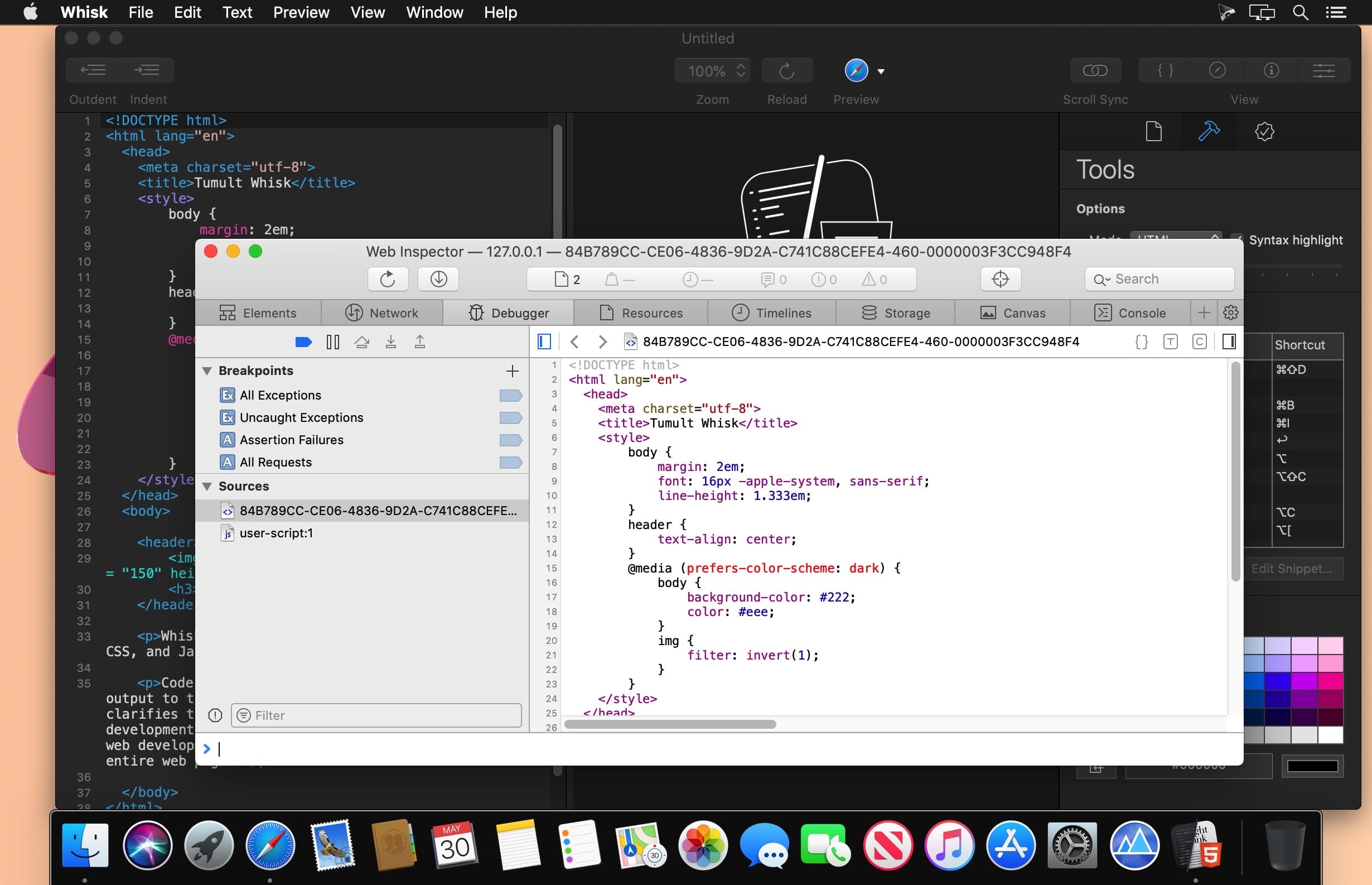
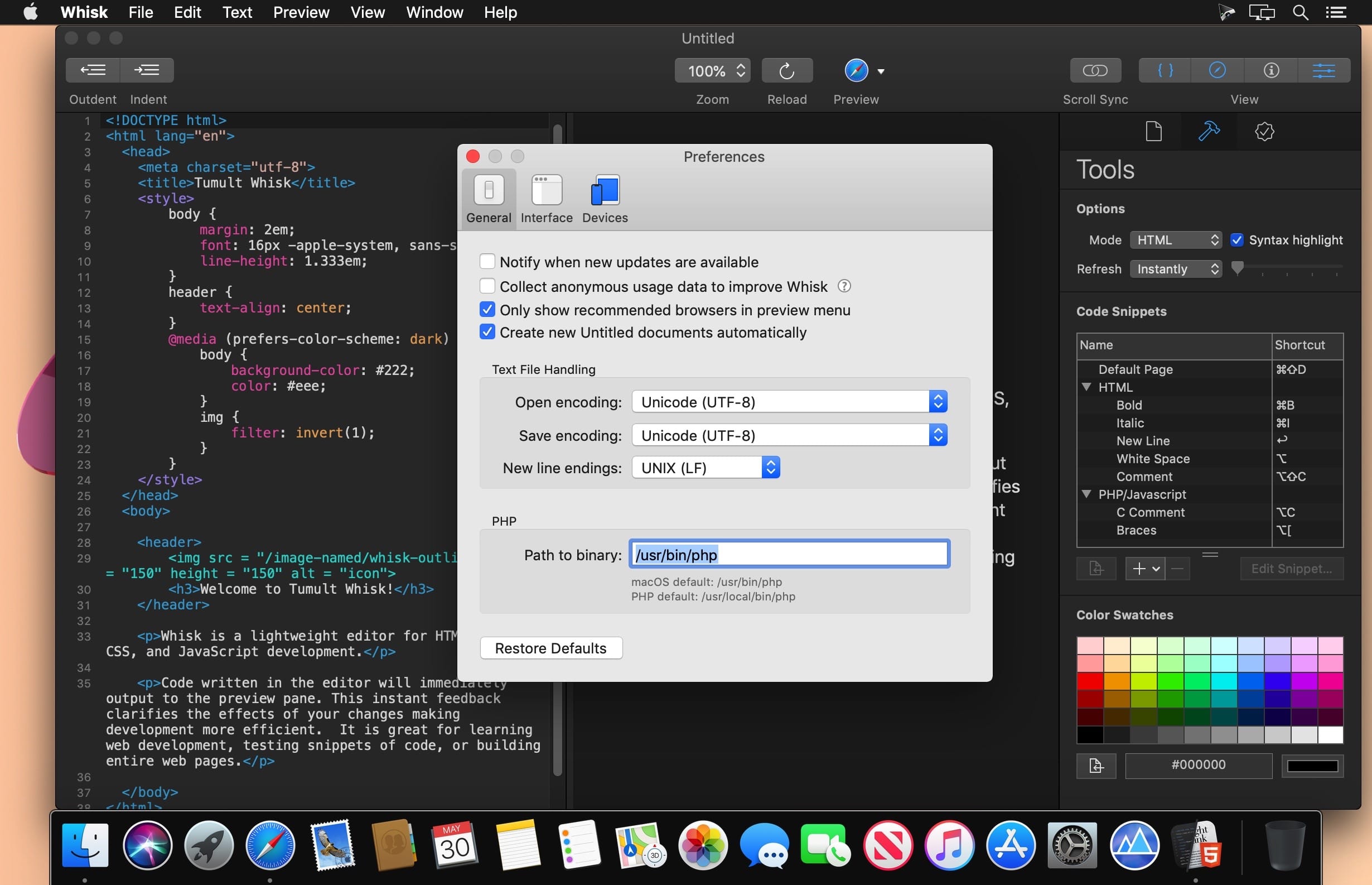
Tumult Whisk is a lightweight HTML and PHP editor with a live preview that updates as you type. Whisk is an essential app in your toolkit for HTML, PHP, CSS, and jаvascript programming. It is great for learning web development, testing snippets of code, or building entire web pages.
Whisk’s integrated preview pane displays the web page live as you type. Whisk breaks the tedious cycle of writing HTML, saving the file, then reloading and viewing the page in the browser. Combining the writing phase with the viewing phase clarifies the effects of your changes and speeds up the overall process of making a web page. W3C-based validation will red-underline any mistakes. It uses the same rendering engine found in Safari, so it is not only standards compliant, but also very fast.
Use Whisk For:
- Crafting HTML to make sure it looks exactly as you want it
- Testing and executing PHP code
- Writing blog posts, forum entries, or rich emails
- Interactively trying out CSS
- Running and debugging jаvascript
- And creating whole websites
Version 2.6.2:
- macOS 13 Ventura compatibility
- Bug Fixe
Frequently asked questions
How do I install the app?
Mount the image, drag the app into the "Applications" folder and launch it. If the system blocks the launch, allow it in "System Settings → Privacy & Security".
The app is damaged or won't launch
Reinstalling from a fresh image usually helps. Make sure your macOS version matches the one listed in the compatibility specs.
How do I update?
Download the new version from the site and install it over the current one — your settings will be preserved.
The download link doesn't work
Try a mirror or a download manager. For large files the browser often drops the connection.
How do I completely remove the app?
Use an uninstaller utility — it cleans up the service files that remain after moving the app to the trash.




Choose a download source
Whisk 2.6.2 · 76.67 MB
Previous versions
Whisk 2.6.2
Previous versions are available to registered users.