
Xojo 2017r3
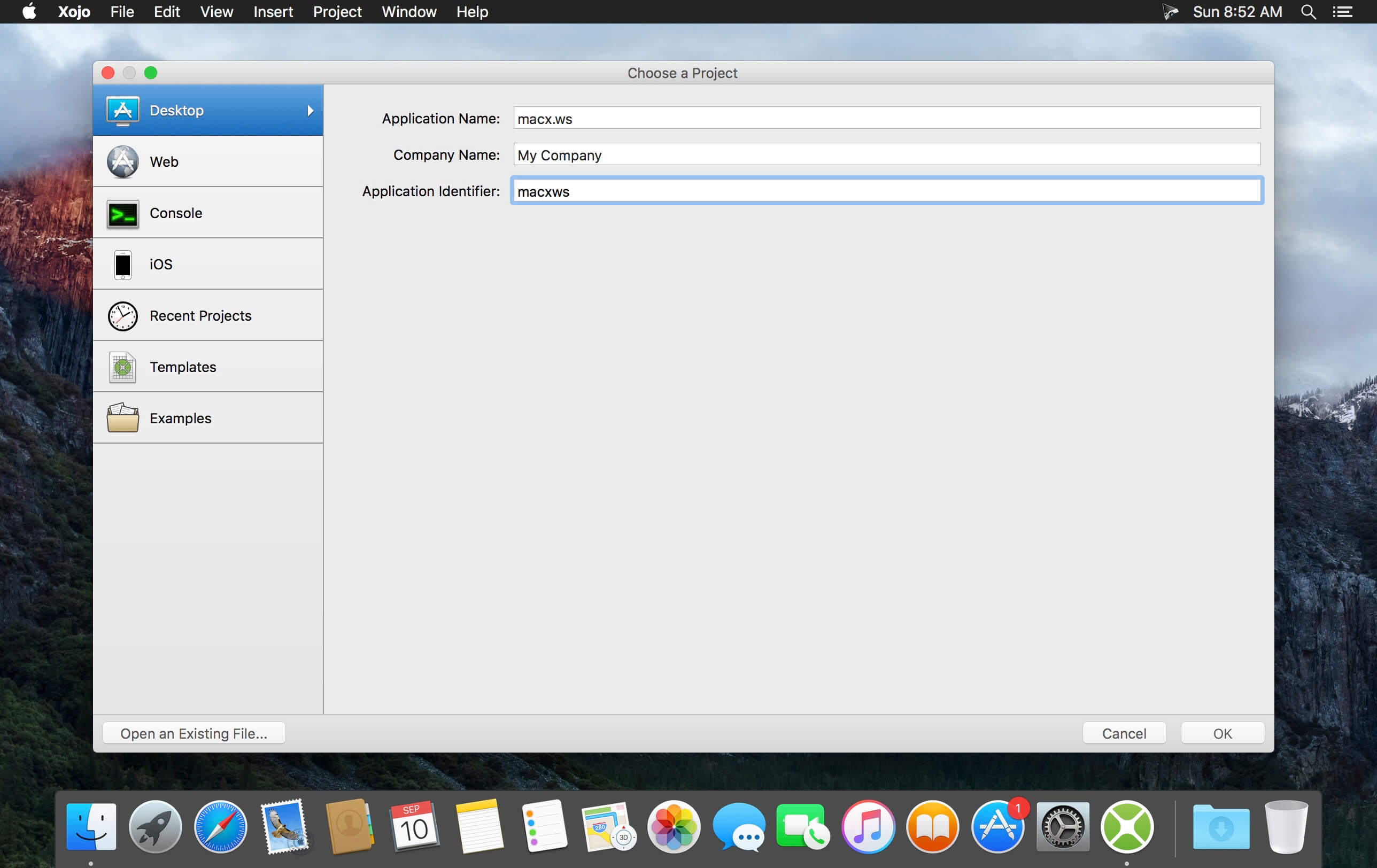
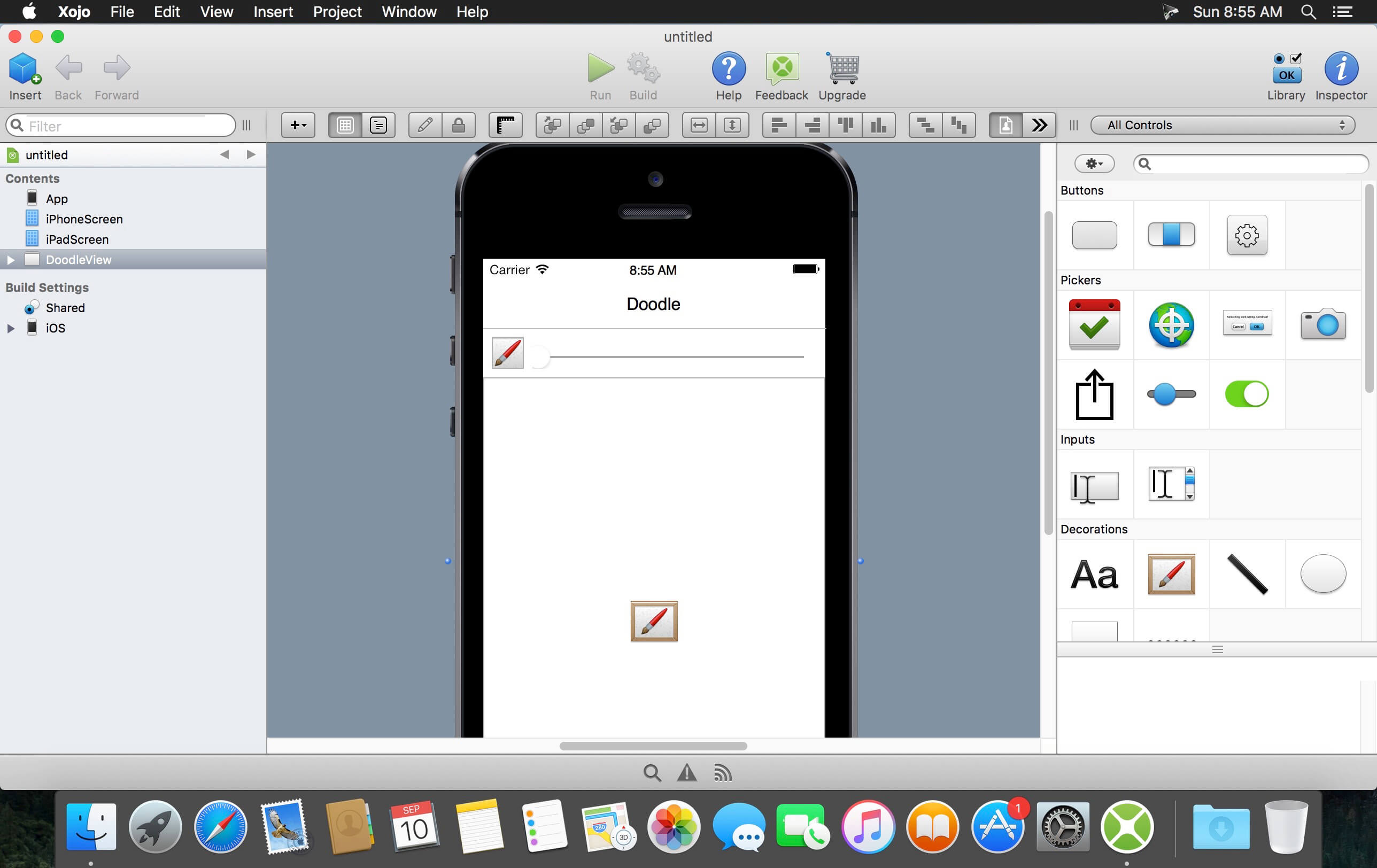
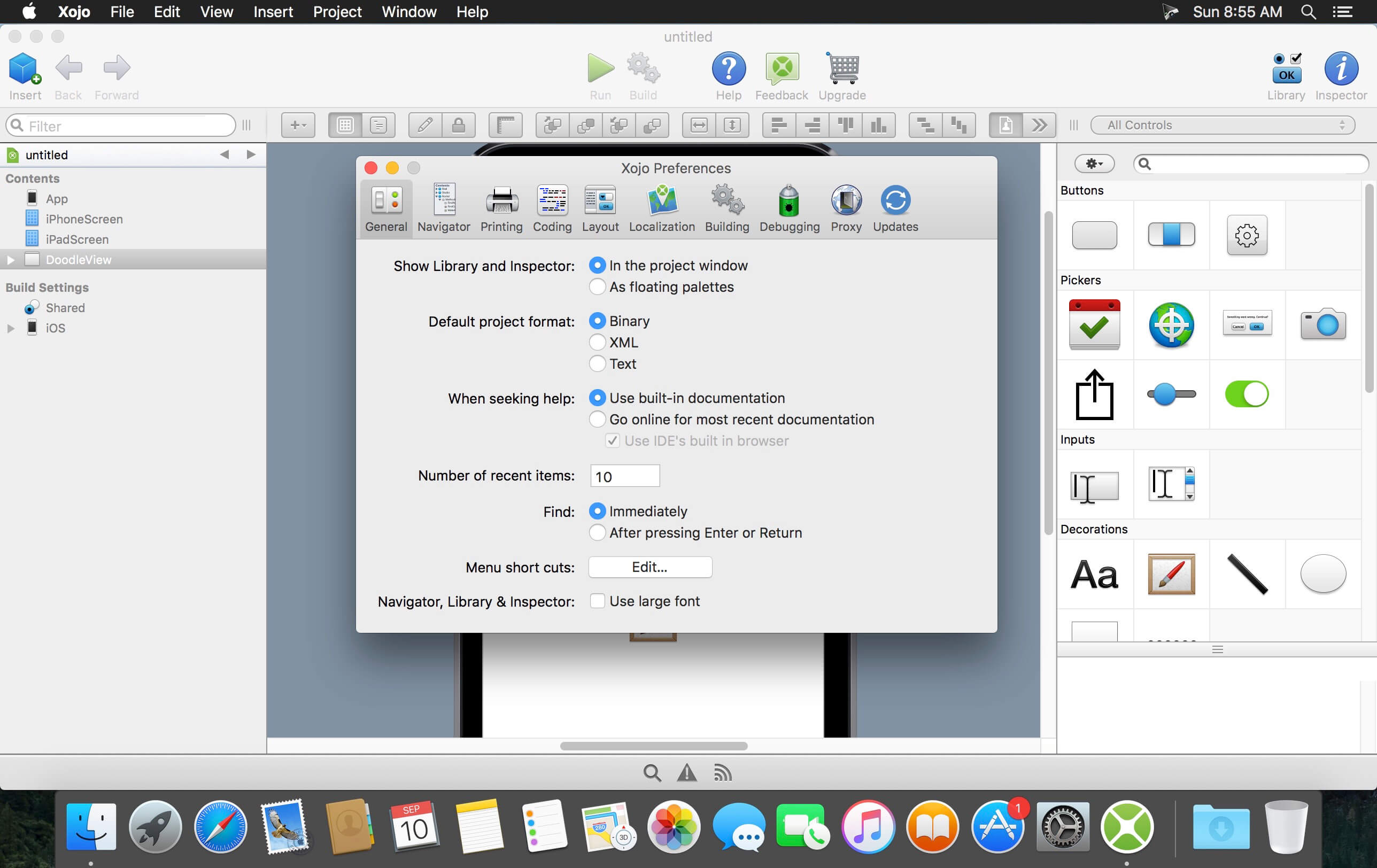
Xojo (was Real Studio) is a cross-platform software development tool that enables developers of all backgrounds to create software for OS X, Windows, Linux, the Web, and soon, mobile. With users all over the world, Xojo apps can be found in every conceivable category - from commercial software applications to use in governments, universities, businesses, and the Fortune 500. Secondary-level and college students in schools all over the world are introduced to programming with Xojo.
Features :
Create Anything
With built-in support for graphics, database servers, internet protocols and more, you can build just about anything you can imagine with Xojo. Using Xojo, you can make commercial software products, utilities to help make your life easier, or even learn to program. In fact, Xojo itself is a Xojo app!
Build Apps 10x Faster
You can use one set of source code to support multiple platforms and there are over 40 user interface controls built in, allowing your app to look and behave how you'd want it to on any platform. On the web you can use one powerful language to create your web app instead of HTML, CSS, PHP, jаvascript, or AJAX, saving you tons of development time!
Modern Development
Xojo is a modern, object-oriented language. It supports inheritance, interfaces, polymorphism and is strongly-typed as well. There are thousands of differences in OS API calls and Xojo abstracts you from these details, dramatically reducing development time and allowing you to focus on what makes your application unique.
Native, Cross-Platform
Xojo apps don't have an interpreter or virtual machine - they're compiled to machine code for fast execution and the protection of your intellectual property. Xojo uses native controls so your app looks and feels right on each platform. Development is cross-platform as well. Create your project on your favorite OS and then build it for any platform Xojo supports.
Version 17.3.0 (2017r3):
- 64-bit IDE on Windows, macOS and Linux
- 64-bit support for XojoScript on ARM
- 64-bit iOS Debugging
- 64-bit Windows apps can specify supported Windows versions and security level
- 64-bit apps now work with Reports
- SQLite updated to 3.20.1
- WebTextArea.CueText property
- Security improvements (OpenSSL 1.1.0e)
Frequently asked questions
How do I install the app?
Mount the image, drag the app into the "Applications" folder and launch it. If the system blocks the launch, allow it in "System Settings → Privacy & Security".
The app is damaged or won't launch
Reinstalling from a fresh image usually helps. Make sure your macOS version matches the one listed in the compatibility specs.
How do I update?
Download the new version from the site and install it over the current one — your settings will be preserved.
The download link doesn't work
Try a mirror or a download manager. For large files the browser often drops the connection.
How do I completely remove the app?
Use an uninstaller utility — it cleans up the service files that remain after moving the app to the trash.
VersionXojo 2017r3
DeveloperXojo inc.
CompatibilityOS X 10.9.5 or later, 64-bit processor
LanguageEnglish
IncludesK'ed by HCiSO




Information
Visitors in the group Guests cannot leave comments on this publication.
Choose a download source
Xojo 2017r3 · 853.55 MB