WidsMob PhotoVault 3.9
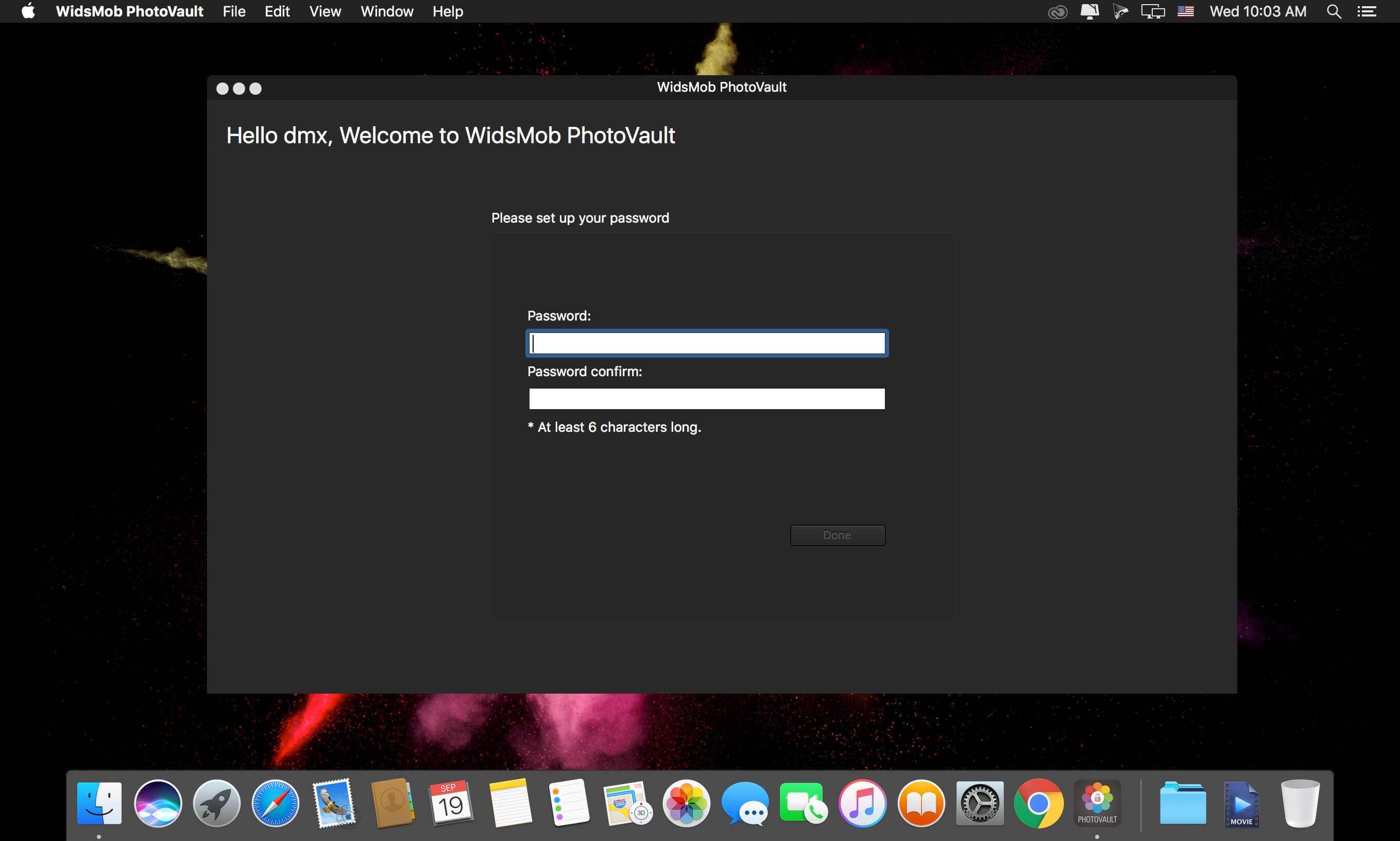
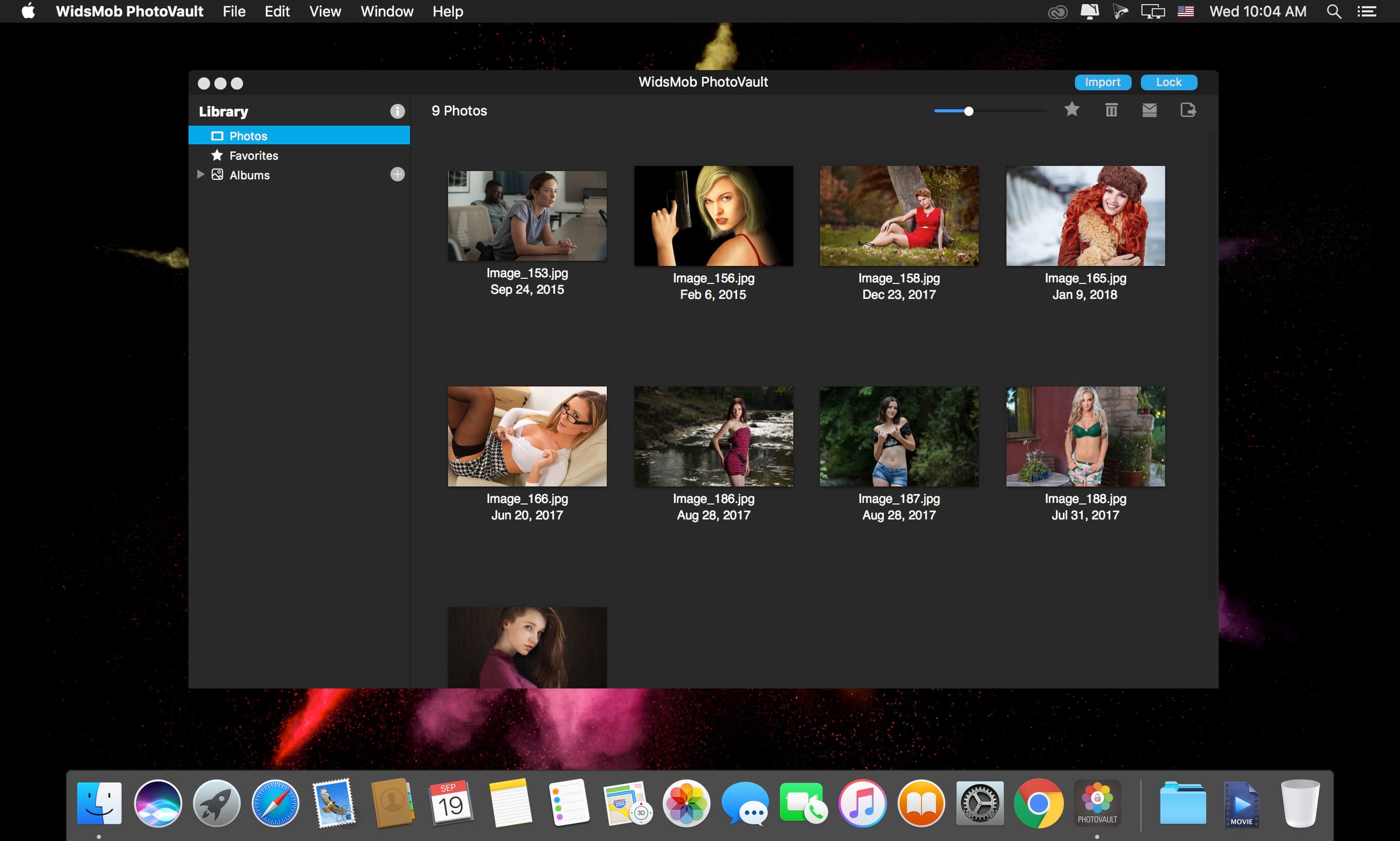
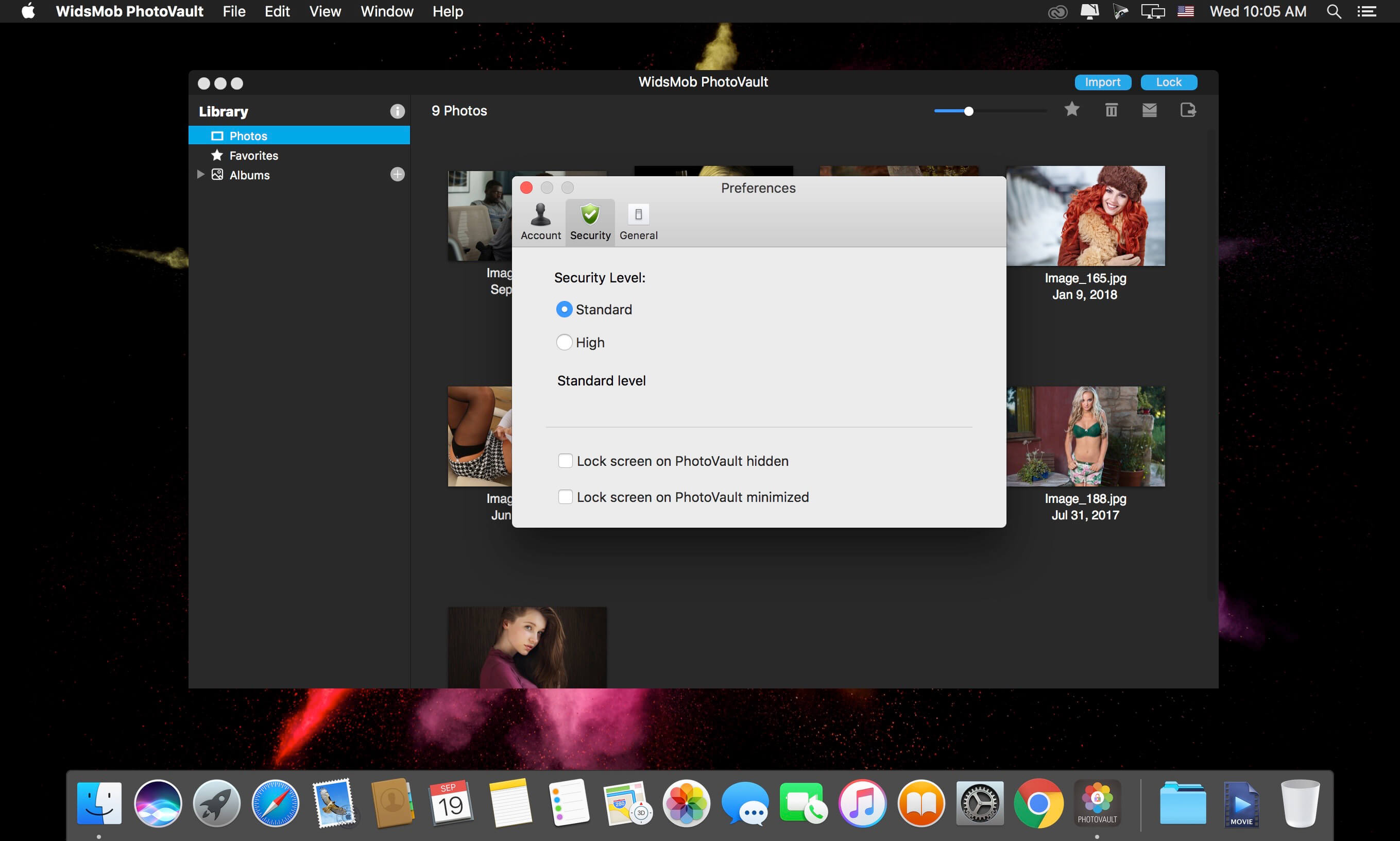
WidsMob PhotoVault has different security levels to encrypt and hide photos. It enables you custom slideshows with loop and duration automatically, group photos with Favorites and different albums, and export photos to Email and save hidden photo to computer. Moreover, there are multiple hotkeys to make the whole process easy.
Safe Photo Vault
Whether you have some personal photos, or important documents in JPEG, you need to encrypt and hidden photos from others. It has two different Security levels, Standard level to hide photos, High level to make restrictions to export, share your photos or enter Preferences. What is more, it also enables you to Lock Screen for different purposes.
Autoplay in Slideshow
Preview a slideshow on photo vault. In order to enjoy the precious photos, you can custom the loop option as well as the duration to make a simple slideshow to view photos automatically. One click for the Favorites or created Albums, it will display the slideshow in a full screen.
Group Photos into Categories
Group photos into different categories. Once import photos into the program, you can click the Favorites option to add photos into a category, which you can export or manage the files. Moreover, you can name albums to save photos into different categories.
Export Hidden Photos
Share and export hidden photos. In order to share photos to Email or export them to computer, you can set passcode in order to restrict similar actions. The program supports JPEG, PNG, BMP, and other photo formats, 50 different RAW files and GIF files.
Frequently asked questions
How do I install the app?
Mount the image, drag the app into the "Applications" folder and launch it. If the system blocks the launch, allow it in "System Settings → Privacy & Security".
The app is damaged or won't launch
Reinstalling from a fresh image usually helps. Make sure your macOS version matches the one listed in the compatibility specs.
How do I update?
Download the new version from the site and install it over the current one — your settings will be preserved.
The download link doesn't work
Try a mirror or a download manager. For large files the browser often drops the connection.
How do I completely remove the app?
Use an uninstaller utility — it cleans up the service files that remain after moving the app to the trash.





Choose a download source
WidsMob PhotoVault 3.9 · 3.67 MB