
KeyShot Enteprise 15.0.1.14
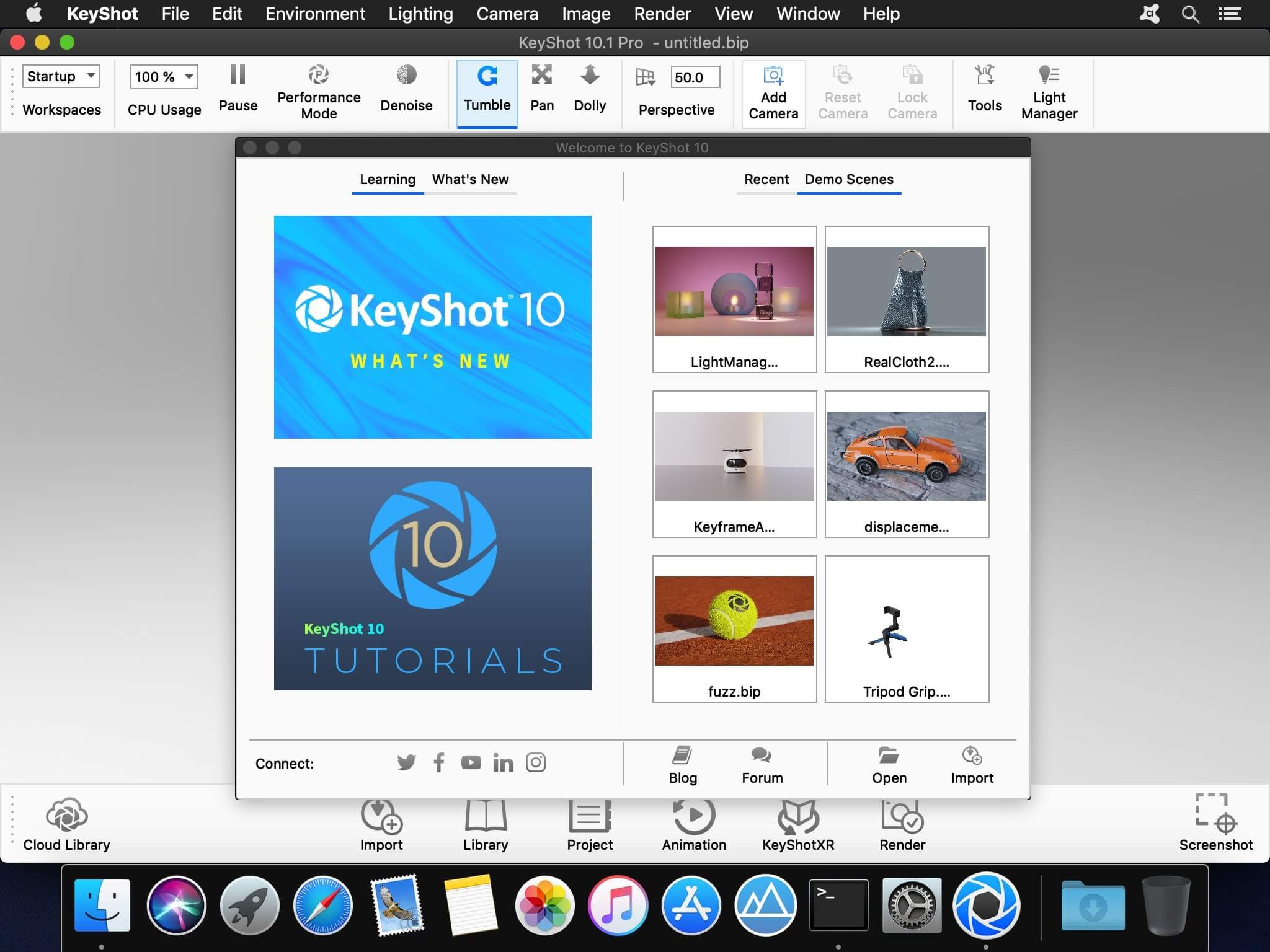
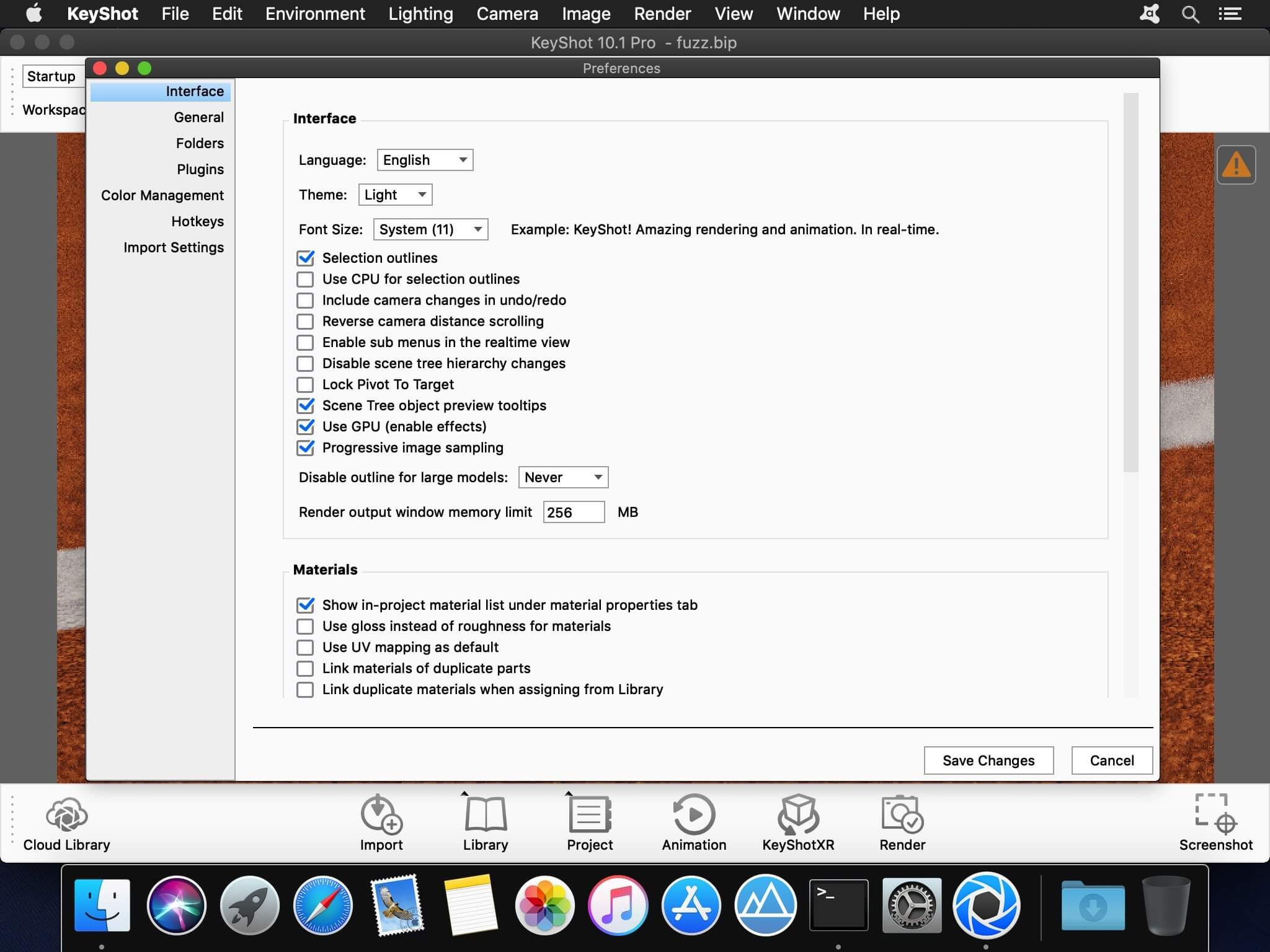
KeyShot is everything you need to create fast, accurate and amazing visuals. Featuring a real-time workflow to see your renderings and animations take shape instantly, KeyShot reduces the time it takes to create that perfect shot. From scientifically accurate material and environment presets to advanced material editing and animation, creating product visuals or sales and marketing imagery has never been easier.
Key Features:
GPU Mode
KeyShot 9 introduces the ability to harness the full GPU-accelerated ray tracing power of NVIDIA RTX with OptiX. Available for both real-time rendering and local render output, KeyShot’s GPU Mode allows GPU resources to be accessed with one-click to take advantage of multi-GPU performance scaling and the dedicated ray tracing acceleration hardware in NVIDIA RTX-capable GPUs.
Denoise
Smooth, fast, beautiful renderings with the click of a button. Denoise works in both CPU and GPU mode to eliminate noise in the Real-Time View and render output. It turns that time crunch into a time-saver. Turn Denoise on and watch your image render up to 30x faster with the advantage of using it in an unlimited number of KeyShot Image Styles.
RealClothTM (PRO)
RealCloth is a patent-pending technology from Luxion driving a powerful, new material type which allows the creation and visualization of realistic woven materials. The material type provides control of the weave pattern (Pro) and ability to easily add flyaway fibers. New RealCloth materials have been added to the Library as well.
Web Configurator (PRO)
KeyShot 9 introduces the power to generate interactive, browser-based product configurators. Featuring fully-rendered product variations using the models, materials, and Studios of your choice, web configurators can be produced to share privately or hosted online to provide a more engaging product option experience.
3D Model Library
KeyShot 9 brings you a new Model Library filled with the highest-quality, specially curated 3D models to complement the products in your scene. All 3D models come complete with materials and textures, and are easily searched, filtered, and added to any scene with a simple drag-and-drop from KeyShot Cloud.
Creative Freedom
Unlock your imagination.
With new materials and textures, KeyShot 9 opens up your creative freedom for a new level of detail and control over your product visuals.
Fuzz Material (PRO)
For that warm, fuzzy feeling.
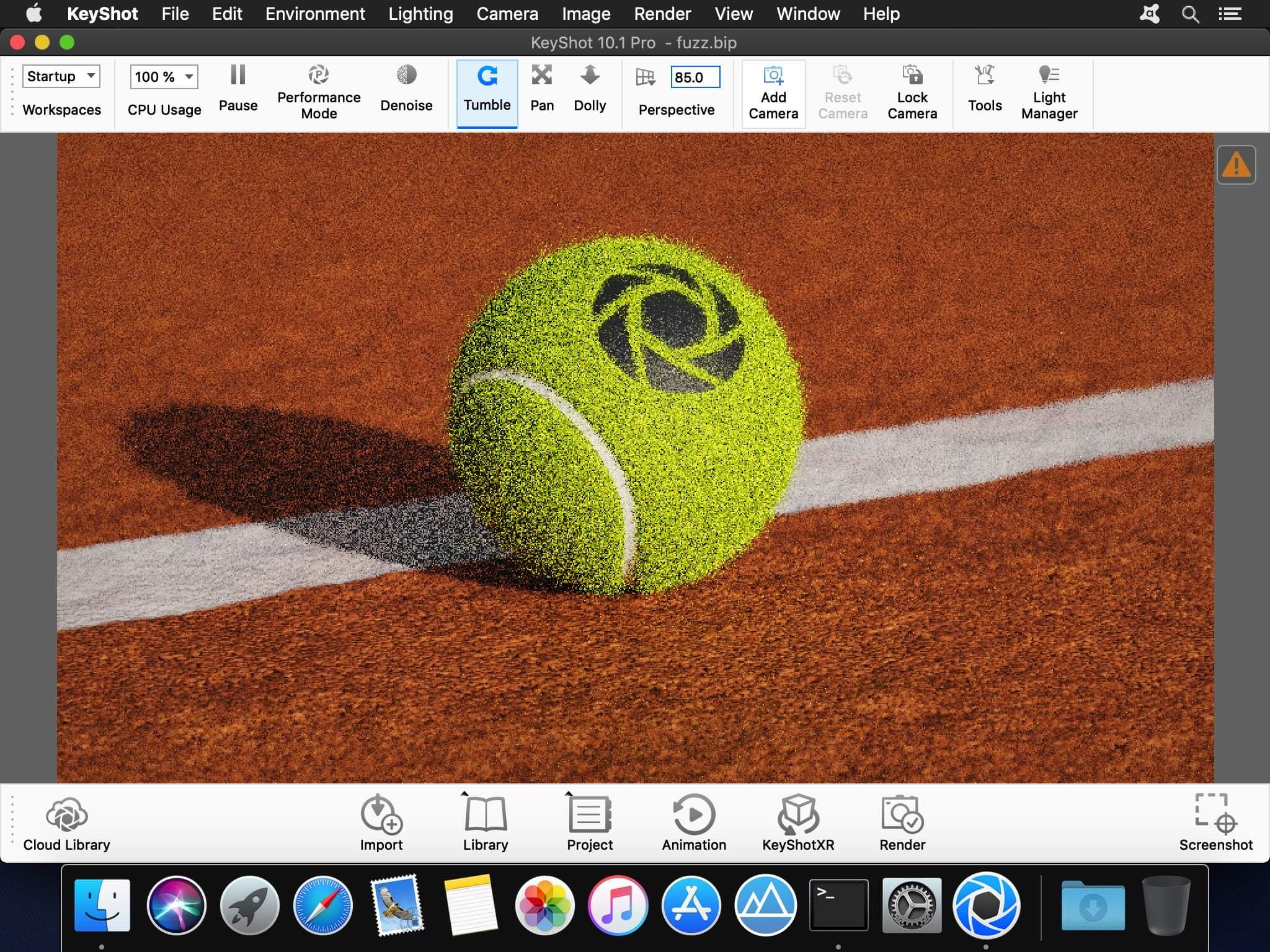
That warm, fuzzy feeling flooding over you isn’t in your head, it’s a new material geometry shader that brings a whole new level of realism to your products. Just open up the KeyShot Material Graph (Pro) and add any amount of fuzz you need on the surface of any material. Control length, randomness, density and more for that perfectly, fuzzy look.
and more…
Version 15.0.1.14:
- Release notes were unavailable when this listing was updated.
Frequently asked questions
How do I install the app?
Mount the image, drag the app into the "Applications" folder and launch it. If the system blocks the launch, allow it in "System Settings → Privacy & Security".
The app is damaged or won't launch
Reinstalling from a fresh image usually helps. Make sure your macOS version matches the one listed in the compatibility specs.
How do I update?
Download the new version from the site and install it over the current one — your settings will be preserved.
The download link doesn't work
Try a mirror or a download manager. For large files the browser often drops the connection.
How do I completely remove the app?
Use an uninstaller utility — it cleans up the service files that remain after moving the app to the trash.





Choose a download source
KeyShot Enteprise 15.0.1.14 · 1.79 GB
Previous versions
KeyShot Enteprise 15.0.1.14
Previous versions are available to registered users.
Comments 2