Capo 3.8.1
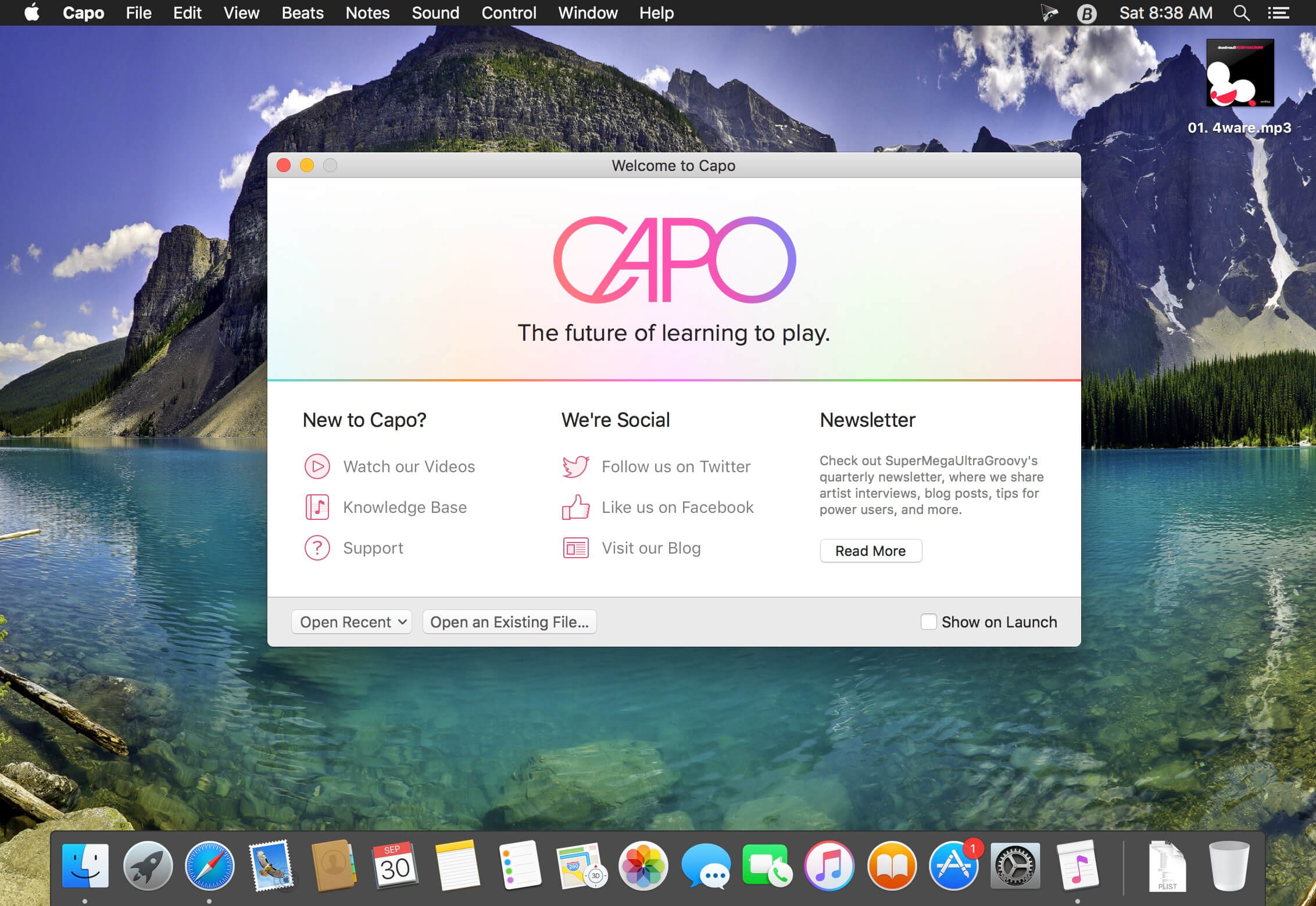
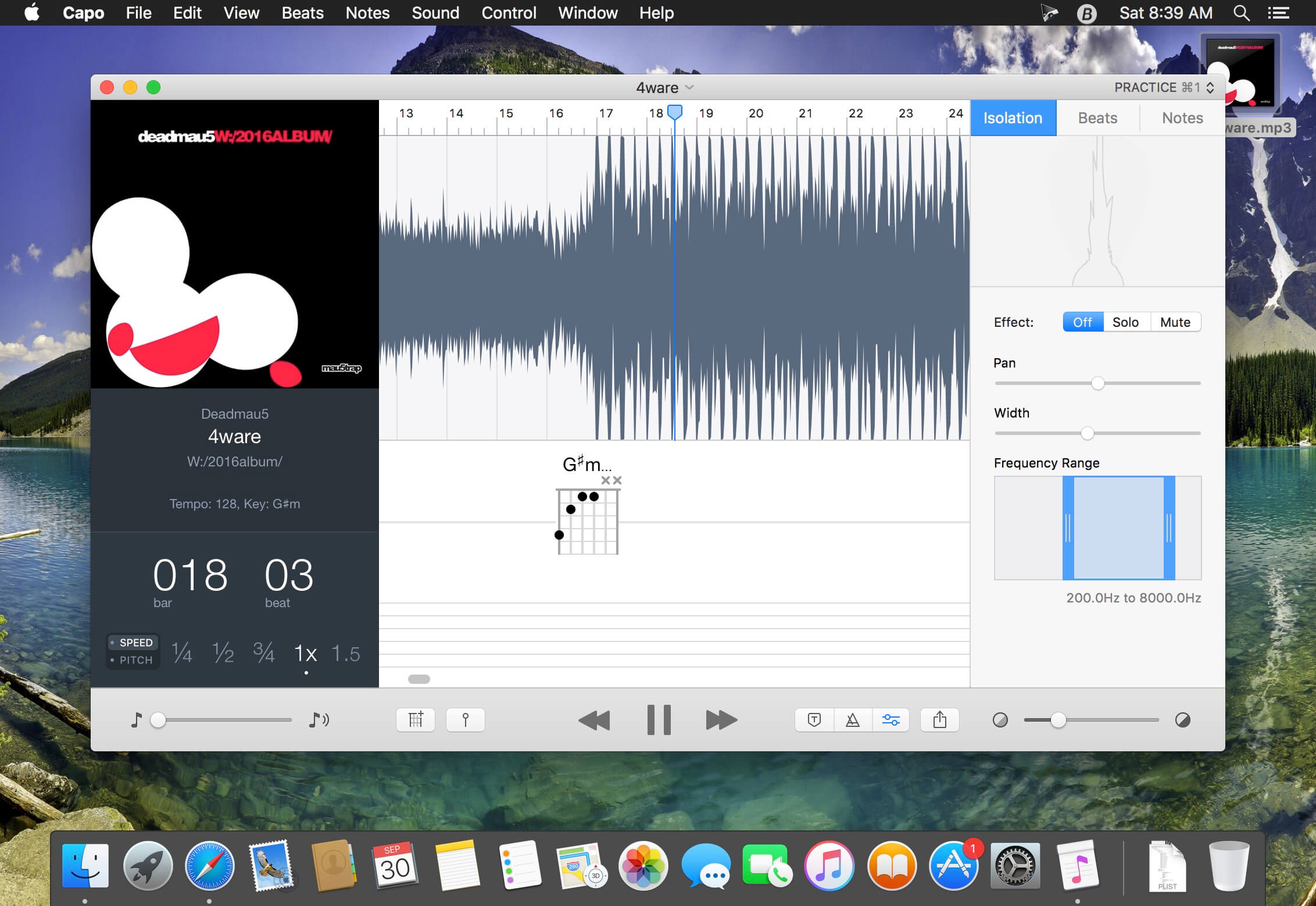
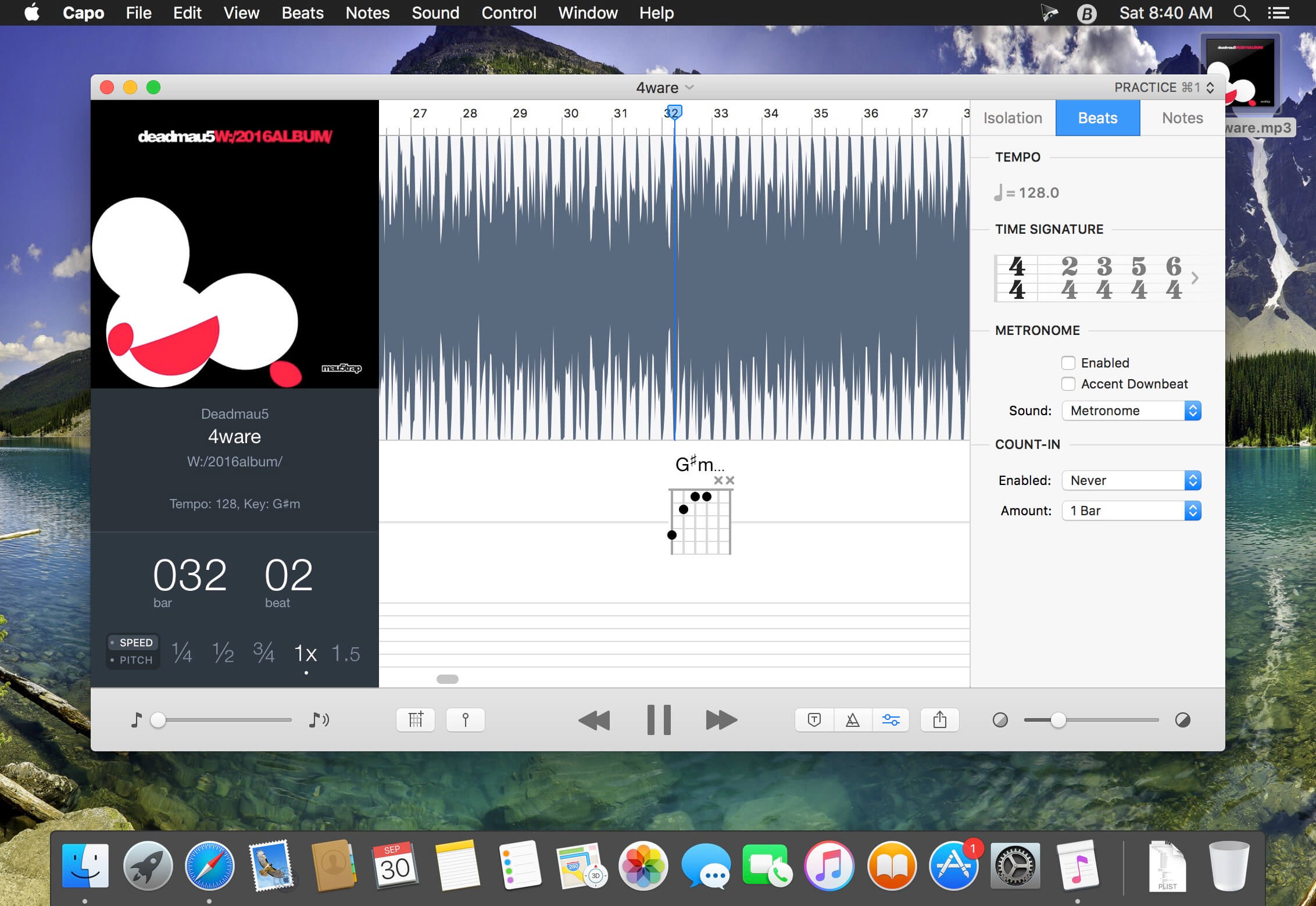
Capo lets you slow down your favorite songs so you can hear the notes and learn how they are played. With Capo, you can quickly tab out your songs atop a highly-detailed OpenCL-powered spectrogram display.
Features
- Detect, and enter chords
- Pitch adjustment
- Mark song sections
- Loop at slower speeds
- Export Capo-adjusted music
- Basic effects available
Version 3.8.1:
- Capo no longer crashes when opening Project windows for users that have always-visible scroll bars enabled on their Mac
Frequently asked questions
How do I install the app?
Mount the image, drag the app into the "Applications" folder and launch it. If the system blocks the launch, allow it in "System Settings → Privacy & Security".
The app is damaged or won't launch
Reinstalling from a fresh image usually helps. Make sure your macOS version matches the one listed in the compatibility specs.
How do I update?
Download the new version from the site and install it over the current one — your settings will be preserved.
The download link doesn't work
Try a mirror or a download manager. For large files the browser often drops the connection.
How do I completely remove the app?
Use an uninstaller utility — it cleans up the service files that remain after moving the app to the trash.
VersionCapo 3.8.1
DeveloperSuperMegaUltraGroovy, Inc.
CompatibilityOS X 10.11 or later, 64-bit processor
LanguageEnglish
IncludesK'ed by TNT



Information
Visitors in the group Guests cannot leave comments on this publication.
Choose a download source
Capo 3.8.1 · 29.1 MB
Previous versions
Capo 3.8.1
Previous versions are available to registered users.