
Integrity Pro 12.11.3
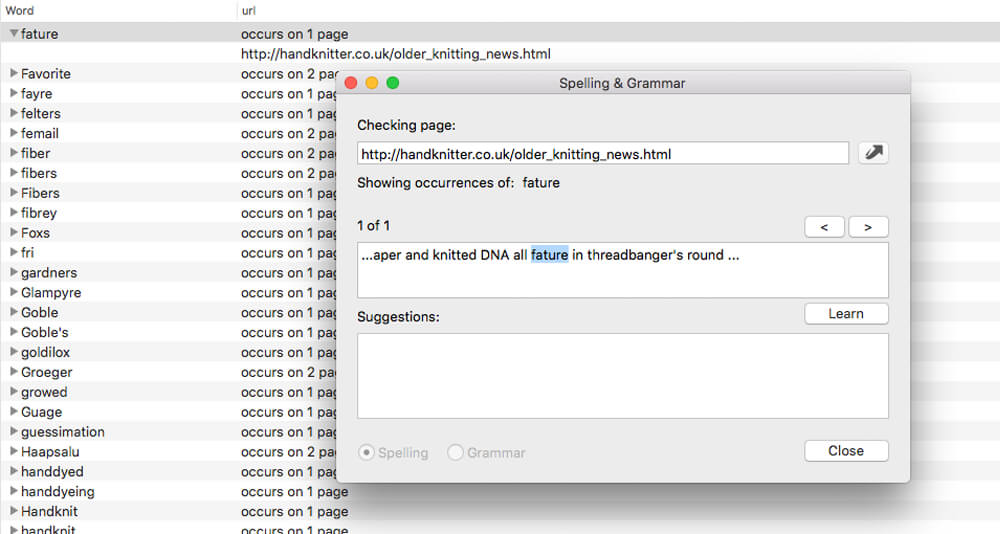
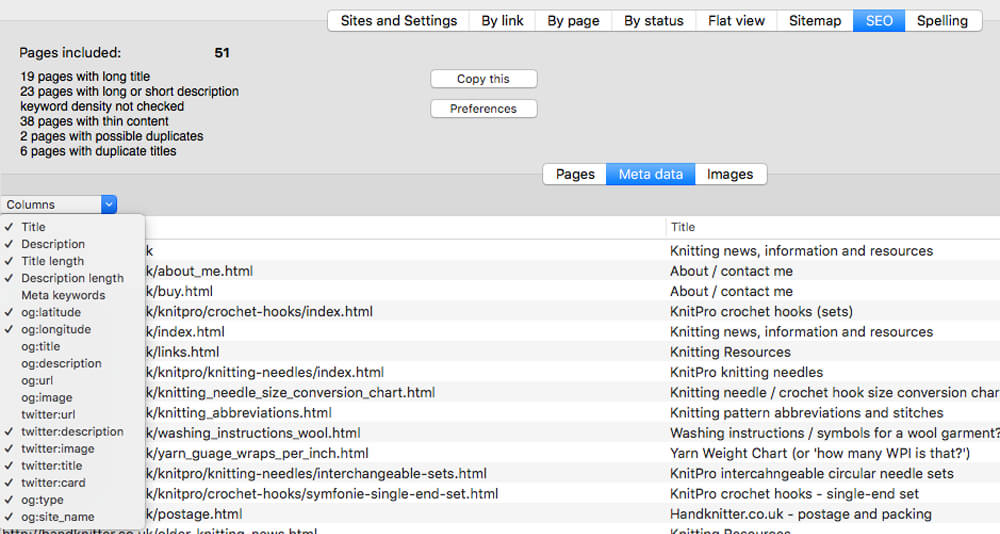
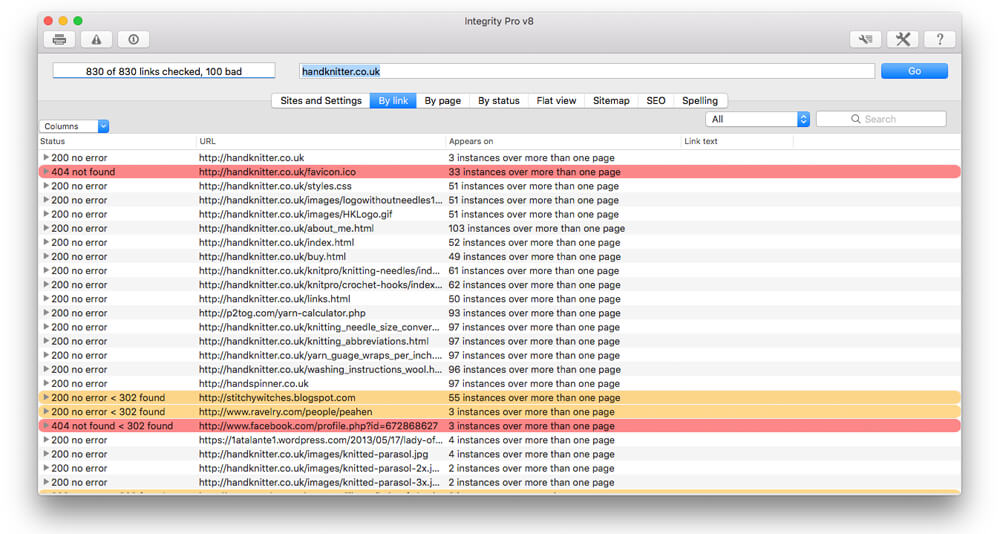
Integrity Pro builds on Integrity Plus. It has the new v10 crawling engine, it checks links and generates a sitemap with all the searching, filtering and exporting functionality of the Plus version. It adds SEO details and a sitewide spellcheck. It isn't intended to replace Scrutiny, but to be pitched between Integrity Plus and Scrutiny, a more affordable step for Integrity Plus users.
There will, of course, be an upgrade from Integrity Plus, but this early public beta is simply free until the stable version is released.
Version 12.12.0
- Now treats an invalid certificate as a bad link. A new option "accept invalid certificate and continue" on the Advanced tab may be checked if you're testing a website that doesn't yet have a certificate, or which you know is expired.
Now capable of finding lazy-loaded images or videos whose url exists within a data-src attribute of a div tag. The 'check for lazy load images' option must be on.
Frequently asked questions
How do I install the app?
Mount the image, drag the app into the "Applications" folder and launch it. If the system blocks the launch, allow it in "System Settings → Privacy & Security".
The app is damaged or won't launch
Reinstalling from a fresh image usually helps. Make sure your macOS version matches the one listed in the compatibility specs.
How do I update?
Download the new version from the site and install it over the current one — your settings will be preserved.
The download link doesn't work
Try a mirror or a download manager. For large files the browser often drops the connection.
How do I completely remove the app?
Use an uninstaller utility — it cleans up the service files that remain after moving the app to the trash.





Choose a download source
Integrity Pro 12.11.3 · 5.91 MB
Previous versions
Integrity Pro 12.11.3
Previous versions are available to registered users.