
Export Calendars Pro 1.10
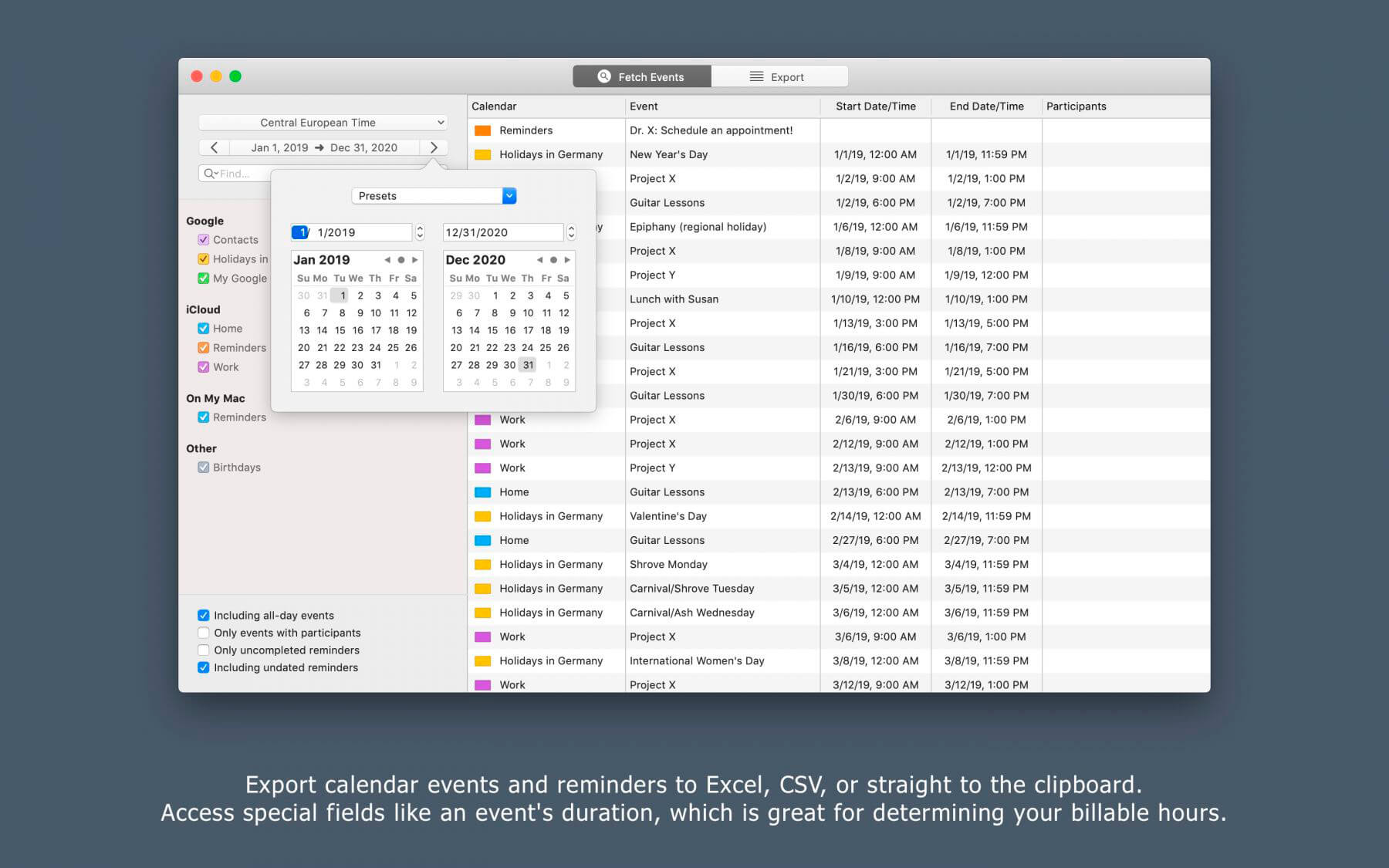
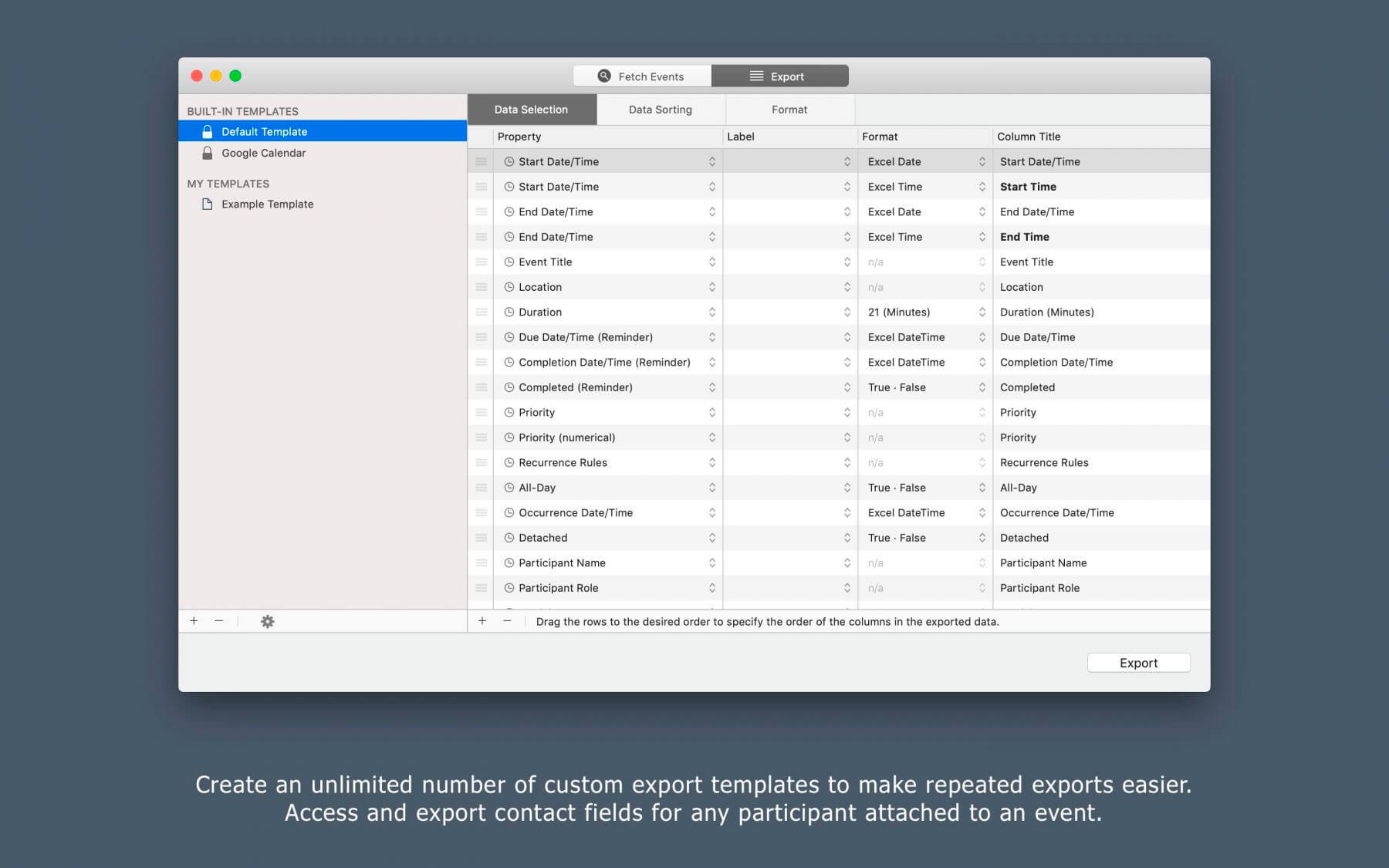
Export Calendars Pro will let you easily export events and reminders from your Mac's Calendar and Reminders apps to an Excel file, CSV file, tab-delimited text file or straight to the clipboard. But it's not just any export tool: It lets you export special fields like an event's duration, which is great for determining your billable hours. It also lets you export any contact property for any participant for an event from your Address Book.
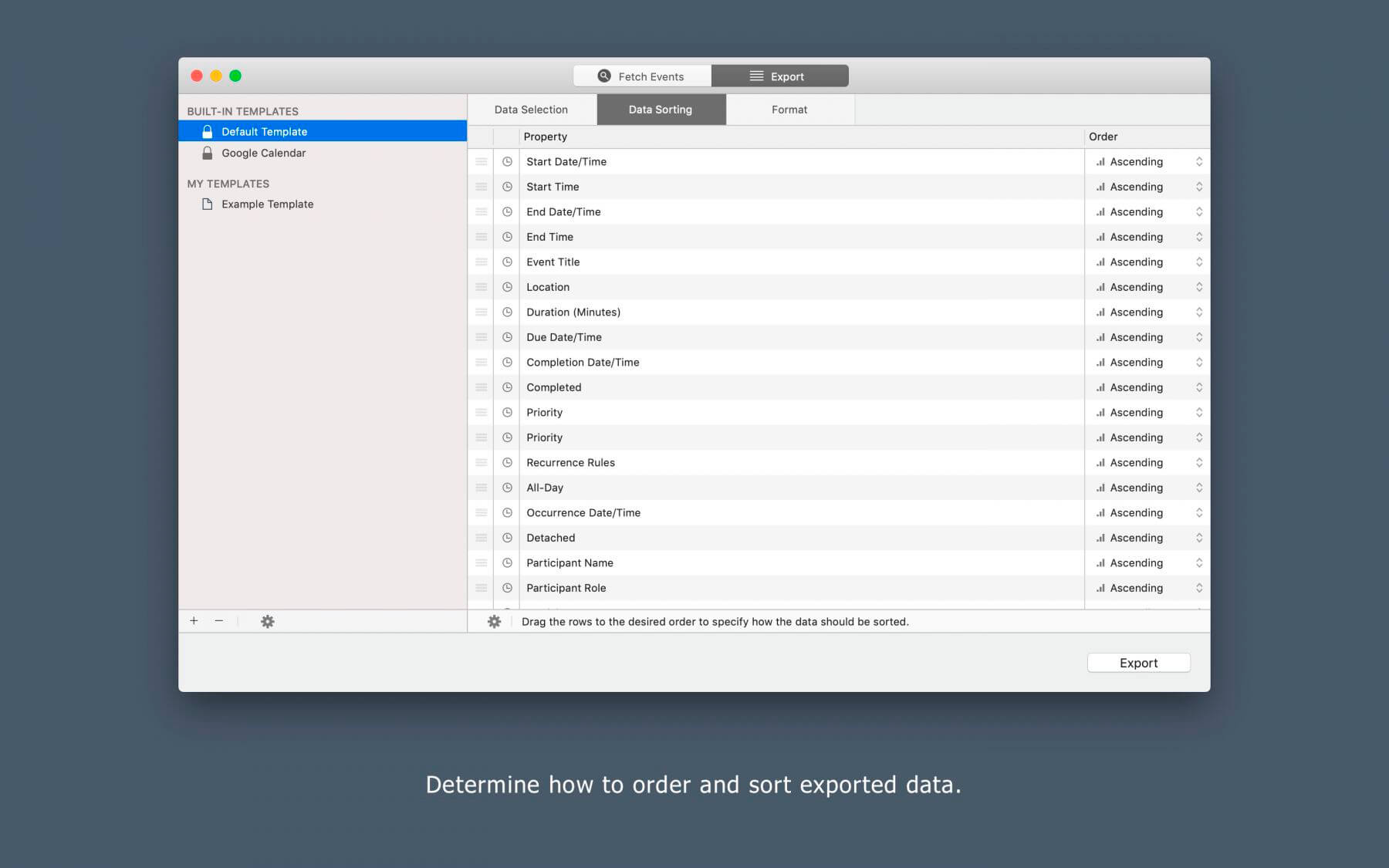
The app is capable of organizing multiple export setups in reusable templates to make repeated exports easier. An export template remembers the fields that were selected for the export, in which order they were arranged, the data sorting options, and the selected export format.
This makes Export Calendars Pro the perfect addition to your workflow: Manage appointments with your clients in an iCloud calendar on your Mac, iPhone or iPad, export them with Export Calendars Pro and import them into your accounting program.
GET YOUR EXPORT IN 3 EASY STEPS
- Select a time frame for the export. Use one of the provided presets or set custom dates.
- Select the calendars as well as the fields you want to export and determine the order of the exported data.
- Select the export format: Excel Workbook (.xlsx), CSV or tab-delimited. Select the preset the app offers or create (and save!) your own.
Version 1.10:
- Added support for macOS 11 Big Sur
- Added support for Macs with Apple Silicon processor
- New export Field “Participants List”: Generates a comma-separated list of all participants. Can be filtered by status, role and type.
Frequently asked questions
How do I install the app?
Mount the image, drag the app into the "Applications" folder and launch it. If the system blocks the launch, allow it in "System Settings → Privacy & Security".
The app is damaged or won't launch
Reinstalling from a fresh image usually helps. Make sure your macOS version matches the one listed in the compatibility specs.
How do I update?
Download the new version from the site and install it over the current one — your settings will be preserved.
The download link doesn't work
Try a mirror or a download manager. For large files the browser often drops the connection.
How do I completely remove the app?
Use an uninstaller utility — it cleans up the service files that remain after moving the app to the trash.
VersionExport Calendars Pro 1.10
DeveloperStefan Keller
CompatibilityOS X 10.10 or later, 64-bit processor
LanguageEnglish, German
IncludesK'ed by TNT





Information
Visitors in the group Guests cannot leave comments on this publication.
Choose a download source
Export Calendars Pro 1.10 · 5.03 MB