CalendarPro for Google 3.6
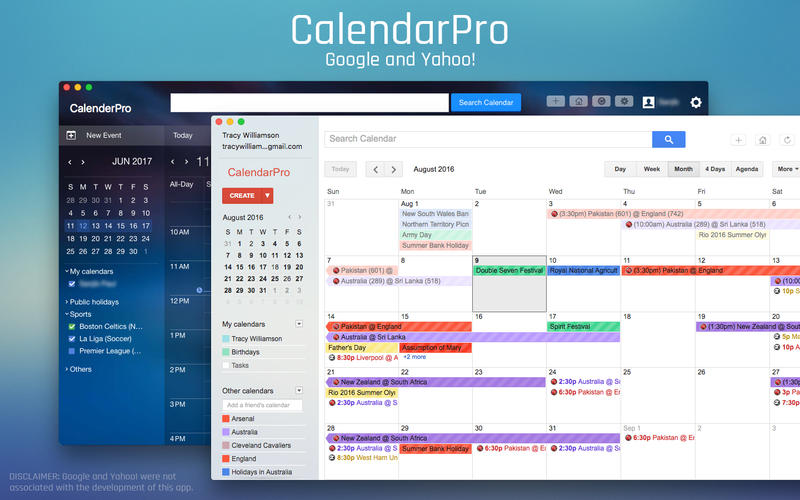
Organizing has never been this easy!!
Calendar Pro for Google is a Google calendar app with intuitive design. Now, it's so easy to get every event organized. It has a simple and neat look and is accessible, highly responsive and reliable.
App highlights:
- Quick Access to Google Calendar.
- Fast and responsive.
- Add multiple Google Accounts and access different calendars in different windows.
- Open multiple windows for different accounts.
- Get alert directly into Notification Center for upcoming events.
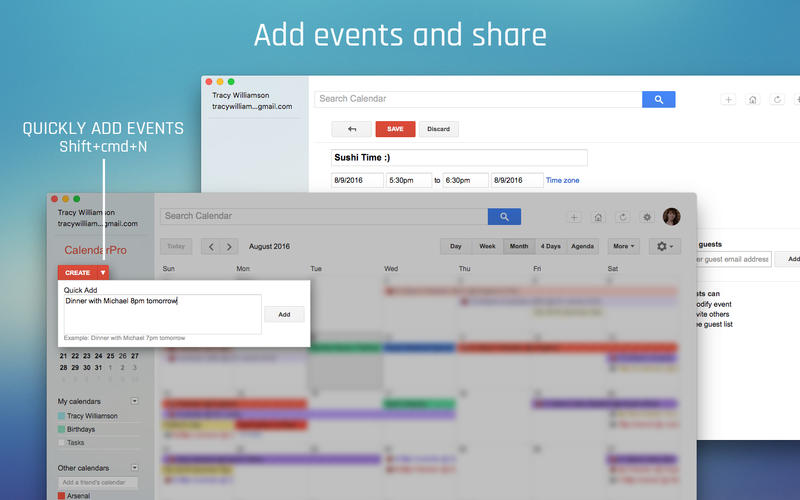
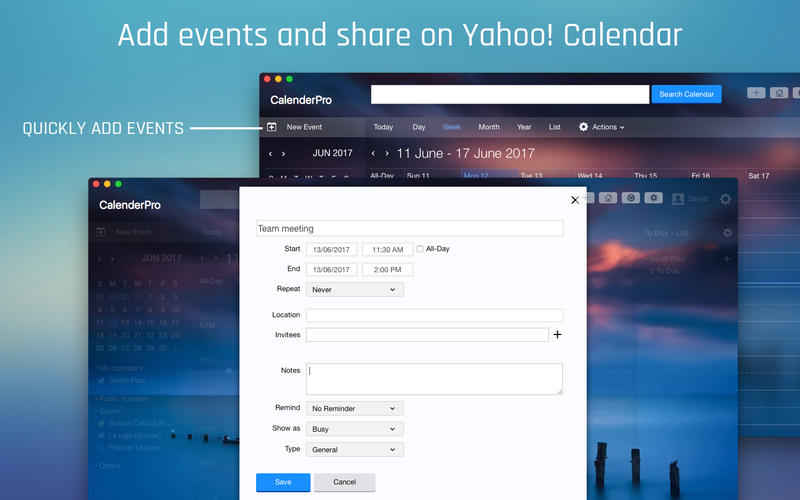
- Very easy to add events or appointments and share.
- Fullscreen mode.
- Hot Key to open app faster.
- Keyboard shortcuts for New window (Command + N) and Reload calendar (Command + R).
- Print Calendars easily.
- Search Bar to find events quickly.
Version 3.6:
- UI issues fixed, reported by the user.Improved Version.
Frequently asked questions
How do I install the app?
Mount the image, drag the app into the "Applications" folder and launch it. If the system blocks the launch, allow it in "System Settings → Privacy & Security".
The app is damaged or won't launch
Reinstalling from a fresh image usually helps. Make sure your macOS version matches the one listed in the compatibility specs.
How do I update?
Download the new version from the site and install it over the current one — your settings will be preserved.
The download link doesn't work
Try a mirror or a download manager. For large files the browser often drops the connection.
How do I completely remove the app?
Use an uninstaller utility — it cleans up the service files that remain after moving the app to the trash.
VersionCalendarPro for Google 3.6
DeveloperJudhajit Ray © AppEase
CompatibilityOS X 10.6 or later, 64-bit processor
LanguageEnglish
IncludesK'ed by TNT





Information
Visitors in the group Guests cannot leave comments on this publication.
Choose a download source
CalendarPro for Google 3.6 · 4.14 MB
Previous versions
CalendarPro for Google 3.6
Previous versions are available to registered users.