Aiseesoft HEIC Converter 1.0.50
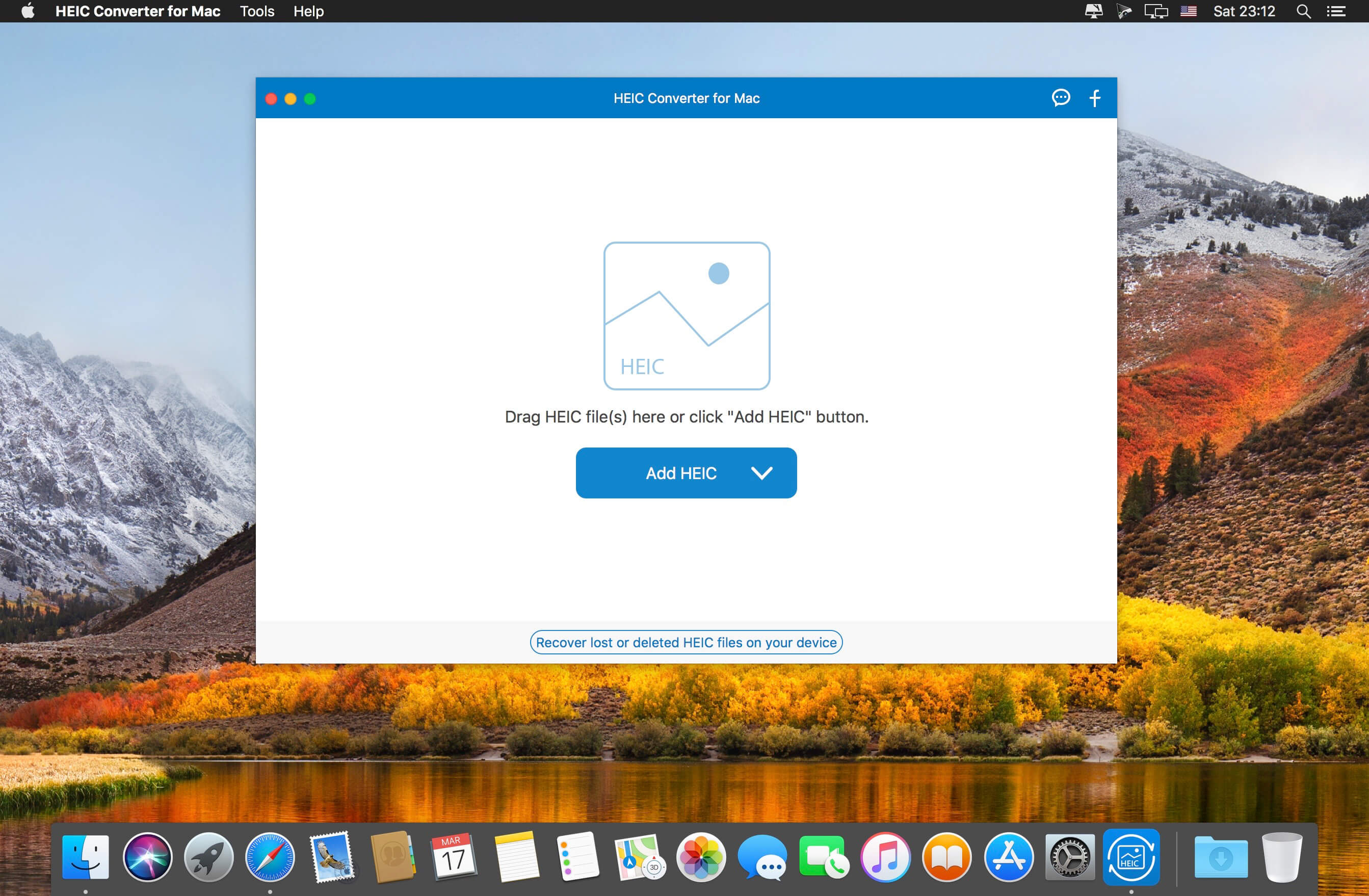
To select a handy converting program for Mac, Aiseesoft HEIC Converter can be regarded as a good choice. It provides one-click solutions to convert HEIC images to JPG or PNG in no time. Any HEIC photos from your iDevice, including iPhone, iPad, iPod, can be imported to conversion list.
Taking the case that you shoot a large number of HEIC pictures into consideration, it also facilitates you to convert all iOS 11 photos in batch rather than finish conversion process one by one for a long time. Besides, supposing you have idea on adjusting quality to a designated value, Aiseesoft HEIC Converter gives availability to it.
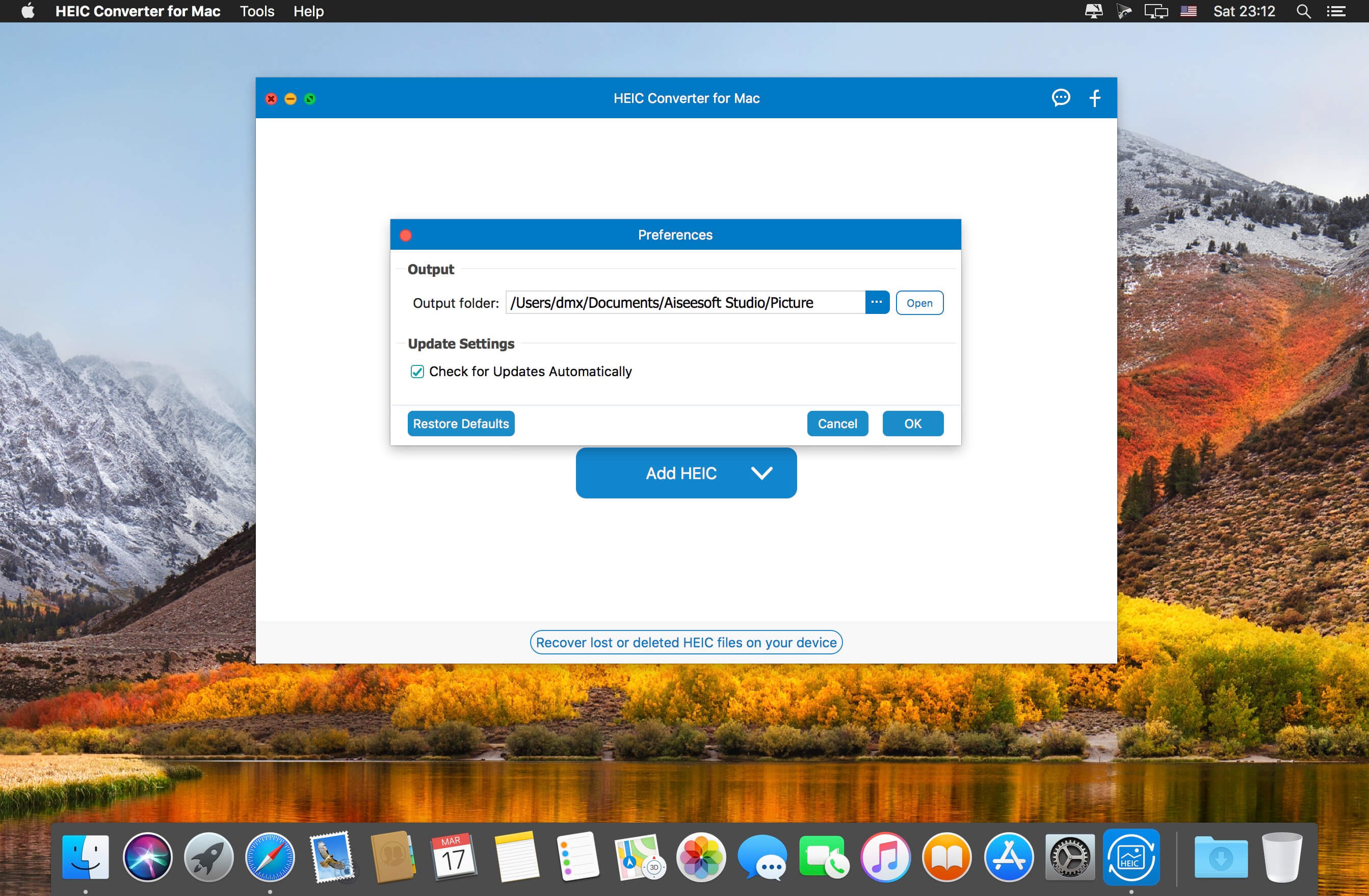
Moreover, to fit for different users' preferences, it is well designed with two accessible methods to add files. One is hitting the "Add HEIC" button while the other is dragging HEIC image(s) to the main interface. With the purpose of keeping zero loss of data, it has ability to keep EXIF information. Safely, it enables you to carry out the whole conversion process with fast speed locally. That is to say, all converted images are saved in your computer. You have right to change the storage path and create a specific folder to save files. There will be 10 HEIC images to be converted with no cost, meaning you can make full use of this opportunity to have a try.
- Support output formats: JPG and PNG
- Be compatible well with Mac OS
- Have access to batch conversion
- Permit quality-adjusting at your own will
- Convert HEIC images in fast and safe way
Frequently asked questions
How do I install the app?
Mount the image, drag the app into the "Applications" folder and launch it. If the system blocks the launch, allow it in "System Settings → Privacy & Security".
The app is damaged or won't launch
Reinstalling from a fresh image usually helps. Make sure your macOS version matches the one listed in the compatibility specs.
How do I update?
Download the new version from the site and install it over the current one — your settings will be preserved.
The download link doesn't work
Try a mirror or a download manager. For large files the browser often drops the connection.
How do I completely remove the app?
Use an uninstaller utility — it cleans up the service files that remain after moving the app to the trash.



Choose a download source
Aiseesoft HEIC Converter 1.0.50 · 20.87 MB