

Joyoshare HEIC Converter 2.0.0
Screenshots
Click to enlarge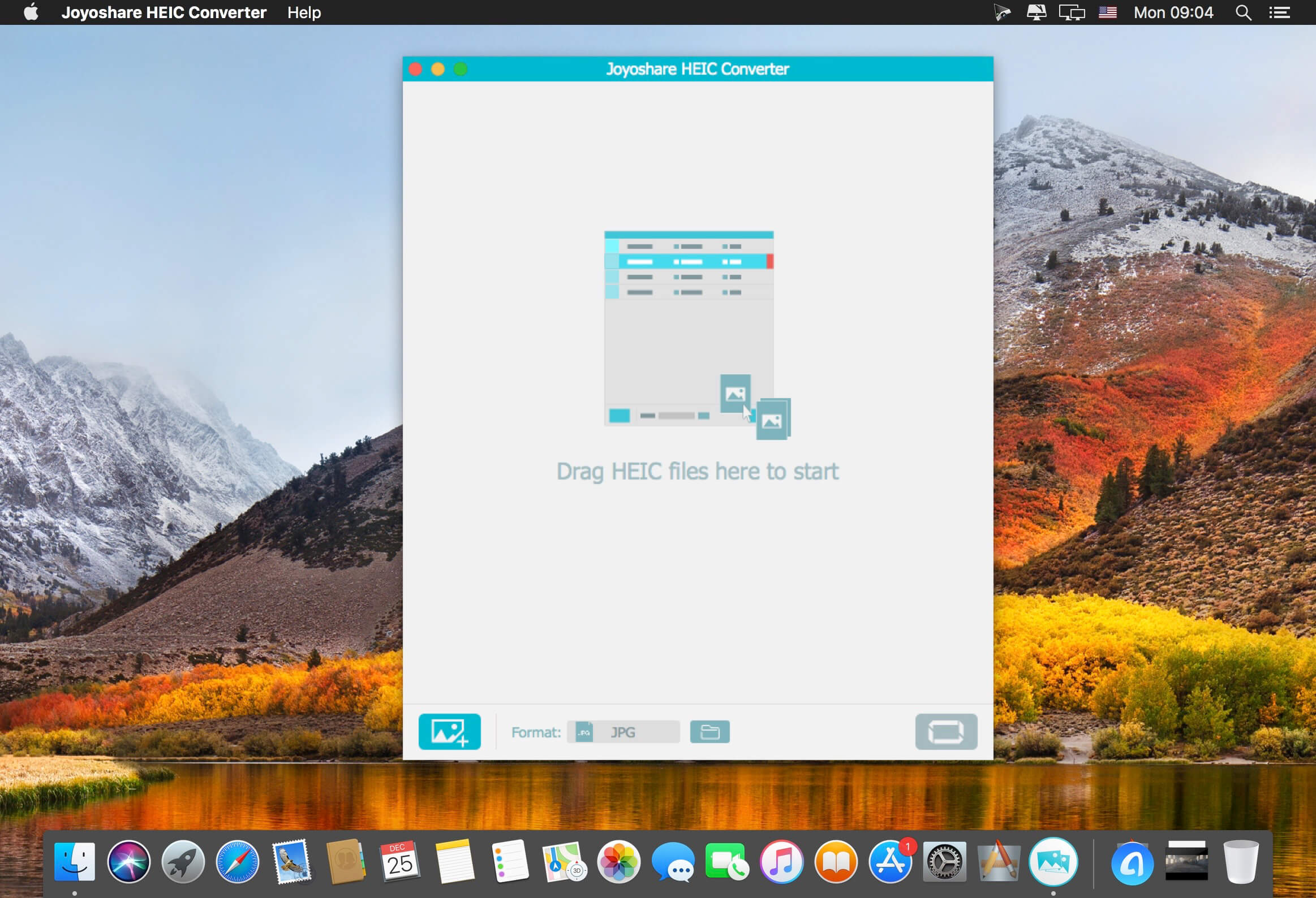
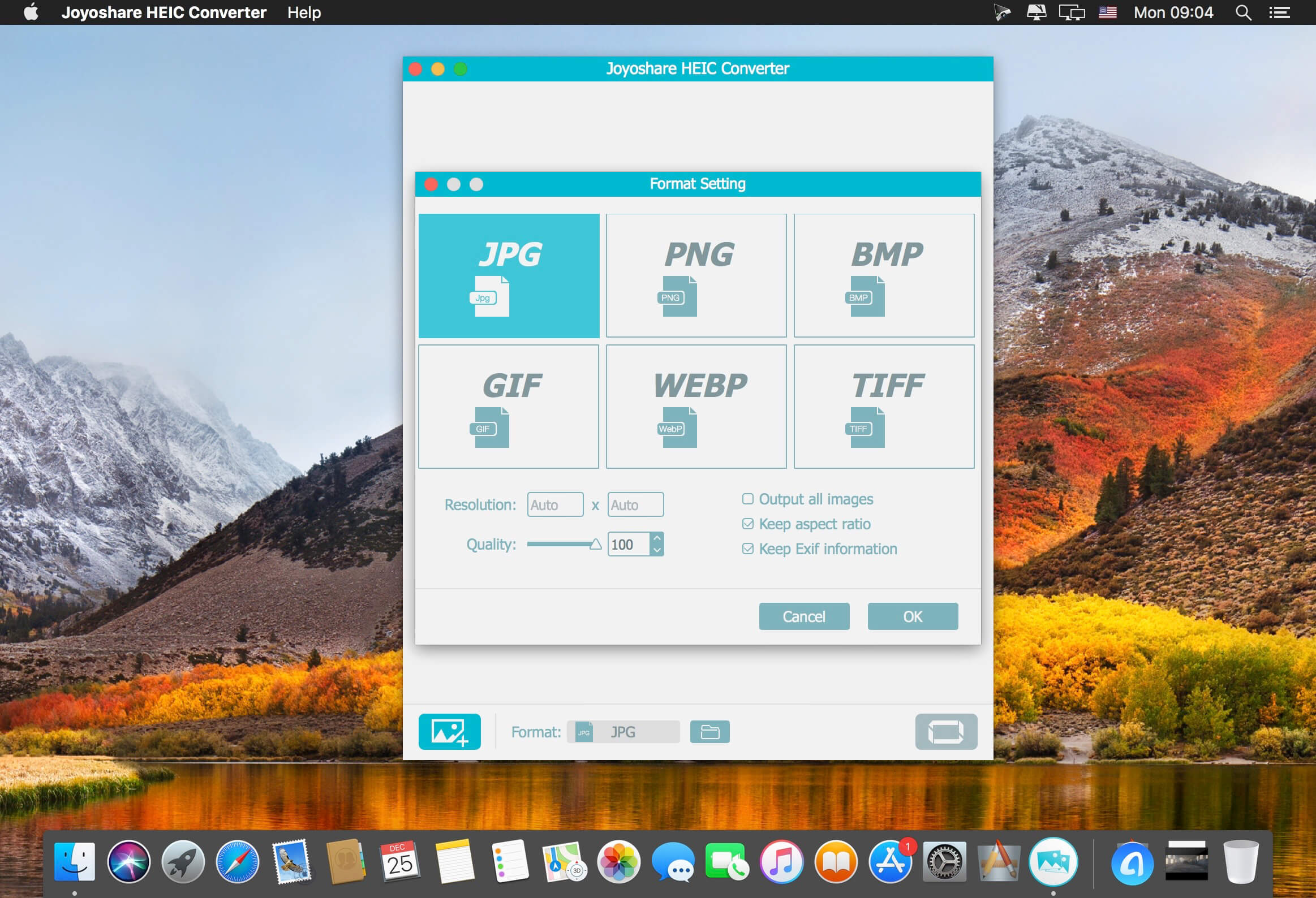
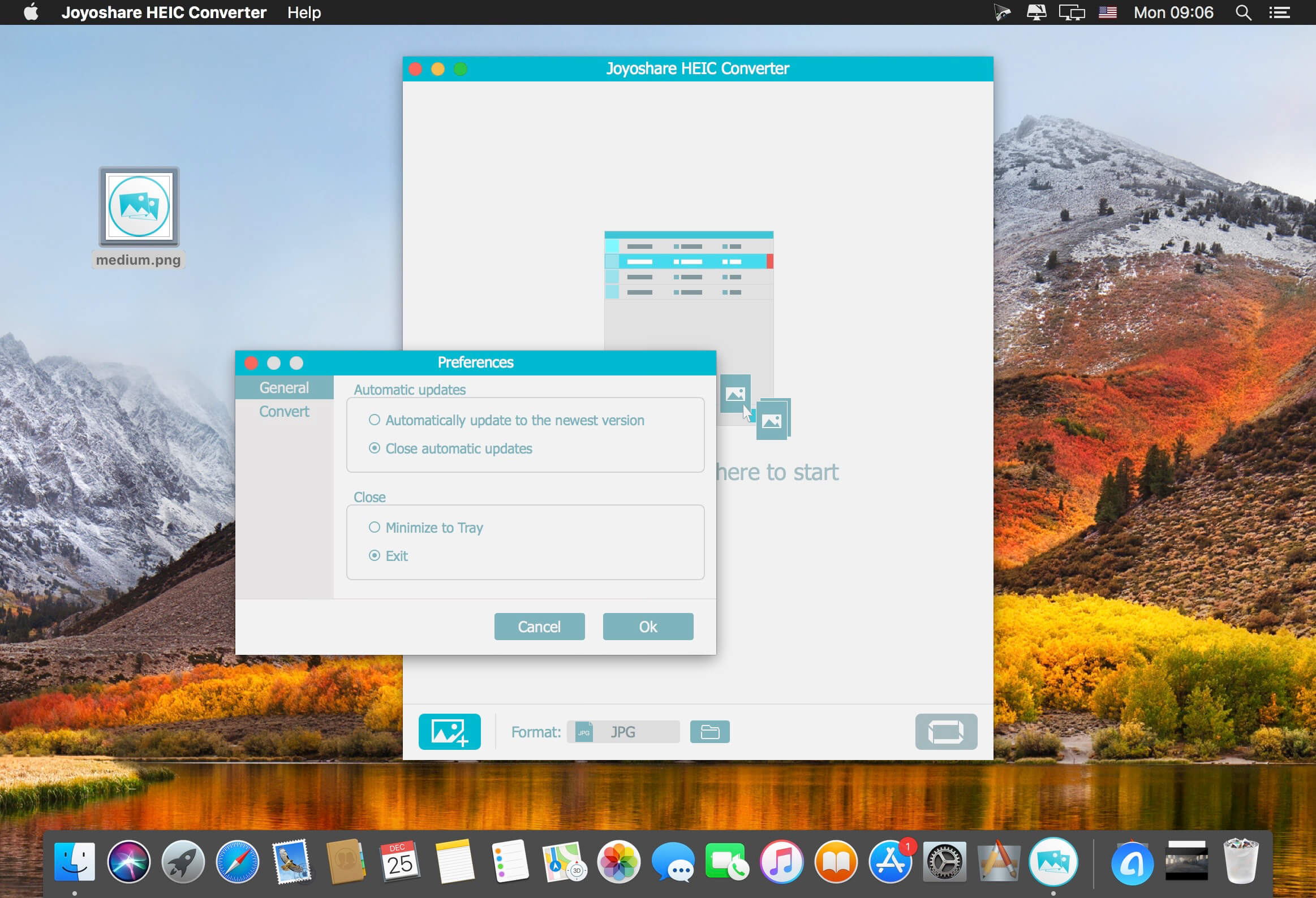
Joyoshare HEIC Converter is able to convert HEIC photos from iOS 11 and macOS High Sierra to common formats such as: JPEG, PNG, GIF, TIFF, BMP, WEBP, etc. With an easy-to-operate interface, you can convert a single HEIC image or mutliple photos in bulk. With Joyoshare HEIC Converter, converting HEIC to JPG, PNG, and other formats is easy and only a click away. It will keep the EXIF data of the HEIC photos after conversion without damage in quality. You are also provided with flexible options to adjust picture quality with ease.
Features:
- Best HEIC to JPG, HEIC to PNG converter
- Convert iOS HIEC images to JPEG, PNG, GIF, BMP, WEBP, and TIFF
- Keep EXIF info and zero quality loss
- Support converting HEIF photos in single and batch modes
- Edit picture quality, resolution, ratio, colors, etc
- Convert HEIC to JPG, PNG, GIF in seconds
Version 2.0.0:
- Release notes were unavailable when this listing was updated.
Comments
No comments yet. Be the first.
Information
Visitors in the group Guests cannot leave comments on this publication.