
SimpleImage 6.3.1
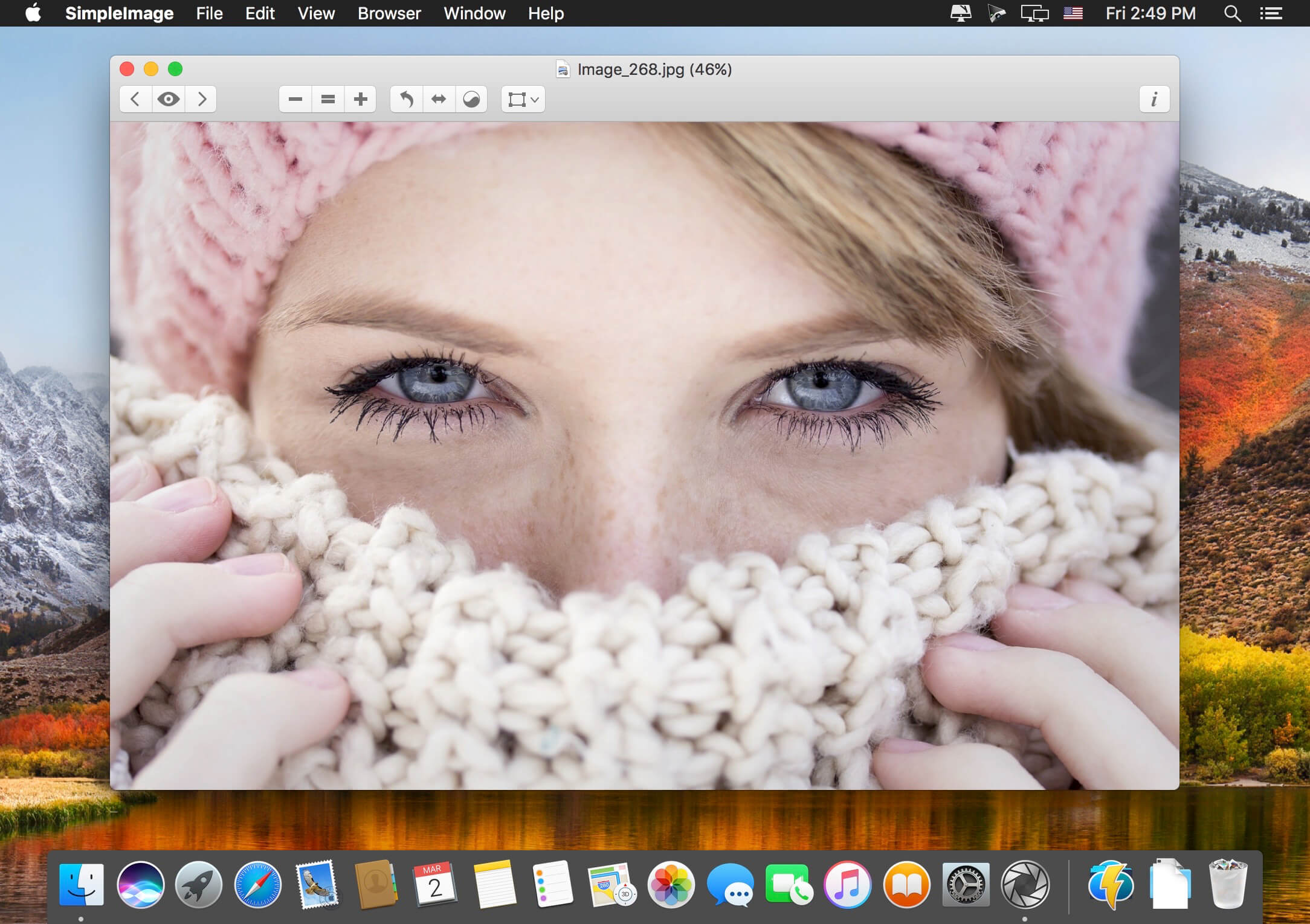

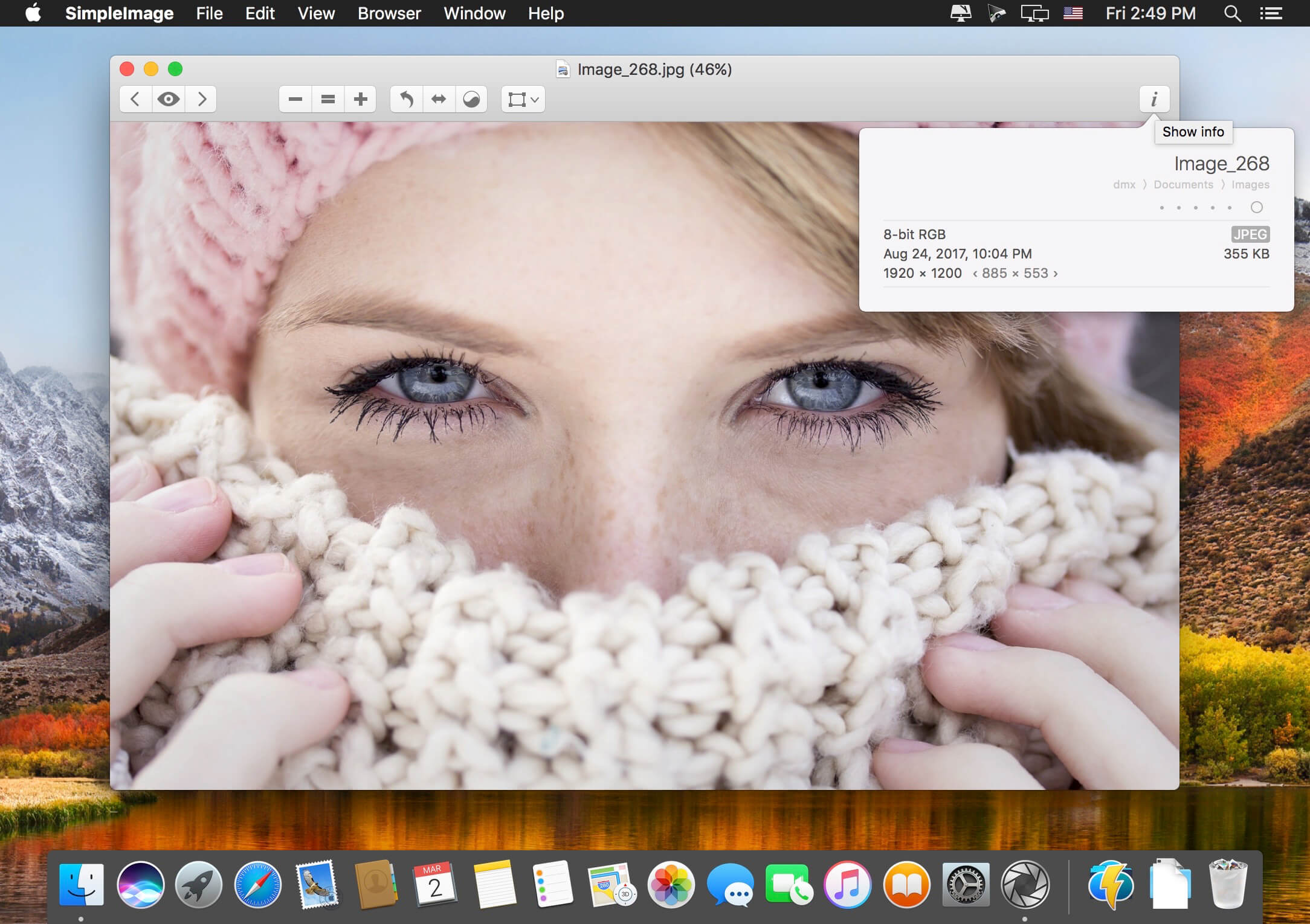
SimpleImage is a full-featured media viewing, cataloging and slide show application, updated to take full advantage of macOS.
View
View all the most common kinds of images & movies in a single app and display them in slideshows.
Catalogue
Catalogue your images & movies with browsers and restore windows just the way you left them with snapshots.
Retrieve
Retrieve files easily with searchable thumbnails of as many as the last 1,000 items you've viewed.
Correct
Correct your images by applying sophisticated, non-destructive adjustments and effects to them.
Print images with automatic cropping and selection tools tailored to match common photo paper sizes.
Export
Export in a variety of formats and preview image compression options when preparing images for the Web.
Version 6.3
- Support for dark mode in macOS Mojave
- New look for image and movie metadata in browsers
- Better performance and smoother scrolling in browsers
- Many other small fixes and improvements
Frequently asked questions
How do I install the app?
Mount the image, drag the app into the "Applications" folder and launch it. If the system blocks the launch, allow it in "System Settings → Privacy & Security".
The app is damaged or won't launch
Reinstalling from a fresh image usually helps. Make sure your macOS version matches the one listed in the compatibility specs.
How do I update?
Download the new version from the site and install it over the current one — your settings will be preserved.
The download link doesn't work
Try a mirror or a download manager. For large files the browser often drops the connection.
How do I completely remove the app?
Use an uninstaller utility — it cleans up the service files that remain after moving the app to the trash.
VersionSimpleImage 6.3.1
DeveloperChris Wood
CompatibilitymacOS 10.9 or later, 64-bit processor
LanguageEnglish
IncludesSerial (block outbound connections)




Information
Visitors in the group Guests cannot leave comments on this publication.
Choose a download source
SimpleImage 6.3.1 · 36.49 MB
Previous versions
SimpleImage 6.3.1
Previous versions are available to registered users.