
Peep 2.3.3
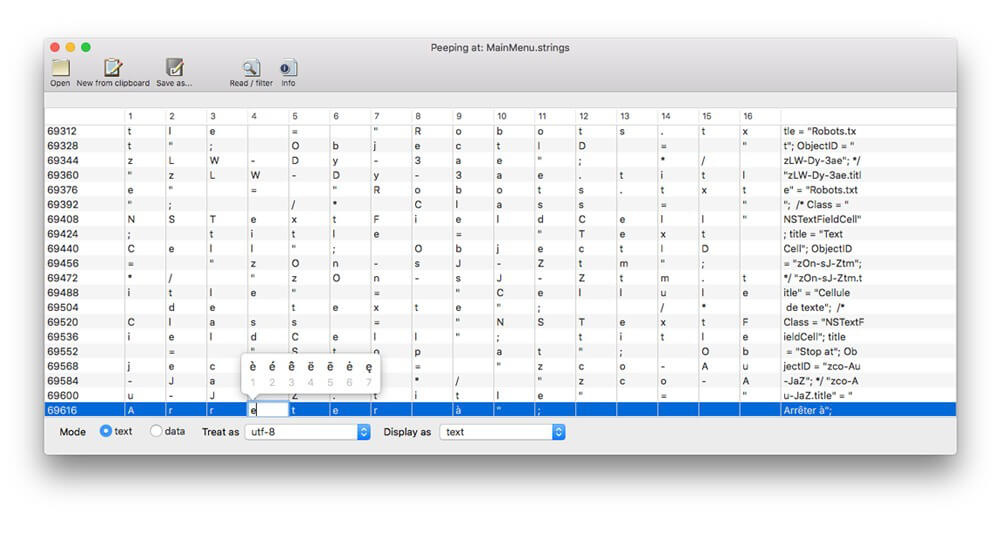

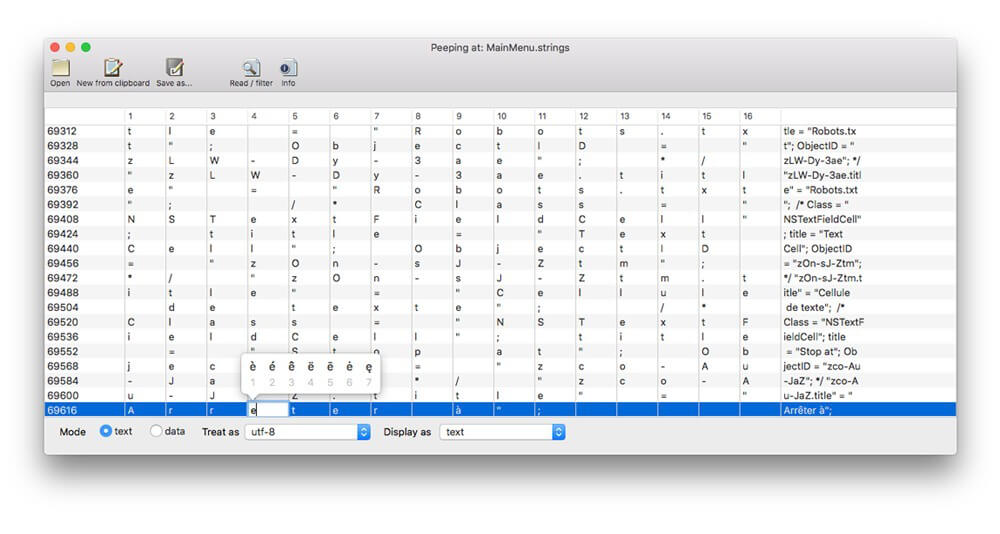
Peep is a file-viewing and text-encoding utility which is useful when programming, when experiencing text encoding problems, or when you need to extract information from a file that you can't open otherwise.
Its data-extraction functionality allows you to view files in a 'hexeditor' style; it's not intended to be an editor, but rather to inspect, access, or sort out encoding problems. It lets you:
- View any file in detail, view / save in any text encoding
- Displays each byte as data (decimal or hex notation) or as text
- Can take text directly from the clipboard
- Try different text encodings to find the correct one or the best fit
- Attempts to filter the text from a proprietary format
- Saves a text file using the same or another encoding
Version 2.3.2:
- Small fix - when 'New from clipboard' is used, Window title now correctly reads "text from clipboard" rather than the name of the last file opened
- Small fix - after 'New from clipboard' is used, the 'Show Info' button now correctly does nothing
Frequently asked questions
How do I install the app?
Mount the image, drag the app into the "Applications" folder and launch it. If the system blocks the launch, allow it in "System Settings → Privacy & Security".
The app is damaged or won't launch
Reinstalling from a fresh image usually helps. Make sure your macOS version matches the one listed in the compatibility specs.
How do I update?
Download the new version from the site and install it over the current one — your settings will be preserved.
The download link doesn't work
Try a mirror or a download manager. For large files the browser often drops the connection.
How do I completely remove the app?
Use an uninstaller utility — it cleans up the service files that remain after moving the app to the trash.
VersionPeep 2.3.2
DeveloperPeacockmedia
CompatibilityOS X 10.11 or later 64 bit
LanguageEnglish
IncludesK'ed by TNT




Information
Visitors in the group Guests cannot leave comments on this publication.
Choose a download source
Peep 2.3.3 · 6.05 MB