

Placeholder Wizard 1.2
Screenshots
Click to enlarge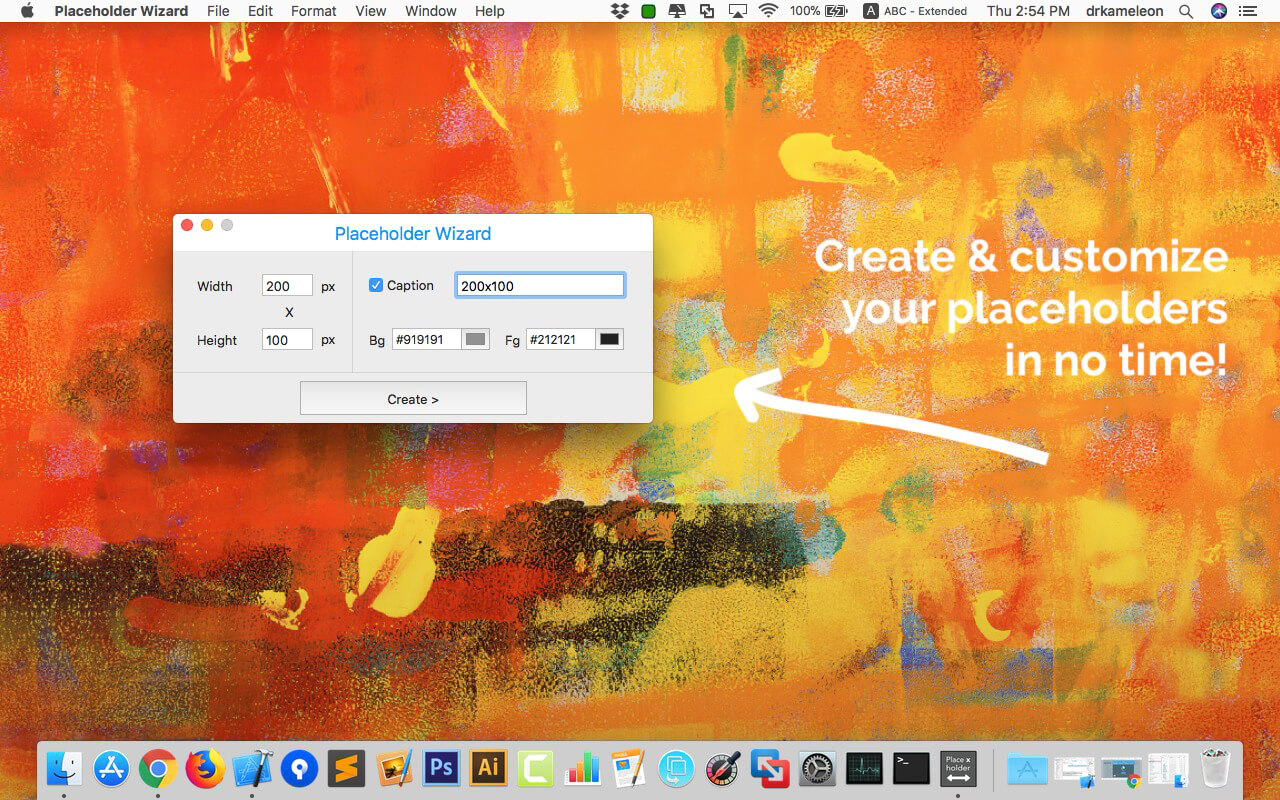
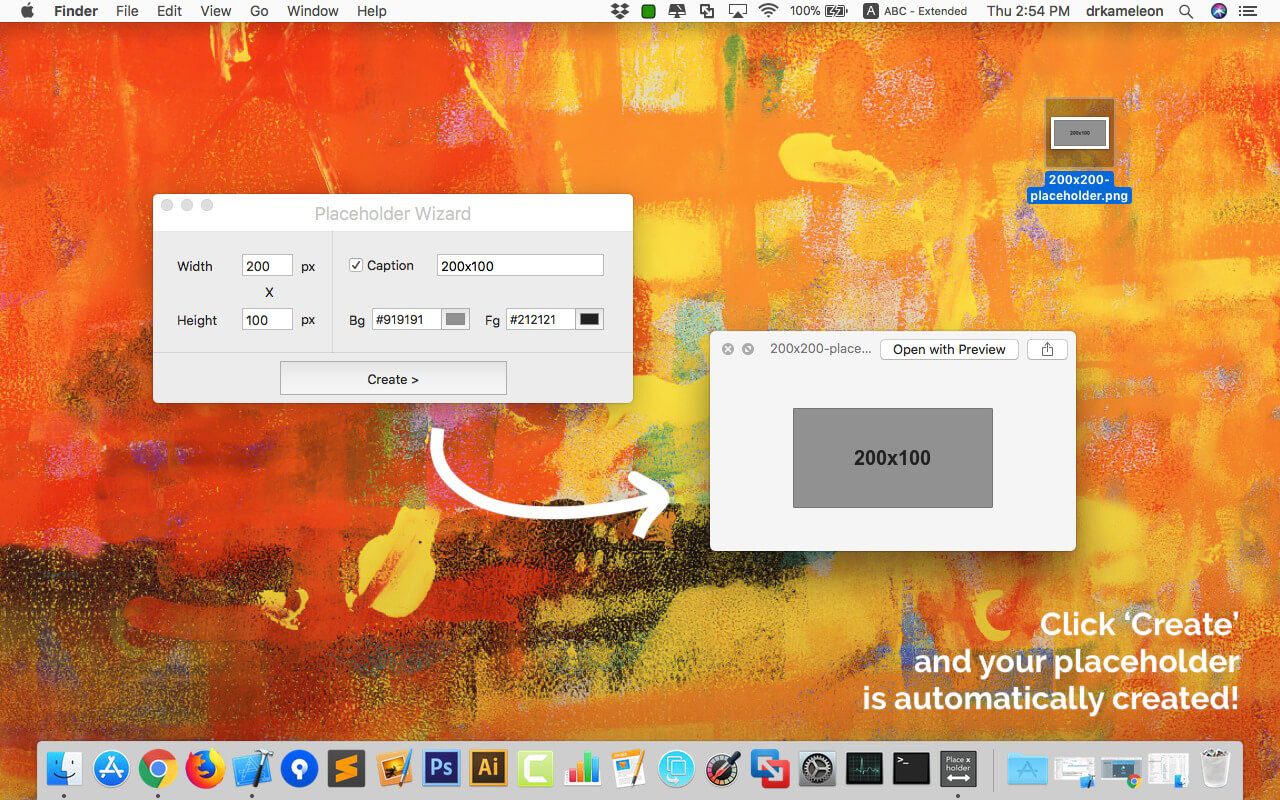
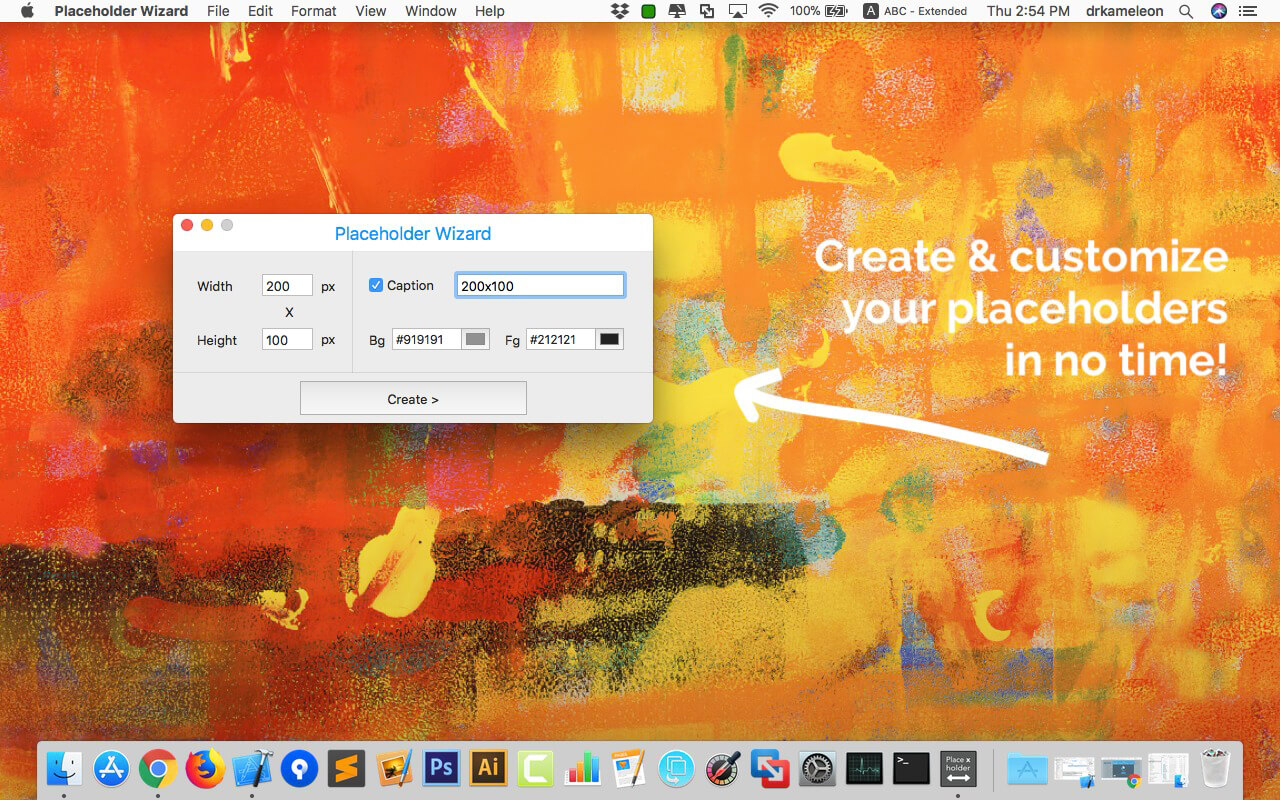
Placeholder Wizard is a placeholder/banner creator for your Mac! It's super-easy to use and has an intuitive interface. Just set the details (dimensions, colors) and caption, and generate the resulting PNG file with a single click -- no muss no fuss!
Are you a designer? Are you developing a website and want to attract attention? Want to sell some ad space on your website but are tired of having to manually create every single placeholder yourself? Want to stop wasting time? Then Placeholder Wizard is for you!
Version 1.2:
- New user interface
- More options
- Minor enhancements
- Updated for macOS 10.13 High Sierra
Comments
No comments yet. Be the first.
Information
Visitors in the group Guests cannot leave comments on this publication.