Disk Space Analyzer 2.4

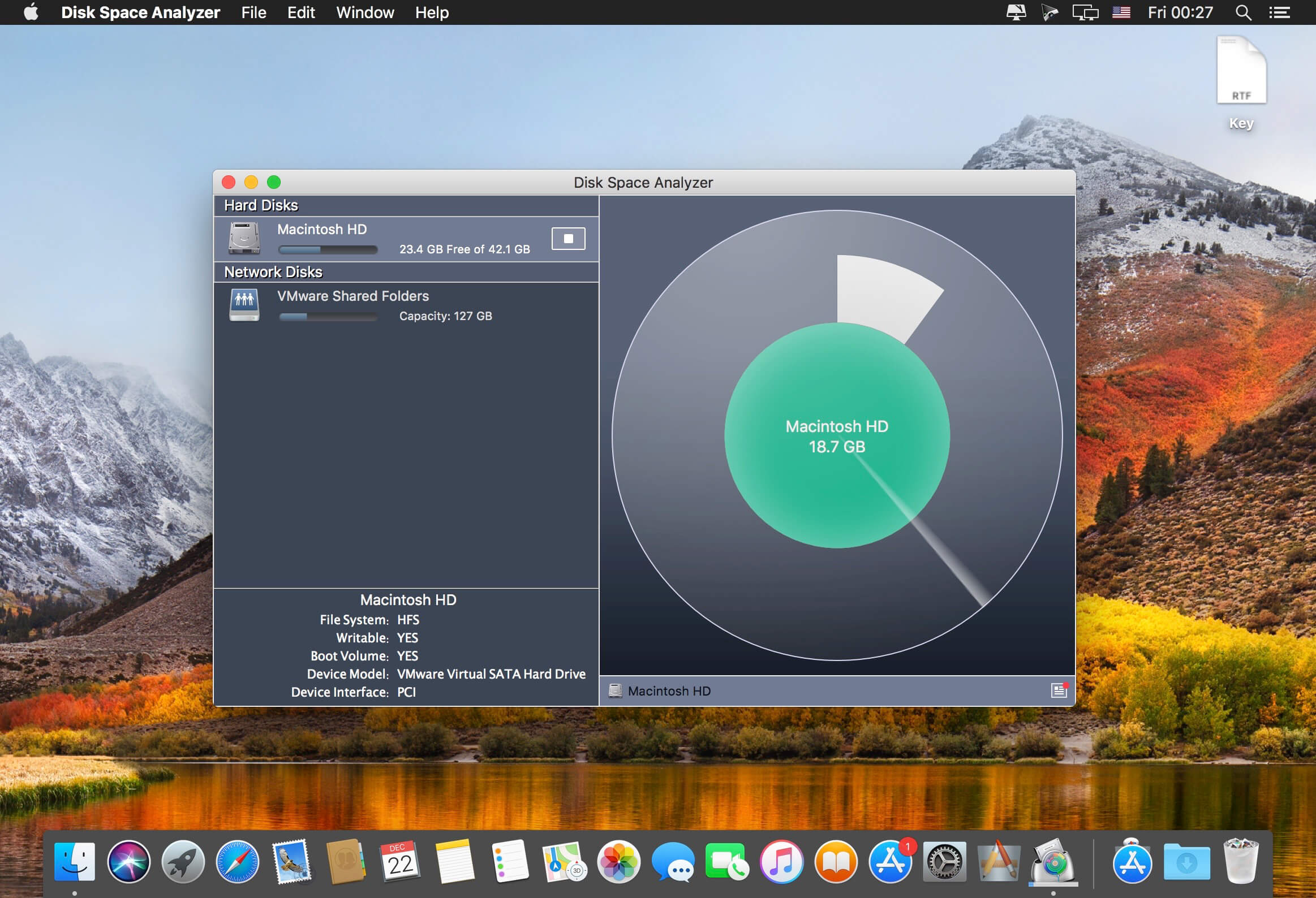
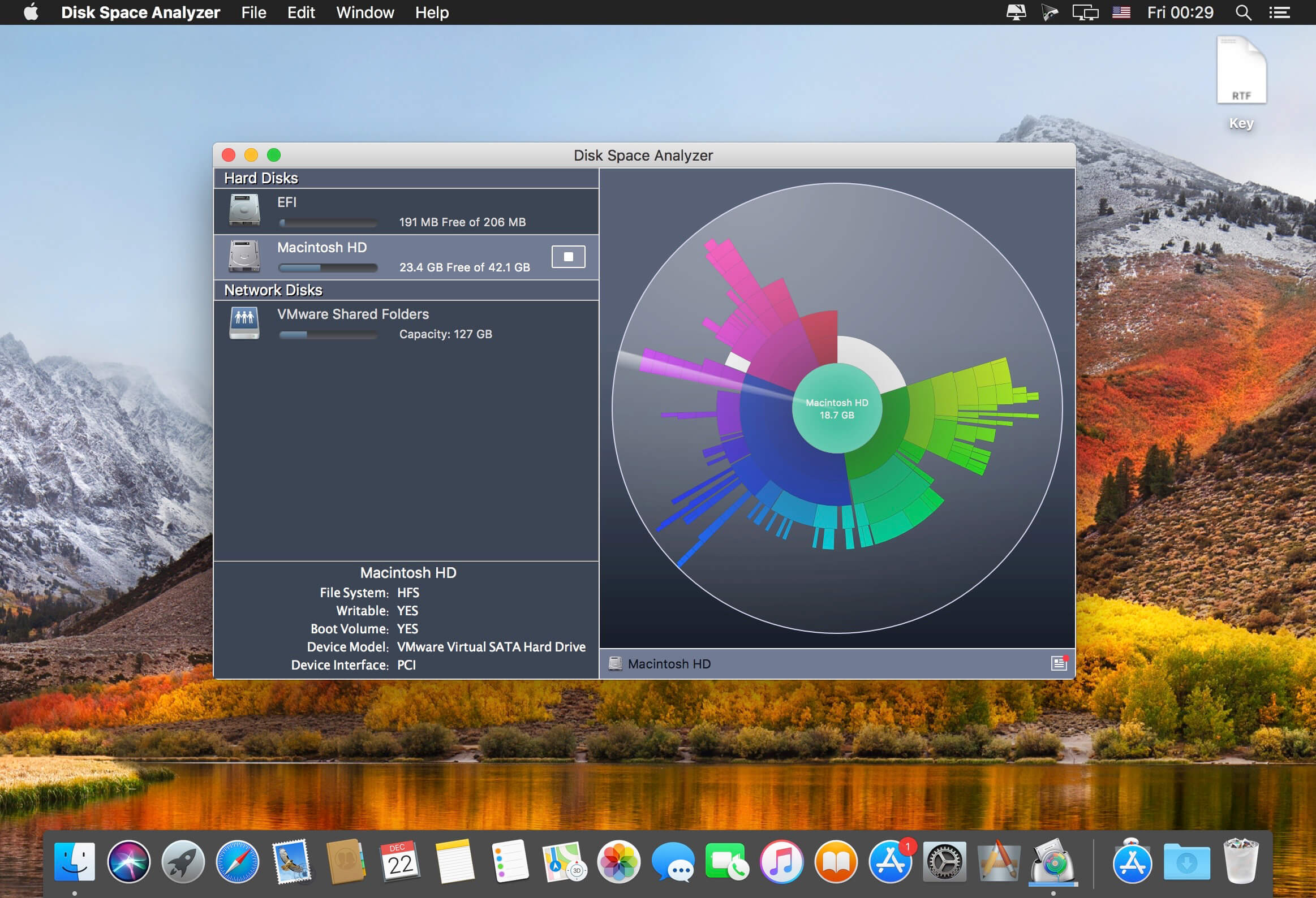
Disk Space Analyzer is the best tool to find out what is taking up your Hard Drive space. It is a disk visualizer, which shows each folder size on a sunburst disk chart. When your startup disk is almost full and you need to quickly free up space on Mac, the disk storage analyzer will help you to view the drive usage map, find the largest folders and remove the old unneeded data.
The disk scanner will visualize hard drive space as sectors and subsectors on a sunburst diagram, and the folders will be filled in different colors to simplify recognition. Size of sectors are calculated respectively to total disk size. Every folder could be navigated the same manner as a drive’s root. So without any additional efforts you can get clues to the biggest “space eaters”.
Version 2.4:
- Improved and optimized for macOS 10.13 High Sierra
Frequently asked questions
How do I install the app?
Mount the image, drag the app into the "Applications" folder and launch it. If the system blocks the launch, allow it in "System Settings → Privacy & Security".
The app is damaged or won't launch
Reinstalling from a fresh image usually helps. Make sure your macOS version matches the one listed in the compatibility specs.
How do I update?
Download the new version from the site and install it over the current one — your settings will be preserved.
The download link doesn't work
Try a mirror or a download manager. For large files the browser often drops the connection.
How do I completely remove the app?
Use an uninstaller utility — it cleans up the service files that remain after moving the app to the trash.
VersionDisk Space Analyzer 2.4
DeveloperNektony
CompatibilityOS X 10.8 or later, 64-bit processor
LanguageEnglish
IncludesK'ed by TNT




Information
Visitors in the group Guests cannot leave comments on this publication.
Choose a download source
Disk Space Analyzer 2.4 · 6.69 MB