
Disk Expert - Disk Space Analyzer 4.2
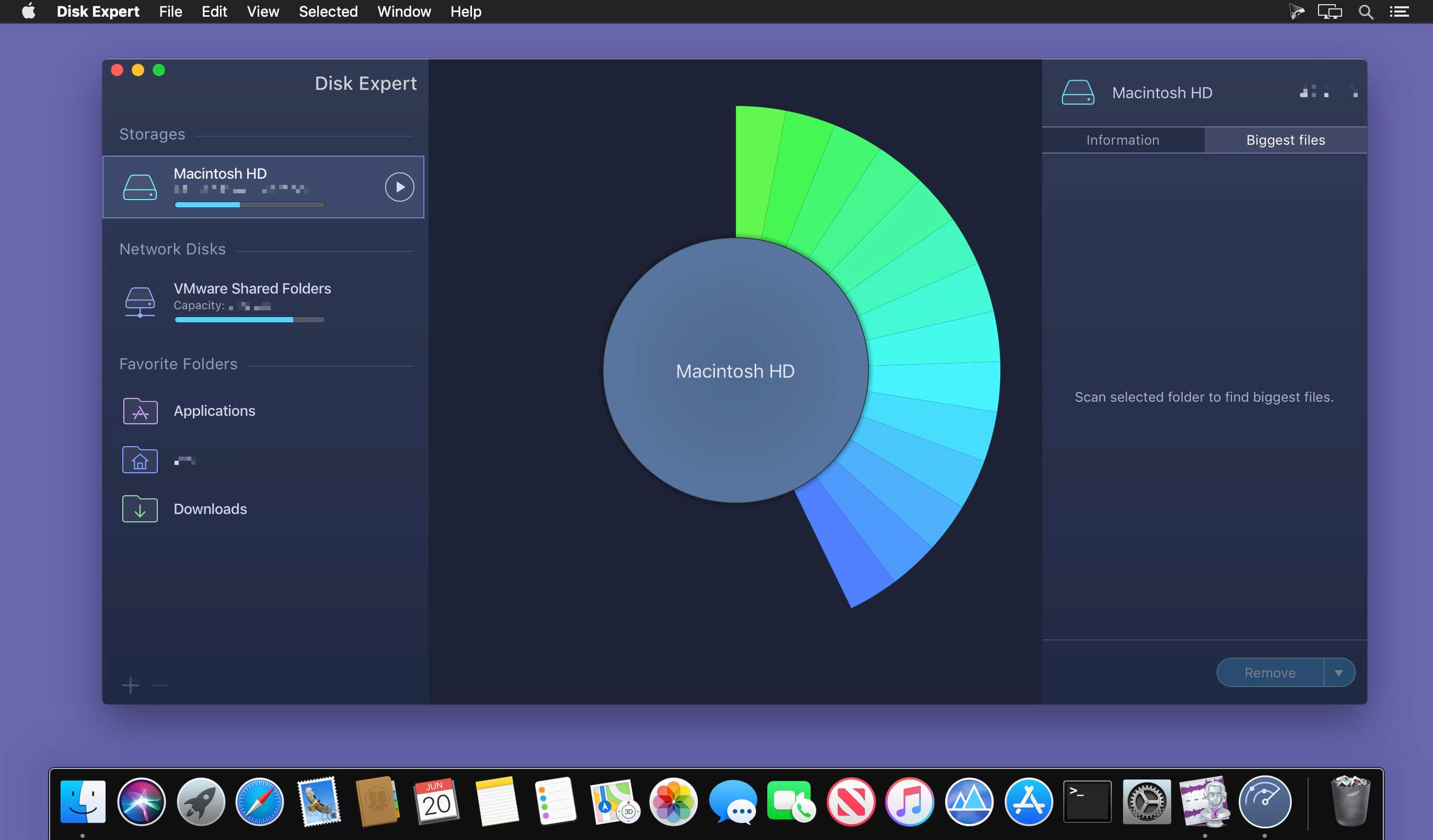
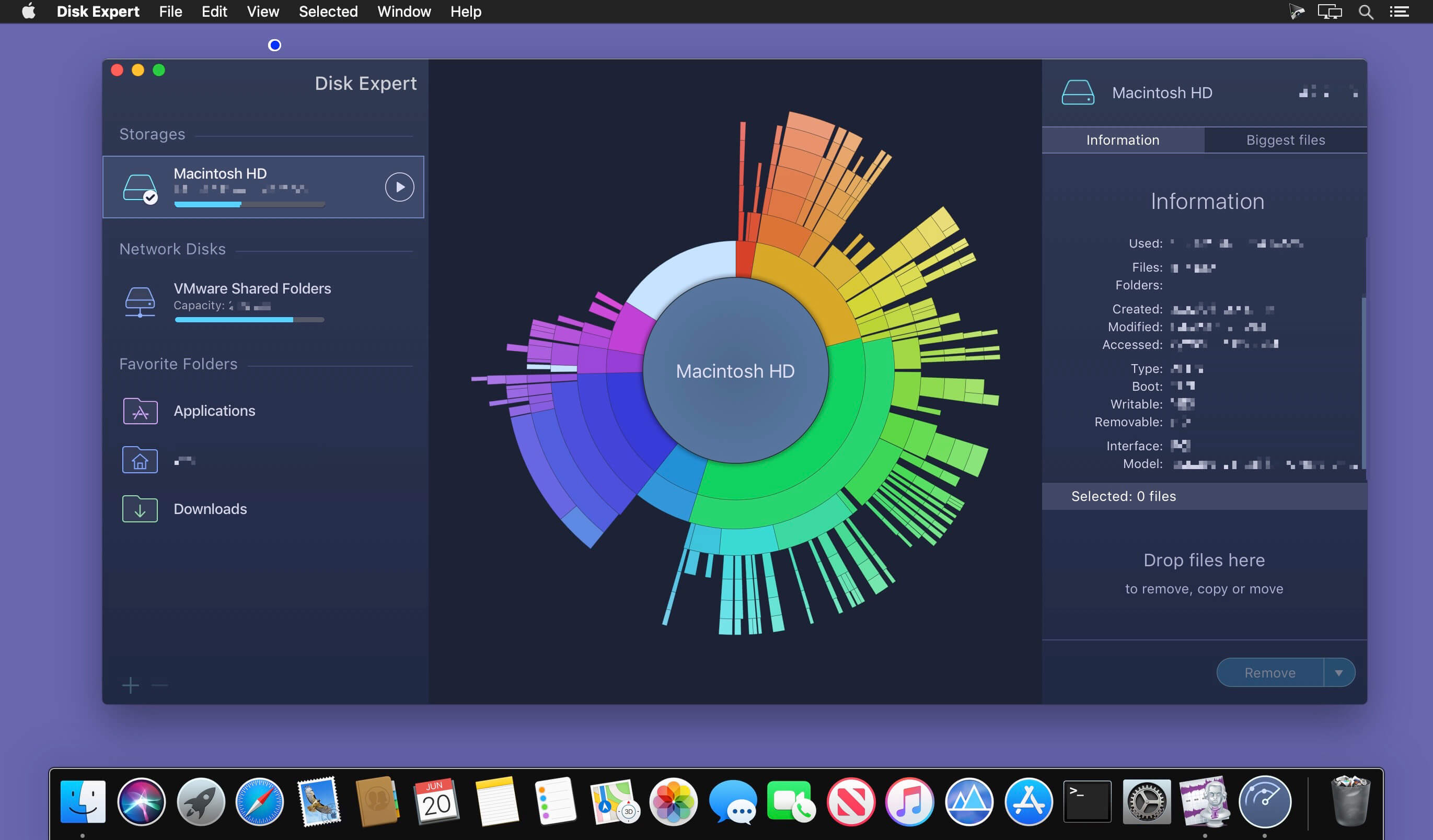
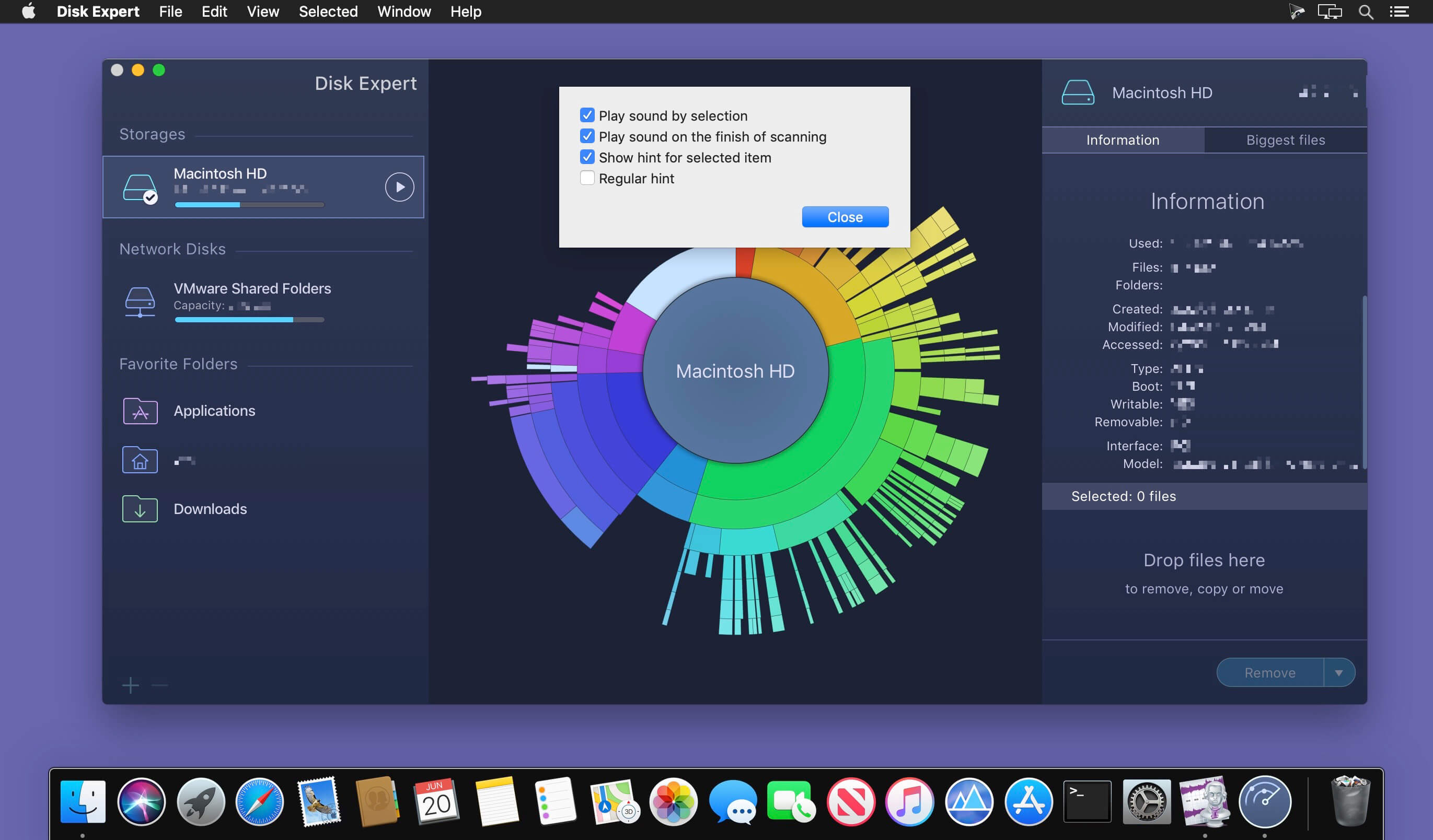
A powerful disk usage scanning and reporting utility for Mac. Disk Expert allows you to find the bulkiest content and free up Mac hard drive space.
Disk Expert – The Best Disk Cleanup Tool for your Mac
Fast Scanning
Get ready to be impressed by the fast scan speed of the app. Scan your drive and get the results in less than a minute!
Largest Items
View the list of 25 of the biggest files and folders on your disk. Make it simple to clear storage space with Disk Expert.
Hidden Files
Find even hidden debris on your disk, such as logs and caches of apps, browser data and so on.
Drop Lists
Add files to the special Drop Lists for further removal or transmission to external storages.
How to Free Up Disk Space on Mac find large files on Mac
- Launch the app and click to scan your disk or separate folders.
- View the space usage distribution and identify the biggest items.
- Get rid of old unused items which occupy useless drive space.
Supported Volumes
- HDD volumes
- CD and DVD discs
- Removable USB drives
- Mounted DMG
- SMB disk image
Version 4.2.0:
- Release notes were unavailable when this listing was updated.
Frequently asked questions
How do I install the app?
Mount the image, drag the app into the "Applications" folder and launch it. If the system blocks the launch, allow it in "System Settings → Privacy & Security".
The app is damaged or won't launch
Reinstalling from a fresh image usually helps. Make sure your macOS version matches the one listed in the compatibility specs.
How do I update?
Download the new version from the site and install it over the current one — your settings will be preserved.
The download link doesn't work
Try a mirror or a download manager. For large files the browser often drops the connection.
How do I completely remove the app?
Use an uninstaller utility — it cleans up the service files that remain after moving the app to the trash.


Choose a download source
Disk Expert - Disk Space Analyzer 4.2 · 13.17 MB
Previous versions
Disk Expert - Disk Space Analyzer 4.2
Previous versions are available to registered users.
Comments 1