
Dr. Antivirus Pro 3.2.1
Dr. Antivirus prevents virus from infecting your Mac. Trend Micro's antivirus and spyware active-monitoring laboratory is the largest of its kind in the world. It allows you to enjoy your digital life safely. We highly recommend that you scan your Mac using Dr. Antivirus on a regular basis to keep your Mac safe from security threats.
Make sure your Mac is safe and secure using Dr. Antivirus' protection features:
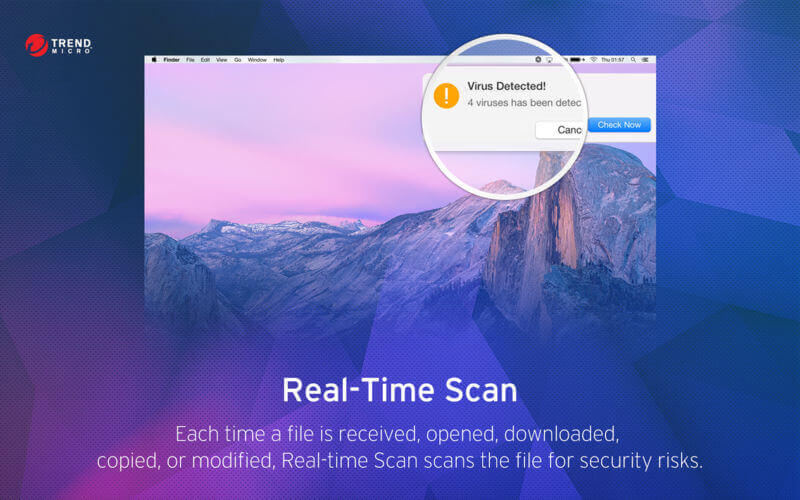
1. Real Time Scan
- Provides real time protection against threats.
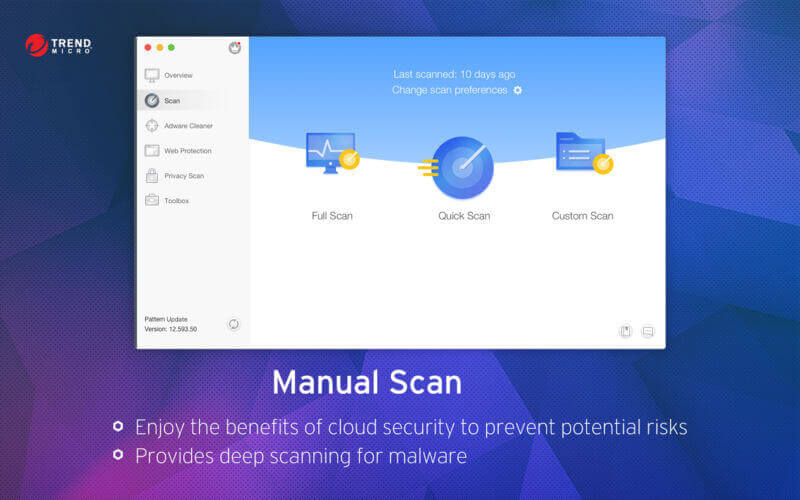
- Quickly scan virus to safeguard your Mac
• Clean virus completely for the security of your system and privacy
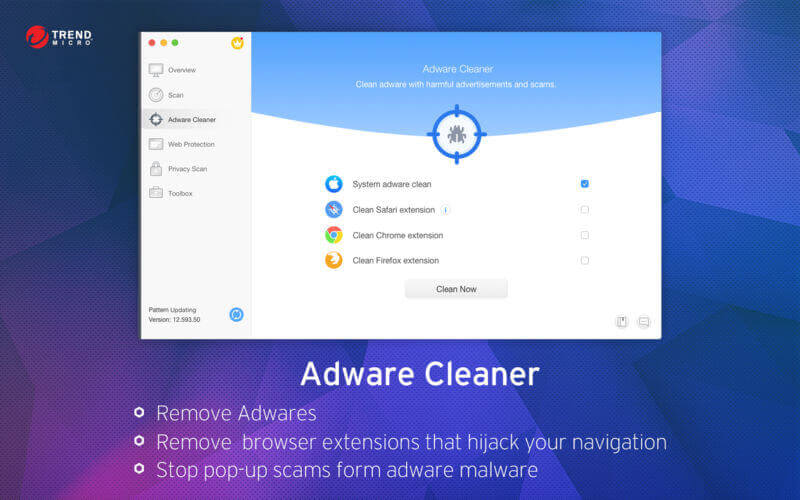
4. Adware Cleaner
- Protect your Mac from adware and browser Hijackers
• Customize your transparency. You can even be invisible without leaving any trace in web browser
6. Safe Search
- Flags each search result in Google Search Engine to let you know if the site is safe or unsafe
- Prevents users from visiting phishing websites.
Trend Micro, a recognized leader in computer security, provides your Mac with an exclusive antivirus App - Dr. Antivirus.
Version 3.2.1
- Performance improvements
- Bug fixes
Frequently asked questions
How do I install the app?
Mount the image, drag the app into the "Applications" folder and launch it. If the system blocks the launch, allow it in "System Settings → Privacy & Security".
The app is damaged or won't launch
Reinstalling from a fresh image usually helps. Make sure your macOS version matches the one listed in the compatibility specs.
How do I update?
Download the new version from the site and install it over the current one — your settings will be preserved.
The download link doesn't work
Try a mirror or a download manager. For large files the browser often drops the connection.
How do I completely remove the app?
Use an uninstaller utility — it cleans up the service files that remain after moving the app to the trash.
VersionDr. Antivirus Pro 3.2.1
DeveloperTrend Micro, Incorporated
CompatibilityOS X 10.10 or later, 64-bit processor
LanguageEnglish, Dutch, French, German, Italian, Korean, Simplified Chinese, Spanish, Traditional Chinese
IncludesK'ed by TNT




Choose a download source
Dr. Antivirus Pro 3.2.1 · 50.28 MB
Comments 2