
MailRaider Pro 3.69
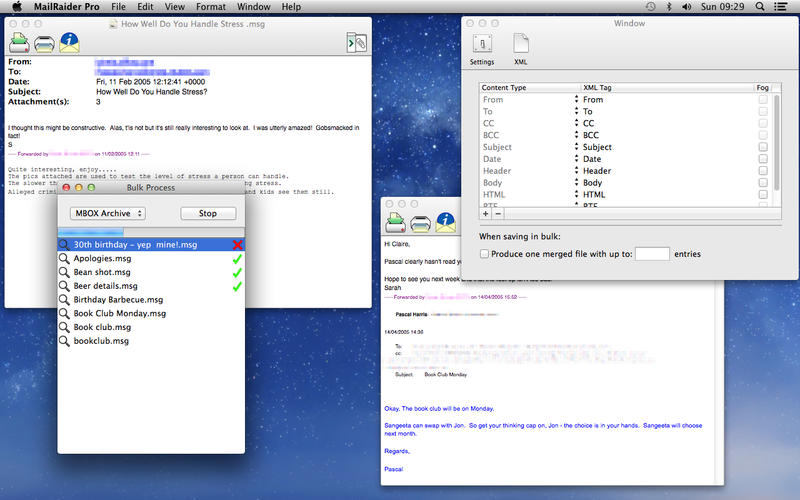
Bulk processing
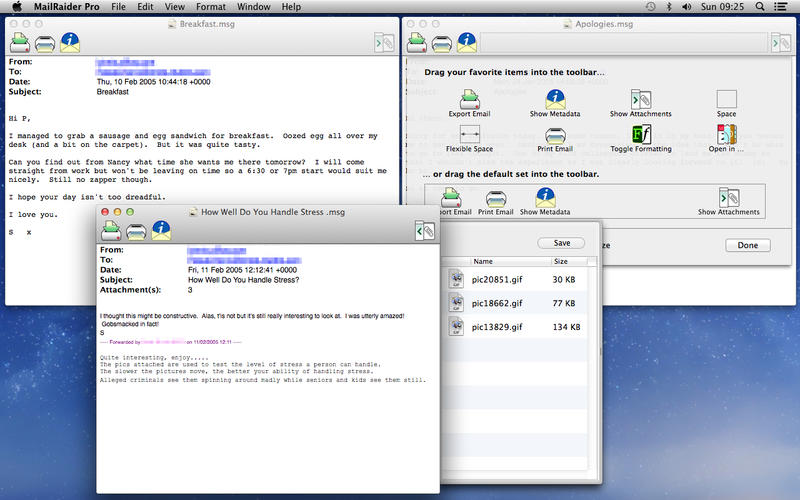
- The option to display your email with the formatting intact, as it was originally sent, or as plain text
- The ability to save into a customizable XML format so that you can further process your email using tools of your own
- Spotlight and Quicklook support
- Customizable user interface
- Beautiful icons and an entirely 'Retina' optimized user interface.
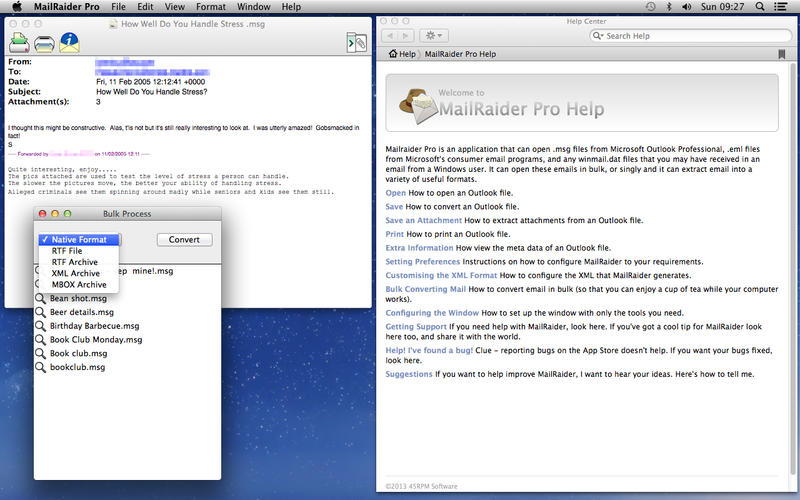
- Detailed help, covering all the functionality of MailRaider Pro, and including useful tips on how to get help on using MailRaider Pro
- Support for a broad range of formats
This version contains updates for macOS 10.15, addition of functionality to bulk export PDF archives, and improvements when handling mixed encoding strings.
Frequently asked questions
How do I install the app?
Mount the image, drag the app into the "Applications" folder and launch it. If the system blocks the launch, allow it in "System Settings → Privacy & Security".
The app is damaged or won't launch
Reinstalling from a fresh image usually helps. Make sure your macOS version matches the one listed in the compatibility specs.
How do I update?
Download the new version from the site and install it over the current one — your settings will be preserved.
The download link doesn't work
Try a mirror or a download manager. For large files the browser often drops the connection.
How do I completely remove the app?
Use an uninstaller utility — it cleans up the service files that remain after moving the app to the trash.




Choose a download source
MailRaider Pro 3.69 · 26.32 MB