Movavi Screen Recorder Studio 10.2.0
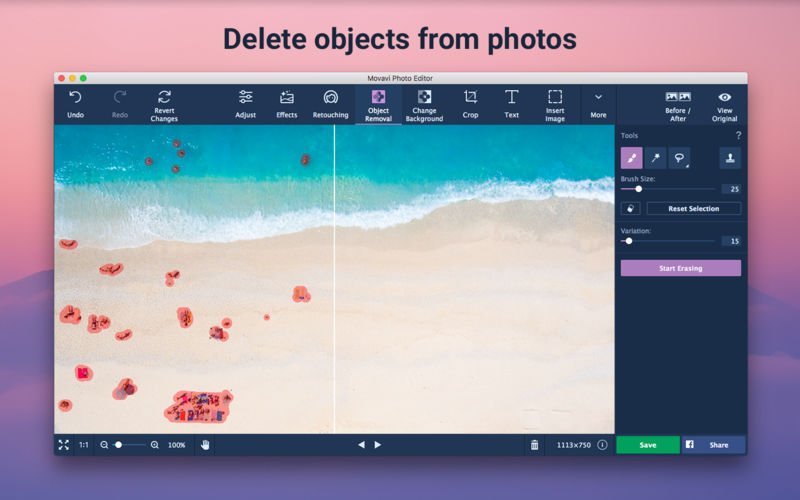
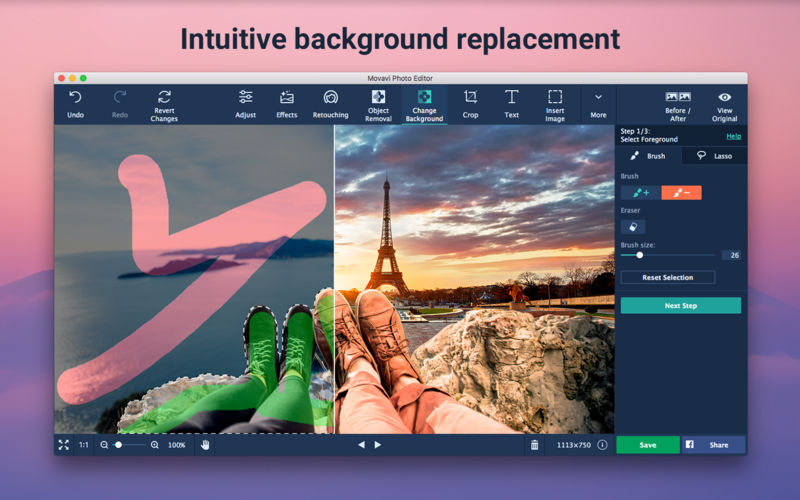
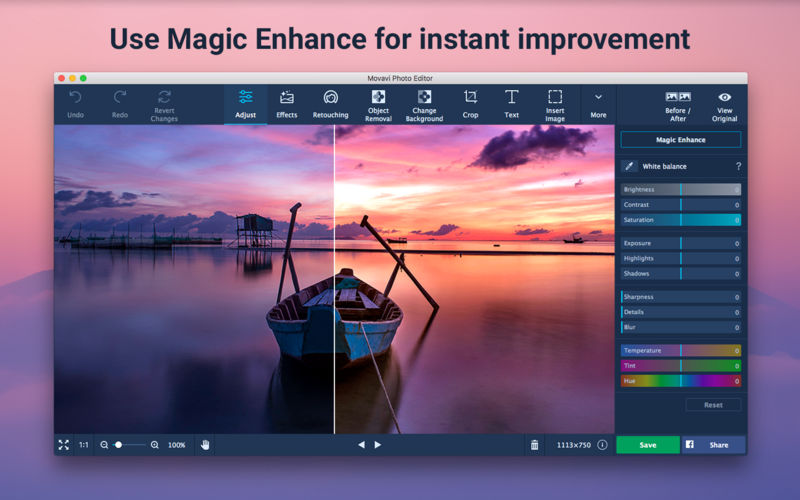
With Movavi Screen Capture Studio for Mac, you can easily record your computer screen and create video tutorials with voiceovers, software presentations, or content for your video blog. The built-in video editor lets you polish your recordings with stylish filters, titles, background music, and more. Screen Capture Studio for Mac has everything you need to make professional-looking screencasts.
Record video
- Select the capture area on the screen
- Plug your microphone in to record your voice
- Adjust the volume level, frame rate, and other parameters
Edit the recording
- Remove unwanted footage
- Add titles and music
- Experiment with filters and effects
Save the result
- Choose MP4, MOV, AVI, or other popular format
- Prepare video for playing on mobile devices or sharing online
- Save your recording in no time with SuperSpeed mode
Version 10.0.0
General
- Brand new design
- Minor bug fixes and improvements
Screen capture
- Scheduler Mode. Create your own schedule of recordings and capture your screen even if you are away
- Improved recording frame. Now you can change the capture area by moving the special markers
- Now you can see the recording frame in Full-Screen mode. You’ll always know if recording is in progress
- Ability to turn the blinking of the recording frame off will make recording more convenient
Video editing
- Portable Projects. Save your video on a flash memory card and continue working on it on another device
- New Multi-Track Timeline. Add new tracks and re-order them any way you want
- Intros and Outros. Add animated intros and outros from the ready-to-use list or create your own custom templates
- Updated Montage Wizard. Save time and create videos automatically with the new sets of themes, titles, and effects
- Fast Track HD Acceleration. Edit oversized Full HD videos with no freezing
- New Guide Lines in Preview mode. Precisely positioning titles and effects is now easier
Frequently asked questions
How do I install the app?
Mount the image, drag the app into the "Applications" folder and launch it. If the system blocks the launch, allow it in "System Settings → Privacy & Security".
The app is damaged or won't launch
Reinstalling from a fresh image usually helps. Make sure your macOS version matches the one listed in the compatibility specs.
How do I update?
Download the new version from the site and install it over the current one — your settings will be preserved.
The download link doesn't work
Try a mirror or a download manager. For large files the browser often drops the connection.
How do I completely remove the app?
Use an uninstaller utility — it cleans up the service files that remain after moving the app to the trash.



Choose a download source
Movavi Screen Recorder Studio 10.2.0 · 120.75 MB
Previous versions
Movavi Screen Recorder Studio 10.2.0
Previous versions are available to registered users.