Mac OS X Mavericks Essential Training
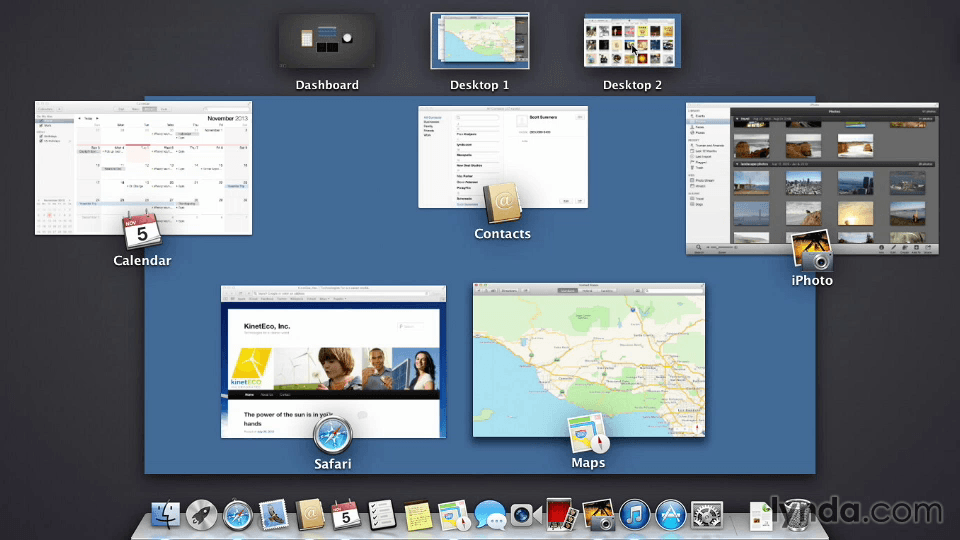
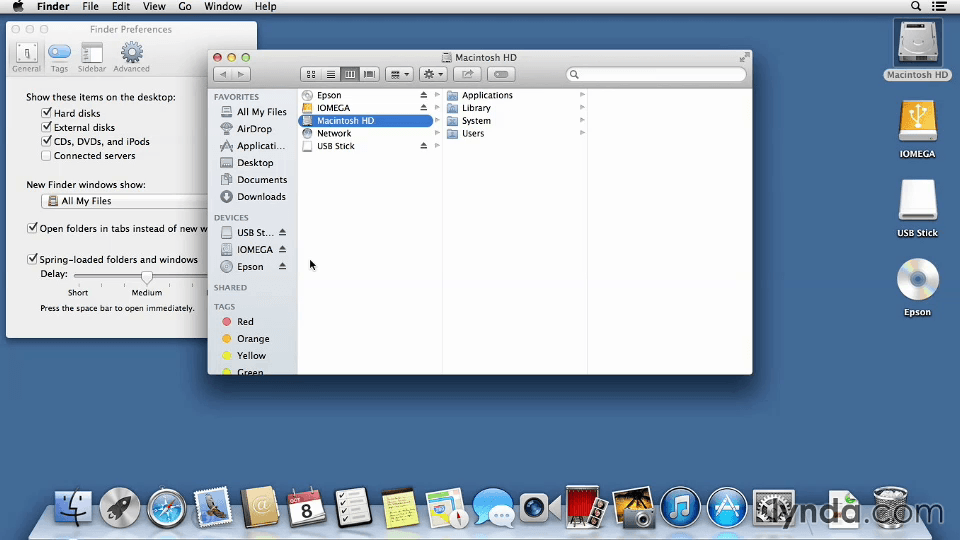
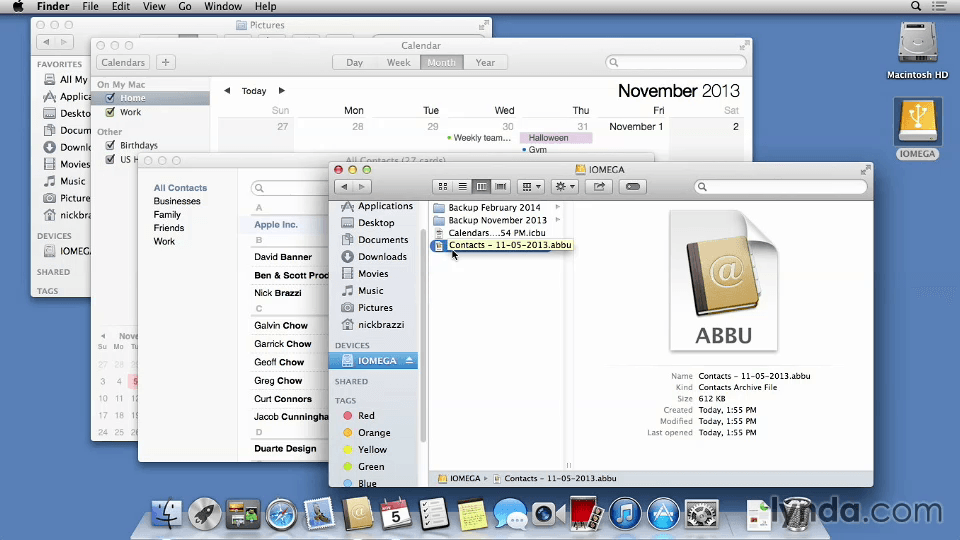
This course can help you get comfortable working with Mac OS X Mavericks, while demystifying what an operating system is and how it works. Nick Brazzi will show you how to navigate the OS X interface; open and organize files and applications with Finder, the Macintosh "filing cabinet"; and set up your Apple ID and iCloud accounts and sync your data with multiple computers and iOS devices. He also shows how to run the most popular Mac OS X applications, including iChat, Maps, Safari, and iTunes, and install new ones from the App Store. Plus, learn how to back up your Mac and make sure you don't lose a single bit of data.
Topics include:
- Installing and running Mavericks for the first time
- Connecting to the Internet
- Browsing through folders in the Finder
- Launching and managing applications
- Saving and searching for files
- Setting up iCloud and Apple ID accounts
- Browsing the web with Safari
- Using Mail, Calendar, and Contacts
- Messaging with iChat and Facetime
- Installing apps
- Sharing files and printer over a local network
- Backing up your Mac
Screenshots
Frequently asked questions
How do I install the app?
Mount the image, drag the app into the "Applications" folder and launch it. If the system blocks the launch, allow it in "System Settings → Privacy & Security".
The app is damaged or won't launch
Reinstalling from a fresh image usually helps. Make sure your macOS version matches the one listed in the compatibility specs.
How do I update?
Download the new version from the site and install it over the current one — your settings will be preserved.
The download link doesn't work
Try a mirror or a download manager. For large files the browser often drops the connection.
How do I completely remove the app?
Use an uninstaller utility — it cleans up the service files that remain after moving the app to the trash.
Information
Users of Guests are not allowed to comment this publication.
Choose a download source
Mac OS X Mavericks Essential Training · 1.41 GB