
Audition CC Essential Training
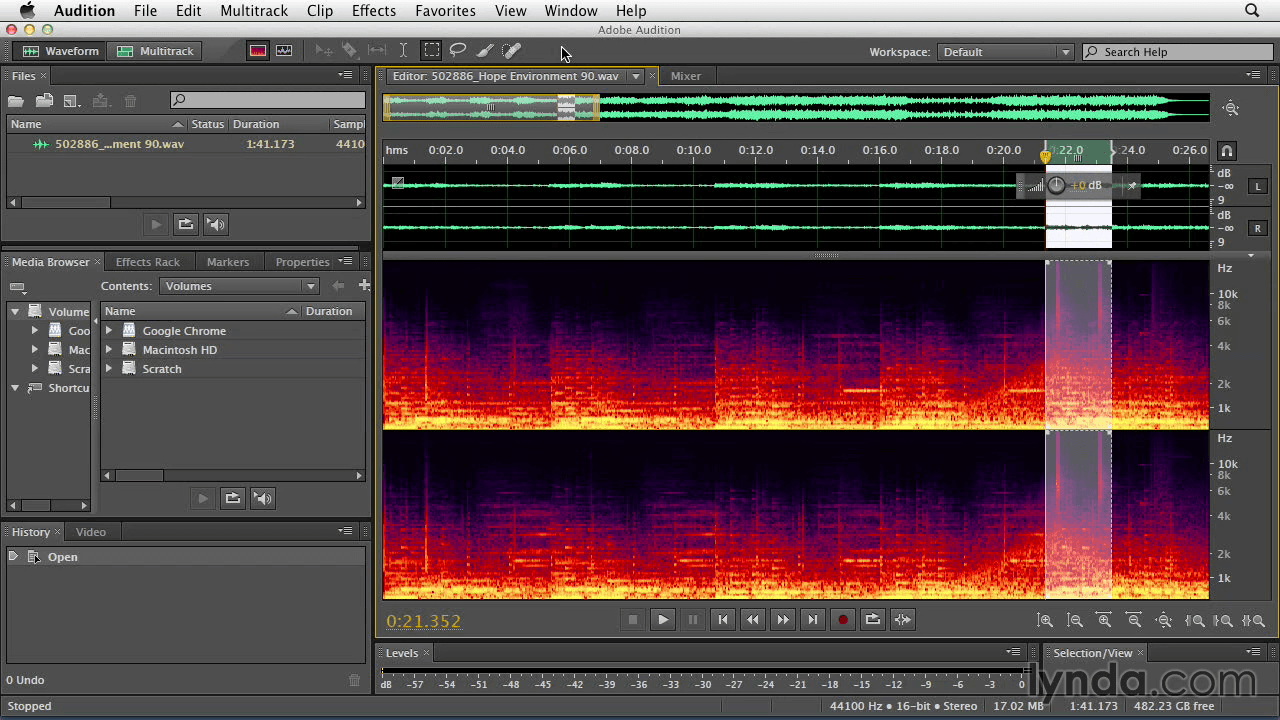
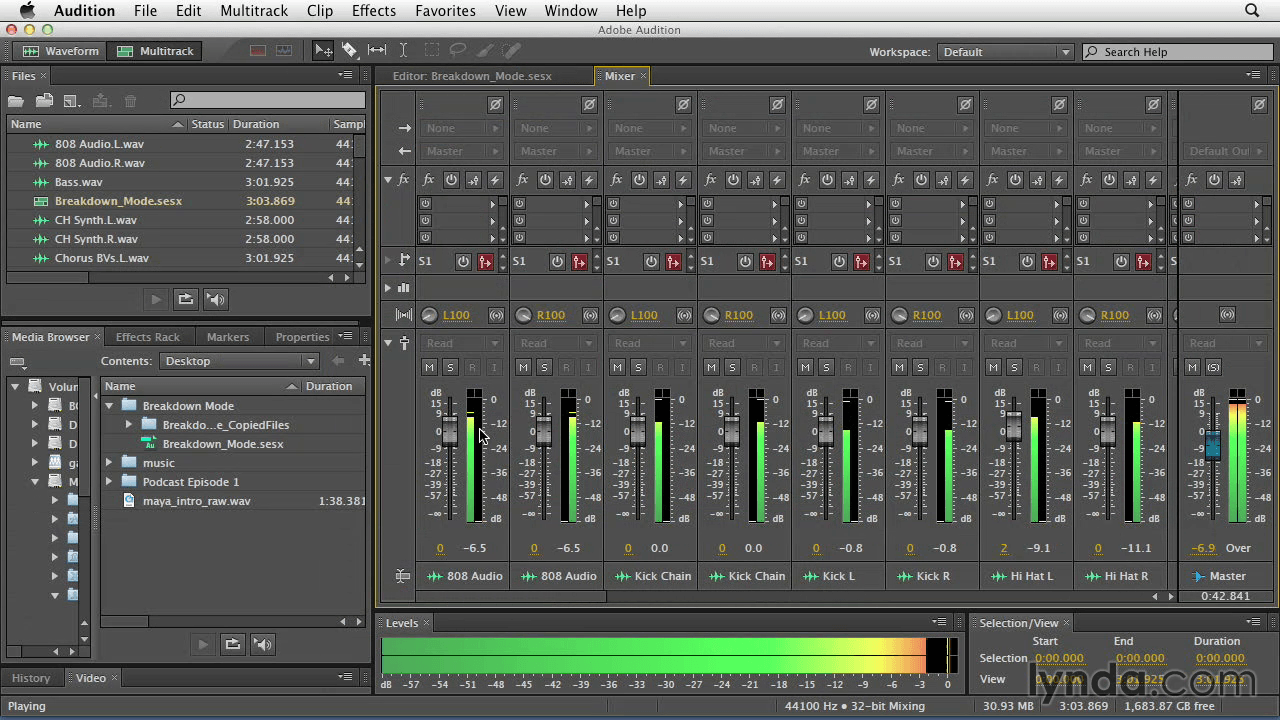
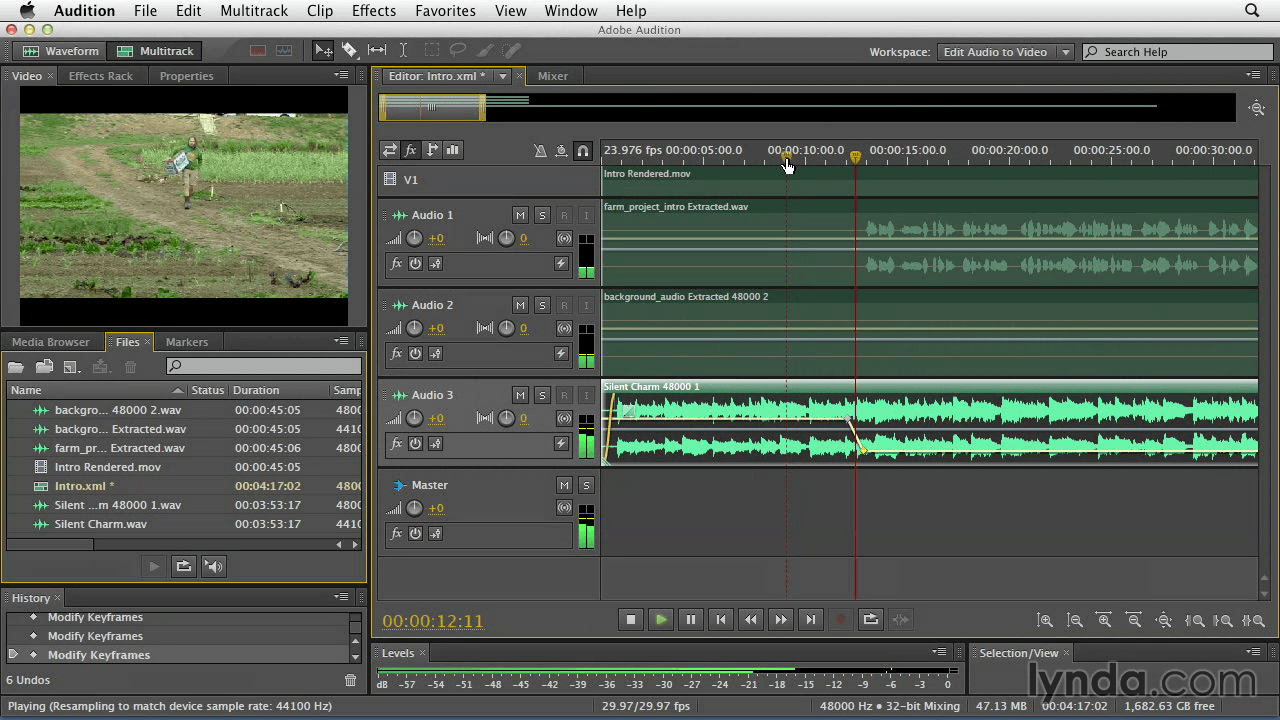
Discover the powerful audio-editing tool set offered in Audition CC. In this course, author Maxim Jago shows how to navigate the interface and understand fundamental audio concepts. Editors who have traditionally completed audio work inside a nonlinear editing system will benefit from discovering the tools, workflows, and terminology used in professional audio post-production.
Check out the new chapter, "2015 Creative Cloud New Features," for information on the latest features and enhancements in Audition CC.
Topics include:
- Introducing Adobe Audition
- Important audio terminology
- Importing and managing media files
- Working with sound files
- Making standard waveform audio adjustments
- Adding special effects to a file
- Cleaning up audio
- Multitrack editing
- Integration and output
Screenshots
Frequently asked questions
How do I install the app?
Mount the image, drag the app into the "Applications" folder and launch it. If the system blocks the launch, allow it in "System Settings → Privacy & Security".
The app is damaged or won't launch
Reinstalling from a fresh image usually helps. Make sure your macOS version matches the one listed in the compatibility specs.
How do I update?
Download the new version from the site and install it over the current one — your settings will be preserved.
The download link doesn't work
Try a mirror or a download manager. For large files the browser often drops the connection.
How do I completely remove the app?
Use an uninstaller utility — it cleans up the service files that remain after moving the app to the trash.
Information
Users of Guests are not allowed to comment this publication.
Choose a download source
Audition CC Essential Training · 1.51 GB