
LaunchBar 6.22.2
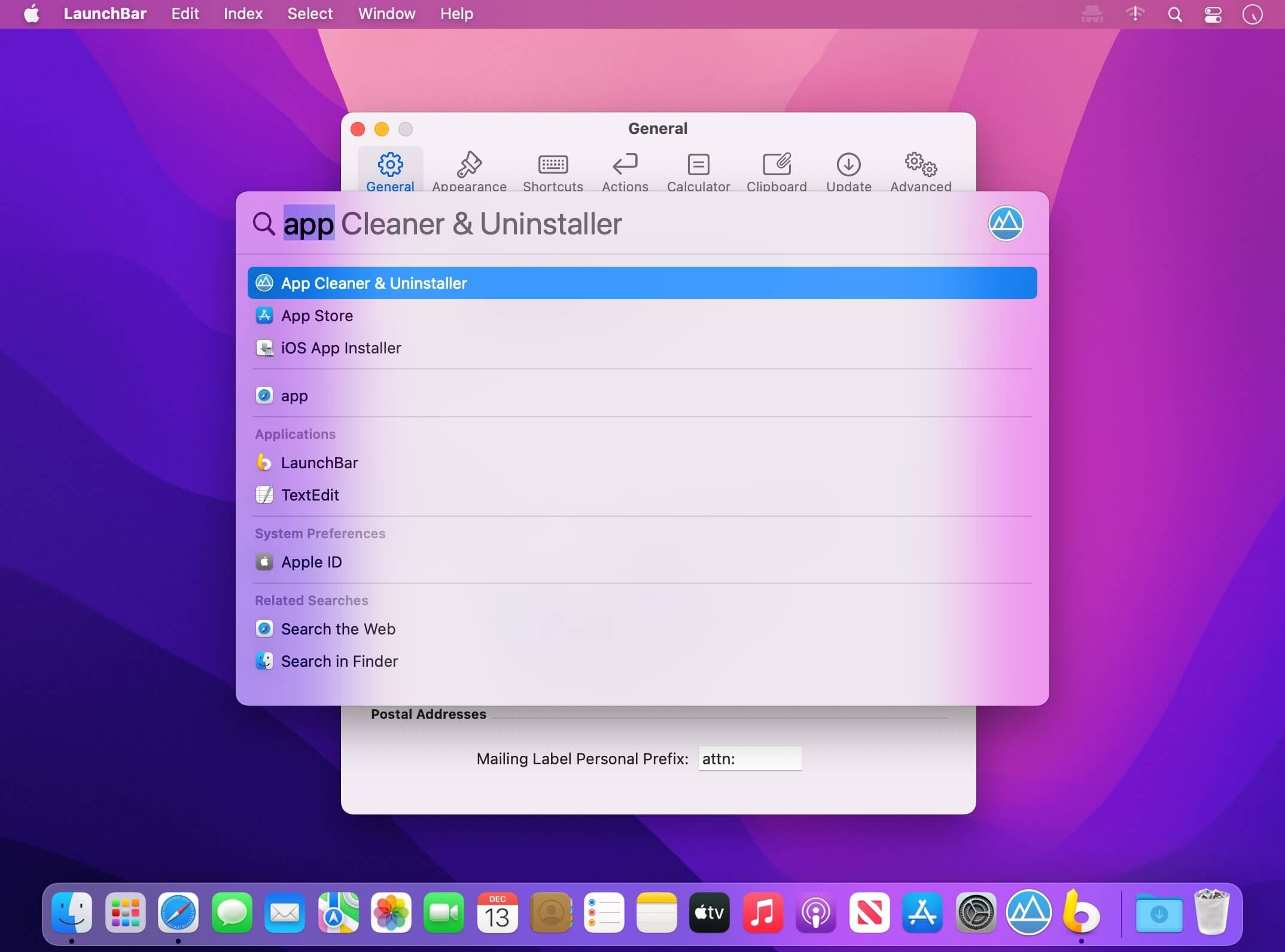
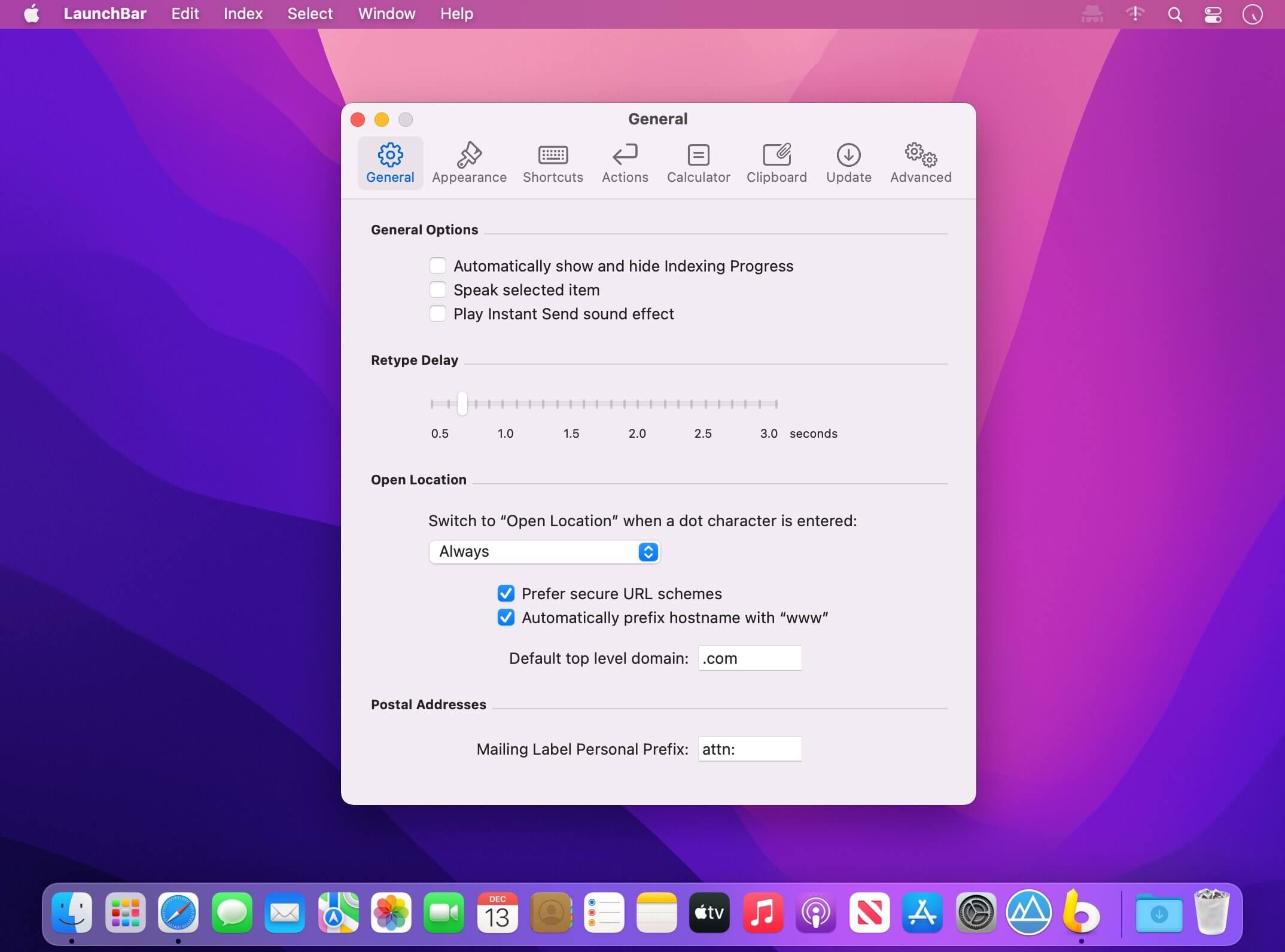
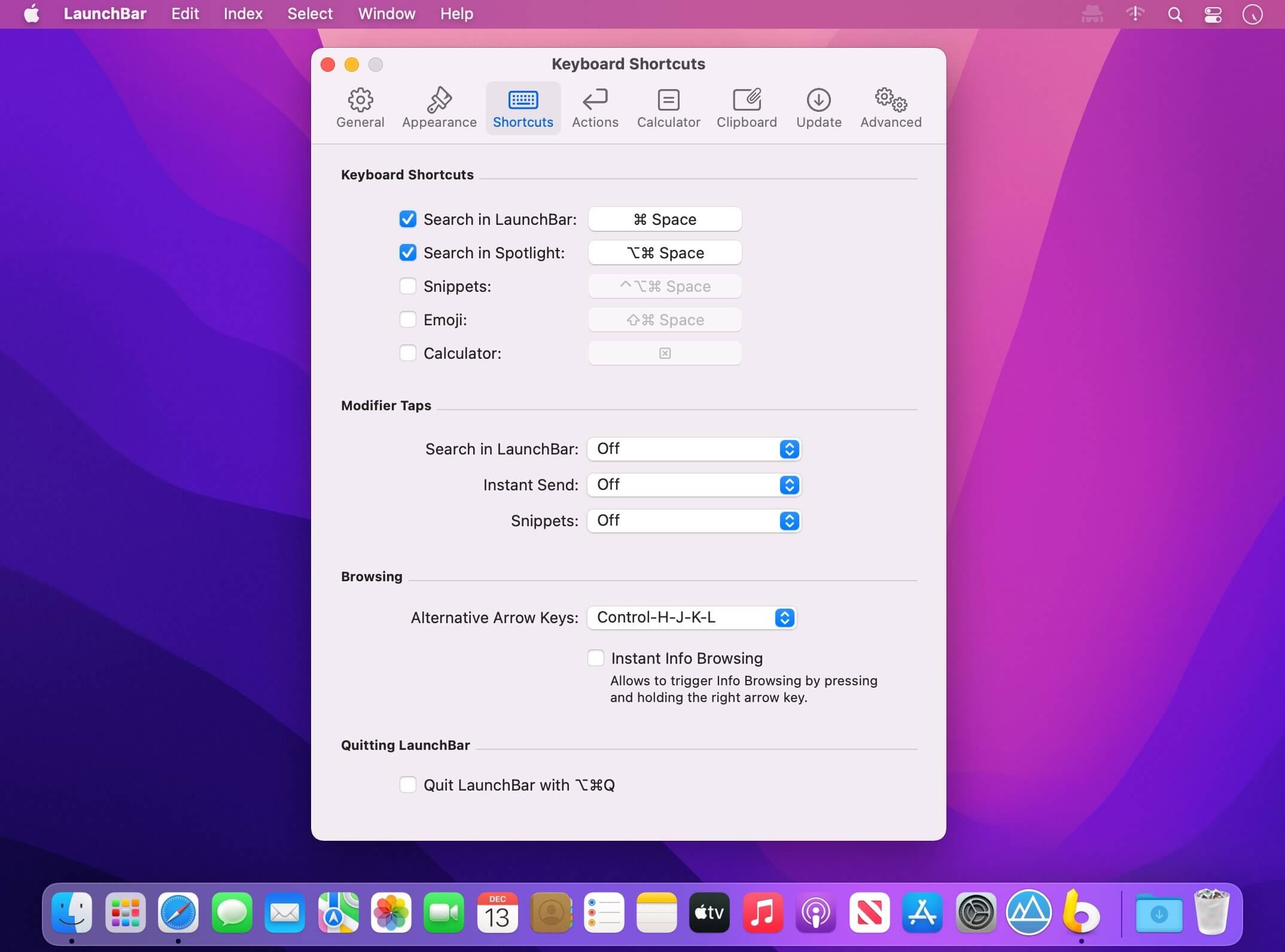
LaunchBar is an award-winning productivity utility that offers an amazingly intuitive and efficient way to search and access any kind of information stored on your computer or on the Web. It provides instant access to your applications, documents, contacts, and bookmarks, to your music library, to search engines and more, just by entering short abbreviations of the searched item’s name.
You just hit Command-Space to bring LaunchBar’s input window to front, enter an arbitrary abbreviation, and as soon as you start typing LaunchBar displays the best matching choices, ready to be opened immediately.
Start applications, open documents, invoke system services, compose emails, or navigate the Web–LaunchBar will be your essential servant.
LaunchBar 6.22.2
- Fixed an issue causing LaunchBar to freeze on some Intel Macs.
Frequently asked questions
How do I install the app?
Mount the image, drag the app into the "Applications" folder and launch it. If the system blocks the launch, allow it in "System Settings → Privacy & Security".
The app is damaged or won't launch
Reinstalling from a fresh image usually helps. Make sure your macOS version matches the one listed in the compatibility specs.
How do I update?
Download the new version from the site and install it over the current one — your settings will be preserved.
The download link doesn't work
Try a mirror or a download manager. For large files the browser often drops the connection.
How do I completely remove the app?
Use an uninstaller utility — it cleans up the service files that remain after moving the app to the trash.





Choose a download source
LaunchBar 6.22.2 · 14.35 MB
Previous versions
LaunchBar 6.22.2
Previous versions are available to registered users.