
Audulus 3.5.1
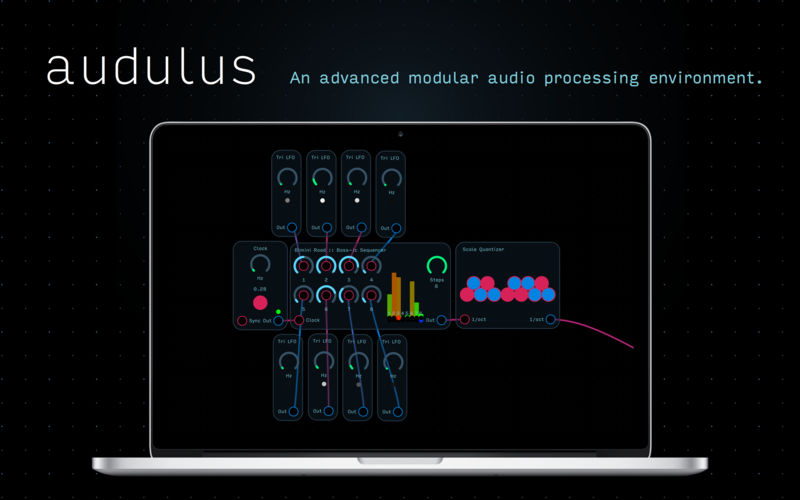
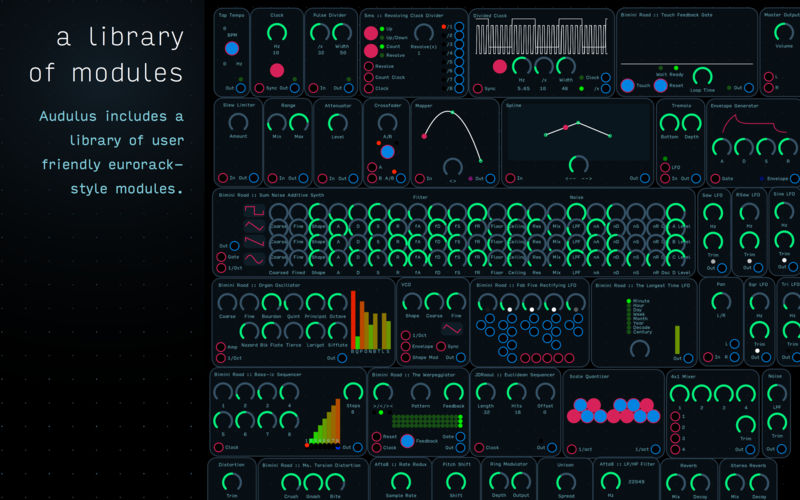
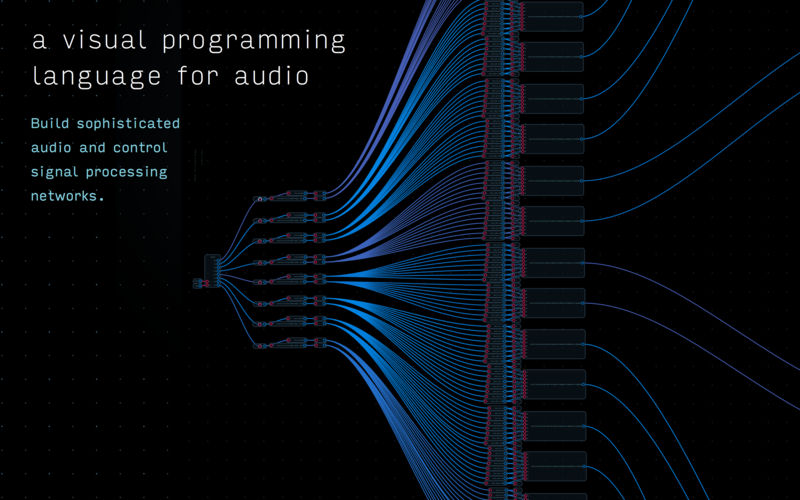
Audulus is a minimalist modular audio-processing application. With Audulus, you can build synthesizers, design new sounds, or process audio. All with low latency real-time processing suitable for live performance. Audulus's user interface is clean, simple, and easy to learn, allowing you to focus on sound.
Features
- fluid interface - smooth animated interaction
- MIDI control - use your control surface or MIDI keyboard
- presets - quickly change between settings
- unlimited history - everything you do is stored
- polyphony - process multiple voices
- encapsulation - group nodes into sub-patches
- diverse nodes - from ADSR to ZeroCross
- audio unit version - run Audulus as an Audio Unit inside other apps (free download)
- iCloud support - effortlessly sync patches between Mac and iPad
Featured Built-in Modules
- 5ms Revolving Clock Divider
- Touch Feedback Clock
- Ms. Torsion Distortion
- Fibonacci Sequence
- Fab Five Rectifying LFO
- The Warpeggiator
- Scale Quantizer
- Cyclone Matrix Mixer
- Built-in Nodes
- Custom Nodes - build your own modules!
- Math expression module -34 Math nodes in one!
- Timing mode - figure out which nodes are using the most CPU!
- Switch pack - two nodes for signal routing, more to come!
- Poly pack - Stereo and Quadraphonic processing!
Version 3.5:
Note: Now requires OS X 10.12 or later
Note: Now requires OS X 10.12 or later
- Updated module library: hundreds of new and improved modules, including analog modeling VCFs and VCAs, new effects like the Icebox Audio Freezer, and many new useful module building utilities.
- Select a node to highlight its connections.
- Performance improvements.
Frequently asked questions
How do I install the app?
Mount the image, drag the app into the "Applications" folder and launch it. If the system blocks the launch, allow it in "System Settings → Privacy & Security".
The app is damaged or won't launch
Reinstalling from a fresh image usually helps. Make sure your macOS version matches the one listed in the compatibility specs.
How do I update?
Download the new version from the site and install it over the current one — your settings will be preserved.
The download link doesn't work
Try a mirror or a download manager. For large files the browser often drops the connection.
How do I completely remove the app?
Use an uninstaller utility — it cleans up the service files that remain after moving the app to the trash.
VersionAudulus 3.5.1
DeveloperAudulus LLC
CompatibilityOS X 10.11 or later, 64-bit processor
LanguageEnglish
IncludesK'ed by TNT




Information
Visitors in the group Guests cannot leave comments on this publication.
Choose a download source
Audulus 3.5.1 · 18.85 MB