
Magix Sound Forge Pro Mac 3 v3.0.0.100
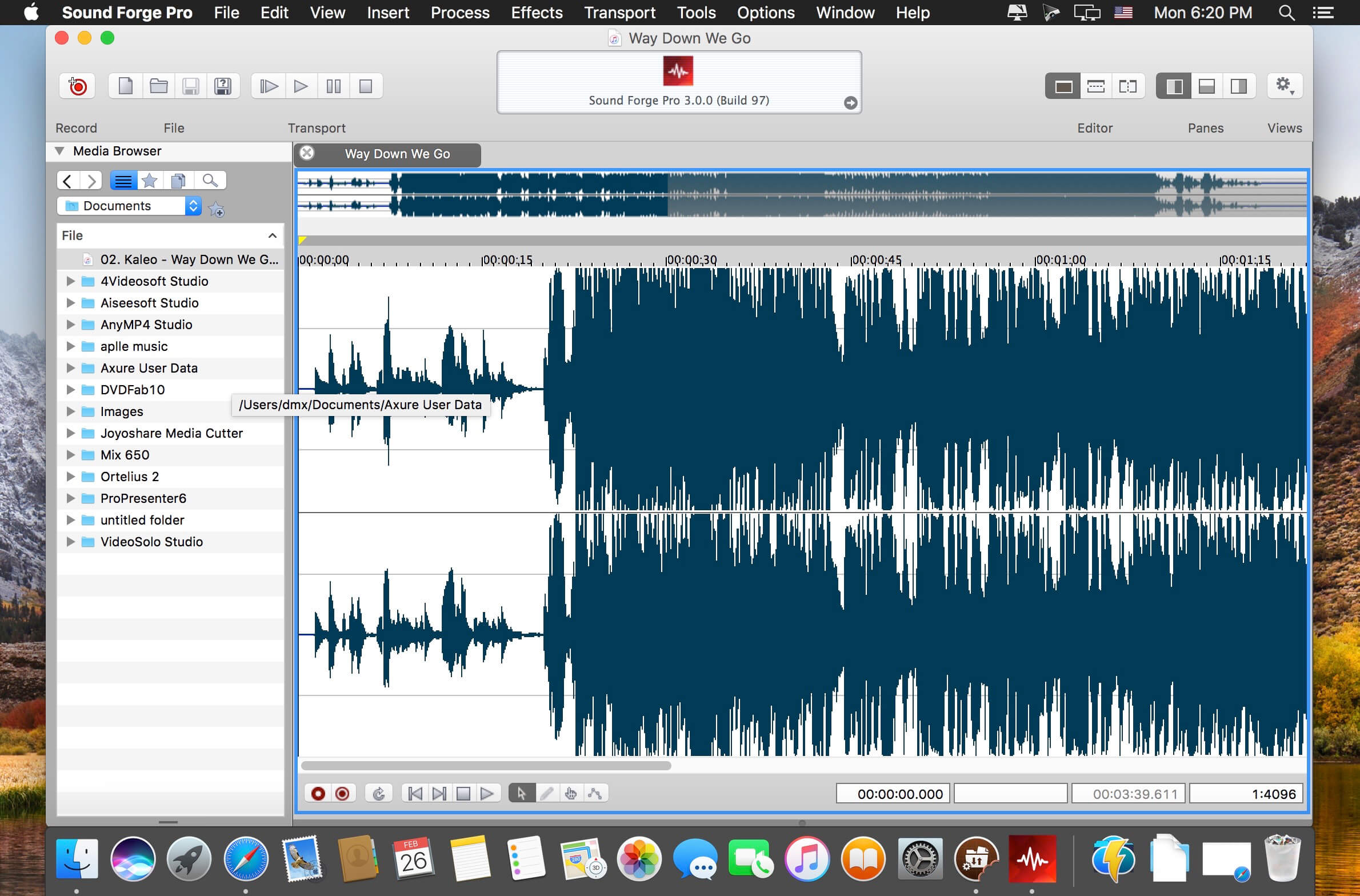
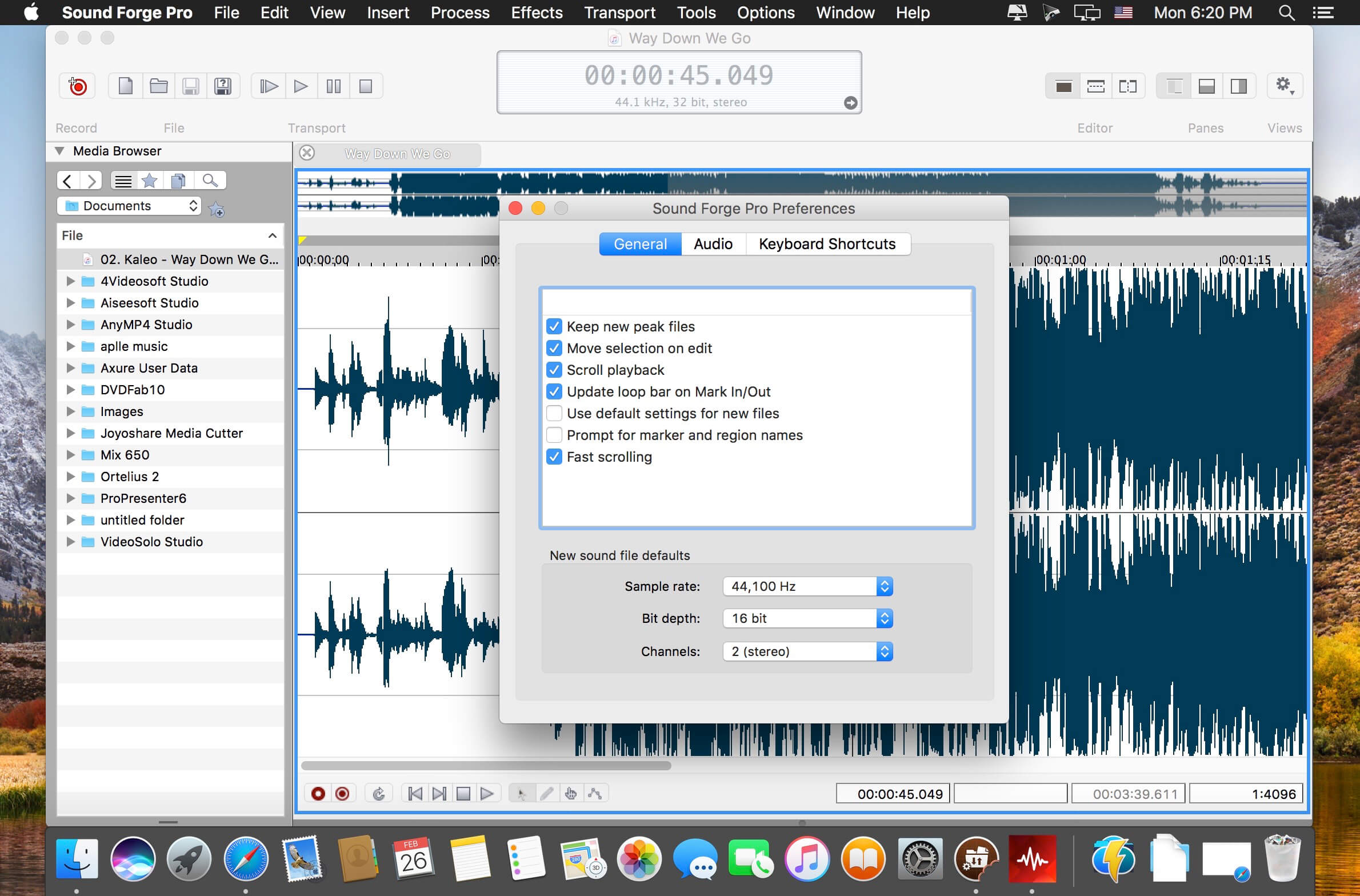
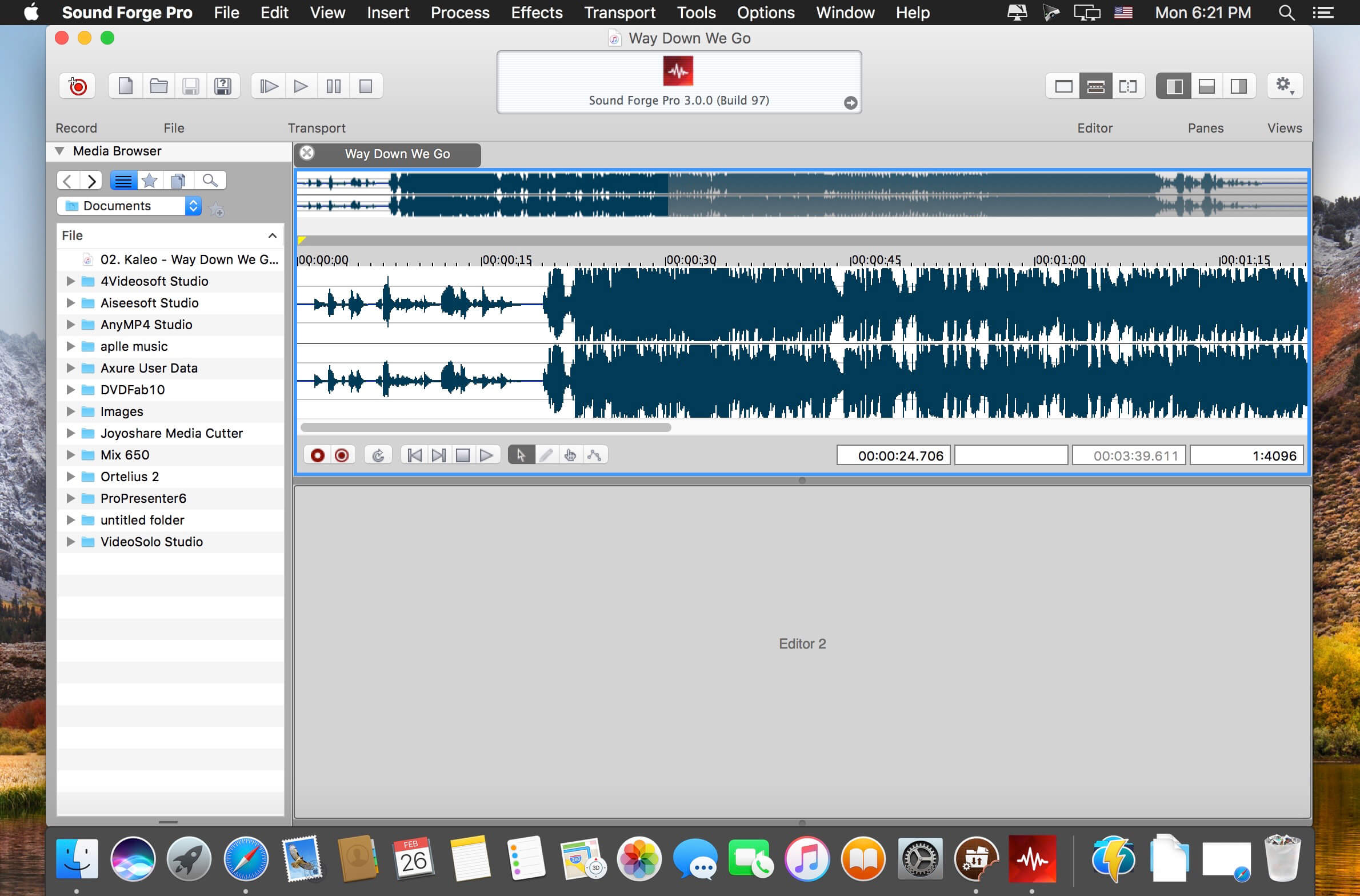
Built on a clean slate for macOS, Sound Forge Pro provides a contemporary application environment that's perfect for recording, editing, processing, and rendering broadcast-quality audio master files. A fresh statement on audio editing software, Sound Forge Pro Mac includes a comprehensive suite of mastering, restoration, and repair tools for immediate results.
Focused editing
Finally on the Mac, an audio editing application designed exclusively for OS X with a workflow that can keep up with your creative flow. Configurable viewing panels allow you to toggle to any project view you need in seconds - see everything at once or toggle your view to see only the features you want, when you want. Easily navigate the entire interface and work quickly, even on laptops.
High-fidelity recording
Assigning hardware, metering input signals, arming tracks, and recording high-resolution multichannel audio is a simple and fluid process in Sound Forge Pro Mac. Route your inputs, position the Record tool anywhere in the user interface, click Record, and bring pristine audio into your computer - up to 32 simultaneous channels at 64-bit/192 kHz resolution.
Signal and effects processing
Enjoy a full range of native processes including fade, flip, mute, normalize, and reverse. Process audio using repair tools from iZotope, and time/pitch modification algorithms from Zplane™. Easily access your plug-in collection for offline and nondestructive processing.
A one-stop audio mastering solution
Enjoy instant access to everything you need to prepare, process, and render finished audio master files. Sound Forge Pro Mac includes iZotope’s Mastering and Repair Suite of high-end processing plug-ins that you can use right away by simply dropping them into the application’s Plug-In Chain tool.
Frequently asked questions
How do I install the app?
Mount the image, drag the app into the "Applications" folder and launch it. If the system blocks the launch, allow it in "System Settings → Privacy & Security".
The app is damaged or won't launch
Reinstalling from a fresh image usually helps. Make sure your macOS version matches the one listed in the compatibility specs.
How do I update?
Download the new version from the site and install it over the current one — your settings will be preserved.
The download link doesn't work
Try a mirror or a download manager. For large files the browser often drops the connection.
How do I completely remove the app?
Use an uninstaller utility — it cleans up the service files that remain after moving the app to the trash.
VersionMagix Sound Forge Pro Mac 3 v3.0.0.100
DeveloperMAGIX Software GmbH
CompatibilityOS X 10.9 or later, 64-bit processor
LanguageEnglish,
IncludesPre-K'ed





Information
Visitors in the group Guests cannot leave comments on this publication.
Choose a download source
Magix Sound Forge Pro Mac 3 v3.0.0.100 · 51.71 MB