Ableton Live Suite 9.7.5
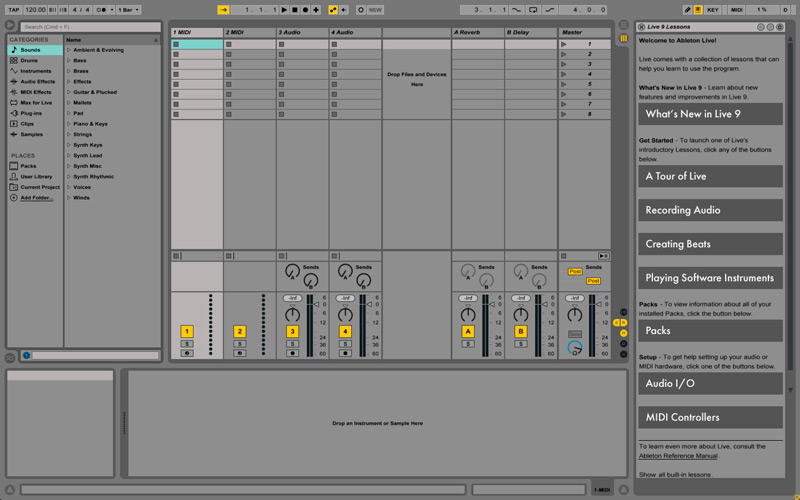
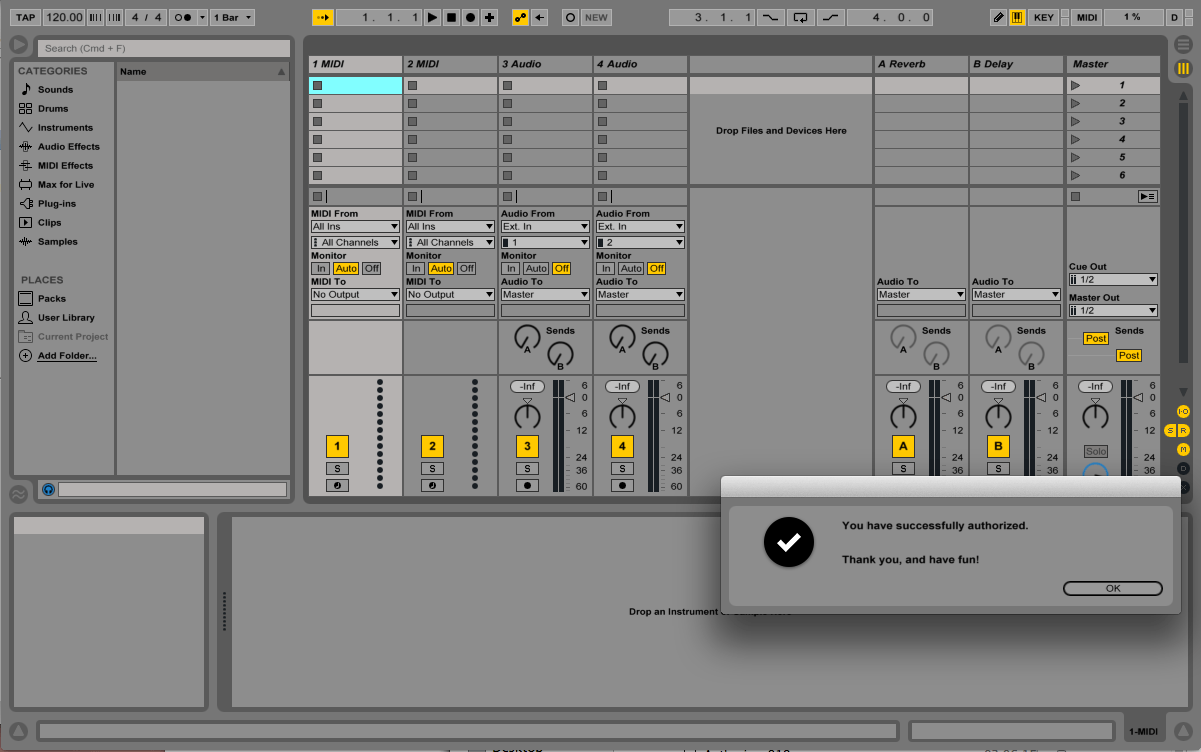
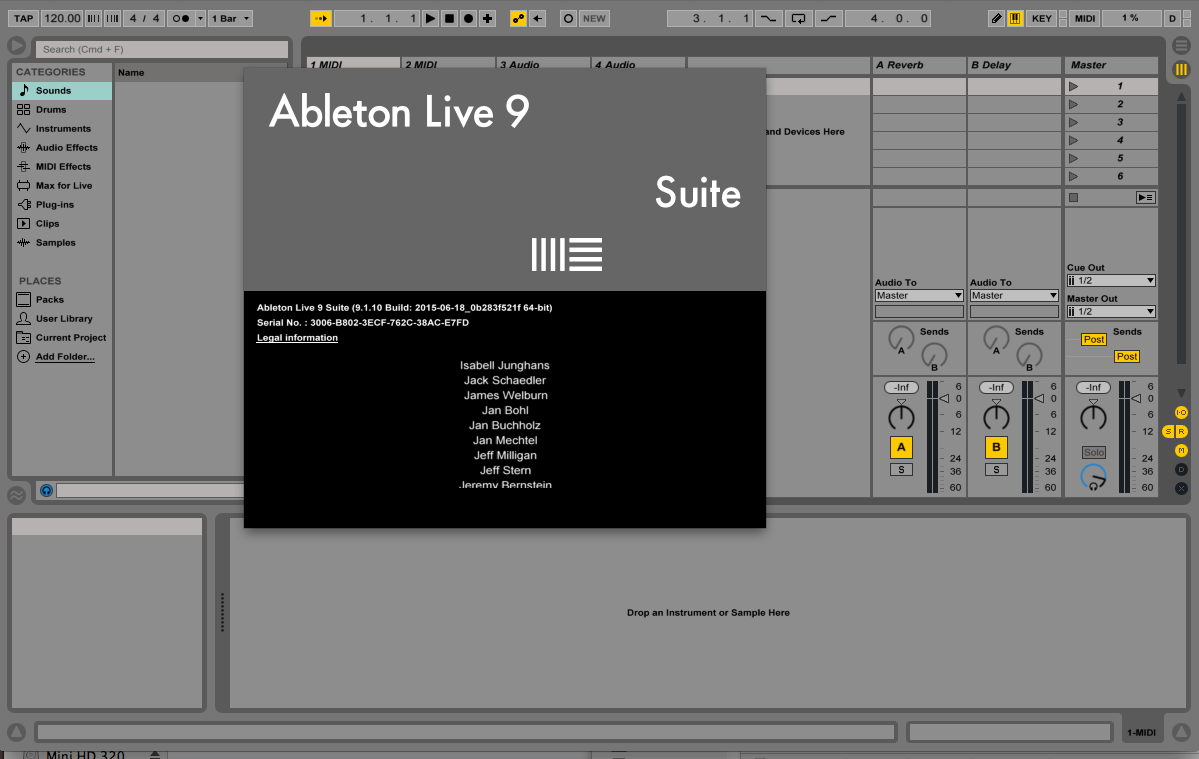
Ableton Live is an audio sequencer that you can play like an instrument. On its own or with other musicians or DJs, live on stage, or when remixing in the studio all you need is Live and a Mac or PC. Ableton Live is the revolutionary music production solution that allows you to spontaneously compose, record, remix, improvise and edit your musical ideas in a seamless audio/MIDI environment.
- Complete nondestructive editing with unlimited undo
- Powerful and creative MIDI sequencing of software and hardware instruments
- Real-time time-stretching and warping of AIFF, WAV, Ogg Vorbis, FLAC and MP3 files, for improvisation and instant remixing
- A comprehensive selection of built-in audio effects, including a host of creative delays, filters, distortions, studio compressors and EQs
- Built-in software instruments: Simpler for creative sample-based synthesis, Impulse for sampled drums
- Instrument-, Drum-, Effect Racks for creating and managing complex performance setups, drum kits and multi-effects
- VST and AU effects and instruments support; automatic plug-in delay compensation
- REX file support and native sliced audio file creation
- Video import and export for scoring to picture or warping picture to music
- Real-time control of parameters with any MIDI controller - just MIDI-map it or choose from a list of popular supported controllers for instant mapping
- Full ReWire support
- Single-screen user interface for simple, creativity-focused operation
- Multicore and multiprocessor support
Version 9.7.5:
Improvements and feature changes:
Improvements and feature changes:
- Introduced Control Surface support for Roli Blocks.
- The Live GUI could become corrupted when instantiating certain third party devices.
- When activating Link during playback, the playhead would in some cases jump to the beginning of Live's arrangement timeline.
Frequently asked questions
How do I install the app?
Mount the image, drag the app into the "Applications" folder and launch it. If the system blocks the launch, allow it in "System Settings → Privacy & Security".
The app is damaged or won't launch
Reinstalling from a fresh image usually helps. Make sure your macOS version matches the one listed in the compatibility specs.
How do I update?
Download the new version from the site and install it over the current one — your settings will be preserved.
The download link doesn't work
Try a mirror or a download manager. For large files the browser often drops the connection.
How do I completely remove the app?
Use an uninstaller utility — it cleans up the service files that remain after moving the app to the trash.
VersionAbleton Live Suite 9.7.5
DeveloperAbleton
CompatibilityOS X 10.6 or later
LanguageEnglish
IncludesK


Information
Visitors in the group Guests cannot leave comments on this publication.
Choose a download source
Ableton Live Suite 9.7.5 · 916.04 MB