
Virtual Vertex Muster 9 v9.0.14
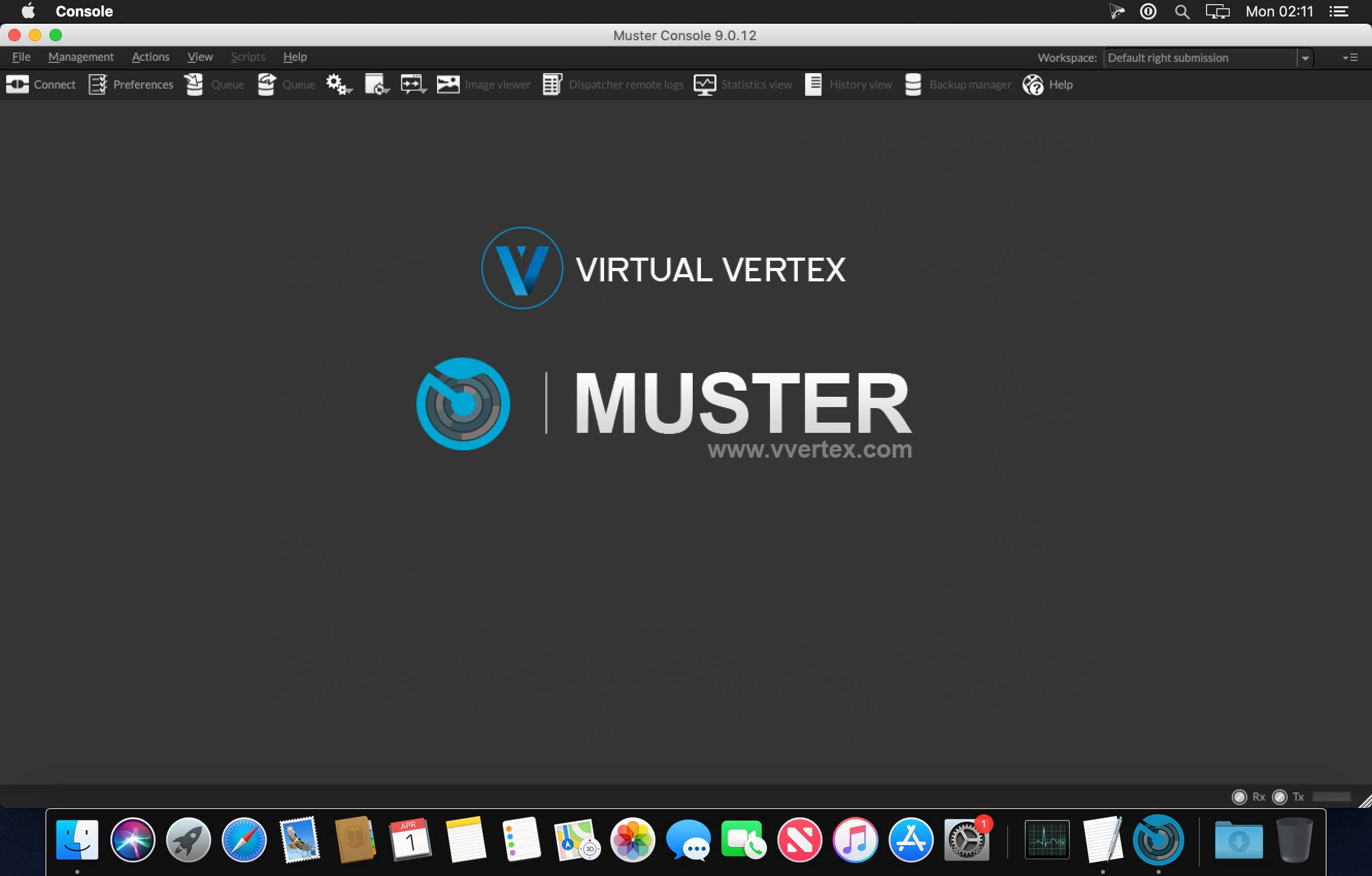
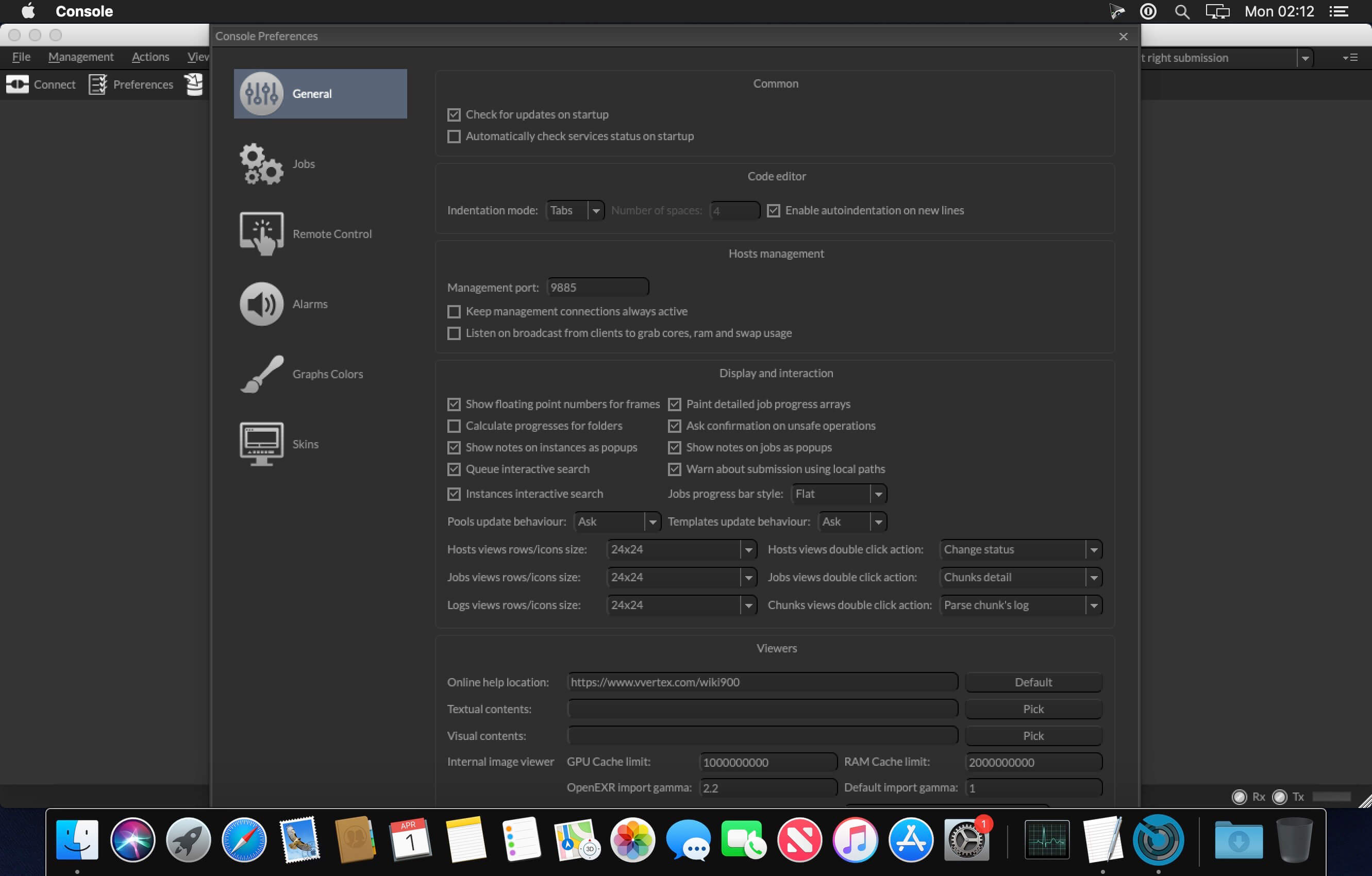

Muster 9 is Virtual Vertex next generation render farm management system for film production, game development, and visual effect industry.Built on the top of state-of-the-art technologies coming from ten years of developing and stress testing all around the world, Muster 9 maximizes your render farm and let you delegate the resources monitoring to a complete automated environment.
Muster 9 features:
- Totally multithreaded server engine allows unlimited scalability on multicores systems
- Tailored for high end installations with autotuning preemptive updating and data exchanging system
- Cross platform, runs natively on Windows, Linux and Mac OS X
- Integrated web service based on jQuery let you mange your farms using multi-touch events on your iPad or tablet
- Integrated management environment with visual realtime feedback
- Python based application support template system (write your own plug-ins to support additional render engines in pure Python)
- Python 2/3 , C/C++, Java, .NET, Perl and PHP API to control server and clients from your own code
- Wake up features through Magic packet, manually, scheduled or automatic, automatic shutdown of hosts based on customizable rules or overall load
- Screen saver enabler let you start the renders when your screen saver is running
- Custom actions through external executables or interpreters like Python
- In process or external SQL complaint database support using sqlite or mysql libraries
- Integrated users and groups management with permissions. Supports for LDAP and Active Directory authentication servers
- Cross platform interoperability across Windows, Linux and MAC OS X
- Enterprise class network logic with fault tollerance in mind, automatic connection recover and chunks reassignment
- Support for splittable jobs (multiframe), image slicing rendering, single host processing or process broadcasting
- Runs as console applications, Windows services or UNIX daemons
- Dynamic connections/disconnections of render slaves
- Support for multiple packages with built-in fully customizable template engine
- Integrated image library for image slices automated assembling (single frame jobs)
- Realtime visual feedback and configuration GUI supporting one-click propagations of configurations (Muster console) and full featured command line tool (Mrtool).
- Internal historing system for activity processing and report generation
- Remote hosts realtime log streaming
- Support for availability time tables to set time rules
- Support for automatic login detection (when running as service or daemon)
- Customizable reports in Muster console
- Integrated connector for Autodesk Maya
- Automatic network drive detection and mapping on Windows
- Hierarchical job management using nested folders
- Import/Export of queue snapshots
- Pool management to include/exclude jobs in a subset of hosts
- Integrated mailing list management and realtime notification about events
- Support for job dependancies, start jobs after the completation of a different one
- Support for floating point frames as well as negative frames
- Support for 64 BIT external processes
- System usage snapshots available in Muster console / Web server
- Sortable and customizable views with custom workspaces
- Detailed hosts usage monitor with user configurable alarms on processors usage, available disk space and memory usage
Version 9.0.14:
- Release notes were unavailable when this listing was updated.
Frequently asked questions
How do I install the app?
Mount the image, drag the app into the "Applications" folder and launch it. If the system blocks the launch, allow it in "System Settings → Privacy & Security".
The app is damaged or won't launch
Reinstalling from a fresh image usually helps. Make sure your macOS version matches the one listed in the compatibility specs.
How do I update?
Download the new version from the site and install it over the current one — your settings will be preserved.
The download link doesn't work
Try a mirror or a download manager. For large files the browser often drops the connection.
How do I completely remove the app?
Use an uninstaller utility — it cleans up the service files that remain after moving the app to the trash.
VersionVirtual Vertex Muster 9 v9.0.14
DeveloperVirtual Vertex
CompatibilitymacOS 10.5.8+
LanguageEnglish
IncludesK




Information
Visitors in the group Guests cannot leave comments on this publication.
Choose a download source
Virtual Vertex Muster 9 v9.0.14 · 130.48 MB
Previous versions
Virtual Vertex Muster 9 v9.0.14
Previous versions are available to registered users.