
RapidClick 1.5.1
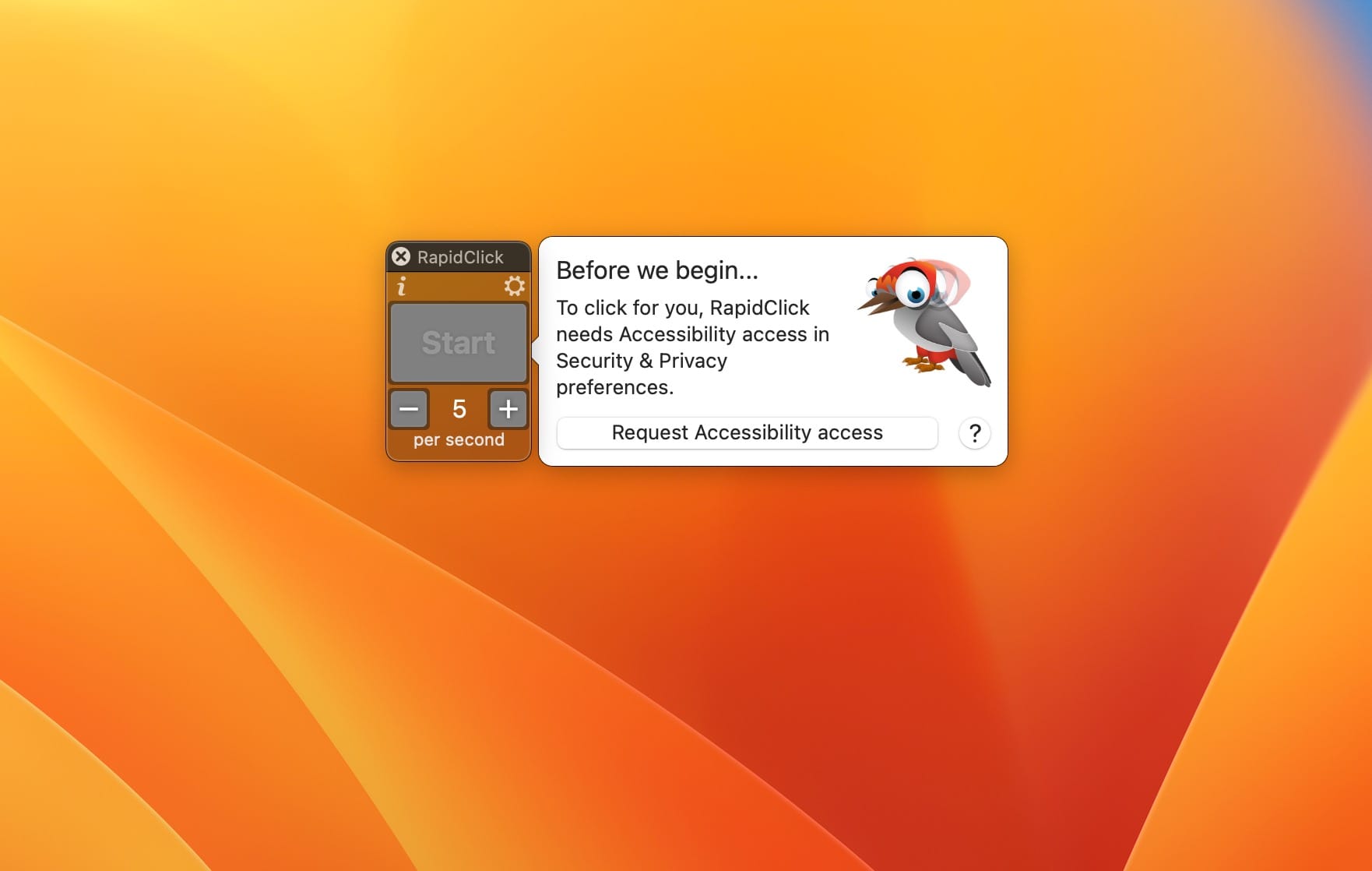
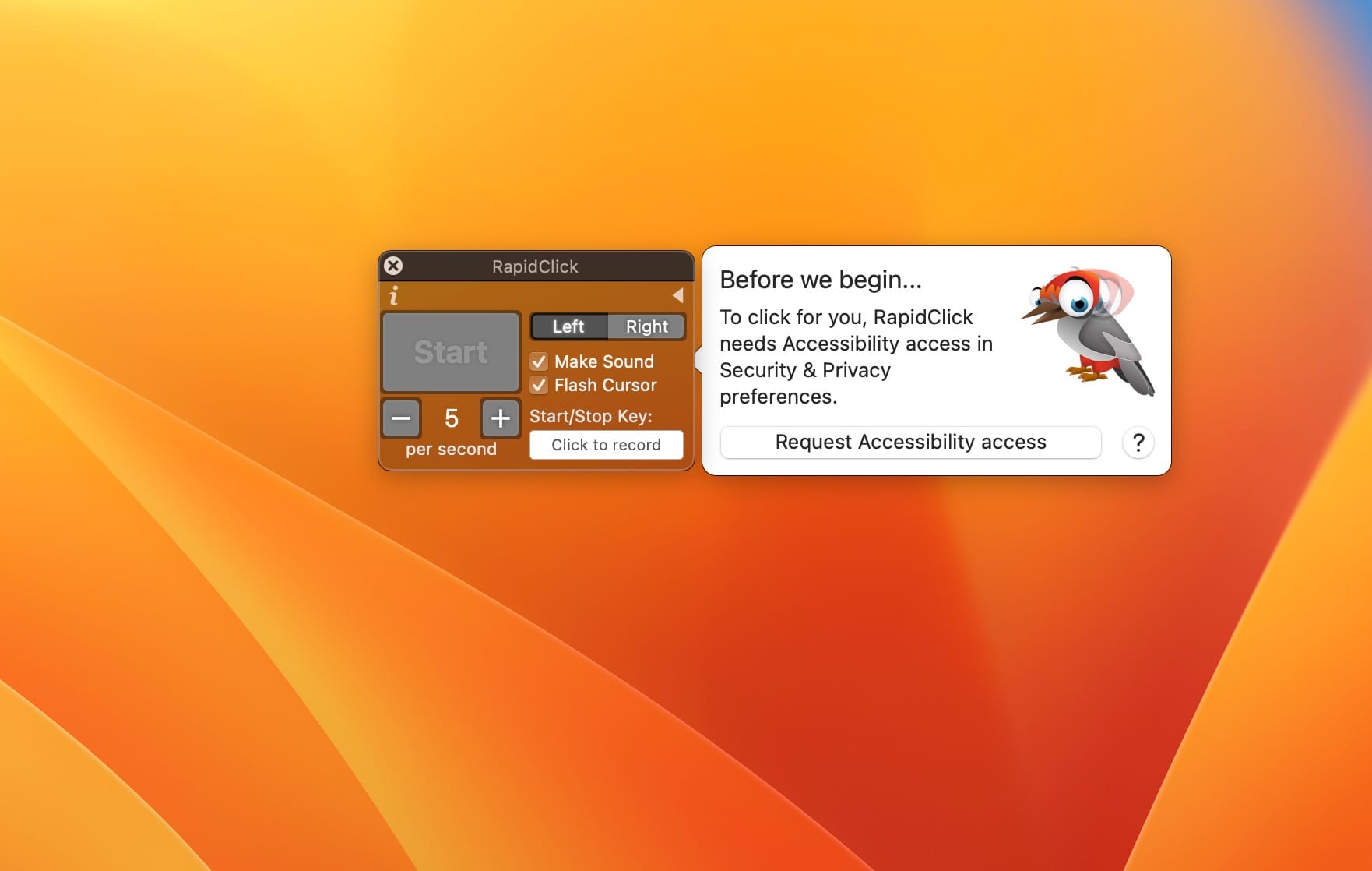
RapidClick automatically clicks your mouse at regular intervals. You can use RapidClick for fast clicking in games, to save your hands from repetitive clicking, and to automate simple tasks.
How to use
- Set how fast you want to click
- Press the Start button to begin clicking
- Press the Stop button to stop
Features
- Speed from 1 click per hour to 50 clicks per second
- Assign a hotkey to start and stop clicking
- Left click or right click
- Floats above all apps, including full screen games
- Audio and visual feedback so you know the clicks are happening
Version 1.5.1
- Fix crash when stopping clicking using a hotkey.
Version 1.5:
- RapidClick is now a Universal app for both Intel and M1 Macs.
- Faster clicking, up to 50 clicks per second.
- When slow clicking, it now shows minutes and seconds instead of "per minute / per hour".
- Added a countdown when slow clicking.
- Added a welcome interface guiding the user to enable Accessibility permission.
- Fixed crash at launch when there is no Accessibility permission.
Frequently asked questions
How do I install the app?
Mount the image, drag the app into the "Applications" folder and launch it. If the system blocks the launch, allow it in "System Settings → Privacy & Security".
The app is damaged or won't launch
Reinstalling from a fresh image usually helps. Make sure your macOS version matches the one listed in the compatibility specs.
How do I update?
Download the new version from the site and install it over the current one — your settings will be preserved.
The download link doesn't work
Try a mirror or a download manager. For large files the browser often drops the connection.
How do I completely remove the app?
Use an uninstaller utility — it cleans up the service files that remain after moving the app to the trash.


Choose a download source
RapidClick 1.5.1 · 3.18 MB