

Adguard 2.10.0 (1239) Nightly
Screenshots
Click to enlarge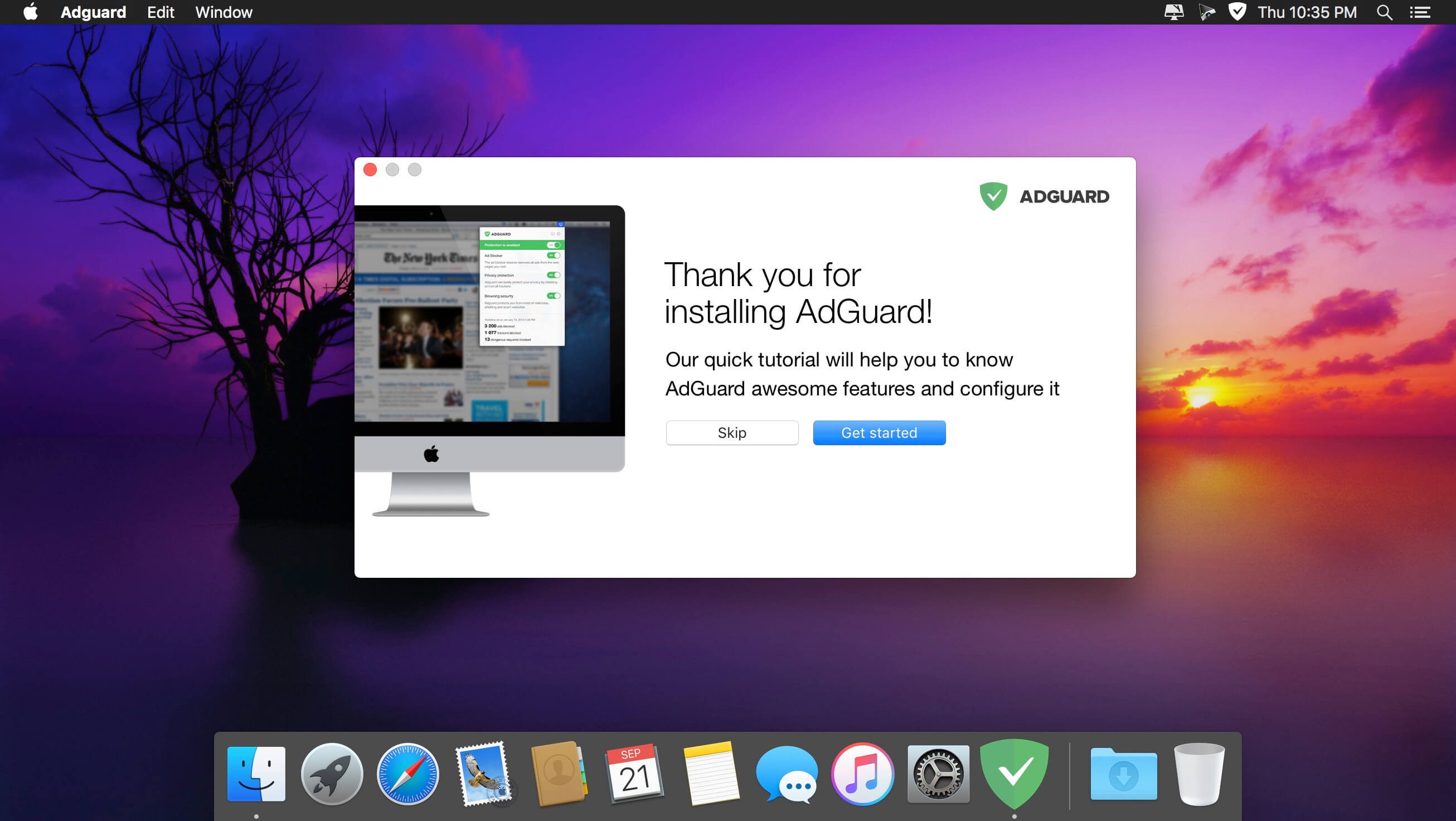
Adguard can make your online experience safer because, though Macs and Apple laptops are quite safe to use, when it comes to ad blockers, Macs experience real problems. Already-existing solutions do not consider the specifics of macOS. That greatly influences the stability of work in Safari, and these ad-blocking extensions fail to do their work properly, especially when video ads are an issue.
New Adguard lets you fully enjoy web surfing without any distractions. Watch those videos you want to watch, and not video ads, on YouTube, Twitch, or any other website. Look at photos of your friends and not at endless banners on Facebook and other social networks. Adguard gives you freedom of choice and saves your nerves. It works perfectly with all browsers, as it was developed specially for use on macOS.
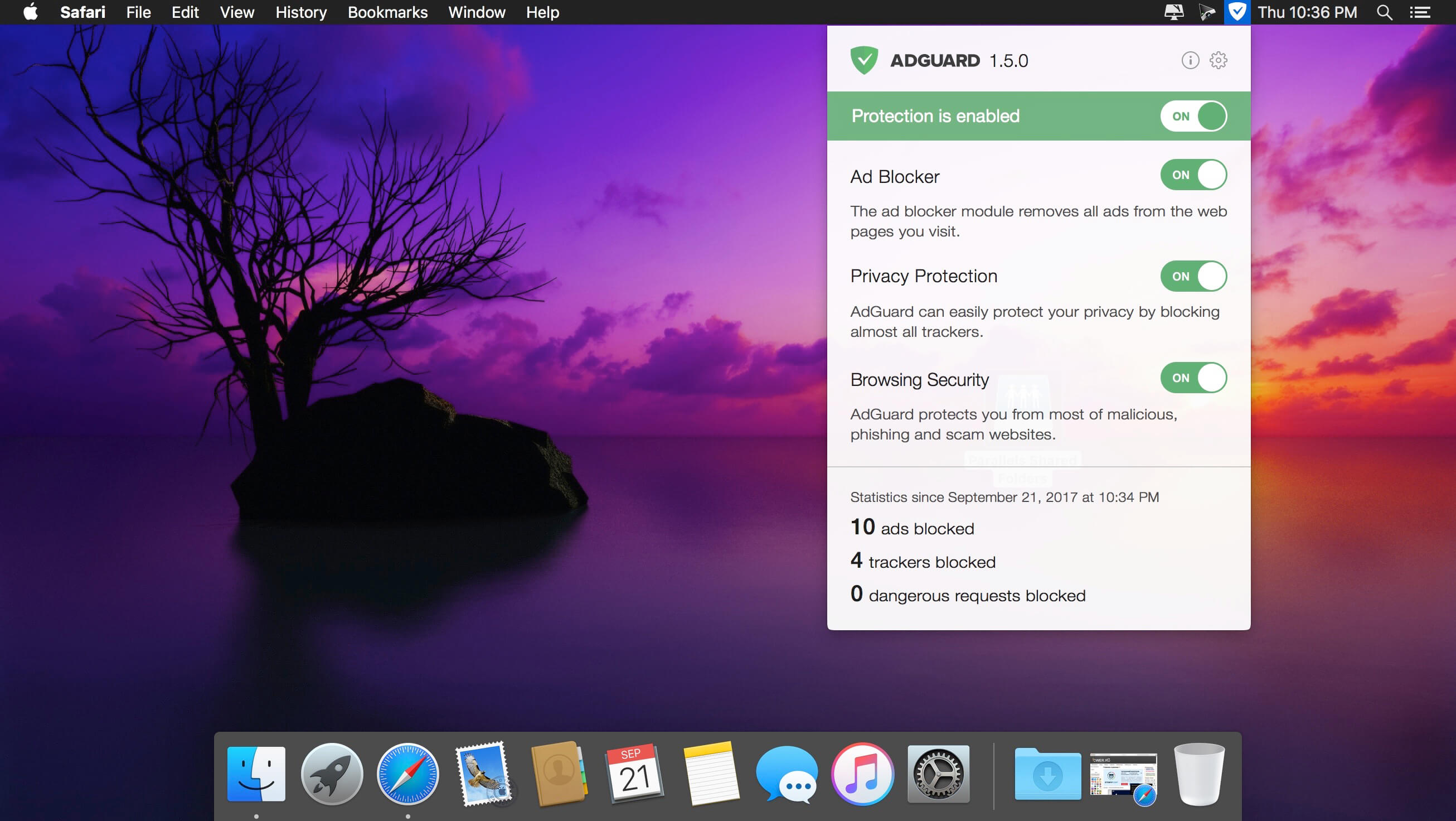
- Ad Blocker. Subtle filtering of all incoming traffic, and what is more, ads are blocked before they load to the page.
- Browsing Security. Adguard checks every page for any malicious content using our databases, and blocks requests from potentially dangerous ones.
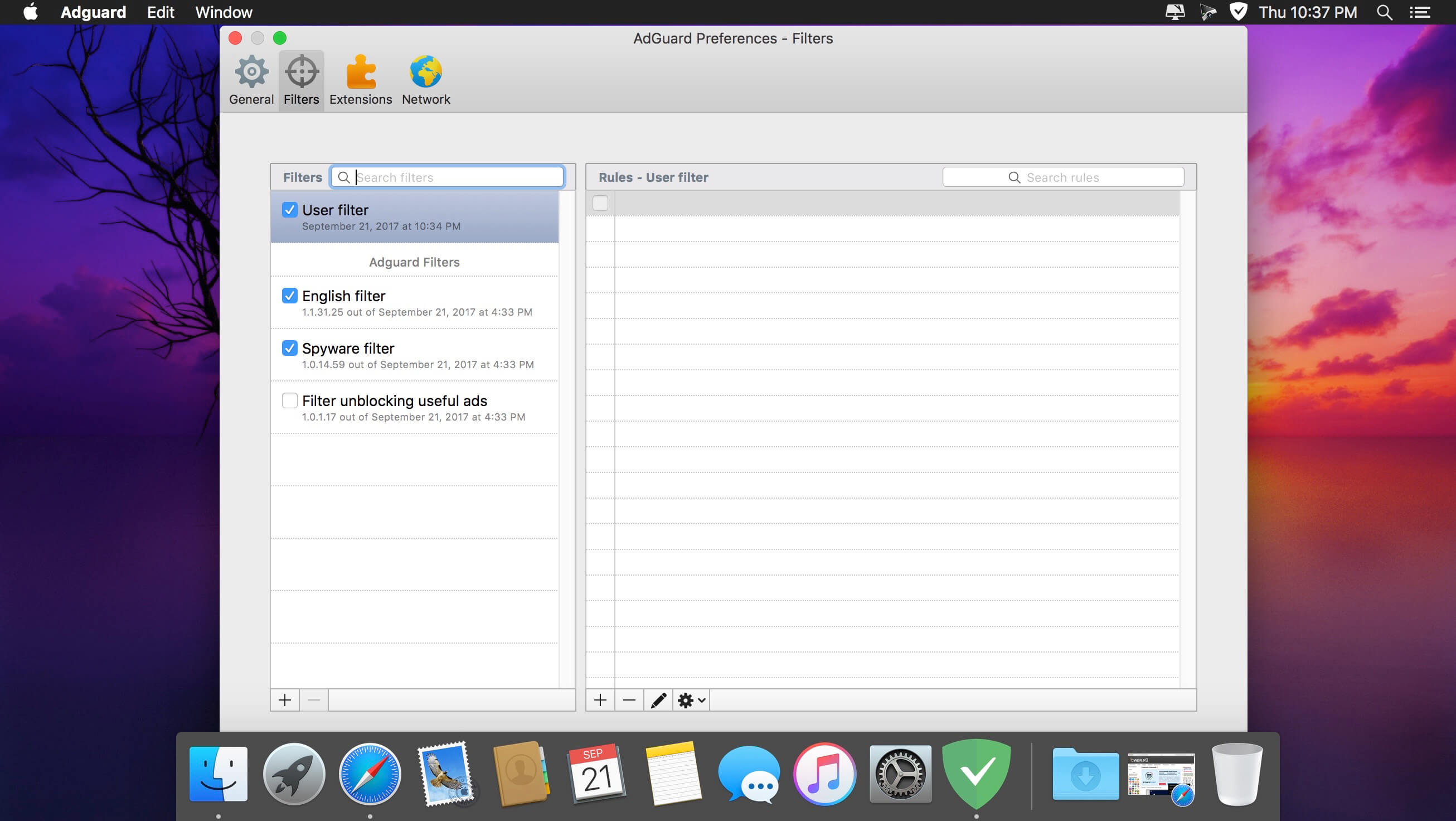
- Privacy Protection. Any counters and tracking instruments will be blocked by powerful Spyware filter. With Adguard you can stop worrying for the privacy of your actions on the Internet.
- Adguard works in all browsers. Safari, Chrome - you name it. No exceptions.
- Easy to install. A couple of clicks, and your Mac is protected from ads. You don't have to struggle with overcomplicated settings - just surf the net and Adguard will do all the work.
- Blocking video ads. Any video ad, on any site - Adguard will block it.
- Application filtering. Adguard is more than just an addon for browser. It can help you to get rid of ads in any app on your Mac.
- Adguard has intuitive and simple UI with such additional features like Adguard Assistant and filtering log.
- Daily ad filters and phishing databases updates.
Version 2.9.2 (1234)
Updated:
- CoreLibs to v1.10.182 #1175
- DnsLibs to v2.0.75 #1179
Added:
- PIX-LINK router/repeater domains to fallback domains #170
- Missing Polish translations in Safari Browser Assistant #1174