
1Blocker 1.4.8
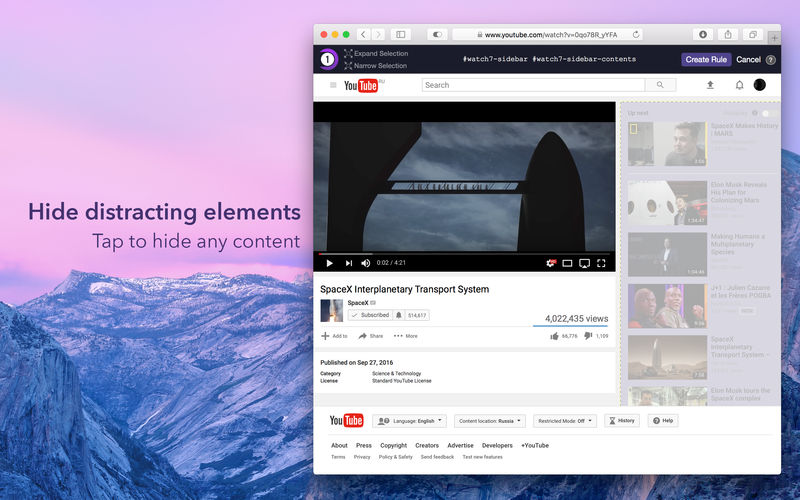
1Blocker Website Inspector allows you to detect number of ads and trackers on a page, analyze content size and loading time, as well as estimate 1Blocker effect in Safari. See for yourself how many ad networks and analytics providers build deep profiles about you across the web.
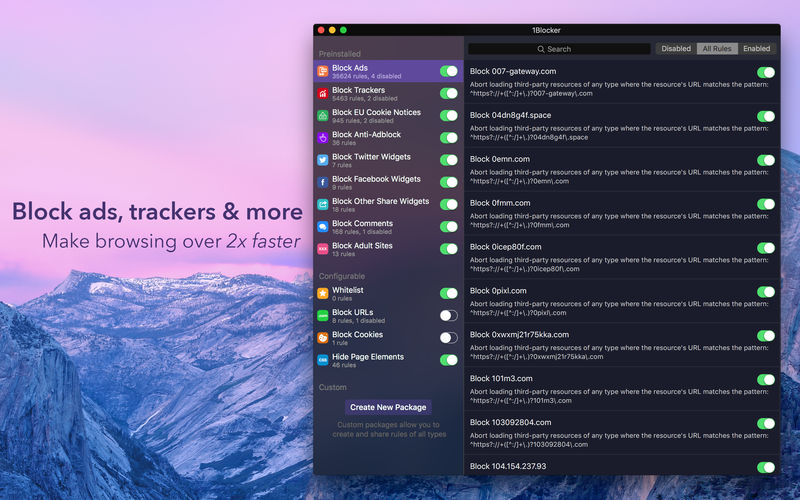
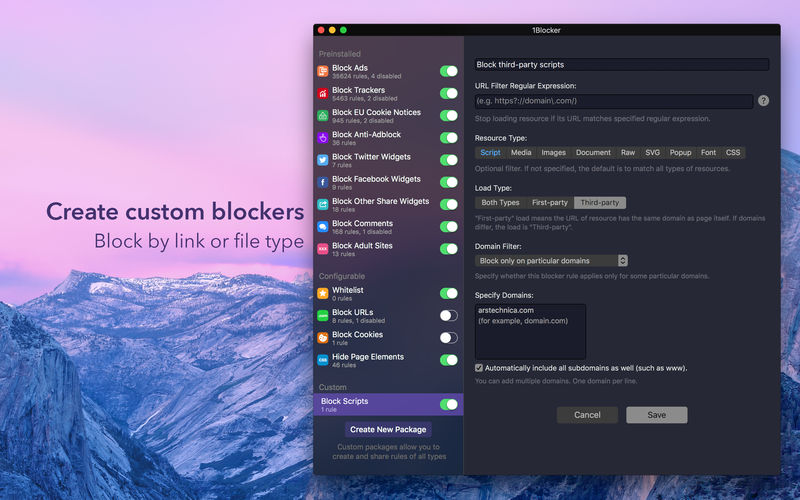
Using 1Blocker you can also block these ads and tracking scripts in Safari. In addition to ad blocking, you can also block comments, various social widgets, share buttons, obtrusive EU cookie law notices, custom web fonts, adult sites, and more.
Note: an additional install of 1Blocker Extension is recommended in order to block content in Safari.
Version 1.4.8
- This version fixes the iCloud sync problem and contains an updated blocker list with fixes and improvements for issues on some websites you've reported. Make sure to manually launch the app after updating to the latest version to have new rules applied in Safari.
Frequently asked questions
How do I install the app?
Mount the image, drag the app into the "Applications" folder and launch it. If the system blocks the launch, allow it in "System Settings → Privacy & Security".
The app is damaged or won't launch
Reinstalling from a fresh image usually helps. Make sure your macOS version matches the one listed in the compatibility specs.
How do I update?
Download the new version from the site and install it over the current one — your settings will be preserved.
The download link doesn't work
Try a mirror or a download manager. For large files the browser often drops the connection.
How do I completely remove the app?
Use an uninstaller utility — it cleans up the service files that remain after moving the app to the trash.
Version1Blocker 1.4.8
DeveloperSalavat Khanov
CompatibilityOS X 10.11 or later, 64-bit processor
LanguageEnglish
IncludesK'ed by TNT





Information
Visitors in the group Guests cannot leave comments on this publication.
Choose a download source
1Blocker 1.4.8 · 13.19 MB
Previous versions
1Blocker 1.4.8
Previous versions are available to registered users.