Dr.Duplicate Cleaner 3.8
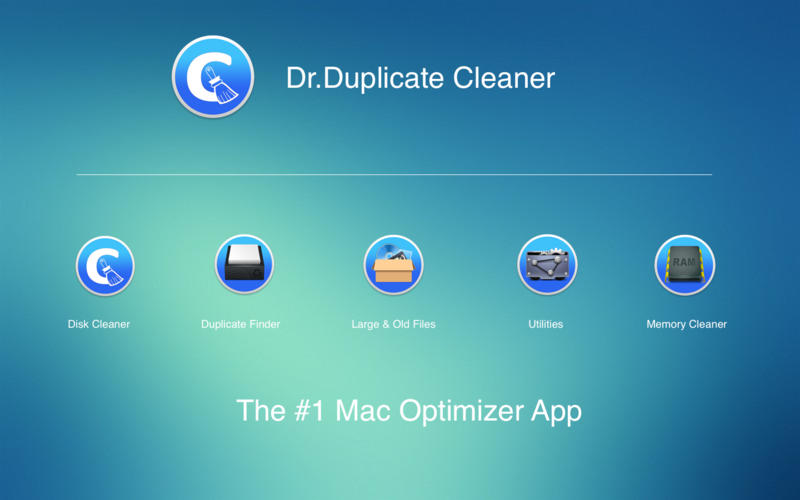
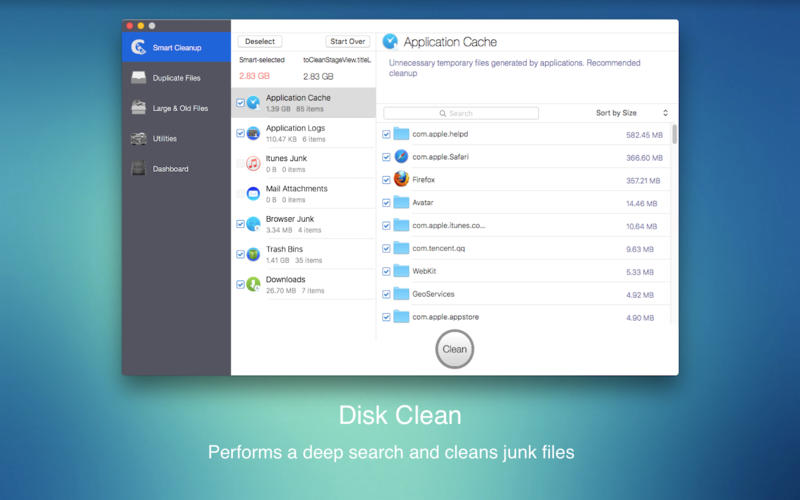

Clean, optimize, and maintain your Mac. Just two click to scan your system and removes gigabytes of junk.
Main Feature
- Disk Clean
- Application Cache
- Application Log
- iTunes Junk files
- Mail Attachments
- Browser Junk files
- Trash Bins
- Downloads
Fast scan-engine and SHA-1 Checksum algorithmn. Locate and remove duplicate files, even if they are in remote corners of your system(such as iPhoto and iTunes Library). Duplicate Finder scans your whole hard drive, no matter how many files are the on your Mac. Dig through scan results and hand-pick the files to erase, or better – let Smart Select do all the work.
Never worry about losing files by mistake. It makes things simple, moves duplicate files to the Trash and lets you bring them back in one-click.
Large & Old Files
Whether you’re feeling the pinch as hard drive space runs low or you’re just wondering where all your disk space went, it is easy to find and remove these forgotten files include old movies, archives and music, but could honestly be anything that is hogging space on your Mac by using Large & Old Files Finder. When you really need more space, load up large & Old Files and weight your options.
Utilities
Can there be a place from where you can monitor your Mac and manage all its utilities? Utilities module helps you enjoy all you important Mac functions and everything you want to do with them. Including:
- Activity Monitor
- Disk Utility
- Migration Assistant
- Extensions
- System Information
Monitor your hard drive and memory usage, and free up RAM. Dashboard lets you see how your Mac is performing in real-time to help you use your Mac better. Just a click to free up memory to improve the speed of your Mac.
Upgrade to Pro , IAP
- Unlock the limitation of deleting duplicate files
- Unlock the limitation of deleting junk files
- Remove all ads
Frequently asked questions
How do I install the app?
Mount the image, drag the app into the "Applications" folder and launch it. If the system blocks the launch, allow it in "System Settings → Privacy & Security".
The app is damaged or won't launch
Reinstalling from a fresh image usually helps. Make sure your macOS version matches the one listed in the compatibility specs.
How do I update?
Download the new version from the site and install it over the current one — your settings will be preserved.
The download link doesn't work
Try a mirror or a download manager. For large files the browser often drops the connection.
How do I completely remove the app?
Use an uninstaller utility — it cleans up the service files that remain after moving the app to the trash.
VersionDr.OS Disk Cleaner Pro - Clean Drive and Free Up Space (In-App) 3.8
DeveloperNoodle Studio. All Right Reserved.
CompatibilityOS X 10.8 or later, 64-bit processor
LanguageEnglish
IncludesK'ed by TNT



Information
Visitors in the group Guests cannot leave comments on this publication.
Choose a download source
Dr.Duplicate Cleaner 3.8 · 8.01 MB