
Outline 3.2302.0
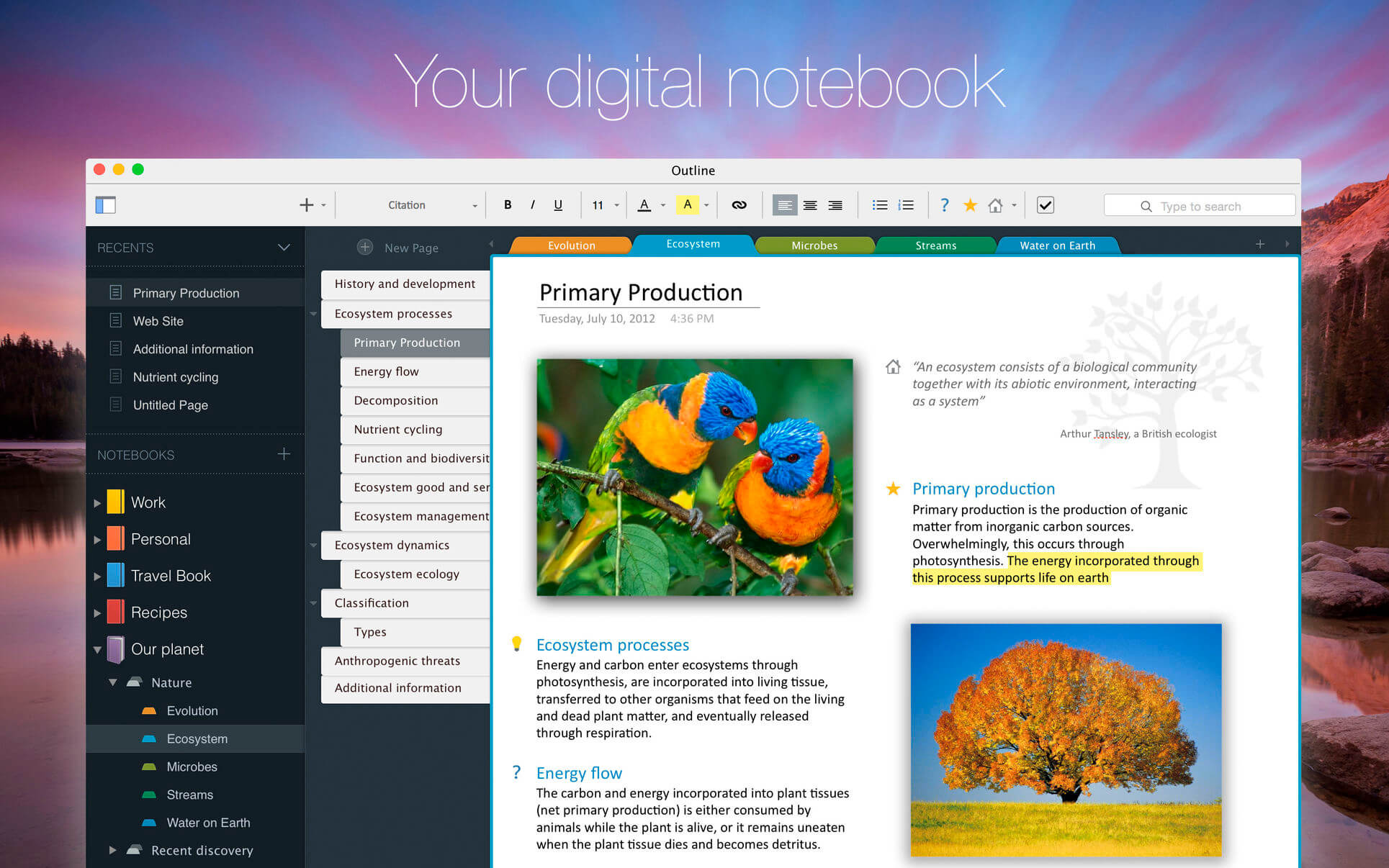

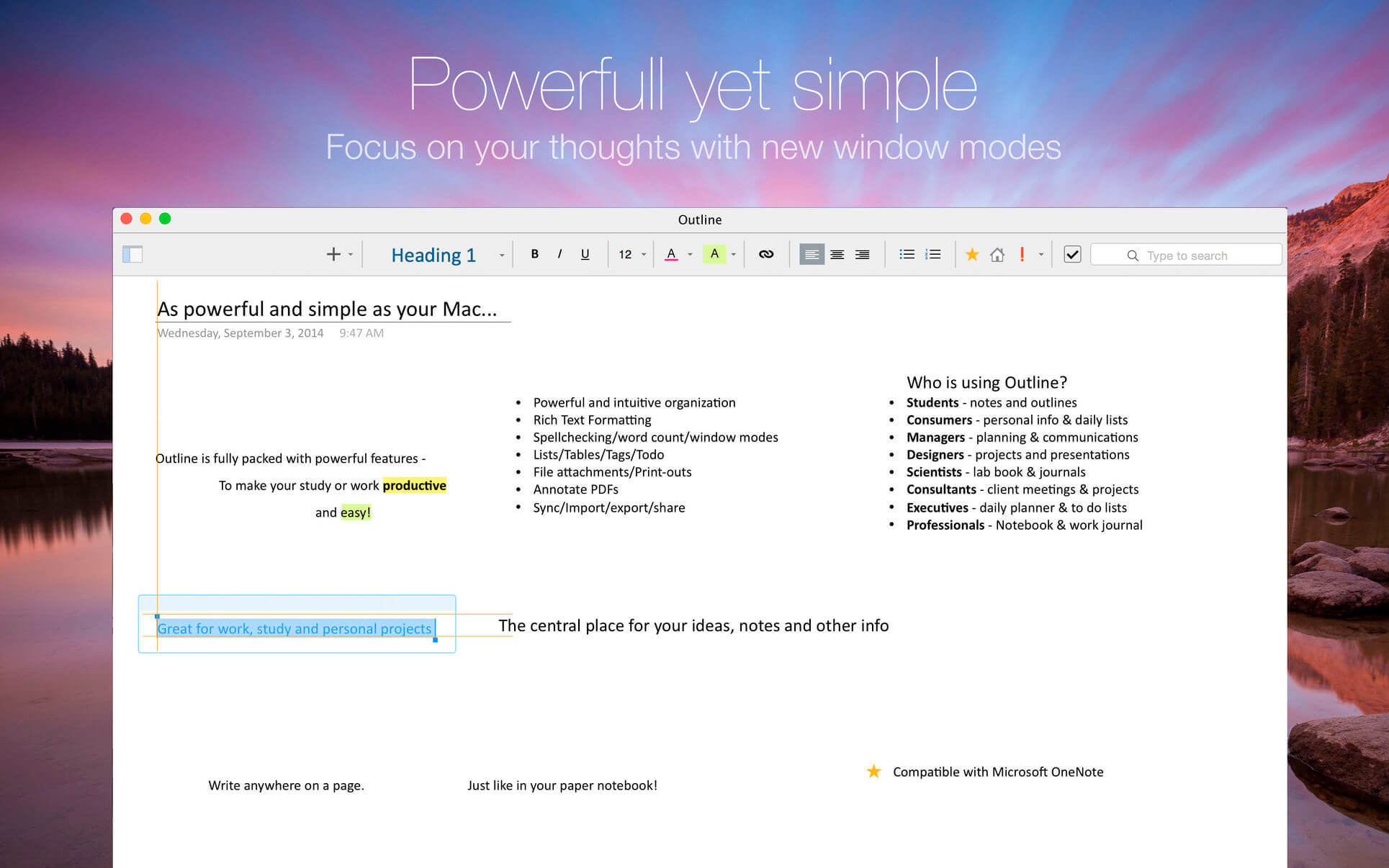
Notes with more creative freedom, better organization, and PDF export options. OneNote compatible & Office 365 powered. Take your OneNote to the cloud you like best or even local.
Capture notes at any spot on a page and draggable around. Organize notes in the world's most natural hierarchy. Store notes in your local file system, and synced across devices with your favorite cloud.
Powered with import from Evernote and Circus Ponies.
ONENOTE'S BEST FRIEND
- Give your OneNote notes a new start beyond OneDrive or SharePoint
- Export to OneNote, just in case
- Go beyond import/export and do a real time collaboration on notes with colleagues who use OneNote (your Mac and their PCs)
STORAGE
- Choose where you want to store your notes: Dropbox, iCloud, WebDAV, Box, or OneDrive
- Consider a no-cloud option too: some notes need offline and cloud-free privacy
- Mind the coming-soon: SharePoint, OneDrive for Business / Office 365
UI
- Find everything a note needs by the hand: text, lists, tables, images, checkboxes, hyperlinks, and more
- Put that stuff anywhere in a note and then move around / re-size / edit it all, the way you like
- Keep notes structured in a natural hierarchy of pages, sections, and notebooks
- Access a note fast via recents, search, and note links
- Manage font size and color, apply styles and highlighting
- Attach files and insert printouts, to collect documents in one place
IMPORT
- From OneNote
- From Circus Ponies
- From Evernote
Version 3.2302.0
- This release contains bug fixes and stability improvements.
Frequently asked questions
How do I install the app?
Mount the image, drag the app into the "Applications" folder and launch it. If the system blocks the launch, allow it in "System Settings → Privacy & Security".
The app is damaged or won't launch
Reinstalling from a fresh image usually helps. Make sure your macOS version matches the one listed in the compatibility specs.
How do I update?
Download the new version from the site and install it over the current one — your settings will be preserved.
The download link doesn't work
Try a mirror or a download manager. For large files the browser often drops the connection.
How do I completely remove the app?
Use an uninstaller utility — it cleans up the service files that remain after moving the app to the trash.

Choose a download source
Outline 3.2302.0 · 81.07 MB
Previous versions
Outline 3.2302.0
Previous versions are available to registered users.