Folder Tidy 2.9.7
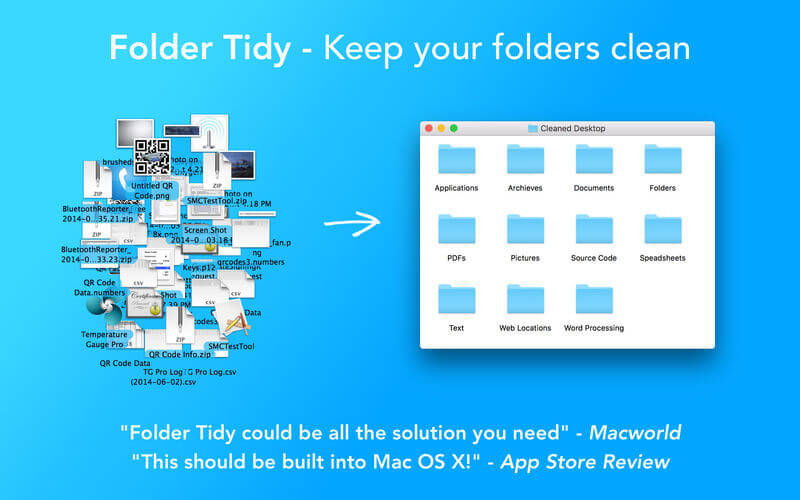
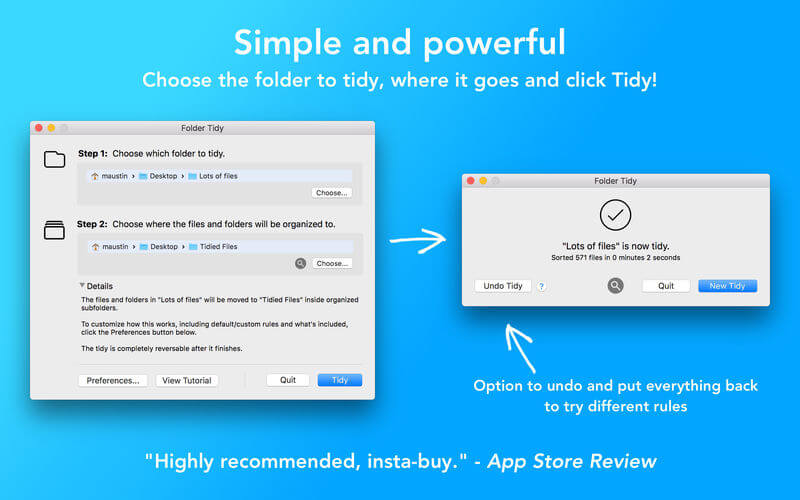
Take a look at your Desktop, or the Downloads folder - is it a little disorganized? Or maybe really disorganized? Don't worry, it's really easy to clean up. Download Folder Tidy right now and choose the folder to organize and with one click you'll see the files get sorted into the appropriate sub folders (Pictures, Word Documents, Numbers, Archives, etc).
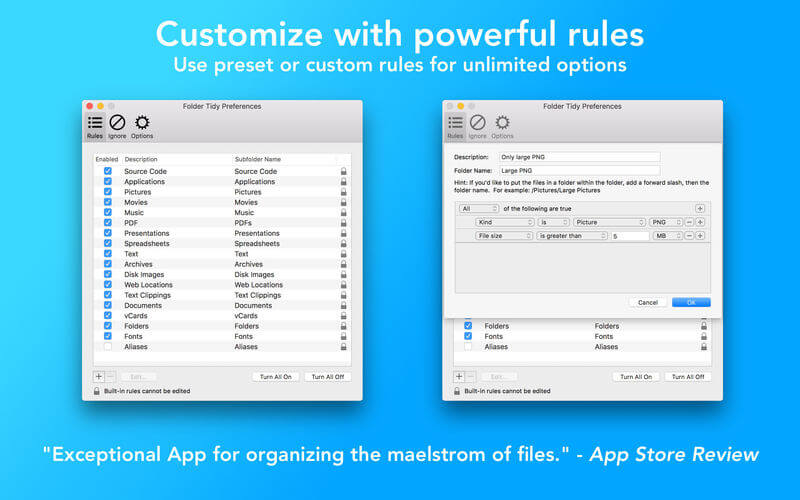
Need a little more control? Open up the preferences, change the order of the built-in rules, or start to make custom rules. Use the powerful predicate editor to make pretty much any rule you'd like. For example, create a rule to move all photos with a size bigger than 5MB and older than a year into a folder. Pretty neat, eh?
Check out some of the awesome features:
- Organize your files into subfolders based on the file type and/or rules.
- Use one of the many built-in rules, or create powerful ones based on predicates.
- Choose what types of files to clean up.
- Choose files and folders to ignore during a clean up.
- Choose where to put the cleaned up files and folders.
- Options to ignore aliases, folders and anything with a label.
- Ability to undo the clean up.
- Over 600 five star ratings internationally.
Version 2.9.7
- Added support for macOS 26 Tahoe, with updated UI elements and a redesigned app icon.
- Folders created during a tidy are now automatically and safely removed after an undo is completed, even if the app has been restarted.
- Undoing a tidy now restores hidden files and folders to their original locations.
- Improved the undo process with additional safeguards to ensure the original folder structure is accurately recreated and all files are accounted for.
- Resolved a crash when upgrading from an older version of Folder Tidy caused by migrating undo files to the new format.
Frequently asked questions
How do I install the app?
Mount the image, drag the app into the "Applications" folder and launch it. If the system blocks the launch, allow it in "System Settings → Privacy & Security".
The app is damaged or won't launch
Reinstalling from a fresh image usually helps. Make sure your macOS version matches the one listed in the compatibility specs.
How do I update?
Download the new version from the site and install it over the current one — your settings will be preserved.
The download link doesn't work
Try a mirror or a download manager. For large files the browser often drops the connection.
How do I completely remove the app?
Use an uninstaller utility — it cleans up the service files that remain after moving the app to the trash.



Choose a download source
Folder Tidy 2.9.7 · 7.24 MB
Previous versions
Folder Tidy 2.9.7
Previous versions are available to registered users.