
Secret Folder Pro 11.0 U2B
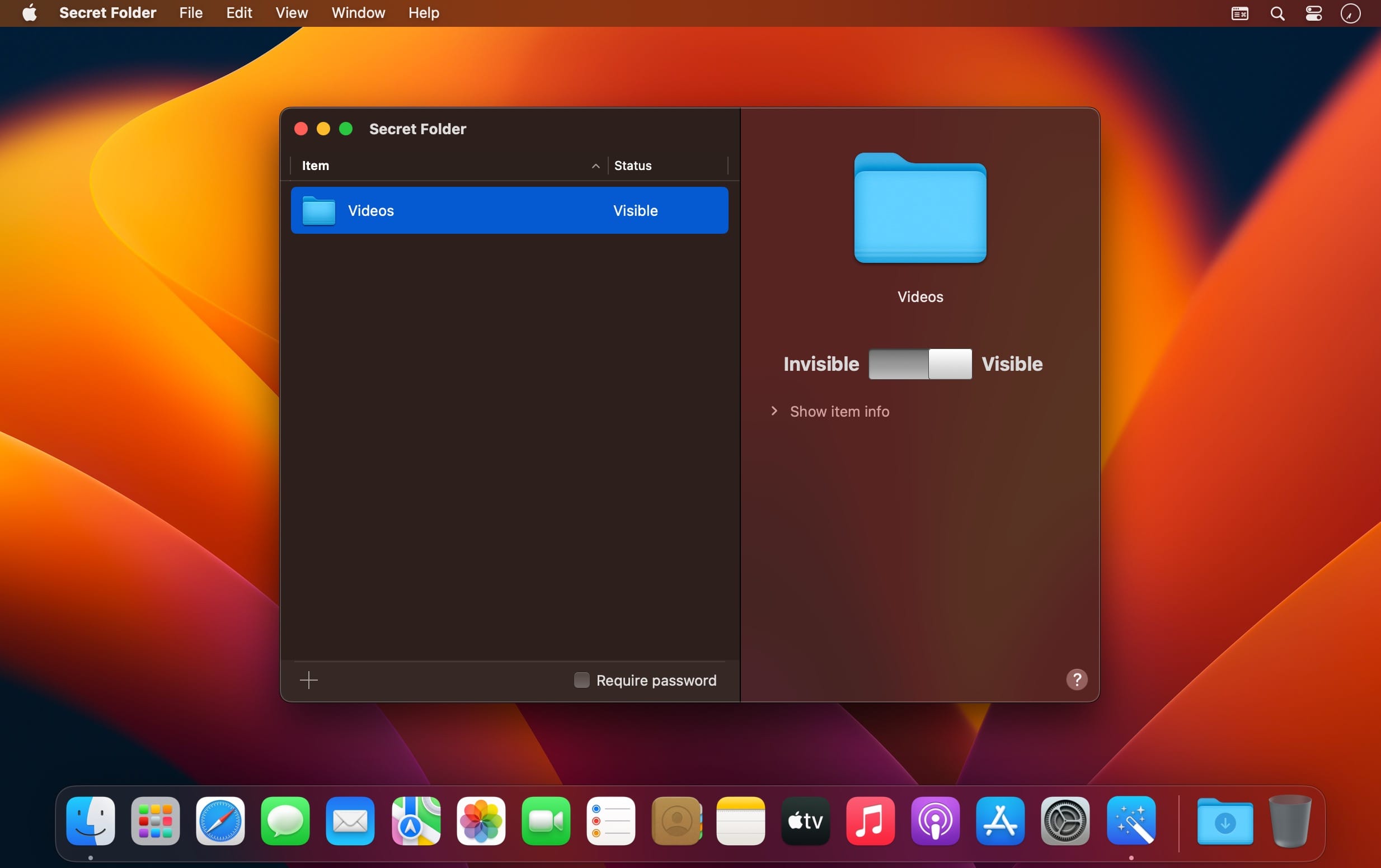
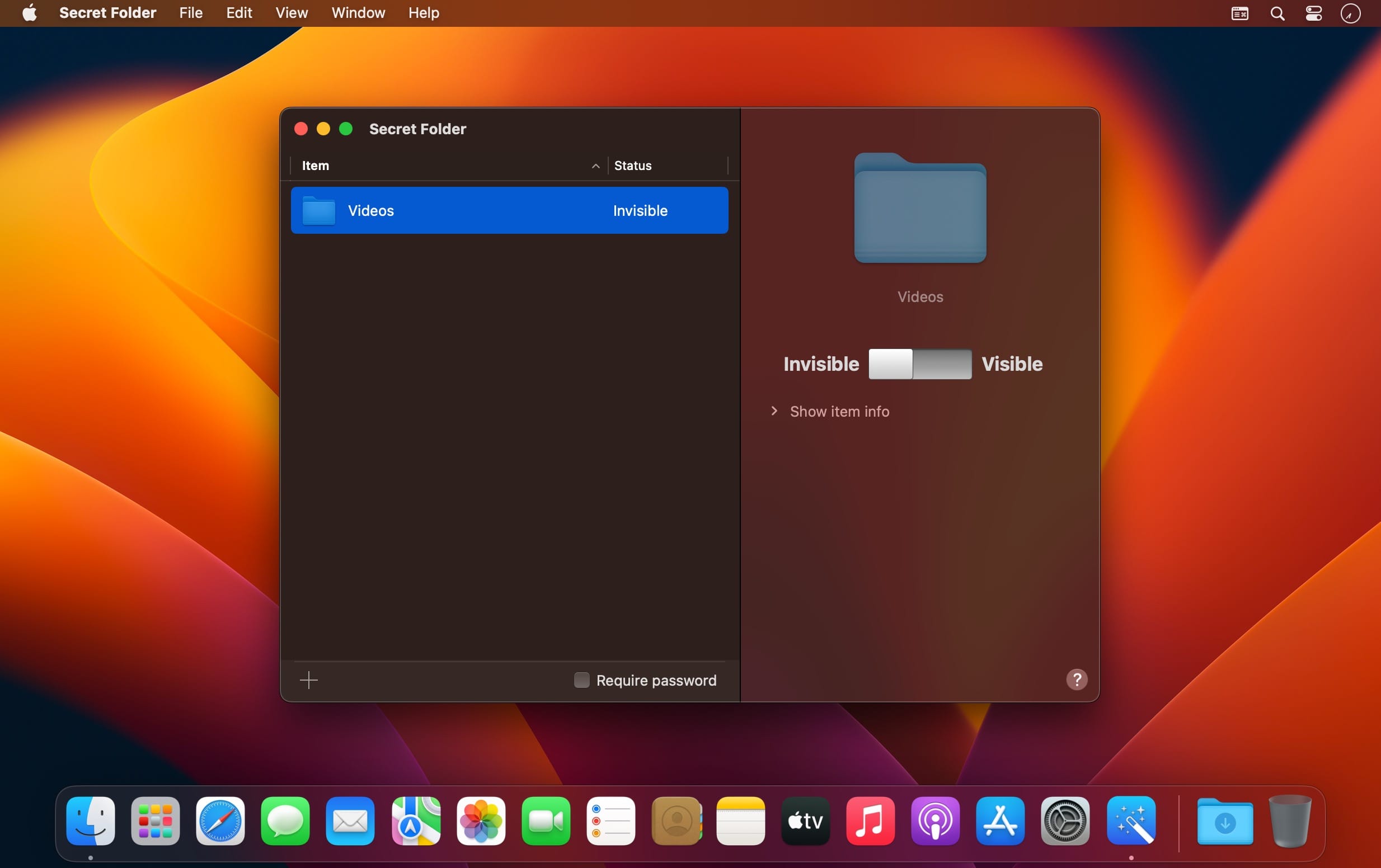
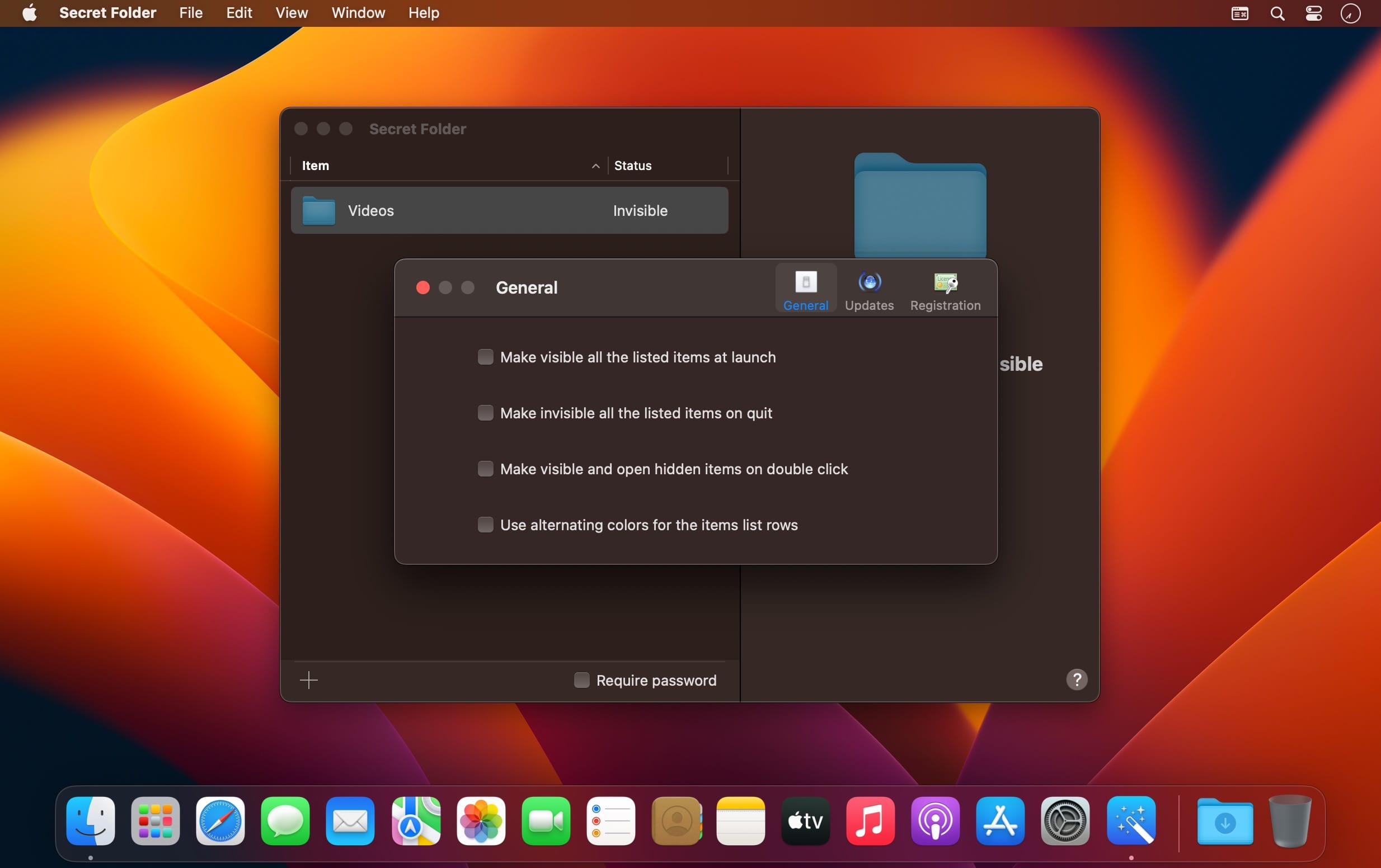
Secret Folder is very useful to keep your information away from prying eyes, it conceal folders and files on your Mac with a click, it provides you with an easy and fast way to hide personal folders and documents. Hide files and folders from the prying eyes of other people using your Mac.
In addition, the application launch can be password-protected. This protection system is based on the principle that no person will attempt to open a file he/she cannot see or knows about.
How to make invisible files and folders on a Mac?
The answer is simple: with Secret Folder! Secret Folder provides an easy and fast way to protect personal documents and avoid them being seen, modified, or erased by other users. It allows users to hide folders and their contents. Files and folders can be added by means of a single click on a choose dialog box or via drag and drop. This protection system is based on the principle that no person will attempt to open a file he/she cannot see or knows about.
The perfect solution
Secret Folder constitutes the perfect solution if you wish to prevent occasional users of your Mac to view, open, or change files or documents while browsing the contents of your hard drive. Secret Folders is very useful to keep your information away from prying eyes or kids who may accidentally modify or delete your files.
Using a password
The ‘Require Password’ check button lets you protect the app with a password. If this option is selected, at the opening of Apimac Secret Folder a password dialog box will be displayed. To gain access to the application it will be necessary to enter the correct password. Secret Folder is very useful to keep your information away from prying eyes, it conceal folders and files on your Mac with a click, it provides you with an easy and fast way to hide personal documents.
Secret Folder is really simple to use
The most simple and straightforward method to protect a file. Secret Folder allow you to build a list of file and folders, which you may turn visible or invisible with a simple click.
Version 11.0:
- Release notes were unavailable when this listing was updated.
Frequently asked questions
How do I install the app?
Mount the image, drag the app into the "Applications" folder and launch it. If the system blocks the launch, allow it in "System Settings → Privacy & Security".
The app is damaged or won't launch
Reinstalling from a fresh image usually helps. Make sure your macOS version matches the one listed in the compatibility specs.
How do I update?
Download the new version from the site and install it over the current one — your settings will be preserved.
The download link doesn't work
Try a mirror or a download manager. For large files the browser often drops the connection.
How do I completely remove the app?
Use an uninstaller utility — it cleans up the service files that remain after moving the app to the trash.



Choose a download source
Secret Folder Pro 11.0 U2B · 4.13 MB
Previous versions
Secret Folder Pro 11.0 U2B
Previous versions are available to registered users.