
PrefEdit 5.8
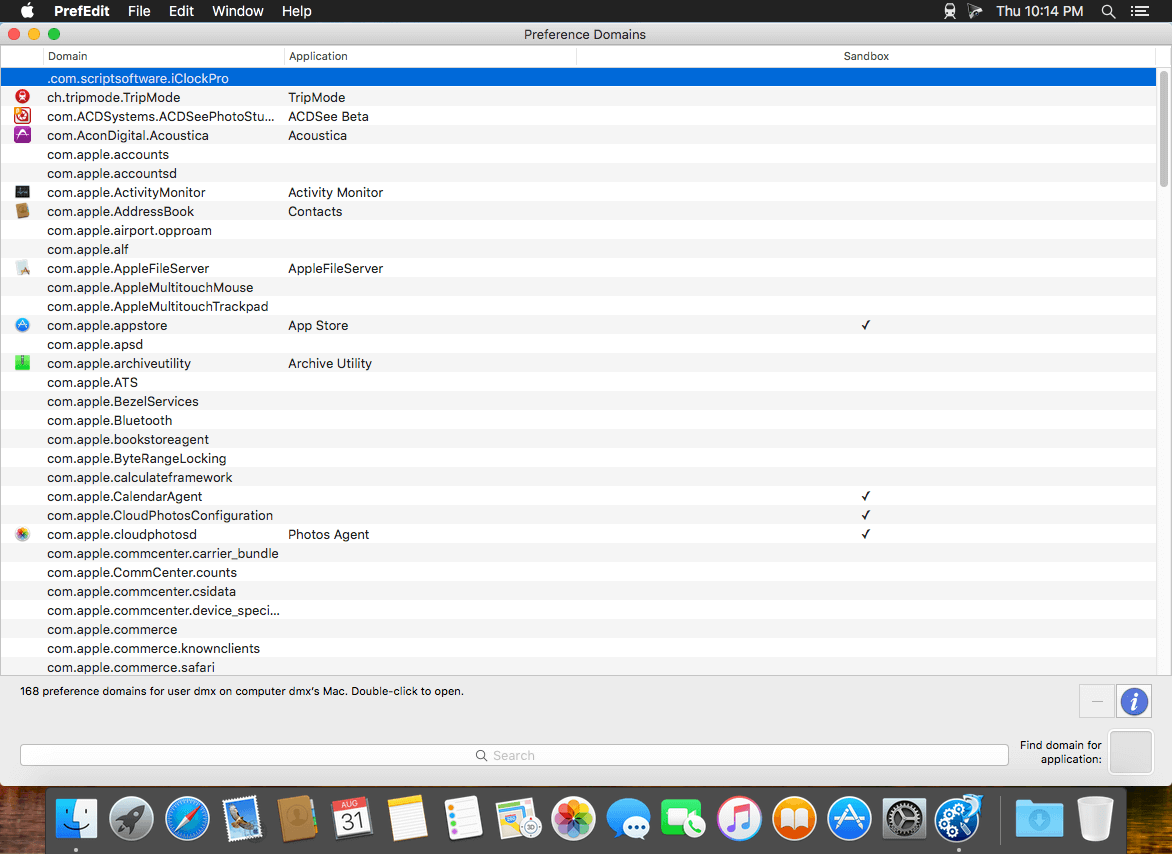
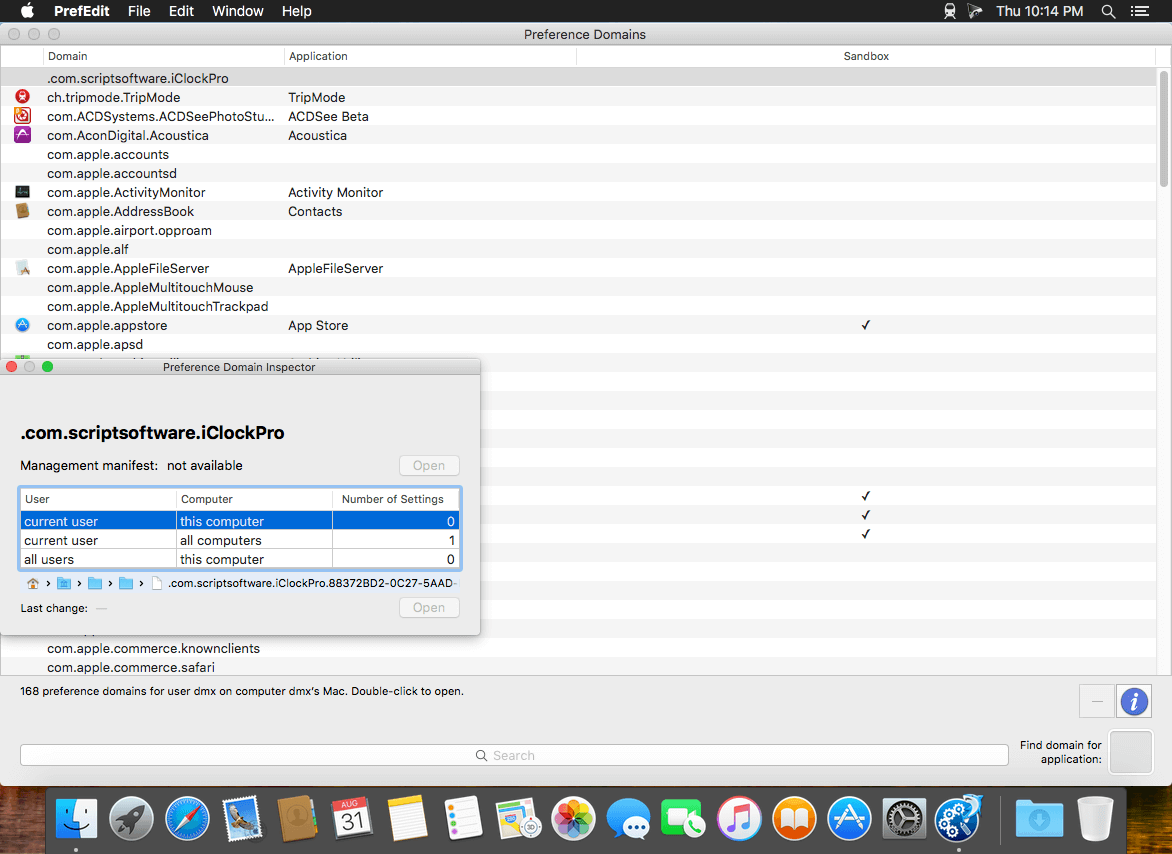

PrefEdit is a utility that allows you to inspect and edit all preference settings for OS X applications. The settings are displayed in a browser and can be edited by simple point-and-click operations. You can also do a full-text search on all settings, or clean up unused entries of applications that have been uninstalled.
PrefEdit can access all preference settings of "well-behaved" Carbon and Cocoa applications. Older Mac applications running in the Classic environment used a totally different system for storing preference settings. The settings of such programs do not appear in PrefEdit.
Warning: If you edit, add, or delete preference values of application programs or the OS X operating system, you should know what you are doing. Inappropriate values can cause serious malfunctions in the system, which could destroy important data or create other unexpected effects.
Release 5.8
- By user request, this version adds a new feature to copy domain names from the table of preference domains to the pasteboard.
- Fixes a problem when editing integer values greater than 999. In some regions, the values could be clipped after the first thousands separator.
Frequently asked questions
How do I install the app?
Mount the image, drag the app into the "Applications" folder and launch it. If the system blocks the launch, allow it in "System Settings → Privacy & Security".
The app is damaged or won't launch
Reinstalling from a fresh image usually helps. Make sure your macOS version matches the one listed in the compatibility specs.
How do I update?
Download the new version from the site and install it over the current one — your settings will be preserved.
The download link doesn't work
Try a mirror or a download manager. For large files the browser often drops the connection.
How do I completely remove the app?
Use an uninstaller utility — it cleans up the service files that remain after moving the app to the trash.





Choose a download source
PrefEdit 5.8 · 12.84 MB
Previous versions
PrefEdit 5.8
Previous versions are available to registered users.