
FotoJet Designer 1.2.2
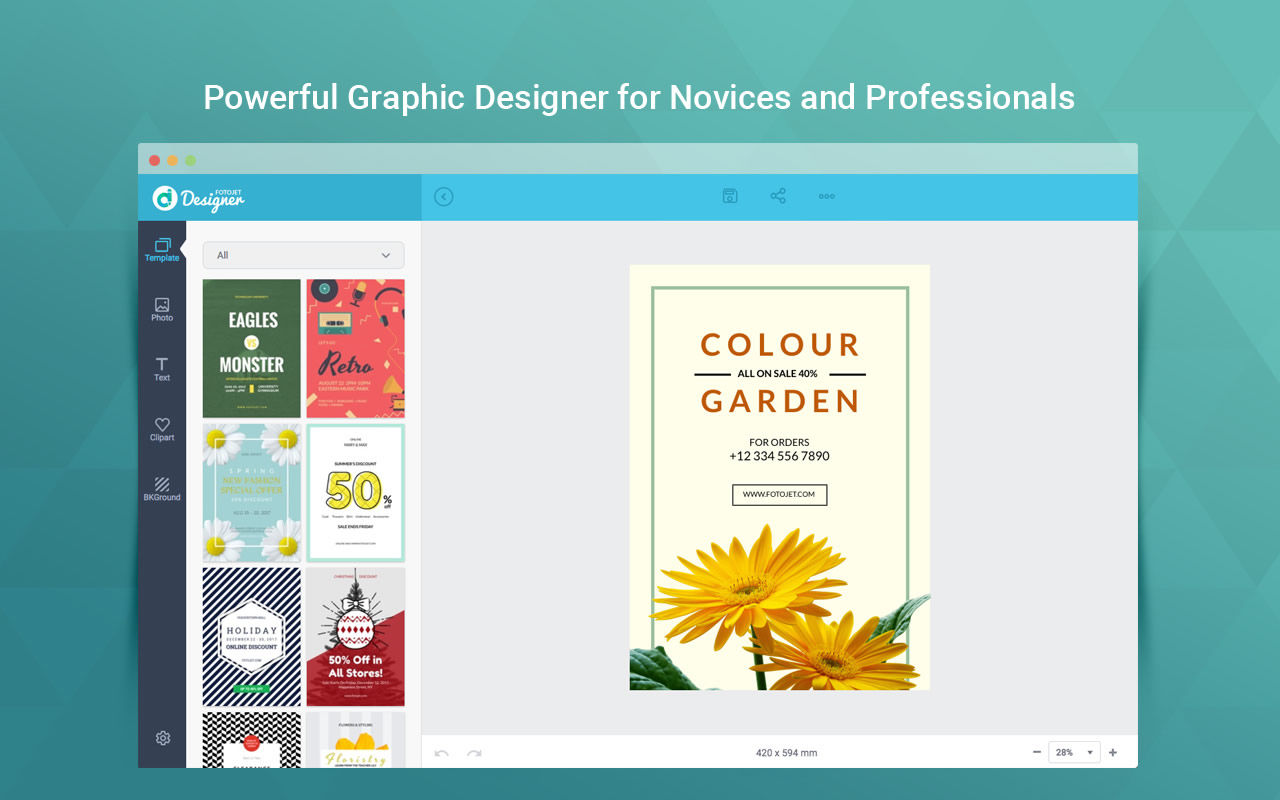
A powerful yet easy to use graphic design app for macOS.
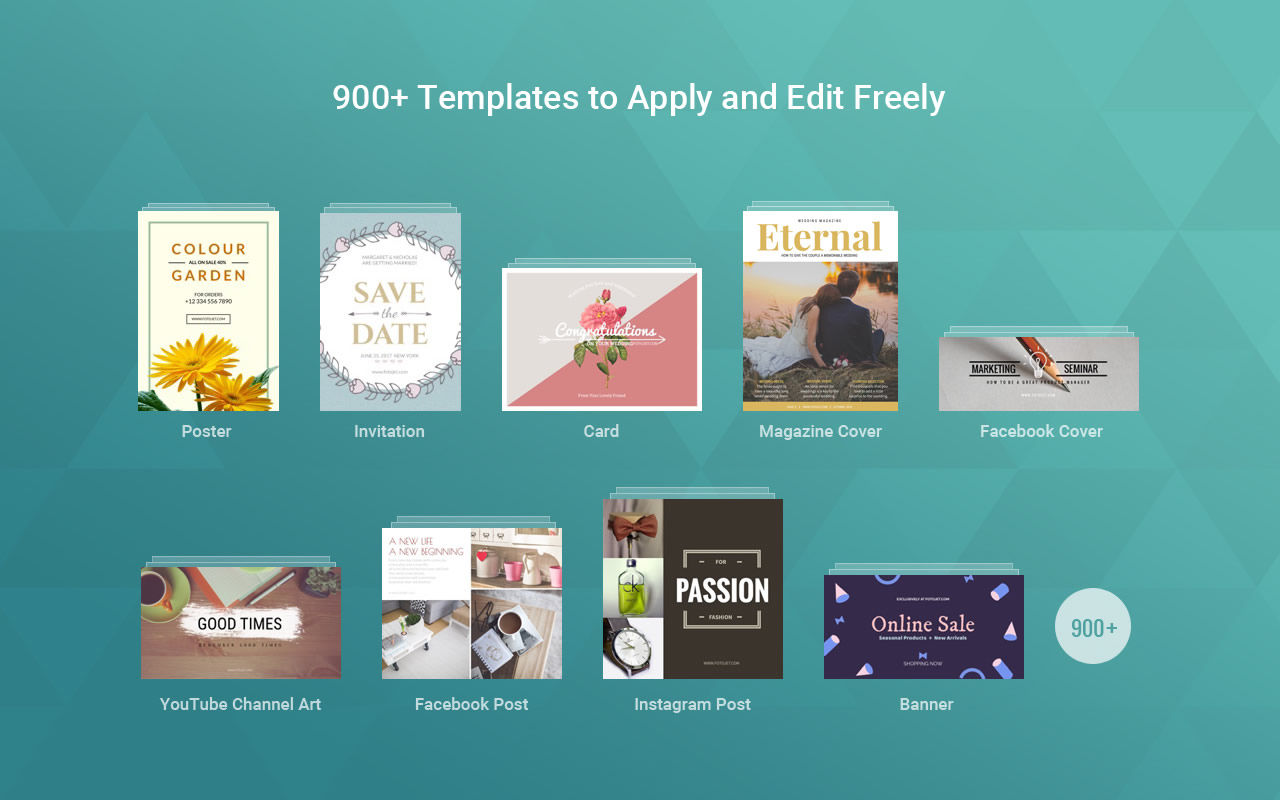
FotoJet Designer makes graphic design easier than ever. It gives you the ability to design like a Pro, with its 900+ templates, thousands of resources, and powerful editing tools. With no professional skill, anyone can create unique designs, such as social media graphics, cards, invitations, posters, flyers and banners, in a matter of seconds.
Whether you are a design novice, who loves customizing graphics for personal use and various occasions, or a highly experienced designer, who wants to create professional designs, you will always find inspiration in FotoJet Designer.
HIGHLIGHTED FEATURES
Abundant Templates and Resources
- Almost all social media graphic templates are covered, including Facebook Cover/Post, YouTube Channel Art/Thumbnail, Google+ Cover, Twitter Header, Tumblr Banner, Email Header, Instagram Post, and Pinterest Graphic.
- Well-designed templates for Card, Invitation, Poster, Flyer, Logo, Facebook Ad, Leaderboard, and Magazine Cover.
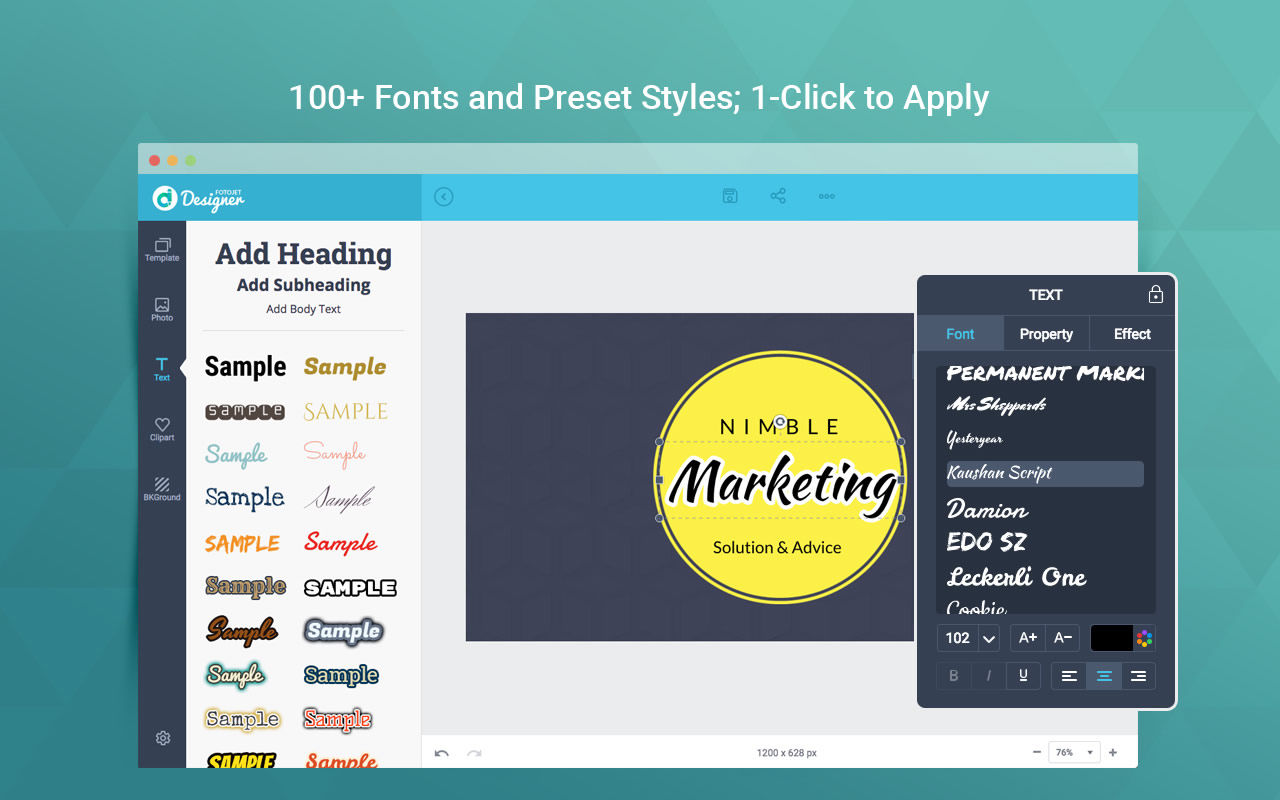
- 80+ text fonts and 30+ preset text styles that can be applied with one click.
- 800+ preset clipart images to choose from or search through 93,000+ clipart images online.
- 80+ preset lines and shapes.
- Set background with solid/gradient color fill or 80+ preset patterns.
- Add photos from computer, Facebook, or online photo stock.
Personalize Your Designs Freely
- Your photos can be edited freely: crop photos to show the exact part you want or apply popular photo effects to make them outstanding.
- Handy text editing tools: set text font, size, style, color, and effect.
- Move, resize, and rotate any element as per requirements.
- Select multiple elements and edit quickly.
- Start a design with custom size.
- More useful tools that help you design with ease: layer management, undo/redo, and auto snap, etc.
Save and Share
- Save your design as a JPG or PNG image.
- Share it to Facebook, Twitter, Pinterest, or Tumblr.
- Save as project and load for further editing.
Version 1.2.2
- Fully compatible with Tahoe.
Frequently asked questions
How do I install the app?
Mount the image, drag the app into the "Applications" folder and launch it. If the system blocks the launch, allow it in "System Settings → Privacy & Security".
The app is damaged or won't launch
Reinstalling from a fresh image usually helps. Make sure your macOS version matches the one listed in the compatibility specs.
How do I update?
Download the new version from the site and install it over the current one — your settings will be preserved.
The download link doesn't work
Try a mirror or a download manager. For large files the browser often drops the connection.
How do I completely remove the app?
Use an uninstaller utility — it cleans up the service files that remain after moving the app to the trash.



Choose a download source
FotoJet Designer 1.2.2 · 262.02 MB