
Branding Lab - Templates 3.3.1

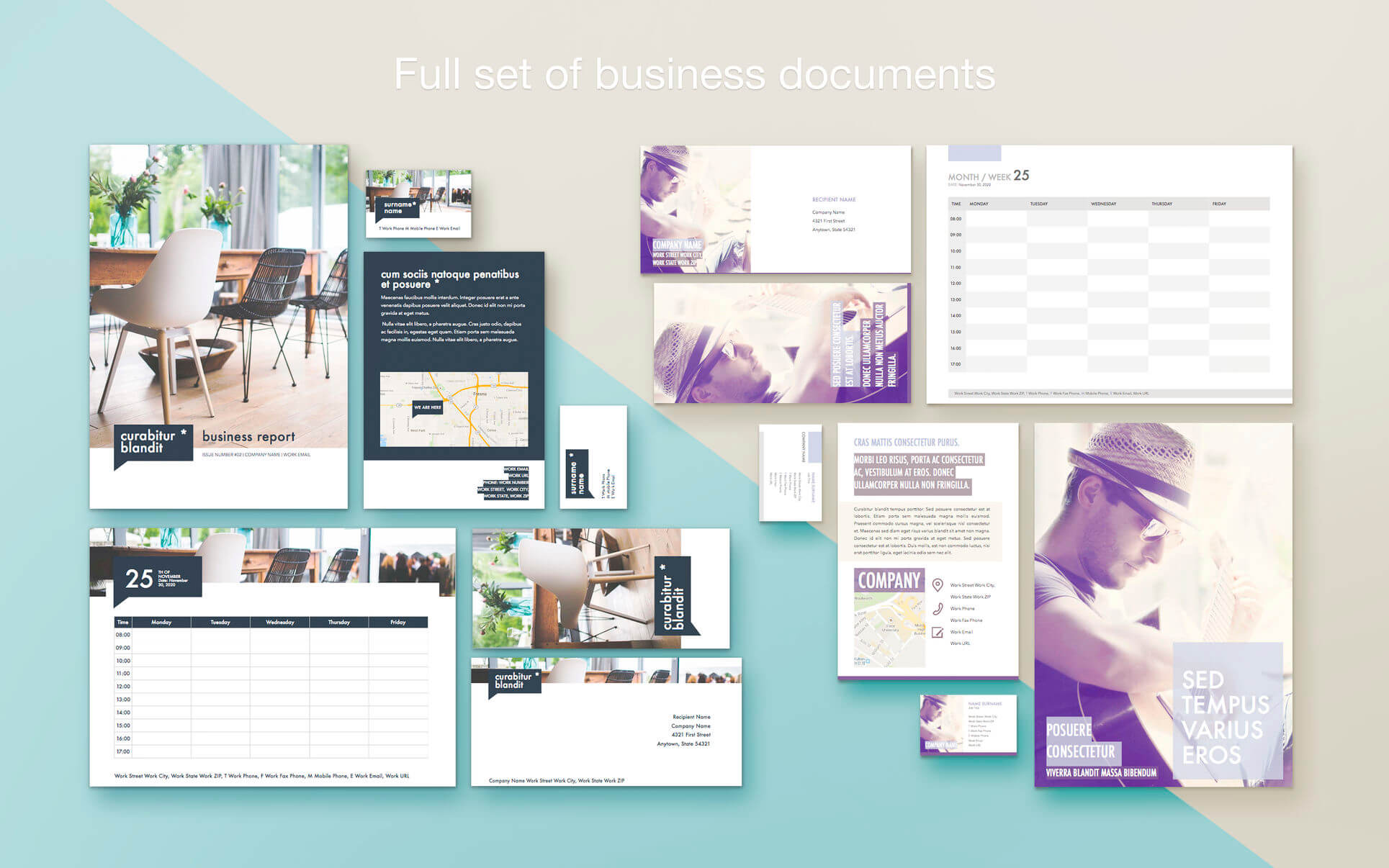
Develop your professional image and brand identity, save thousands on creative agency fees! Explore a broad range of professionally-designed customizable business stationery templates, easily adapt them to your professional needs!
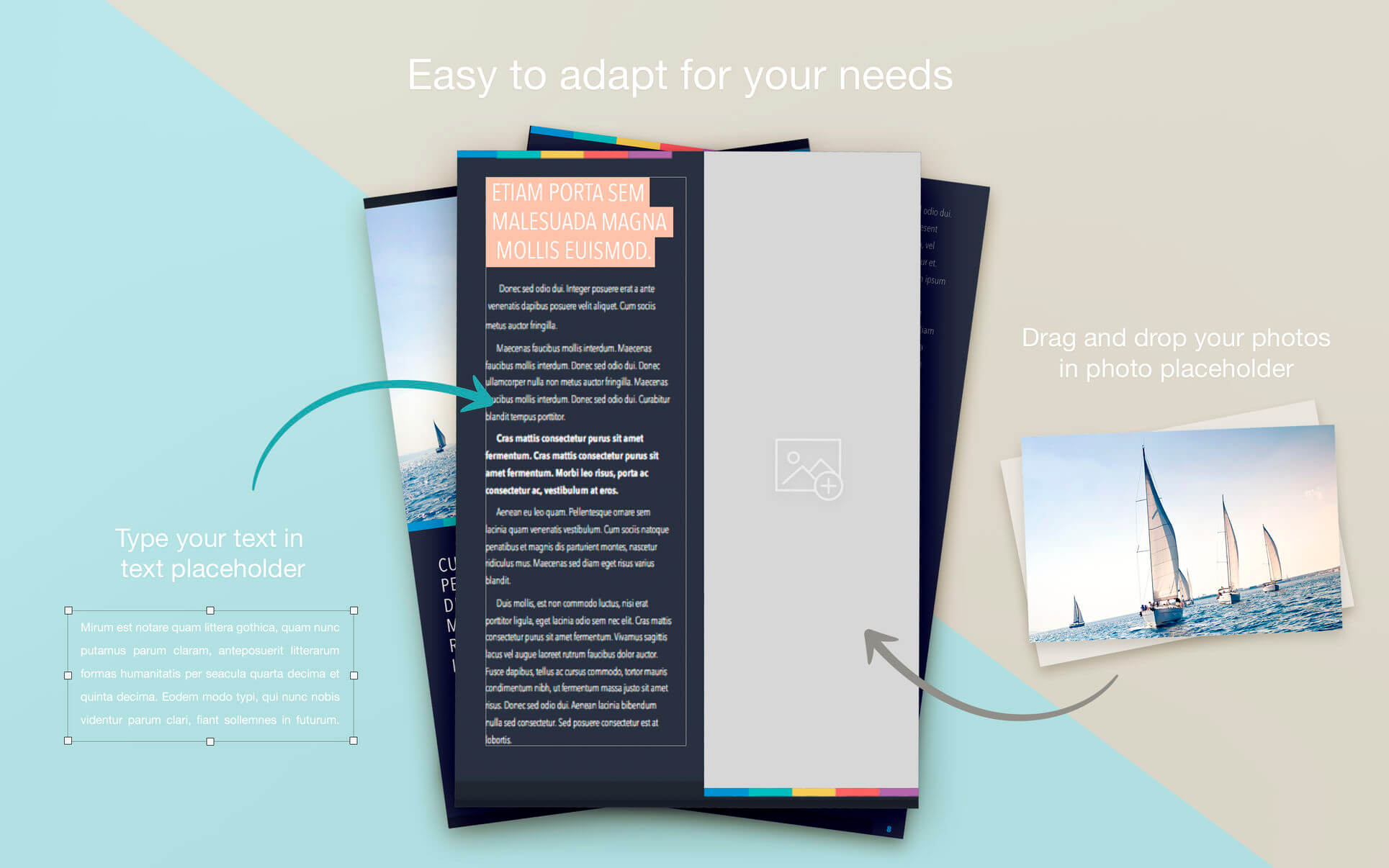
Branding Lab for Pages offers corporate stationery templates in convenient packs sorted by style and appearance. Every style pack is a comprehensive collection of stationery styled under the same guidelines - customize, move, add, remove items, recolor, add your logos, names, contact information - make it truly your own!
Every corporate style pack contains a full set of stationery needed for business: brochures, business cards, reports, calendars, certificates, envelopes, evaluation forms, invitations, invoices, letters, memos, newsletters, posters, and much more. Most templates even come in several different options to differentiate positions, departments, or cater to different tastes. It’s like having a creative agency at your disposal 24/7!
All templates are available in a variety of formats, including the most popular A4 (210 x 297 mm) and U.S. Letter (8½ x 11 in.) formats.
*Pages 6.0 or later recommended.
Version 3.3
- macOS Mojave support;
- macOS Mojave Dark Mode integration;
- New, beautiful banners for all content categories;
- Content management improvements to speed up new content downloads.
Frequently asked questions
How do I install the app?
Mount the image, drag the app into the "Applications" folder and launch it. If the system blocks the launch, allow it in "System Settings → Privacy & Security".
The app is damaged or won't launch
Reinstalling from a fresh image usually helps. Make sure your macOS version matches the one listed in the compatibility specs.
How do I update?
Download the new version from the site and install it over the current one — your settings will be preserved.
The download link doesn't work
Try a mirror or a download manager. For large files the browser often drops the connection.
How do I completely remove the app?
Use an uninstaller utility — it cleans up the service files that remain after moving the app to the trash.
VersionBranding Lab - Templates 3.3.1
DeveloperJumsoft
CompatibilityOS X 10.11 or later, 64-bit processor
LanguageEnglish, Danish, Dutch, French, German, Italian, Japanese, Korean, Portuguese, Russian, Simplified Chinese, Spanish, Swedish, Thai
IncludesK'ed by TNT
Related posts
-
 Corporate Templates - Business Stationery 3.1.3
Productivity2.04 GB
Corporate Templates - Business Stationery 3.1.3
Productivity2.04 GB
-
 Expert Set - Templates for Pages, Keynote, Numbers 2.0
Productivity30.02 MB
Expert Set - Templates for Pages, Keynote, Numbers 2.0
Productivity30.02 MB
-
 GN Letter Templates for Pages 4.2.2
Graphic Design16.42 MB
GN Letter Templates for Pages 4.2.2
Graphic Design16.42 MB
-
 Mail Stationery - Stationery for Mail 3.0
Graphic Design51.45 MB
Mail Stationery - Stationery for Mail 3.0
Graphic Design51.45 MB
-
 Templates Mill - Templates for Pages 1.1
Productivity620.76 MB
Templates Mill - Templates for Pages 1.1
Productivity620.76 MB
Information
Visitors in the group Guests cannot leave comments on this publication.
Choose a download source
Branding Lab - Templates 3.3.1 · 35.48 MB