
4Videosoft iOS Data Recovery for Mac 8.1.6
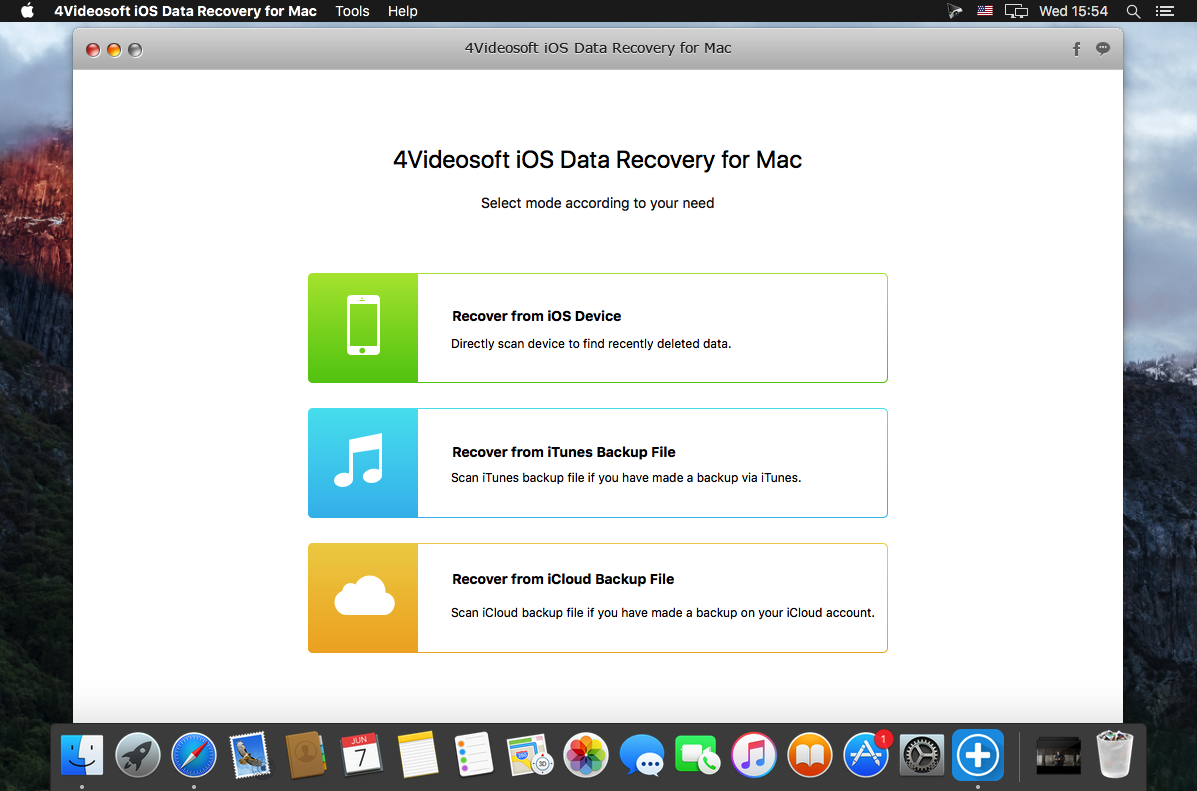
Recover deleted contacts, messages, call logs, notes, photos, etc. from iPhone iPad iPod directly and restore the lost video, music, WhatsApp data, and more files from iTunes and iCloud backup.
Directly recover various deleted/lost data
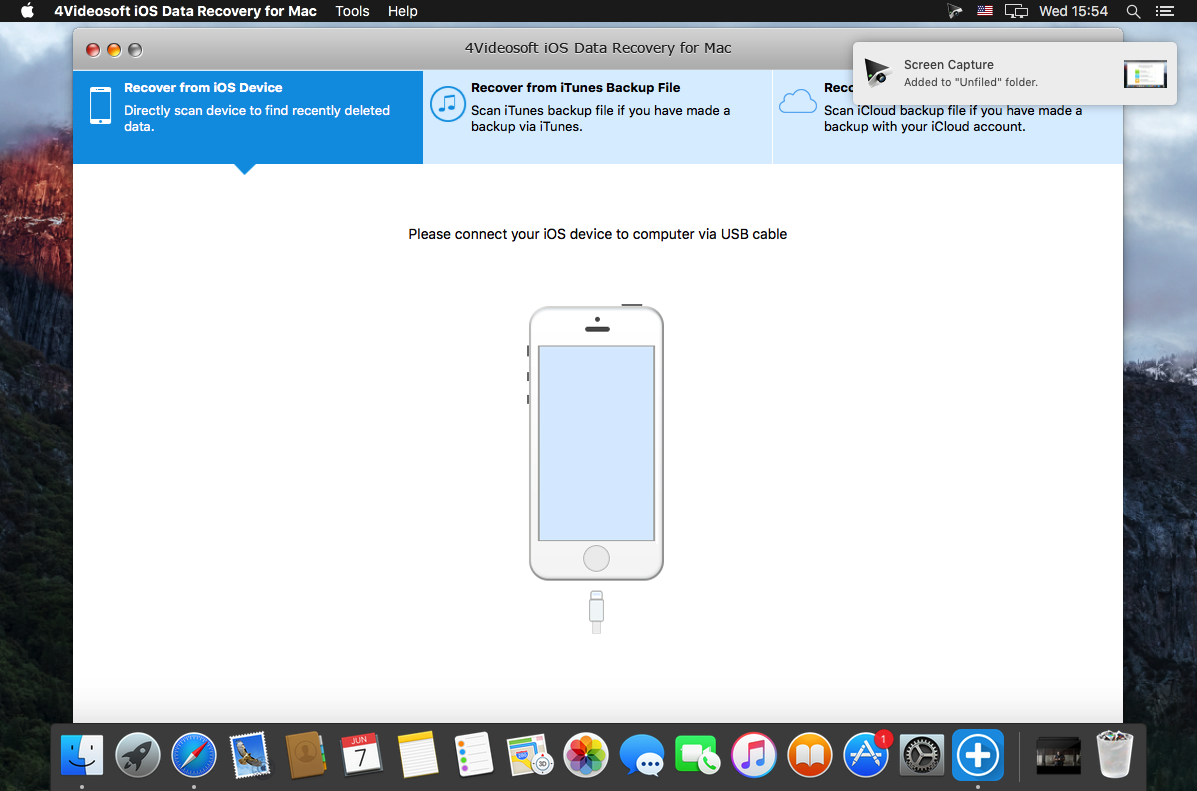
Carelessly deleted some important data? Don't worry! 4Videosoft iOS Data Recovery, as the top-ranking data recovery software will help recovering the lost or deleted data directly. It recovers most file types, including contacts, text messages, photos, videos, notes, Safari bookmark/history, call history, WhatsApp, video, audio file, etc. Whether your iPhone/iPad is failed jailbreak, or iPod is upgrade failure and water-damaged, this iOS data recovering software will retrieve the deleted or lost Regain data from iOS directly.
Restore lost data from iTunes and iCloud backup
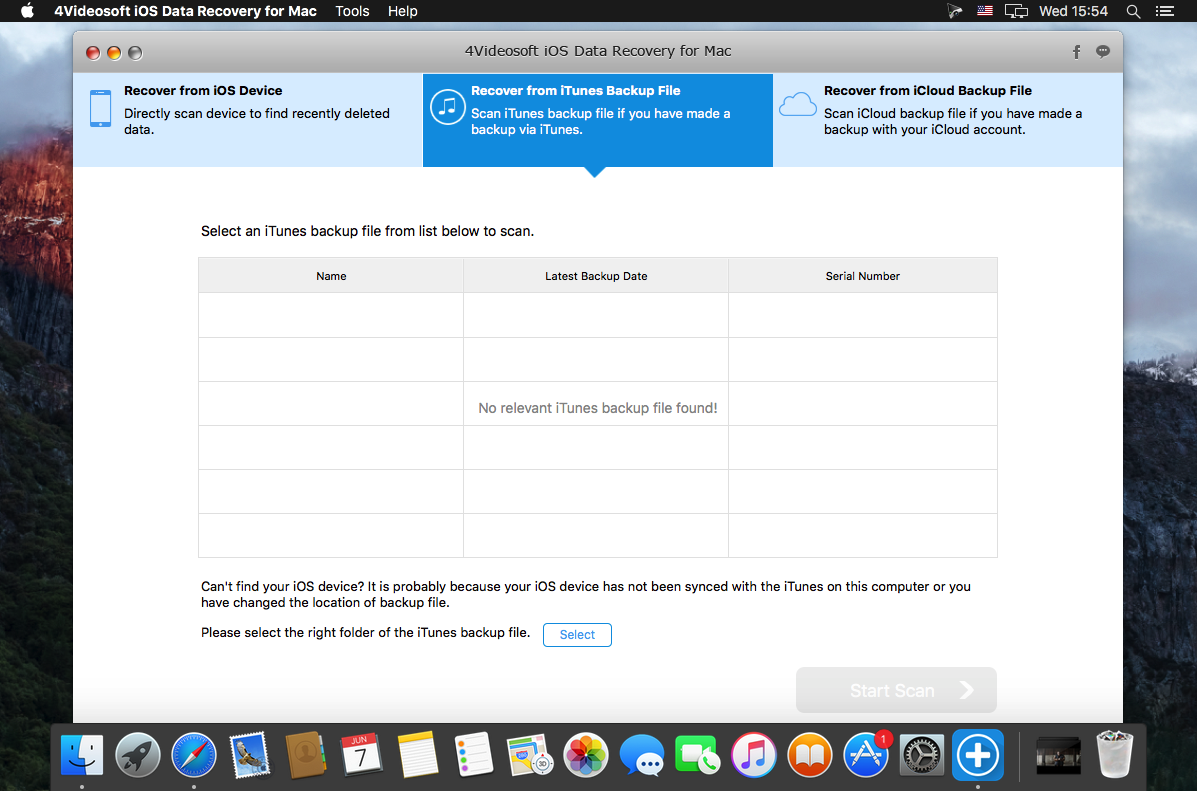
When your iOS device is lost, broken, locked, caught with other problems or even wiped off, you can still get your data back if you had synced your device with iTunes or iCloud. You just need this iOS data recovery tool to scan your iTunes or iCloud backup without iPhone, and lets you view and recover 13 types' data including the existing and deleted data. The data types are Contacts, Text Messages/iMessages, Call history, Calendar, Notes, Reminder, Safari bookmark, Safari history, WhatsApp, Camera Roll, Photo Library, Voice memos and Photo Stream.
Support almost all iOS device
4videosoft iOS data recovery is powerful to let you regain the deleted or lost data from almost all iOS device. Compatible with the latest iOS 10, this iPhone data recovery software supports iPhone 7/7 Plus, iPhone SE, iPhone 6s/6s Plus, iPhone 6/6 Plus, iPhone 5s/5c/5/4S/4/3GS, iPad Pro, iPad mini 4/3/2/mini, iPad Air 2/Air, iPod touch, and more. With this this comprehensive iOS Data Recovery, you're free from the worry about iOS data loss.
Preview data before recovery and easy to use
When the device scanning is over, the data will be presented in a clear and organized way. You're free to preview all the data except for the videos before the recovery. Both the existing and deleted data are listed in the corresponding category. Drag the slide bar at the left top of the interface to display the deleted item(s) only. After the preview, you can export the data to your computer.
SCREENSHOTS
Frequently asked questions
How do I install the app?
Mount the image, drag the app into the "Applications" folder and launch it. If the system blocks the launch, allow it in "System Settings → Privacy & Security".
The app is damaged or won't launch
Reinstalling from a fresh image usually helps. Make sure your macOS version matches the one listed in the compatibility specs.
How do I update?
Download the new version from the site and install it over the current one — your settings will be preserved.
The download link doesn't work
Try a mirror or a download manager. For large files the browser often drops the connection.
How do I completely remove the app?
Use an uninstaller utility — it cleans up the service files that remain after moving the app to the trash.
Version4Videosoft iOS Data Recovery for Mac 8.1.6
Developer4Videosoft
CompatibilityOS X 10.6 or later
LanguageEnglish
IncludesPre-K'ed





Choose a download source
4Videosoft iOS Data Recovery for Mac 8.1.6 · 28.18 MB
Comments 1