ShottyBlur 1.4


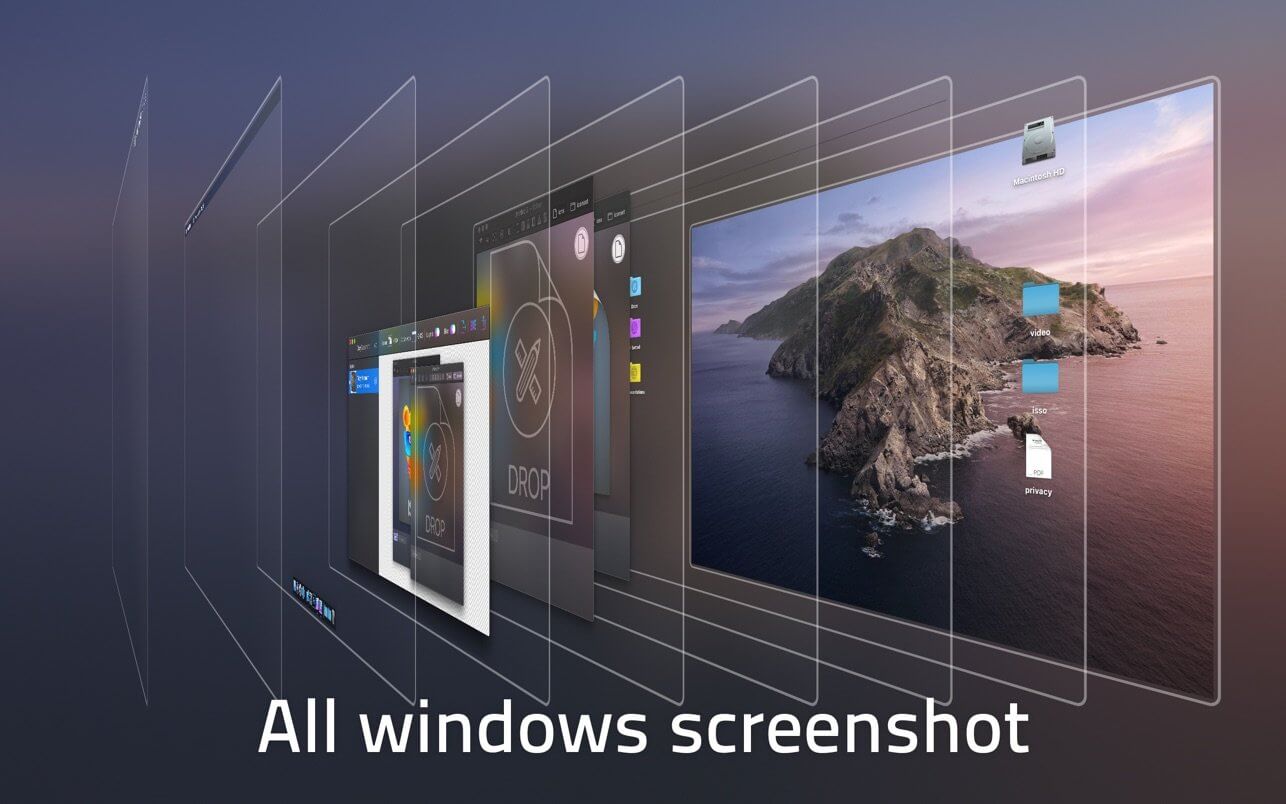
Take layered screenshots with a vibrancy effect.
- Grab all windows or just an active app.
- Hide ShottyBlur completely before a new screenshot by pressing Ctrl-H shortcut.
- Every window of a layered screenshot place on a transparent background.
- Capture windows which has a vibrancy effect.
- Direct drag screenshots into graphic app to continue work with them.
- Organise your screenshots - save them as Shotty documents.
- Main shortcuts are customizable.
- Save selected layers of multi-layered screenshots by dragging it into Finder.
- Export as Photoshop PSD document with all layers.
- Export as PNG, JPEG or TIFF with a single layer.
- Drag and drop screenshots into Finder to save as PSD or PNG documents.
- You can take layered as well as non-layered screenshots with an appropriate option.
- Use pinch zoom and smart zoom with trackpad. Inspect transparency on a checker or white background.
- Look into captured layers in 3D Viewer by pressing Space key on selected screenshots
Version 1.4
- Support for macOS Big Sur and Mac computers with Apple silicon
- Look into captured layers in 3D Viewer by pressing Space key on selected screenshots
- Hide Until New Shot - allows you to temporary hide ShottyBlur completely until you make a new screenshot
- Activate it before a new screenshot using crossed out eye icon or by pressing Ctrl-H shortcut
- Stability improvements
Frequently asked questions
How do I install the app?
Mount the image, drag the app into the "Applications" folder and launch it. If the system blocks the launch, allow it in "System Settings → Privacy & Security".
The app is damaged or won't launch
Reinstalling from a fresh image usually helps. Make sure your macOS version matches the one listed in the compatibility specs.
How do I update?
Download the new version from the site and install it over the current one — your settings will be preserved.
The download link doesn't work
Try a mirror or a download manager. For large files the browser often drops the connection.
How do I completely remove the app?
Use an uninstaller utility — it cleans up the service files that remain after moving the app to the trash.
VersionShottyBlur 1.4
DeveloperPavel Veretennikov & Elena Drozhzhina
CompatibilityOS X 10.11 or later
LanguageEnglish
IncludesK'ed by TNT




Information
Visitors in the group Guests cannot leave comments on this publication.
Choose a download source
ShottyBlur 1.4 · 11.51 MB